Organizational Restructuring Org Chart Template
Plan Organizational Restructuring With Clarity
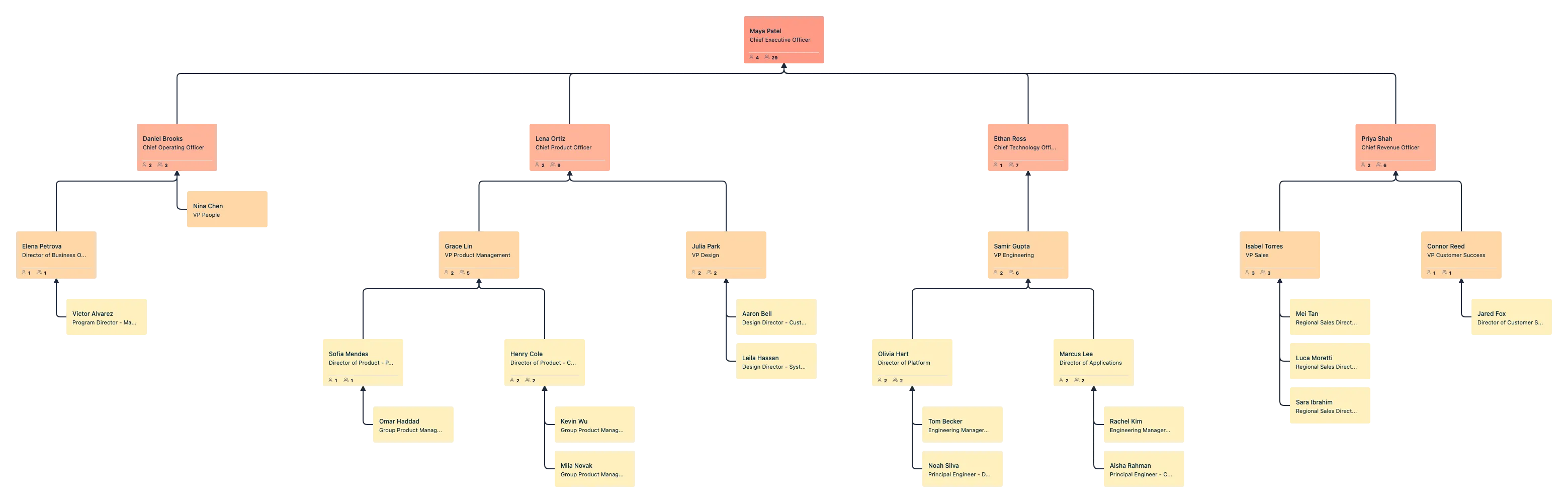
Use Creately’s organizational restructuring org chart template to map your current structure, model future-state teams, compare restructuring scenarios, and communicate changes clearly. Build from CSV or from scratch, visualize reporting changes, and keep your reorganization plan updated in one shared workspace.
- Model restructuring scenarios without changing the live org chart
- Import existing org data from CSV and auto-generate a clean hierarchy
- Analyze spans of control, reporting changes, vacancies, and workforce impact visually
Over 10 Million people and 1000s of teams already use Creately

Free Editable Company Restructuring Org Chart Templates
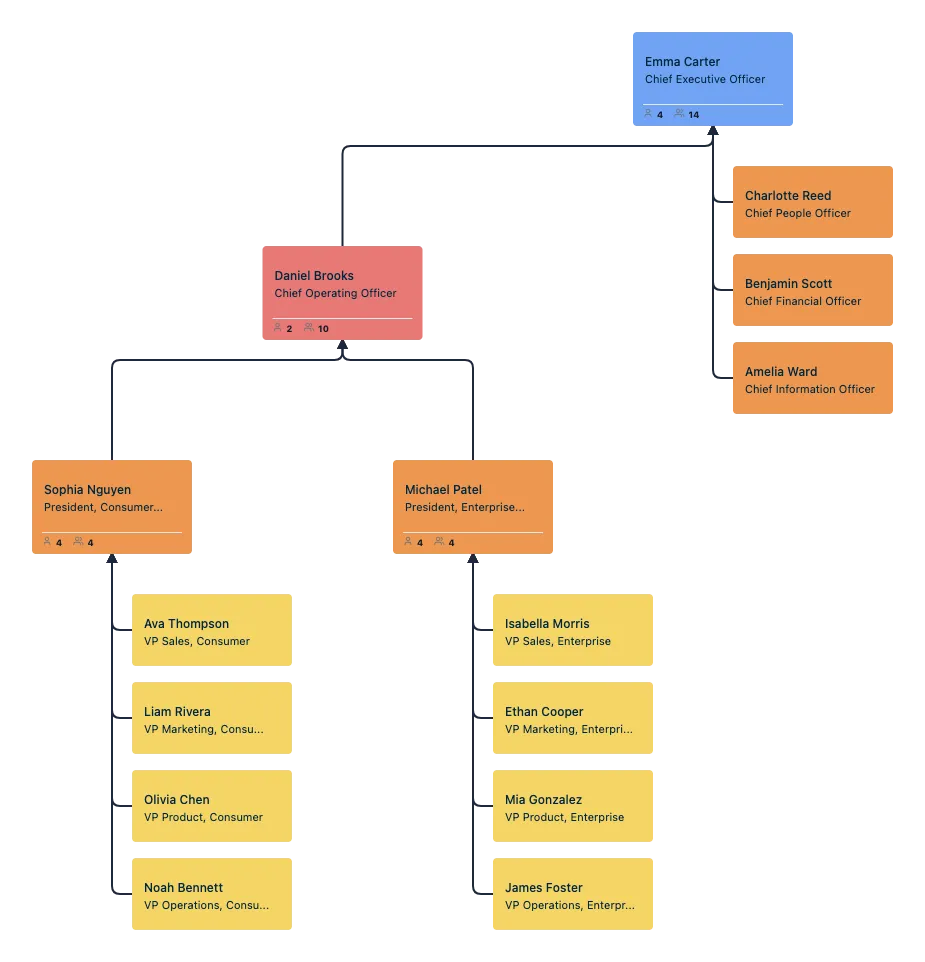

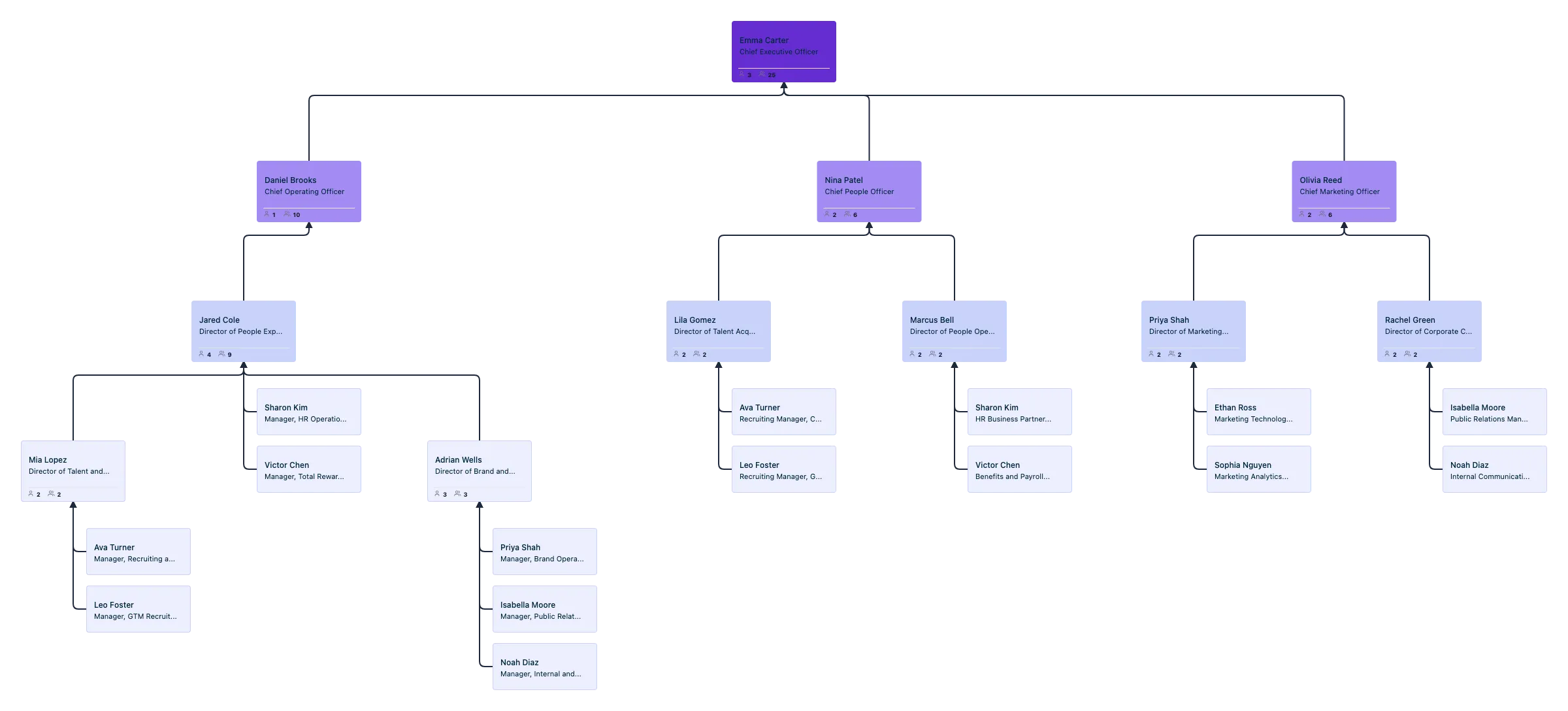
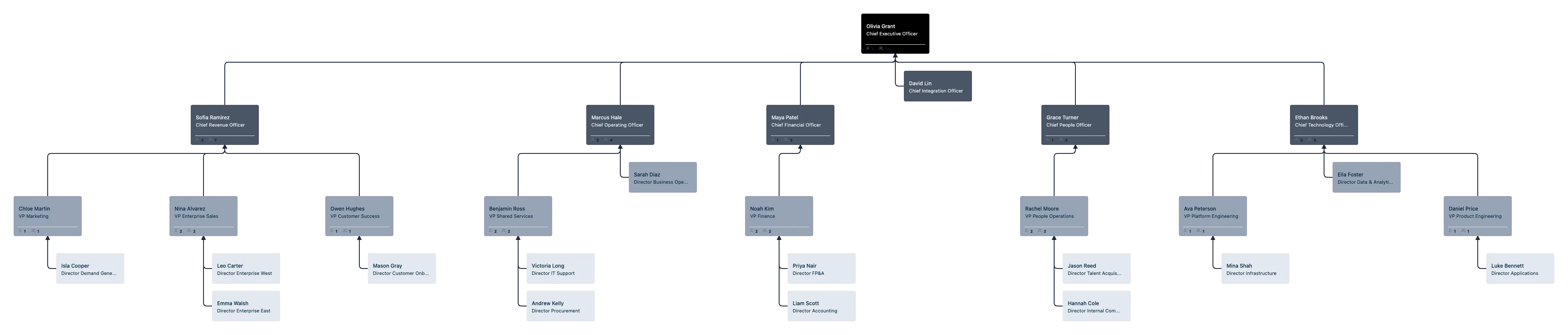
Map Your Current Structure Accurately Before You Change It
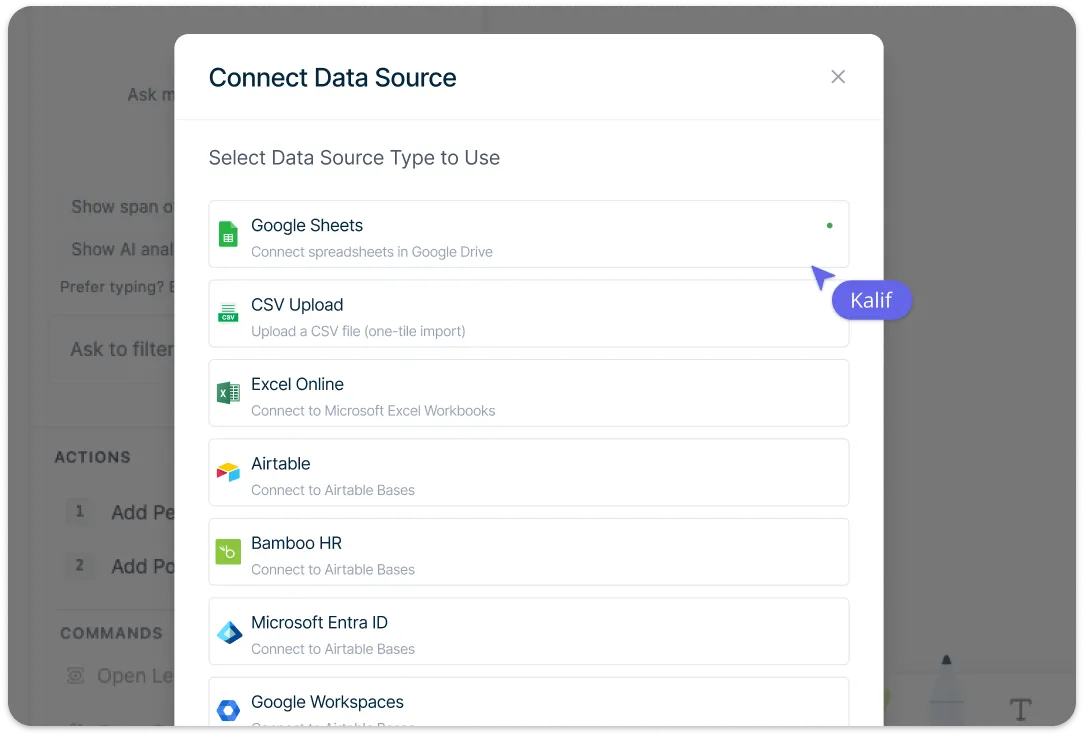
Import a CSV exported from your spreadsheet or HRIS into Creately Atlas to generate an organizational chart with auto-layout. Review suggested mappings for people and position fields, then resolve missing IDs, unknown managers, or reporting cycles before confirming the import. This helps you start restructuring with a clear and reliable current-state view instead of rebuilding the org chart manually.
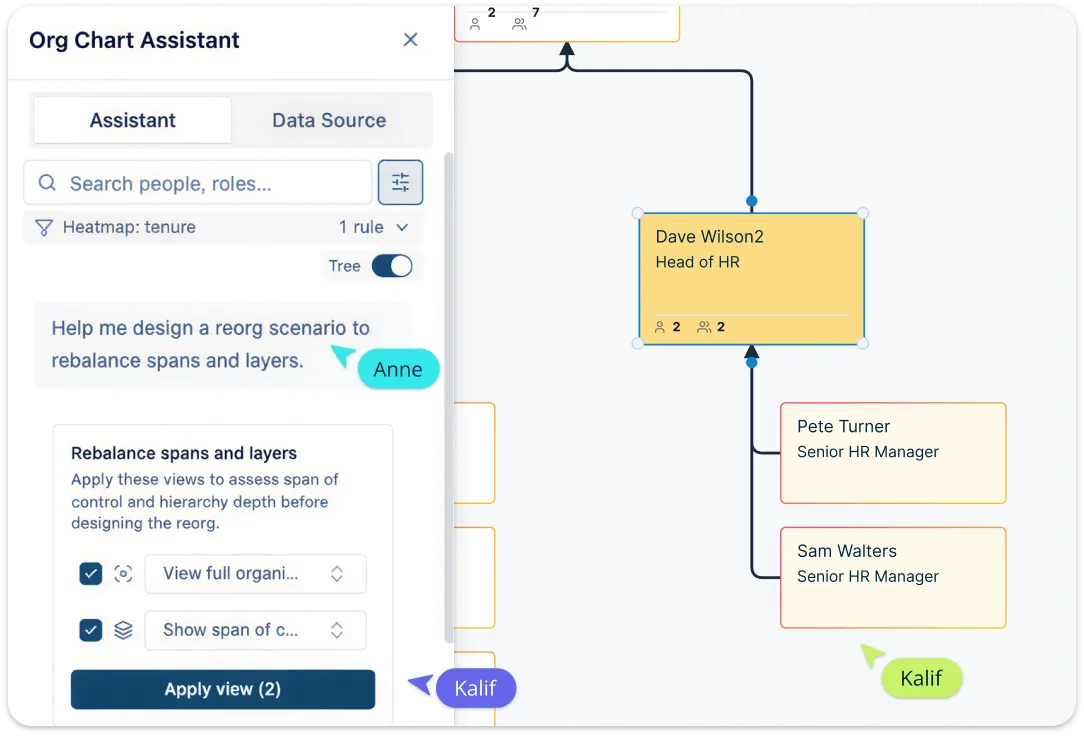
Model Reorganization Scenarios Without Risk
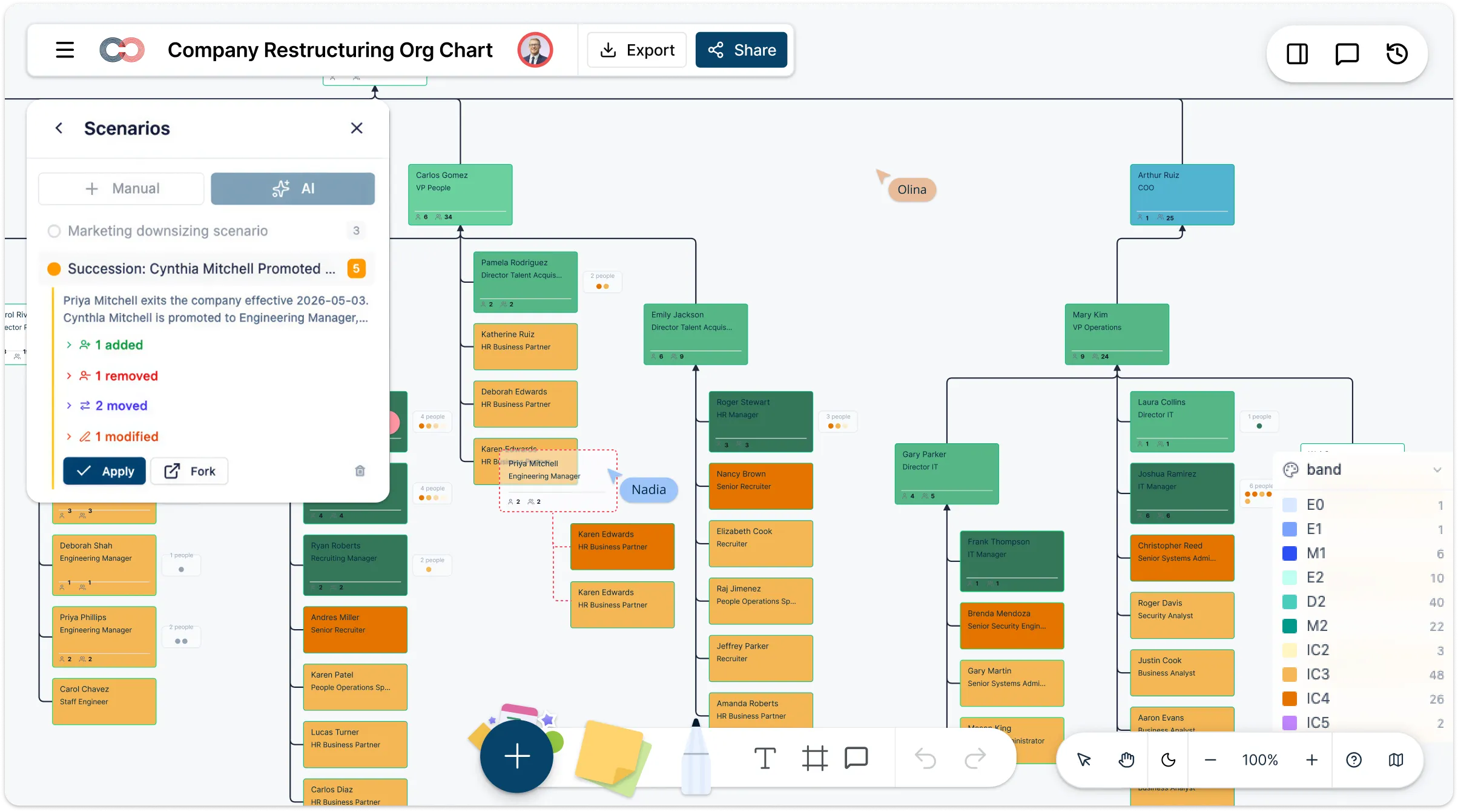
Create named what-if scenarios to test restructuring options before making any live changes. Compare department merges, leadership changes, layer reductions, division restructures, and reporting-line updates using delta-based scenario tracking that records what changed and what existed before. Review the proposed changes with leadership before applying or discarding a scenario, keeping the live structure unchanged during planning.
Analyze Structural Gaps and Workforce Impact Visually
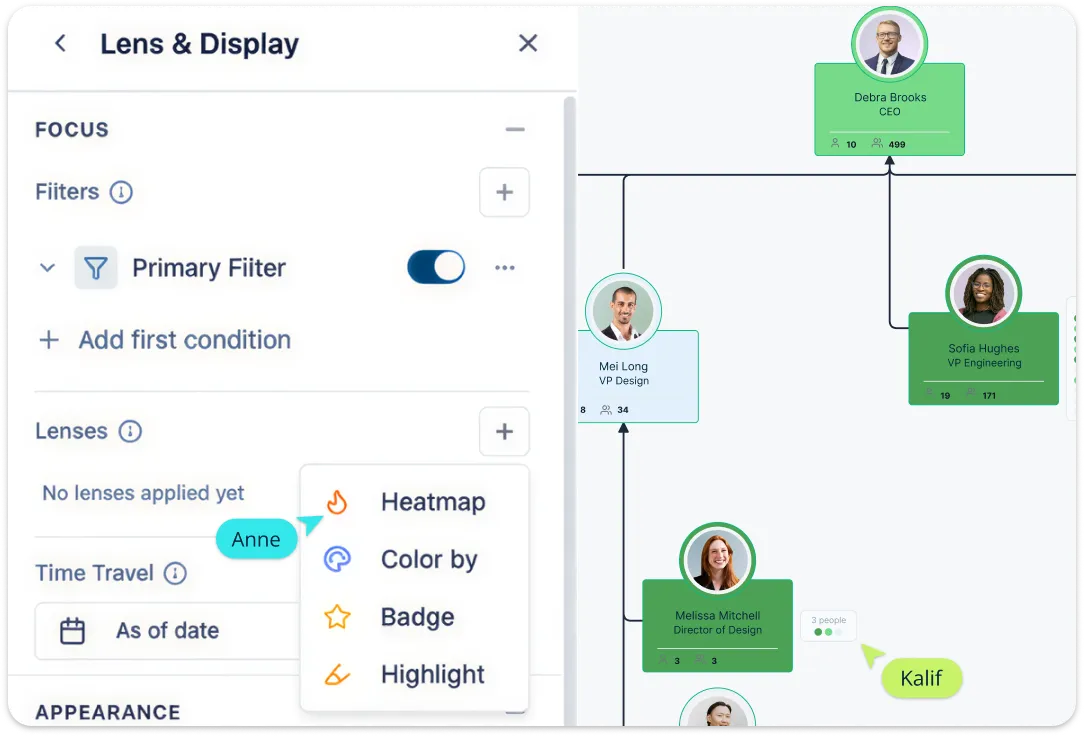
Use filters, color coding, heatmaps, and AI-powered insights to understand how the structure is performing and where change is needed. Highlight departments, employment types, or wide spans of control, and review succession or compensation fields only with the required field-level access. This helps turn the org chart into a practical restructuring analysis tool, not just a static diagram.
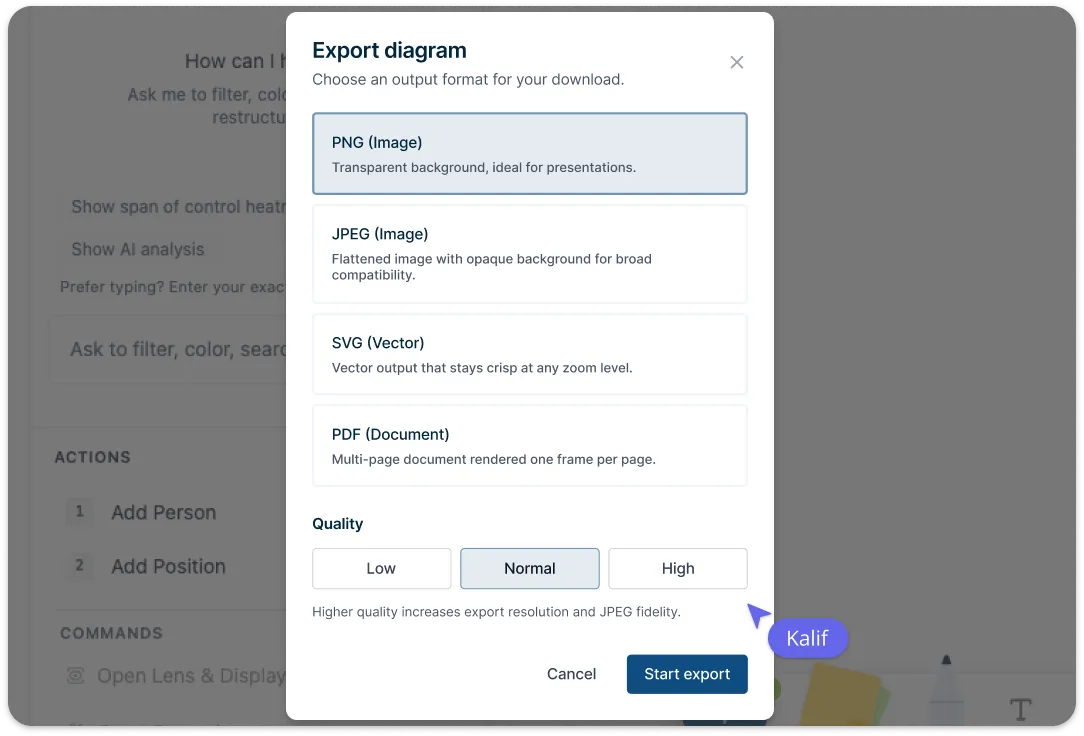
Keep Everyone Aligned Throughout the Restructuring Process
Use the organizational chart as a shared workspace to review, refine, and communicate restructuring changes. Collaborate in real time with comments, live cursors, and role-based permissions, then share secure read-only views or export the chart as PNG, SVG, PDF, or CSV. Atlas time travel views use recorded relationship dates and employee join or departure dates to show past structures, while scenarios hold proposed future changes.
What Is an Organizational Restructuring Org Chart
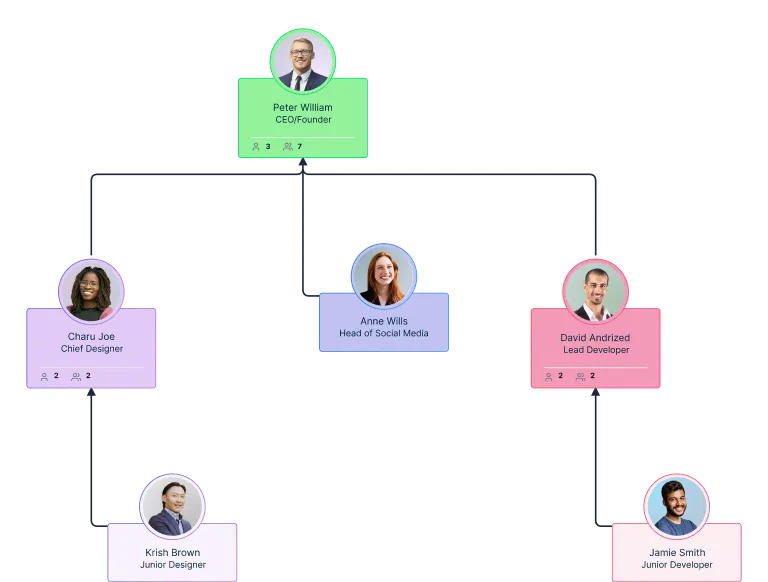
How to Create a Restructuring Org Chart
Import your current org chart data
Start by bringing your existing structure into Creately’s organizational restructuring org chart creator, using a CSV file or by building it manually from scratch. Review the import wizard’s suggested mappings for names, managers, employee IDs, and position fields, then resolve validation issues before generating the hierarchy.Clean up and complete the current-state structure
Review the imported chart and update any missing roles, reporting lines, departments, or open positions. You can double-click cards to edit names and titles inline, add direct reports with connection dots, and keep positions visible even when they are vacant, which is useful for restructuring planning.Create a restructuring scenario
Use Creately organizational restructuring org chart tool’s scenario planning to build a future-state organizational chart without changing the live version. You can model department merges, leadership changes, reporting-line updates, or management layer reductions, and each scenario tracks what changed so you can compare before and after clearly.Analyze the structure and refine the new model
Use filters, color coding, heatmaps, and AI-powered insights to spot issues like wide spans of control, headcount gaps, or unclear team structures. This helps you compare restructuring options more clearly and refine the organizational chart based on workforce, department, succession, or compensation data where needed.Share, review, and update the org chart as changes roll out
Once the restructuring org chart is ready, share it with stakeholders using role-based permissions, comments, and read-only views. As the rollout progresses, keep the chart updated in real time and export it as PNG, SVG, PDF, or CSV when you need to present, document, or reuse the structure elsewhere.
Templates for Planning Organizational Restructuring
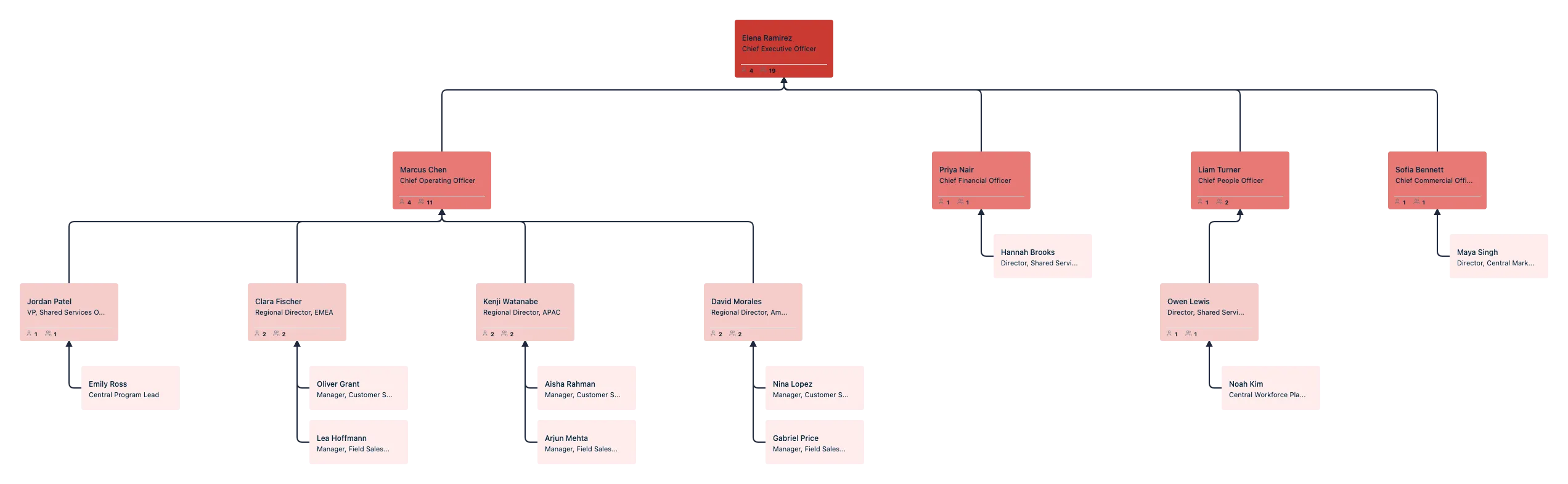
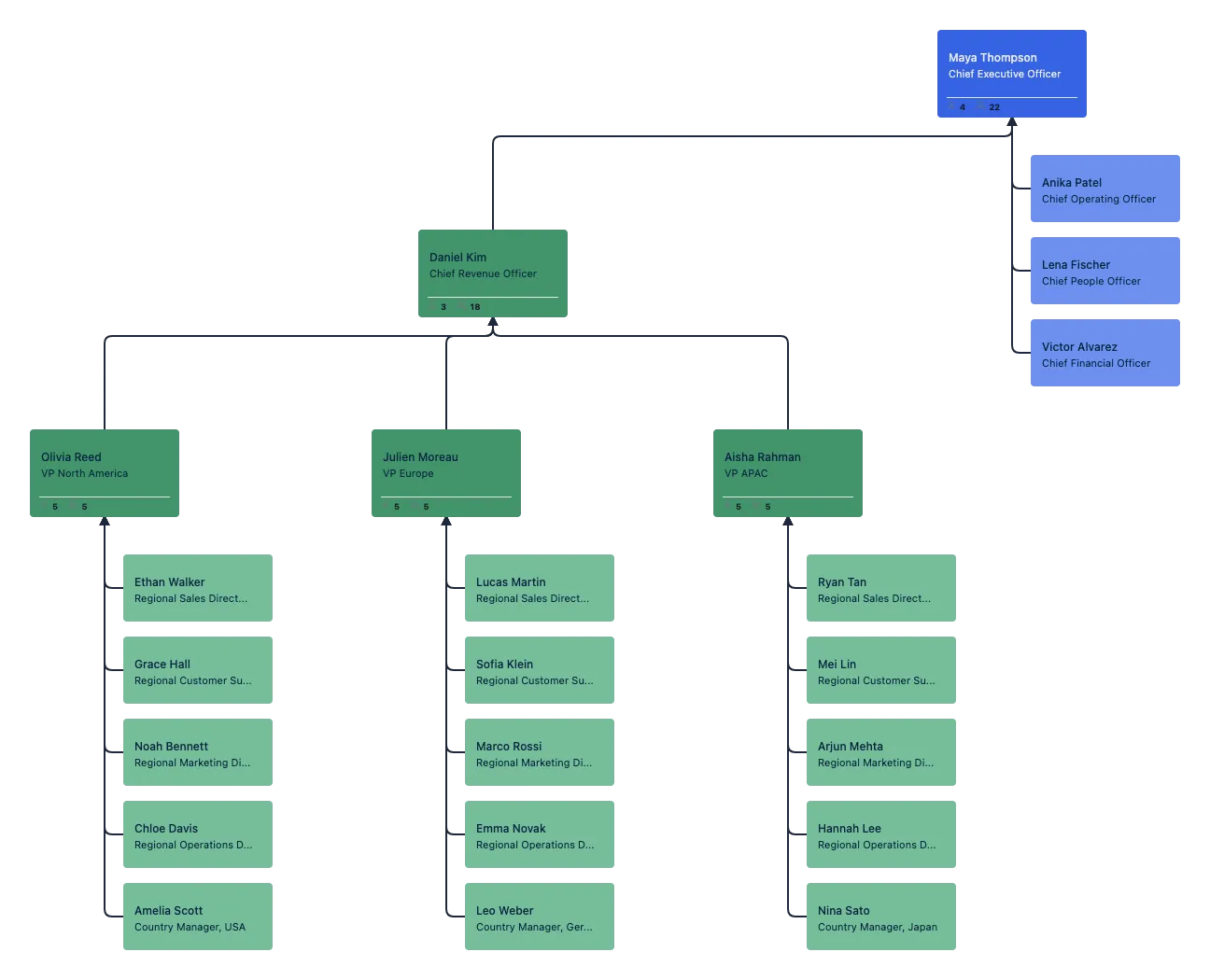
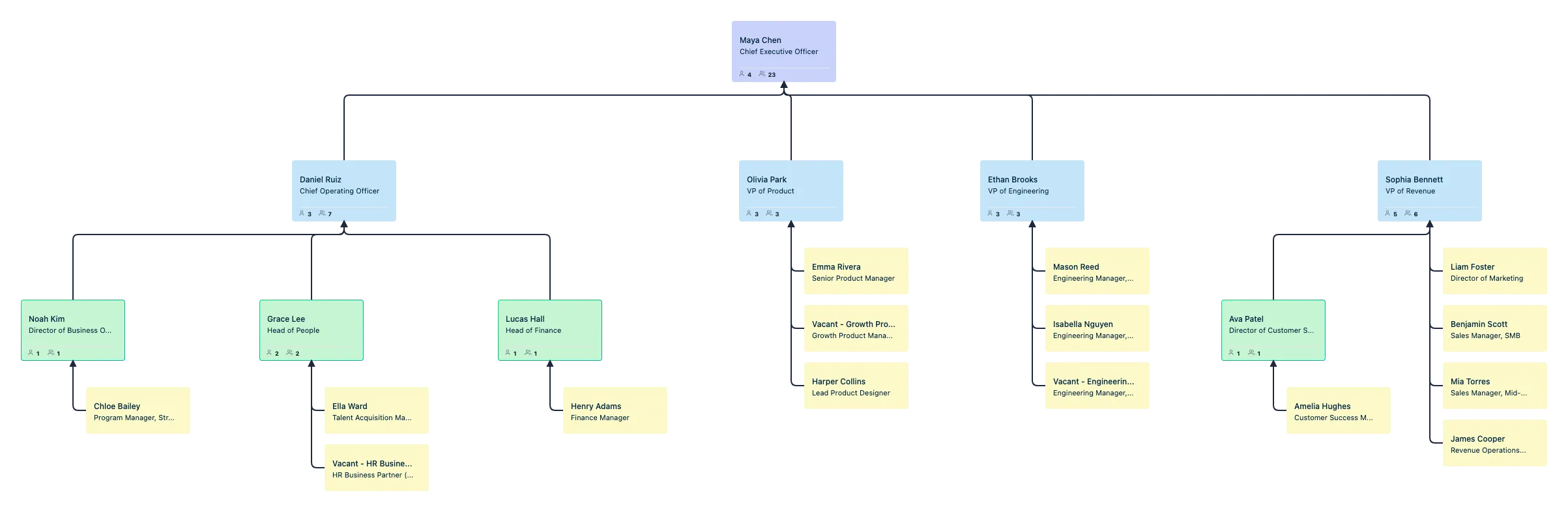
FAQS About Restructuring Org Chart Template
What are Creately’s organizational restructuring org chart template pricing plans?
- Free Plan — $0/month for basic organizational restructuring org chart creation and collaboration
- Starter & Team Plans — $8/month or $5/month billed annually
- Business Plan — $149/month or $89/month billed annually
Annual billing helps you save more while unlocking advanced collaboration, workspace management, and enhanced organizational restructuring org chart features. You can compare all available plans and features on the Creately Pricing Page.
How can you create organizational restructuring org charts faster?
Are there templates for different organizational restructuring org chart use cases?
Can teams collaborate on organizational restructuring org charts?
Can I add notes, data, and files?
Can I share, present, or export organizational restructuring org charts?






















