M&A Org Chart Template
Plan and Visualize Post‑Merger Organizations with Confidence
Compare organizations, map overlapping roles, and design post‑merger structures using a collaborative org chart built for M&A integration planning.
- Side‑by‑side org charts to compare companies pre‑ and post‑merger
- Role overlap and redundancy mapping for integration decisions
- Scenario‑based planning without impacting the live org
Over 10 Million people and 1000s of teams already use Creately

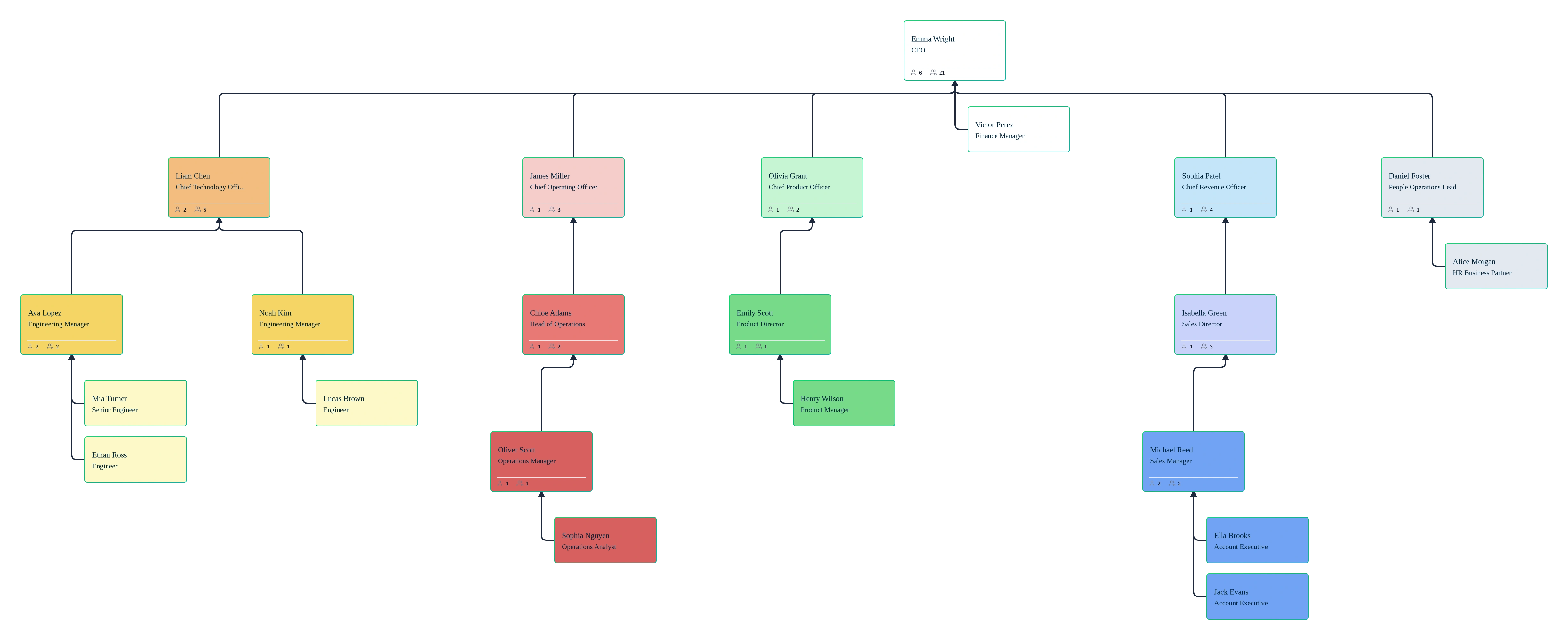
Compare Organizations Before and After a Merger
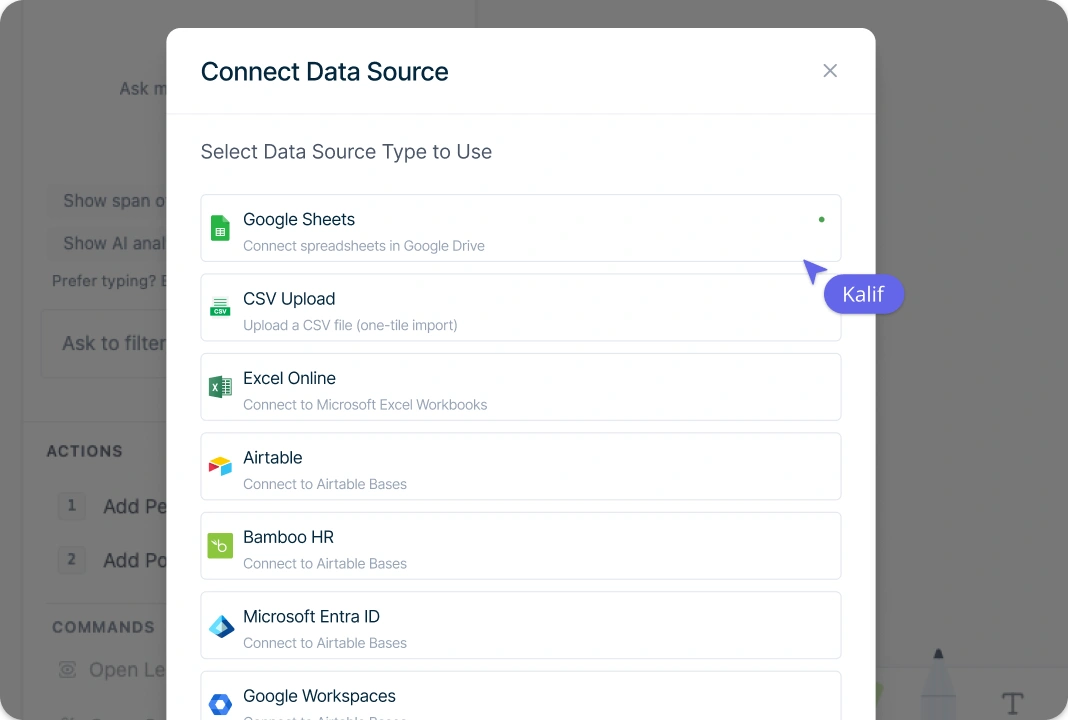
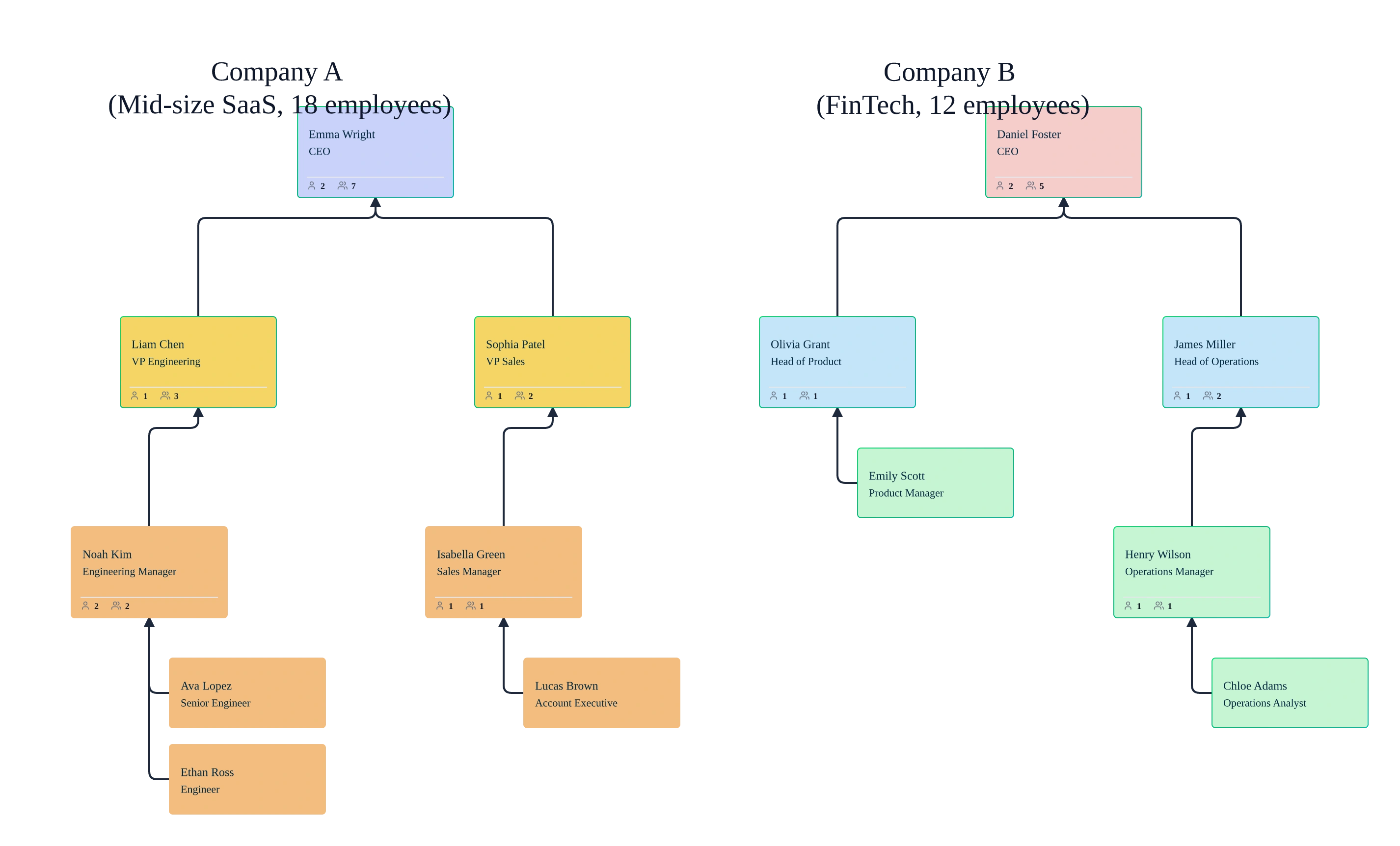
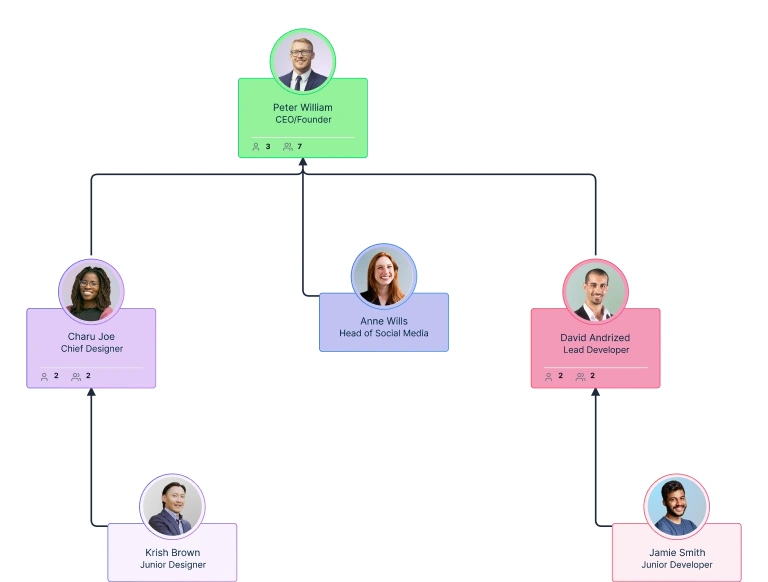
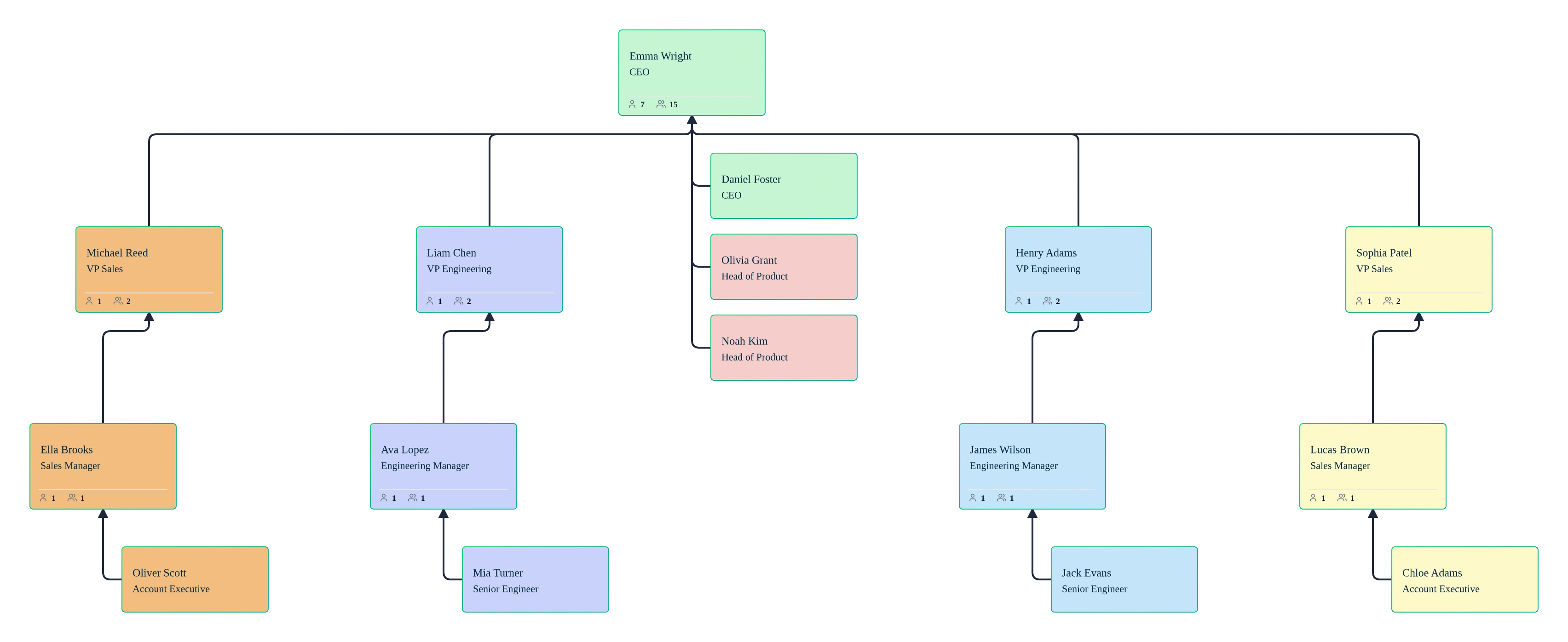
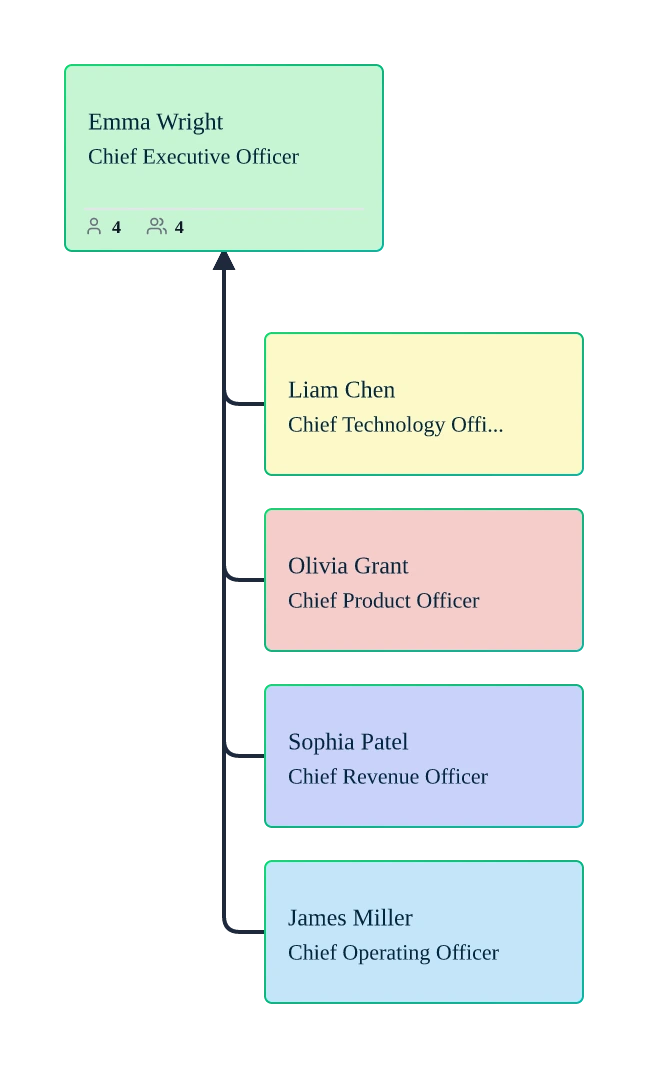
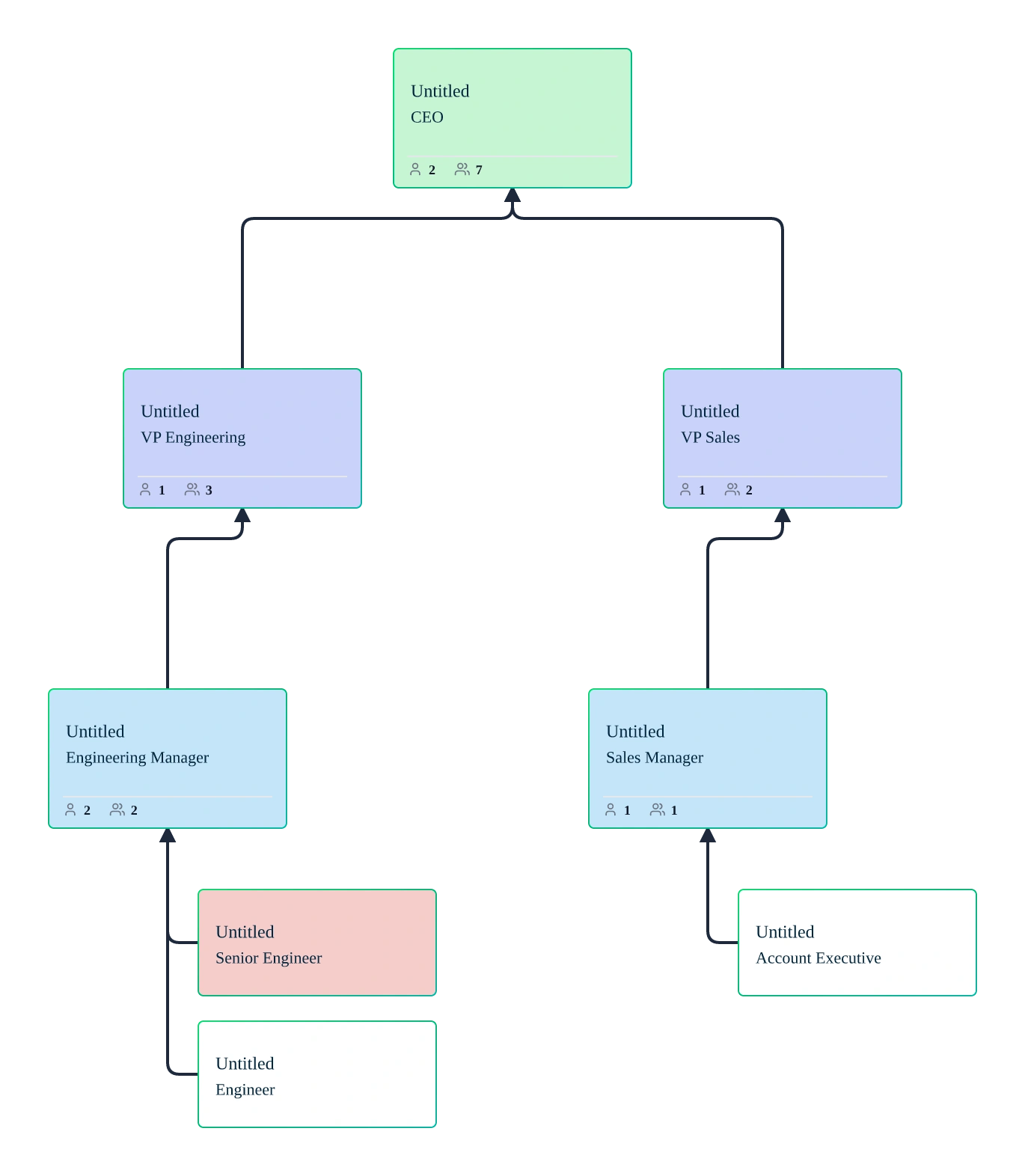
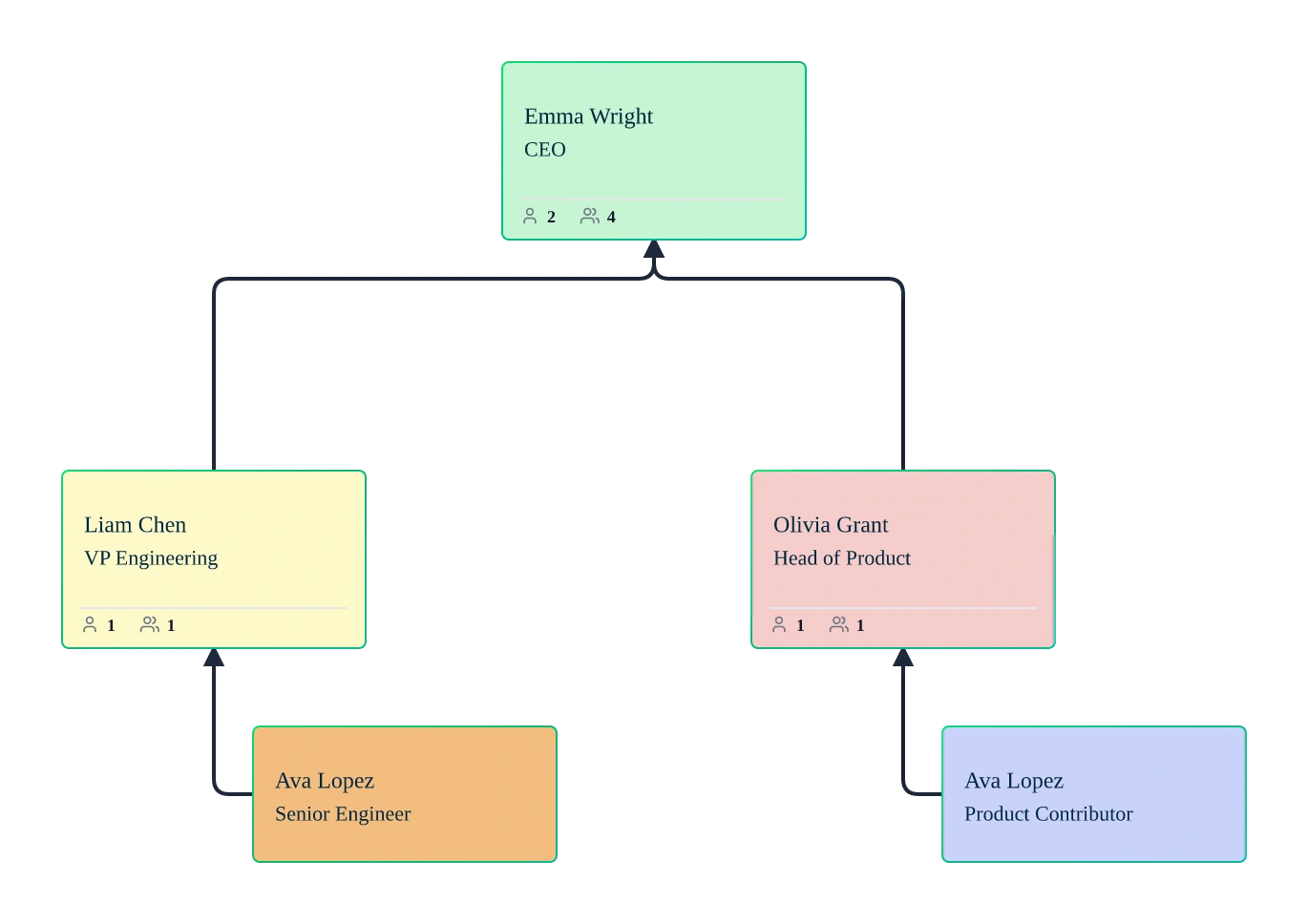
Compare two organizations clearly using side‑by‑side org charts built from real workforce data. Import org data into the M&A org chart generator via CSV or build charts manually, then use auto‑layout and department views to understand reporting lines, management layers, and spans of control across companies before and after a merger.
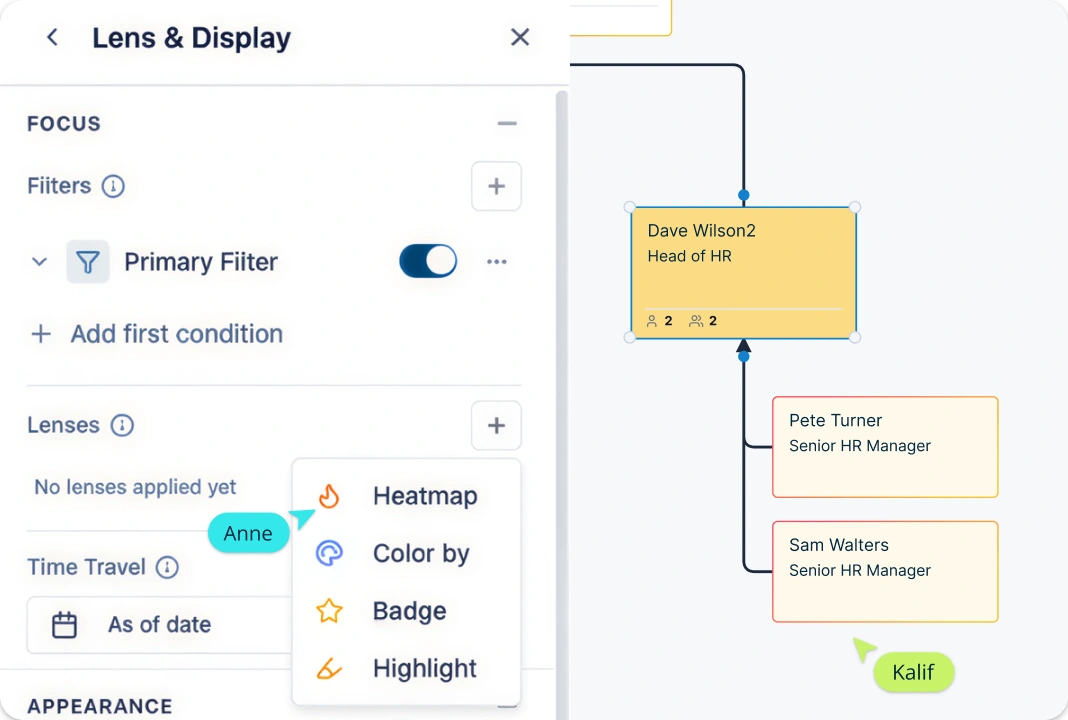
Identify Role Overlaps, Redundancies, and Gaps
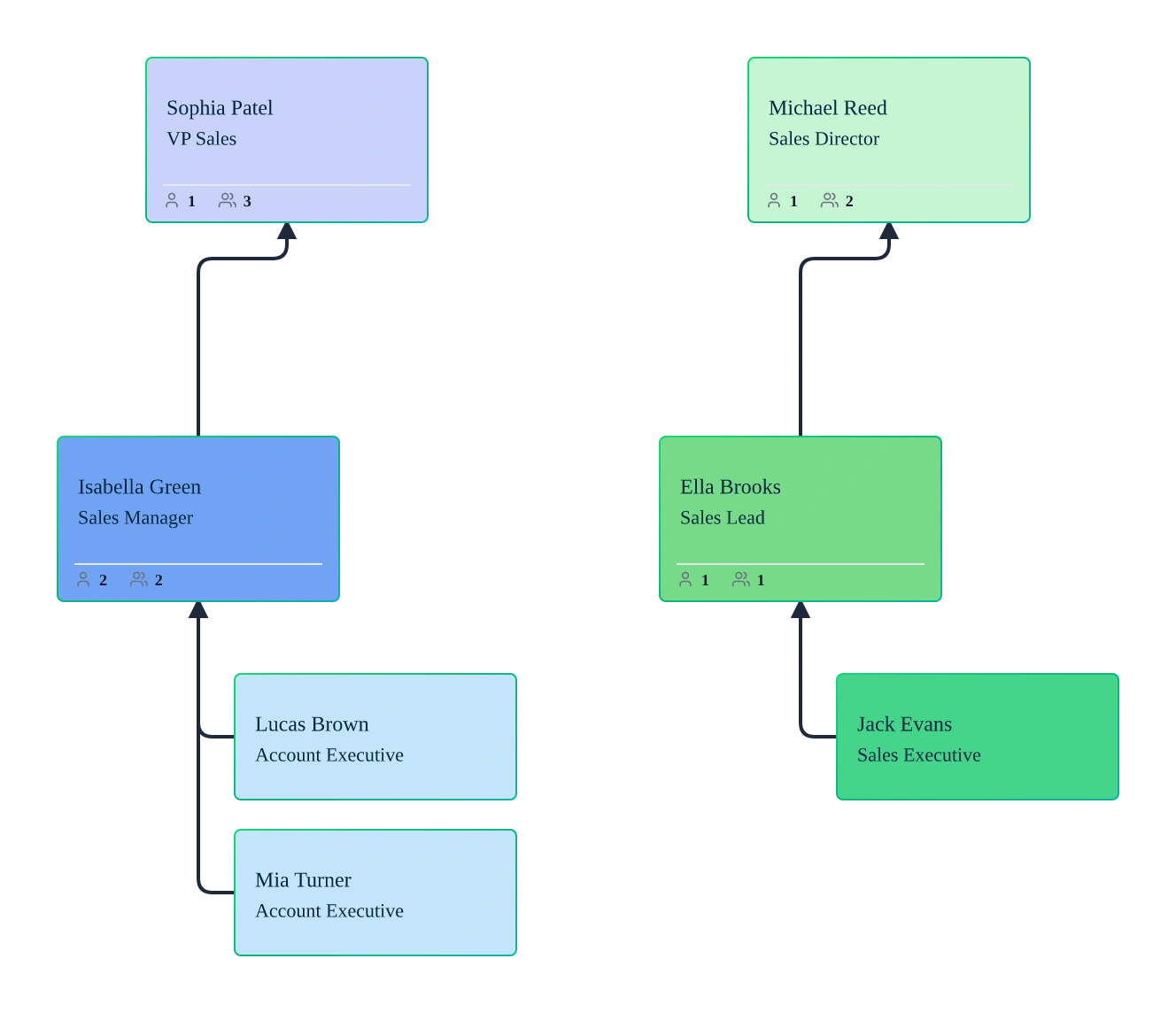
Use Creately Atlas to compare recorded roles, functions, and reporting gaps across the organizations being reviewed. Prompt the AI to analyze imported org data, apply filters, and use color-by and heatmap views to identify potential overlaps for HR and integration teams to assess.
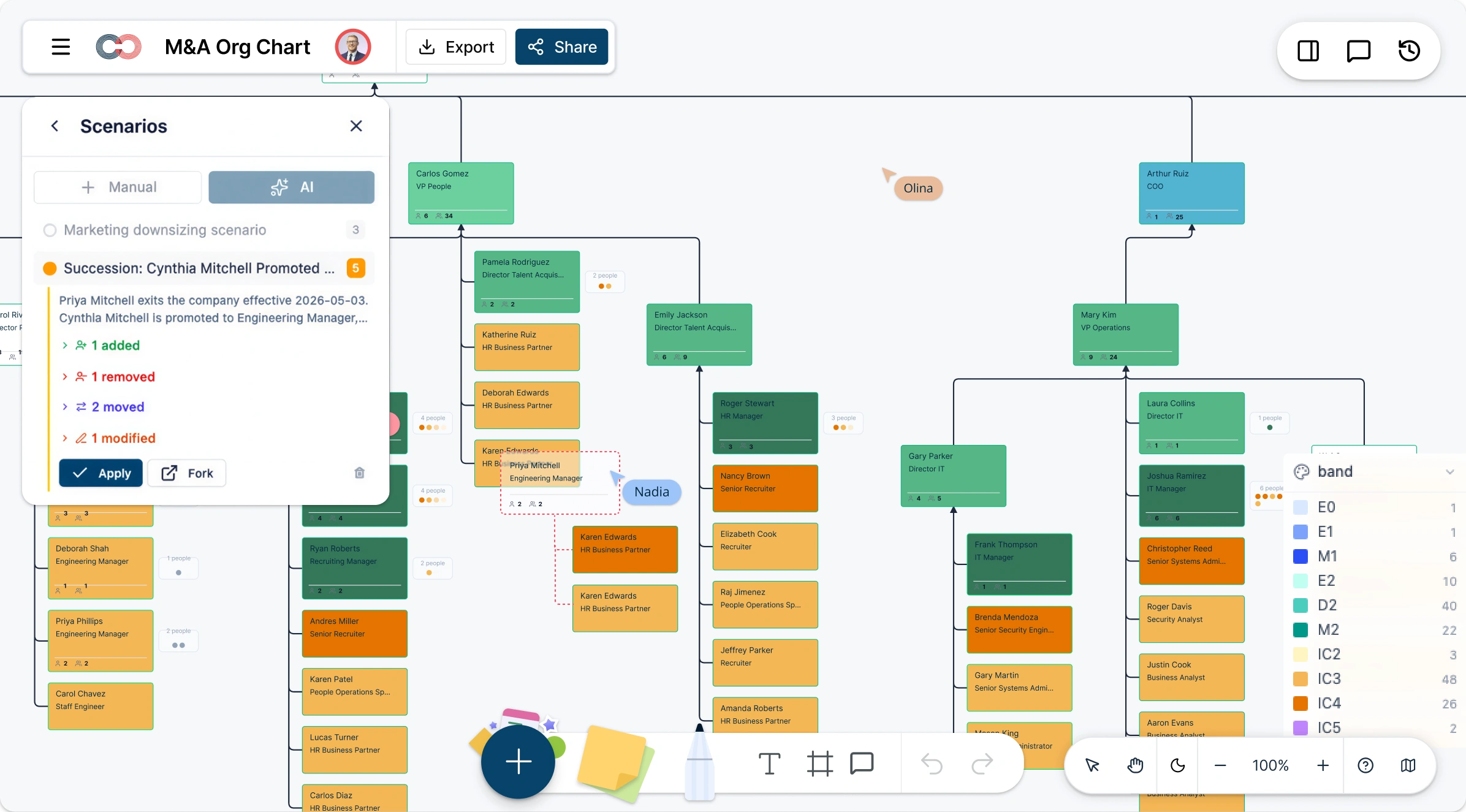
Model Post‑Merger Scenarios Without Risk to the Live Org
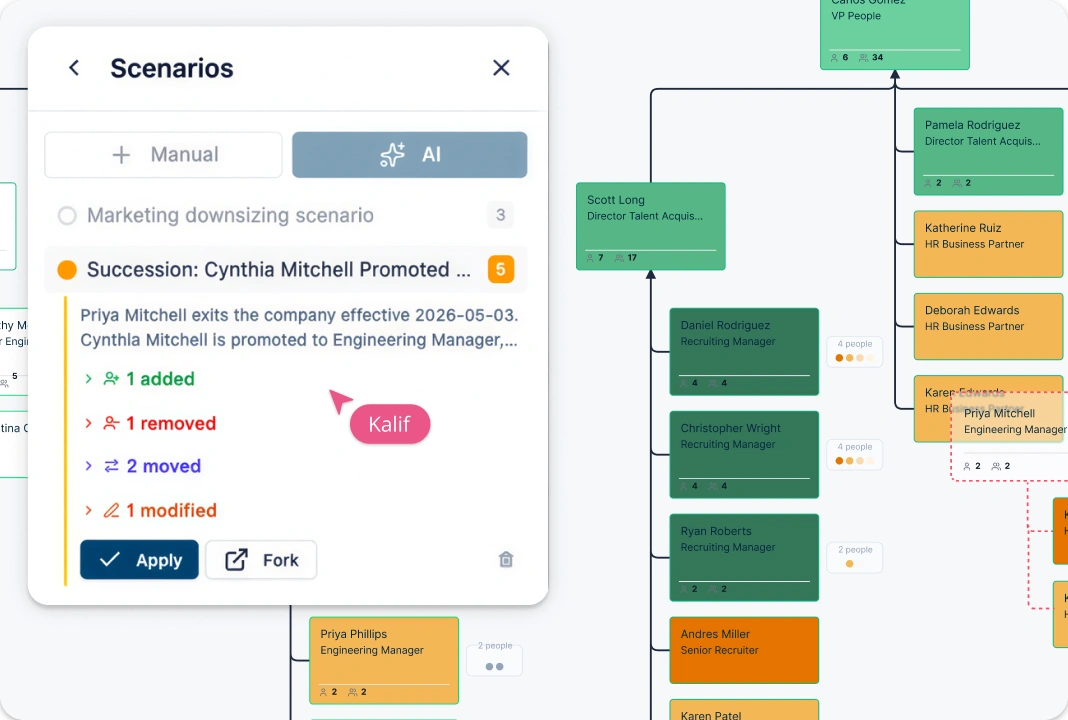
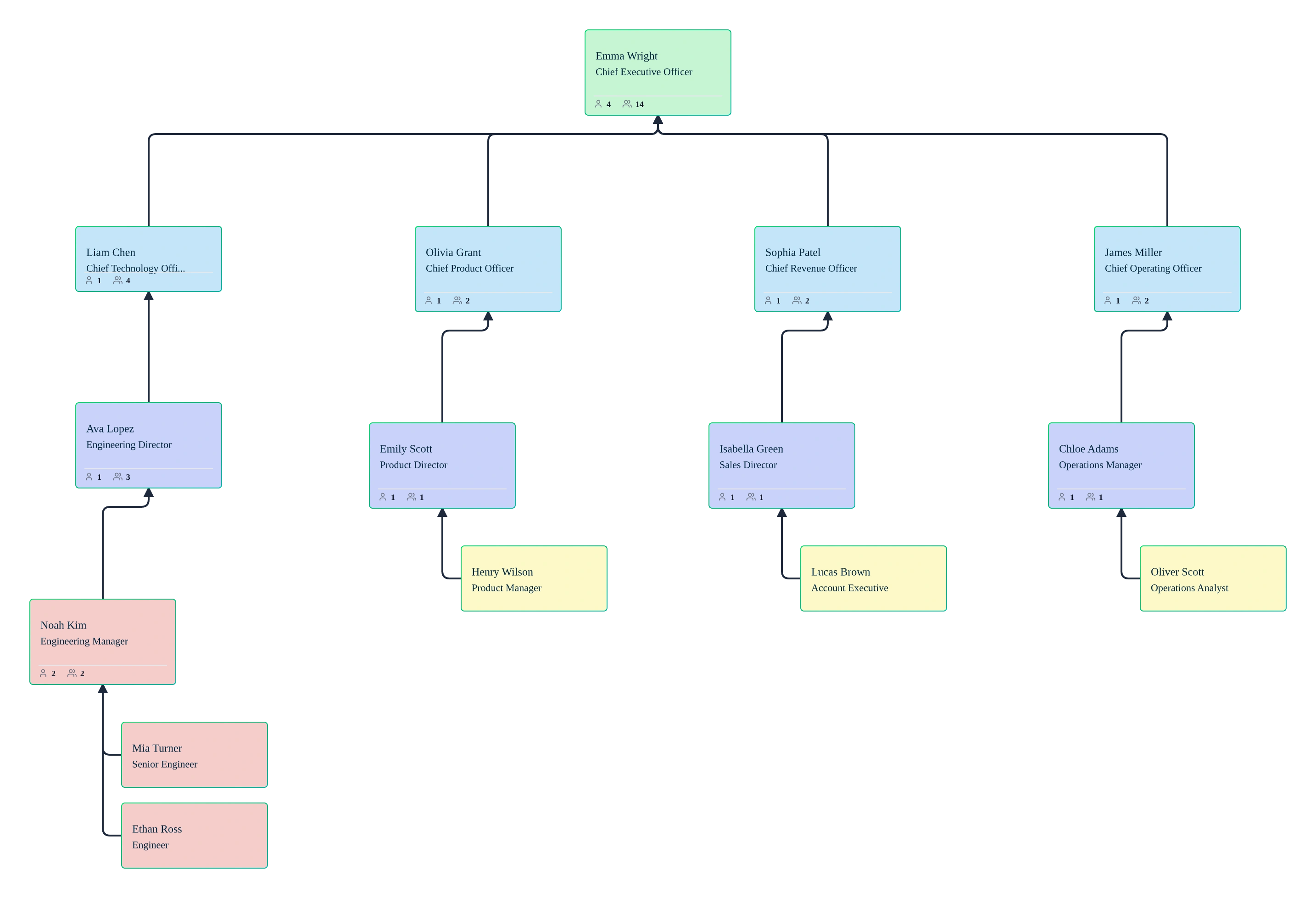
Create named what‑if scenarios to plan post‑merger integration without changing the live org chart. Add positions, move reporting lines, or update team assignments in scenario overlays that record old and new values. Compare scenarios visually against the same people-and-position baseline to evaluate integration options before making decisions.
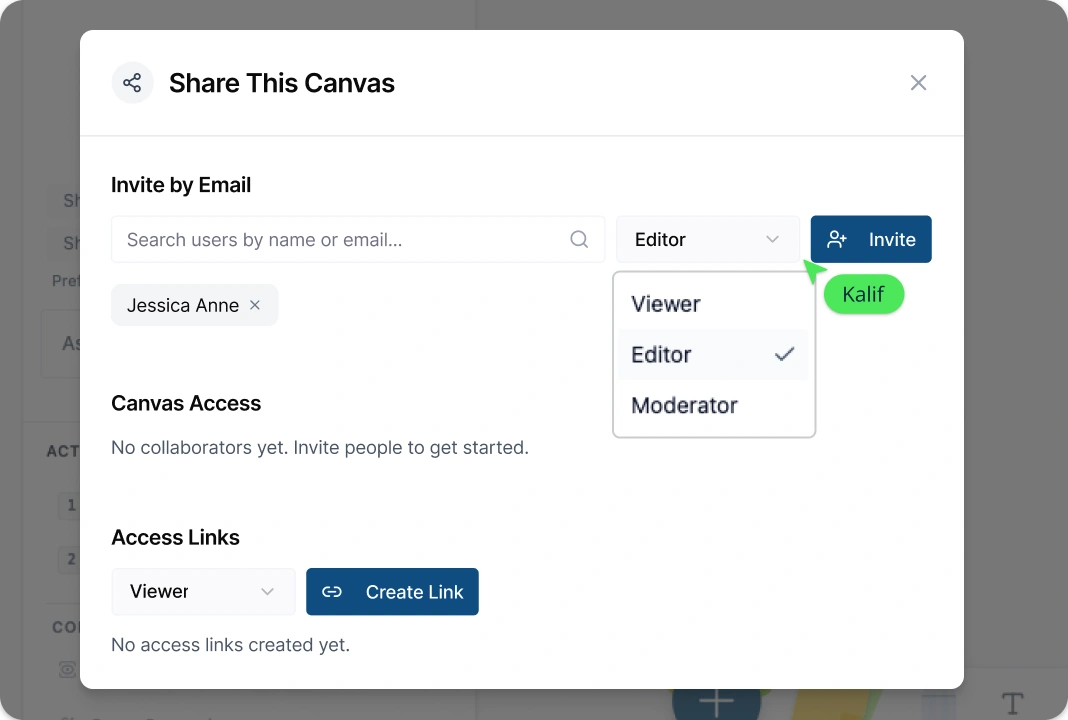
Share Executive‑Ready Views with Full Data Control
Prepare board‑ready org chart views by collapsing branches, isolating departments, or switching between compact and detailed card layouts. Control access to sensitive fields using role‑based permissions and data sensitivity settings in the M&A org chart app, enabling secure collaboration with HR, executives, and integration teams.
What Is an M&A Org Chart?
How to Create an M&A Org Chart with Creately
Step 1: Open the M&A Org Chart Template
Start by opening an org chart template for mergers and acquisitions from Creately’s library or create a new org chart on the canvas. This gives you a ready-made structure designed for comparing and integrating multiple organizations.
Step 2: Import or Build Org Charts for Each Company
Import workforce data from CSV files or build org charts manually using drag-and-drop. Creately’s auto-layout instantly organizes reporting lines and hierarchies, helping you accurately represent each organization’s structure.
Step 3: Analyze Roles and Reporting Structures
Use filters, color‑by rules, and AI‑assisted analysis to identify overlapping roles, duplicated functions, and structural gaps. Highlight departments, job titles, or reporting lines to better understand alignment opportunities across the merged organizations.
Step 4: Model Post‑Merger Integration Scenarios
Create named what‑if scenarios to test post‑merger reporting structures without affecting the live org chart. Adjust reporting lines, merge teams, or model matrix and dotted‑line relationships to explore different integration options.
Step 5: Review, Refine, and Share with Stakeholders
Review proposed org structures with HR, leadership, and integration teams using real‑time collaboration, comments, and tracked scenario changes. Share executive‑ready views or export org charts as PNG, PDF, or SVG files to support decision‑making and presentations.
FAQs About M&A Org Charts
What are Creately’s M&A org chart template pricing plans?
- Free Plan — Workspace plan with usage limits
- Starter & Team Plans — Confirm current Workspace pricing and included features
- Business Plan — Confirm current pricing and Atlas feature availability
Plan requirements depend on the product, usage limits, and features your team needs. Confirm Atlas pricing and availability alongside the plans listed on the Creately Pricing Page.
How can you create M&A org charts faster?
Are there templates for different M&A org chart use cases?
Can teams collaborate on M&A org charts?
Can I add notes, data, and files?
Can I share, present, or export M&A org charts?






















