Lean Canvas Template

Your One-Page Blueprint for Startups that Grow

Plan, test, and refine your business model visually. With Creately’s Lean Canvas Template, your team can brainstorm ideas, validate assumptions, and turn them into actionable plans — all in one connected workspace.

  • Visualize your entire business model in a single, easy-to-edit canvas
  • Test, validate, and refine ideas quickly as your strategy evolves
  • Brainstorm and collaborate with your team in real time to stay aligned
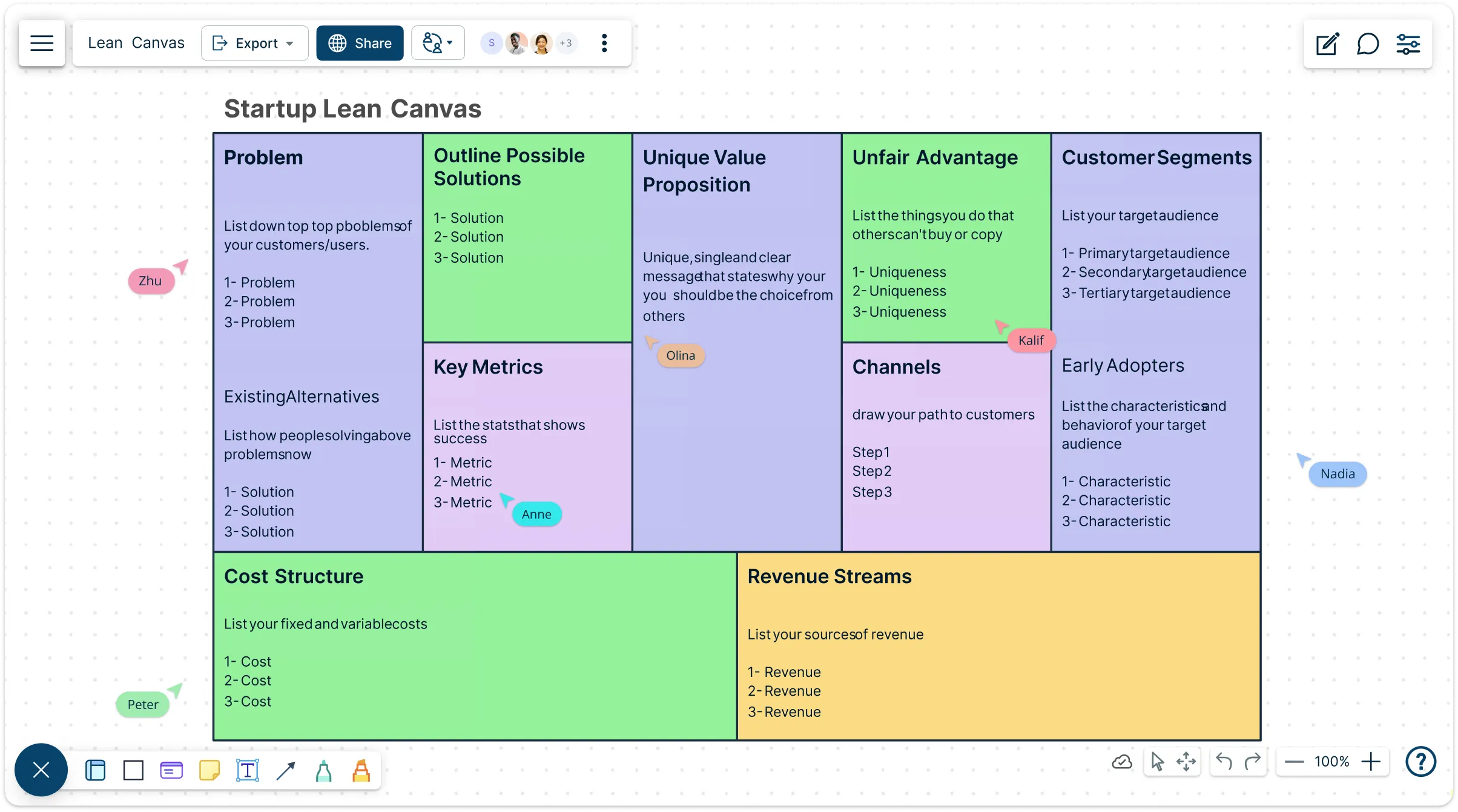
Lean Canvas Template

Over 10 Million people and 1000s of teams already use Creately
lp

AI Lean Canvas Generator

AI Lean Canvas Generator

Turn your business ideas into a structured Lean Canvas in seconds

  1. Just describe your business model, problem, or solution.
  2. Click Generate with AI → watch Creately create a complete Lean Canvas with all key sections automatically filled and organized.
  3. Refine, customize, and collaborate—all on an infinite, shared canvas.
Try Creately AI

Why teams love Creately’s AI Lean Canvas Generator

Try the AI Lean Canvas Generator
  • Save time Save time – Auto-generate a full Lean Canvas without starting from scratch.
  • Get it right Get it right – AI organizes your ideas into problems, solutions, metrics, and more.
  • Work smarter Work smarter – Quickly iterate, update, and link insights directly to each section.
  • Secure by design Secure by design – All AI runs inside Creately—your data stays private.
  • Team-friendly Team-friendly – Collaborate in real time across locations and time zones.

Map Out Your Startup Ideas in Minutes
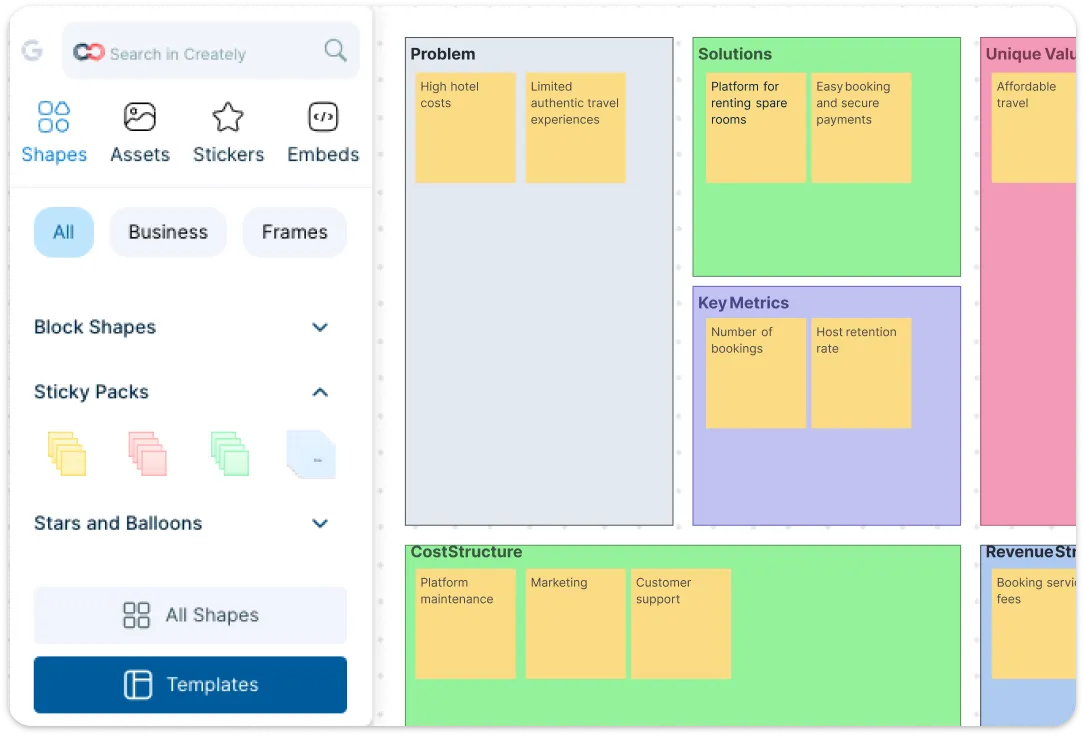
Snapshot of Creately's Interface with a Lean Canvas Template and the Shapes Library

Bring your business idea to life with Creately’s AI-powered Lean Canvas. Drop in sticky notes for each section, add inputs as you go, and gather ideas from your team all in one place. Drag-and-drop makes building your canvas effortless, while freehand drawing and highlights let you mark opportunities or improvements in real time. Plus, jumpstart your planning with ready-to-use templates inspired by real-world startups.

Snapshot of Creately's Interface with a Lean Canvas Template and the Shapes Library
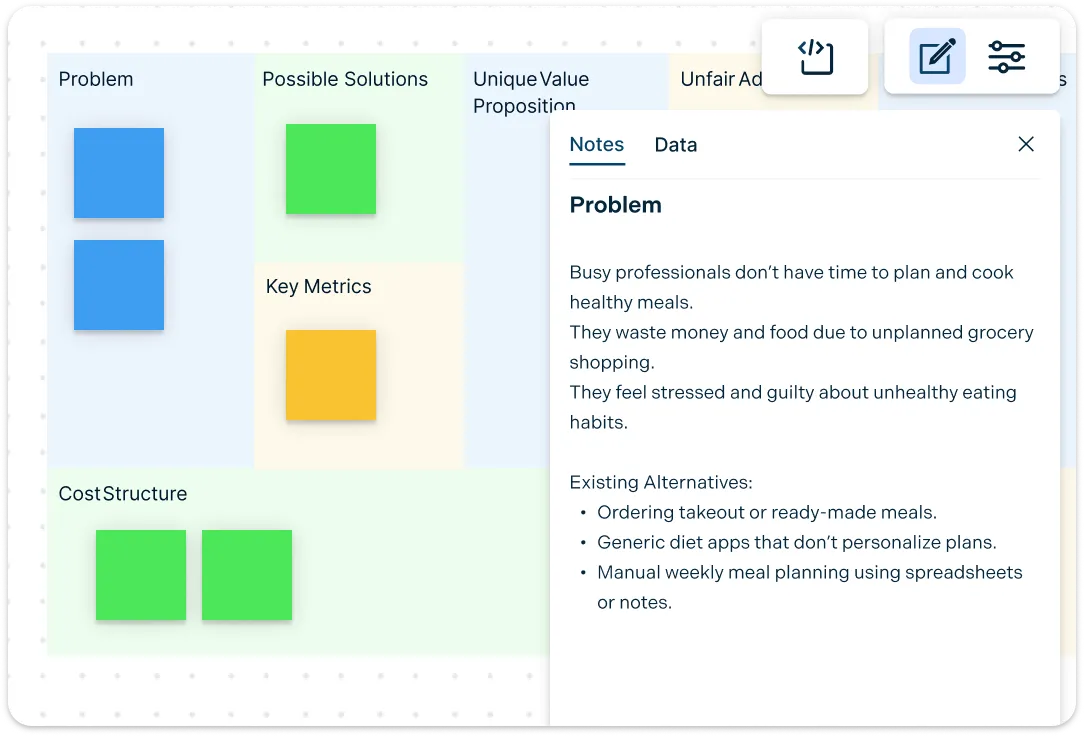
Image of Creately's Lean Canvas Template and the Notes Panel

Capture Every Insight in One Place

Image of Creately's Lean Canvas Template and the Notes Panel

Keep everything connected — from early hypotheses to customer insights — with Creately’s Lean Canvas creator. Add text, notes, doc links, and attachments directly to each block so all your ideas and data are just a click away. Smart alignment, auto-formatting, and shape grouping keep your canvas tidy, while connections to other frameworks — like business model canvas templates — help you prioritize efforts and turn insights into actionable plans.

Collaborate Seamlessly and Make Decisions Faster
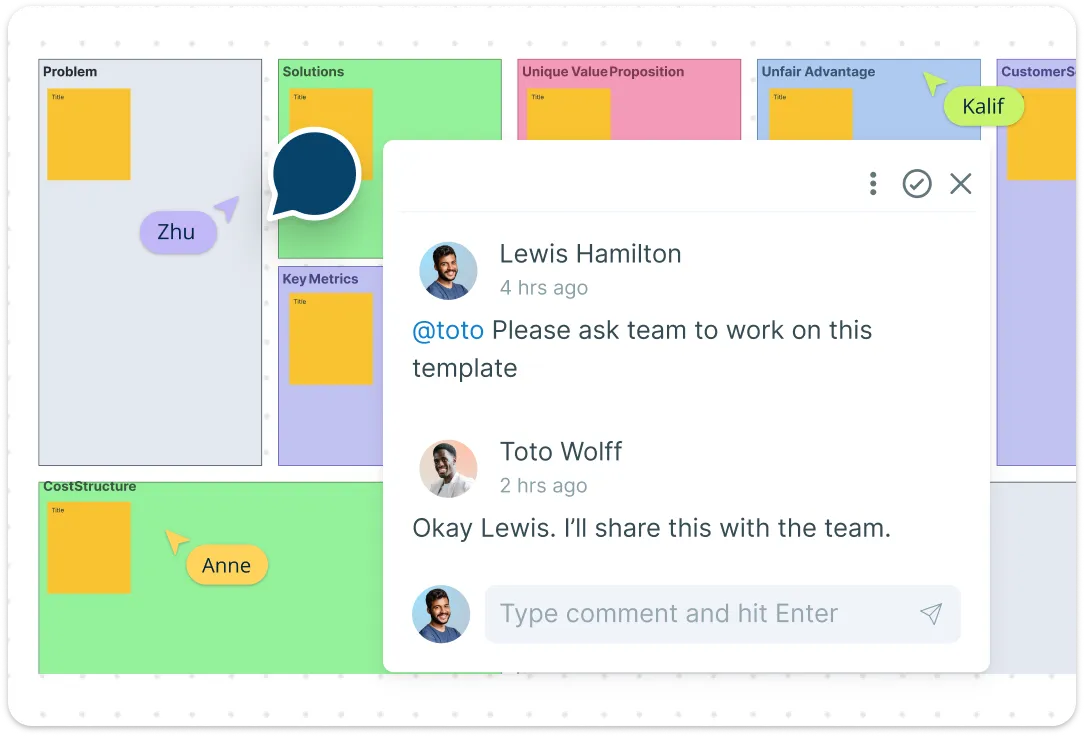
Illustration of Creately's Lean Canvas Template and Commenting Feature

Bring your team together effortlessly with Creately’s real-time collaboration. Edit, comment, and vote on ideas directly within the canvas while seeing who’s working on each block. Spark instant discussions using @mentions, threaded comments, and reaction emojis, and integrate with Microsoft Teams to bring your canvas into meetings. Stay aligned, make faster decisions, and keep everyone engaged — all without the endless email chains.
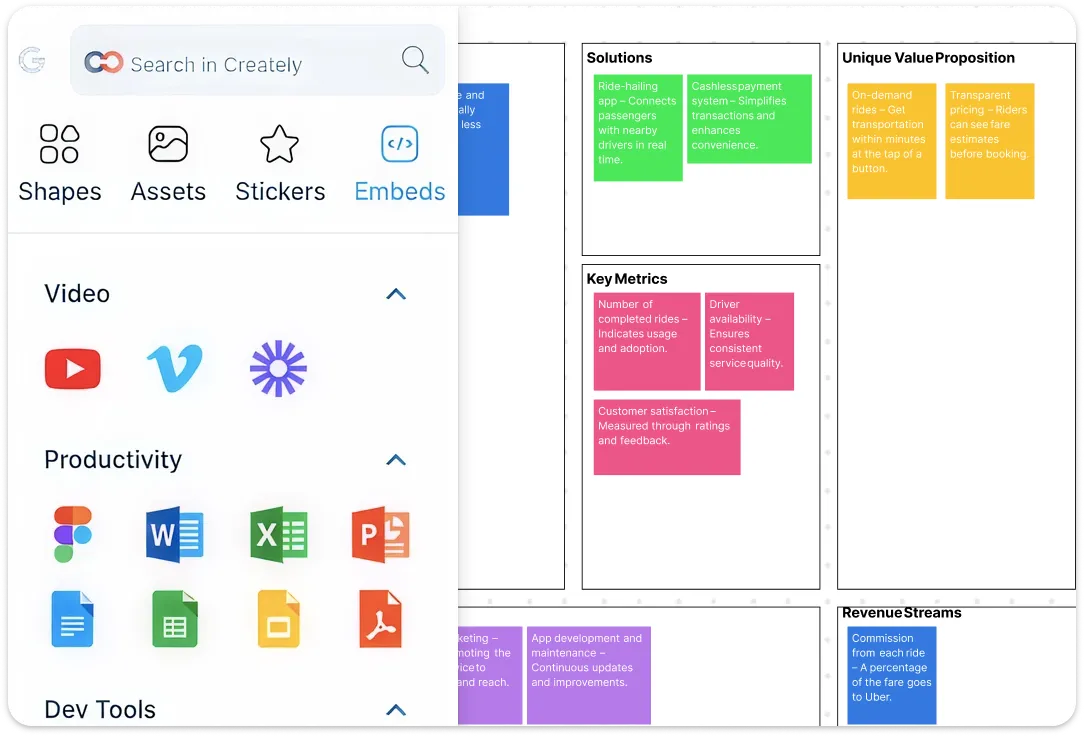
Illustration of Creately's Lean Canvas Template and Commenting Feature
Illustration of Creately's Lean Canvas Example with Embed Options

From Canvas to Action — Without Switching Tools

Illustration of Creately's Lean Canvas Example with Embed Options

Turn your Lean Canvas into a clear, actionable plan with Creately. Break ideas into tasks using Kanban boards, set deadlines and milestones with timelines, and assign roles with customizable data fields. Track progress, iterate quickly, and present your strategy effortlessly using presentation mode. With document and cloud integrations, everything stays organized, so your business model flows smoothly from concept to execution — all in one place.

What Is Lean Canvas?
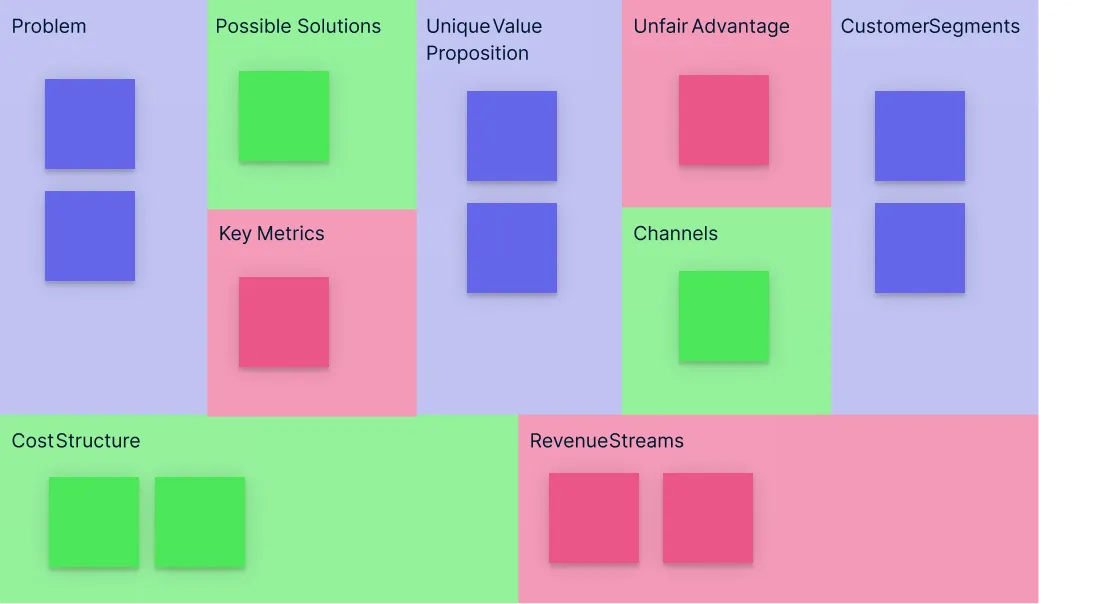
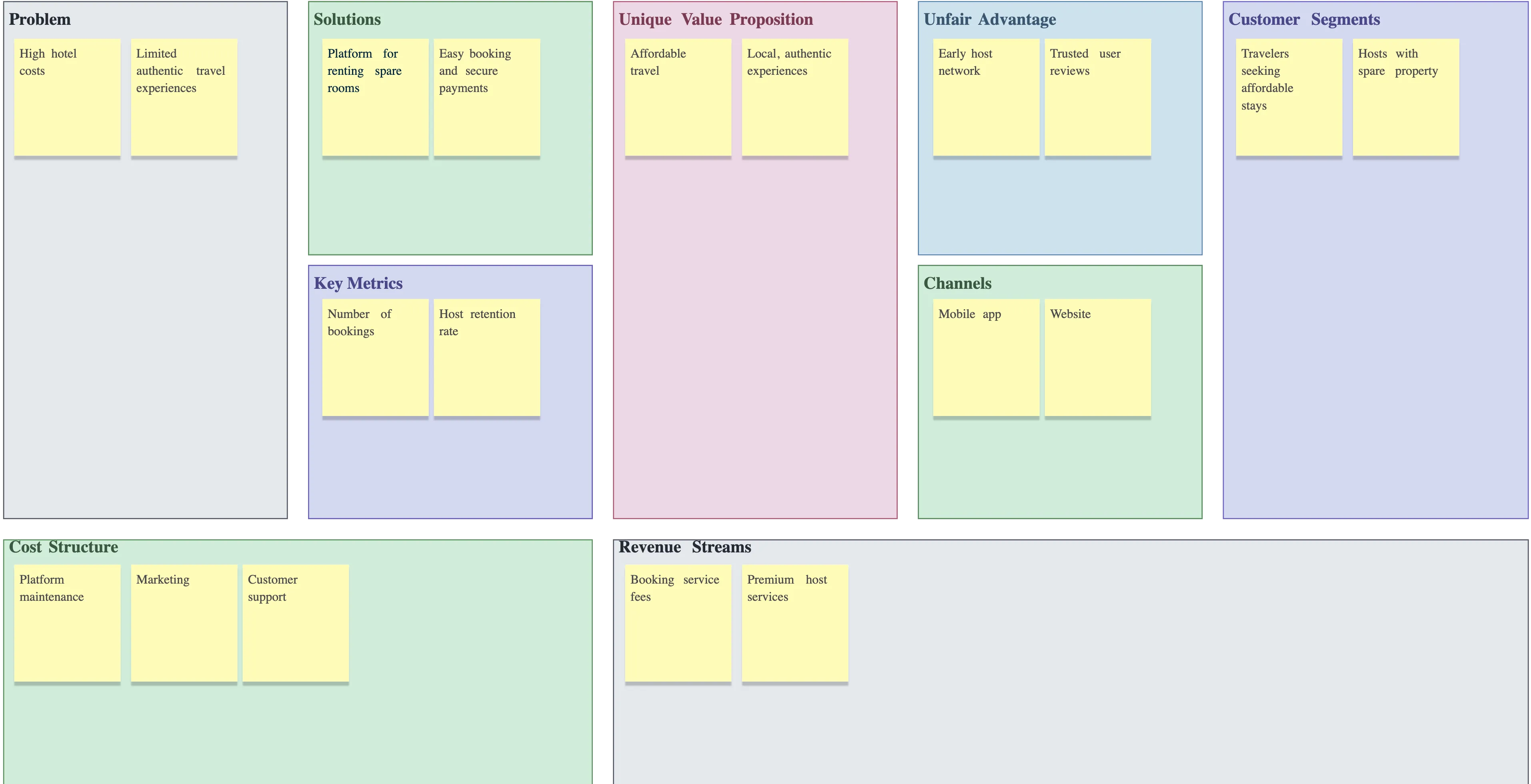
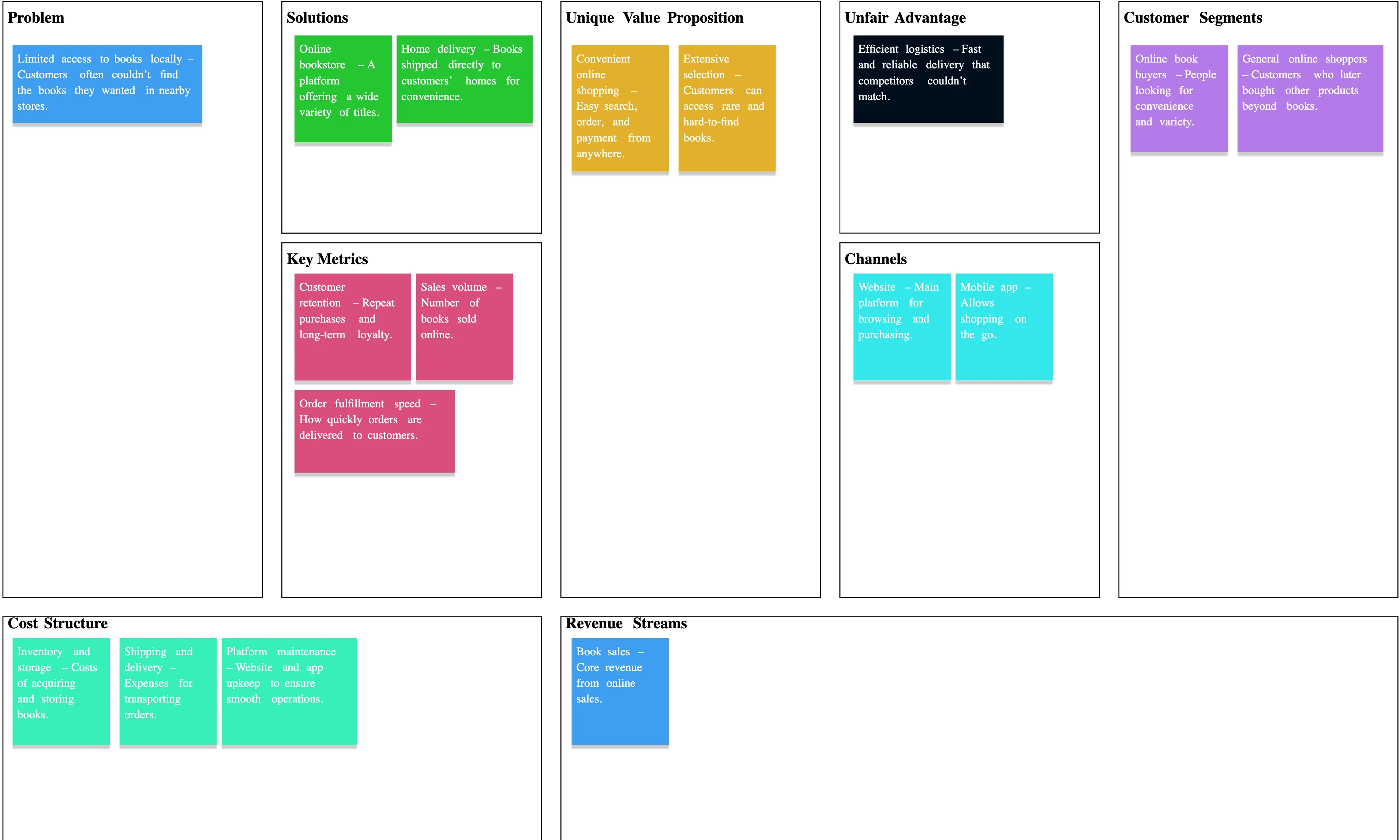
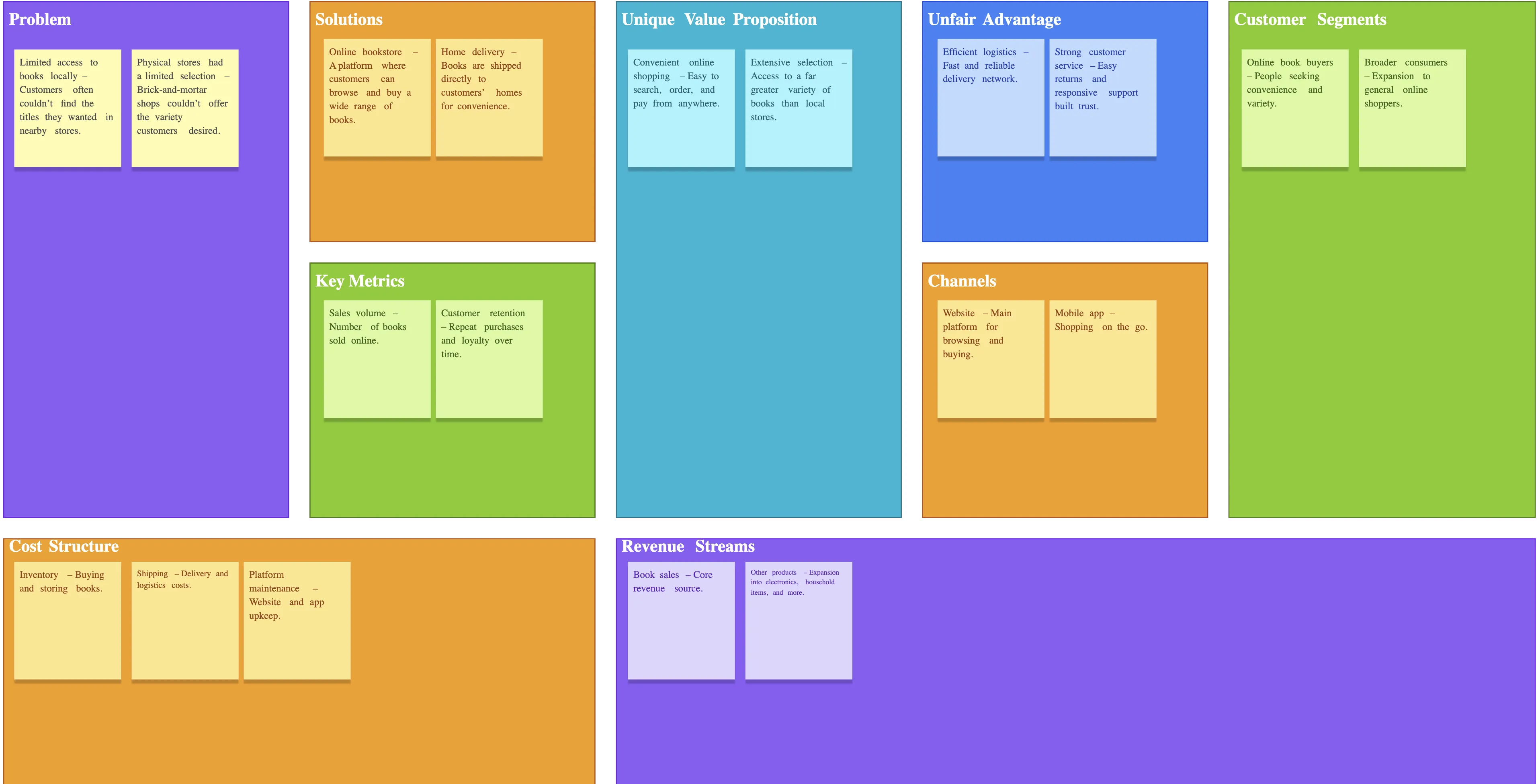
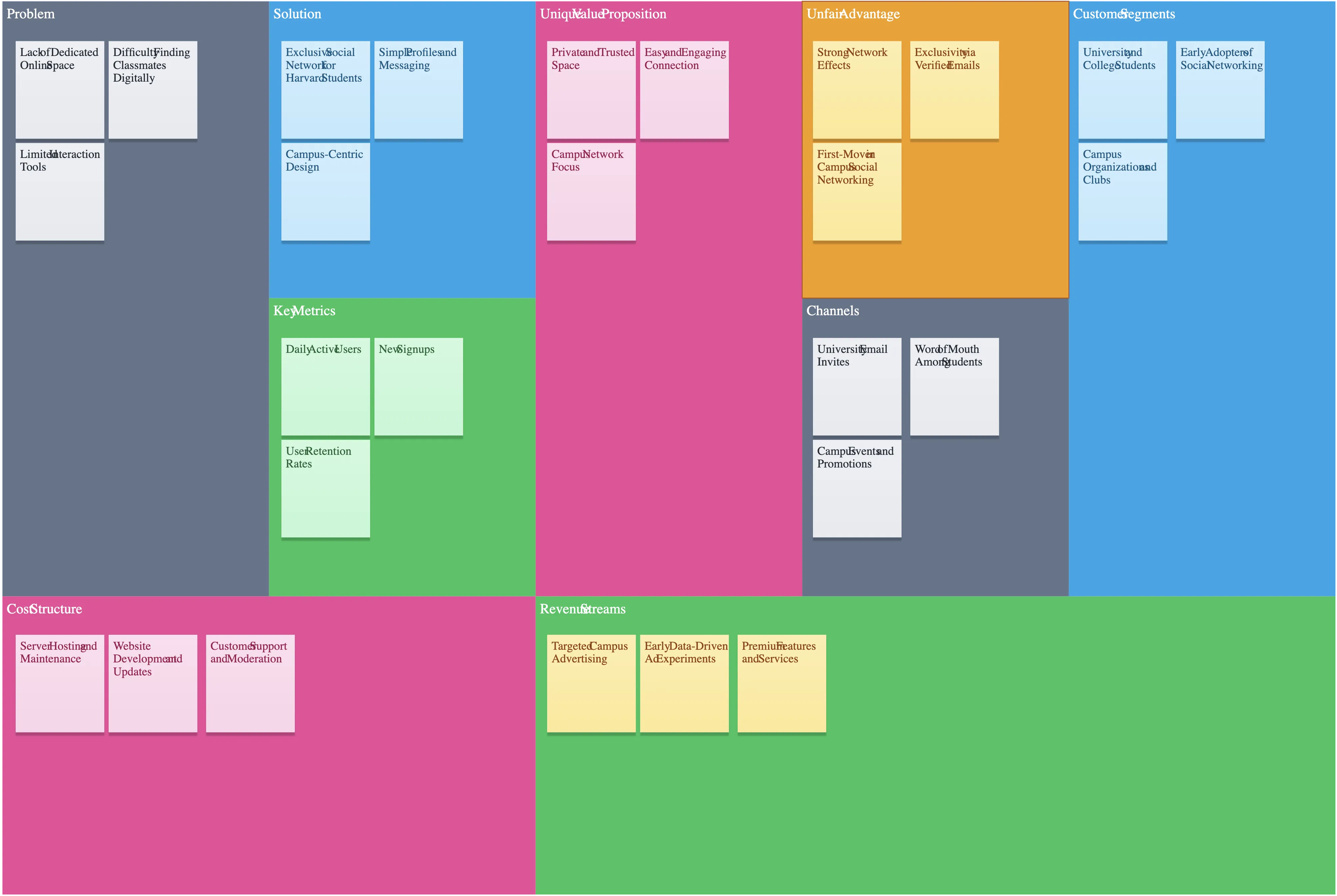
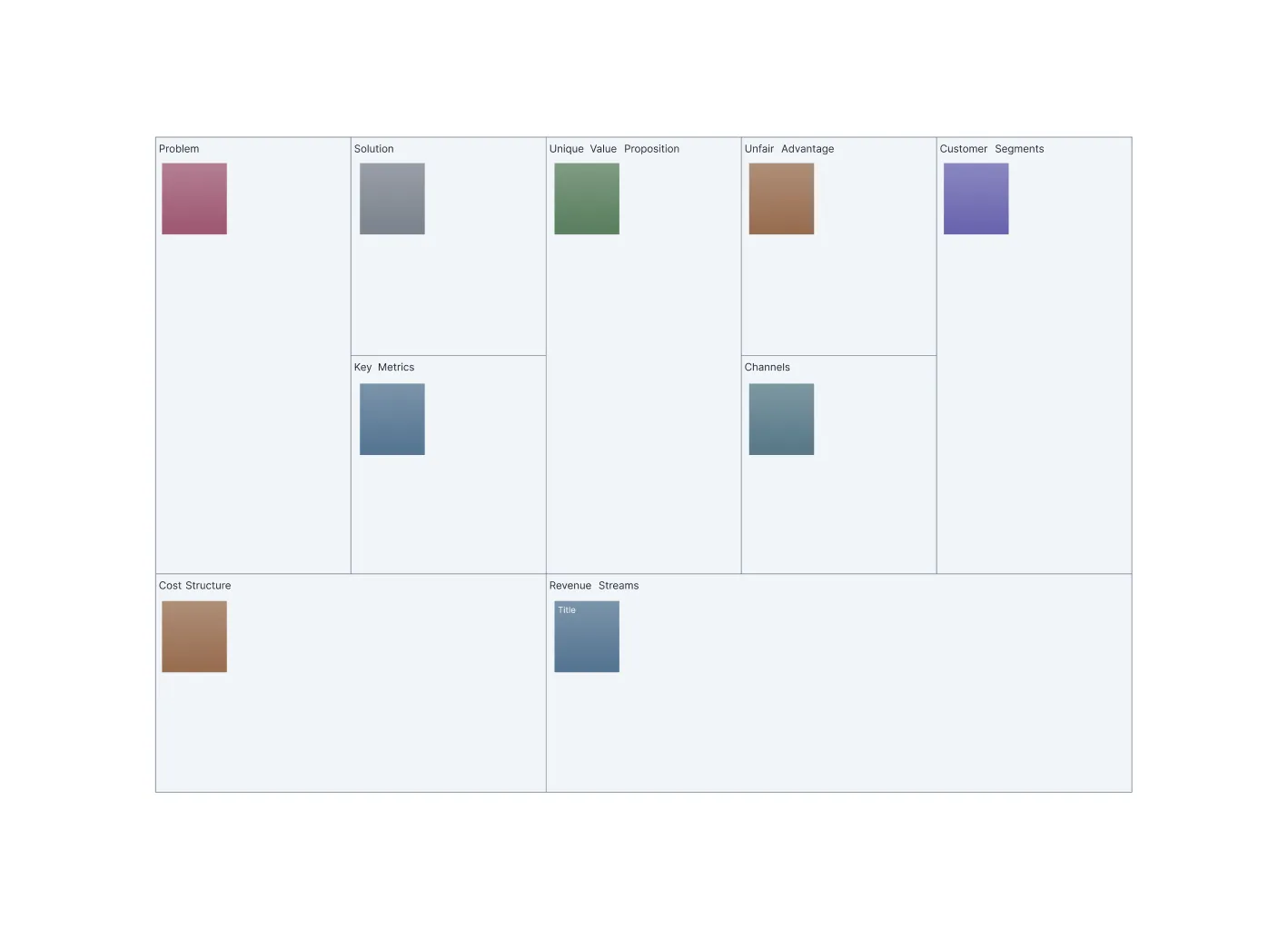
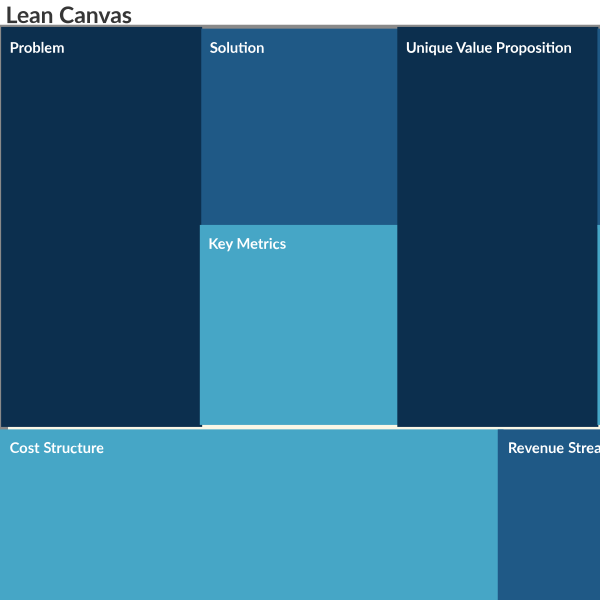
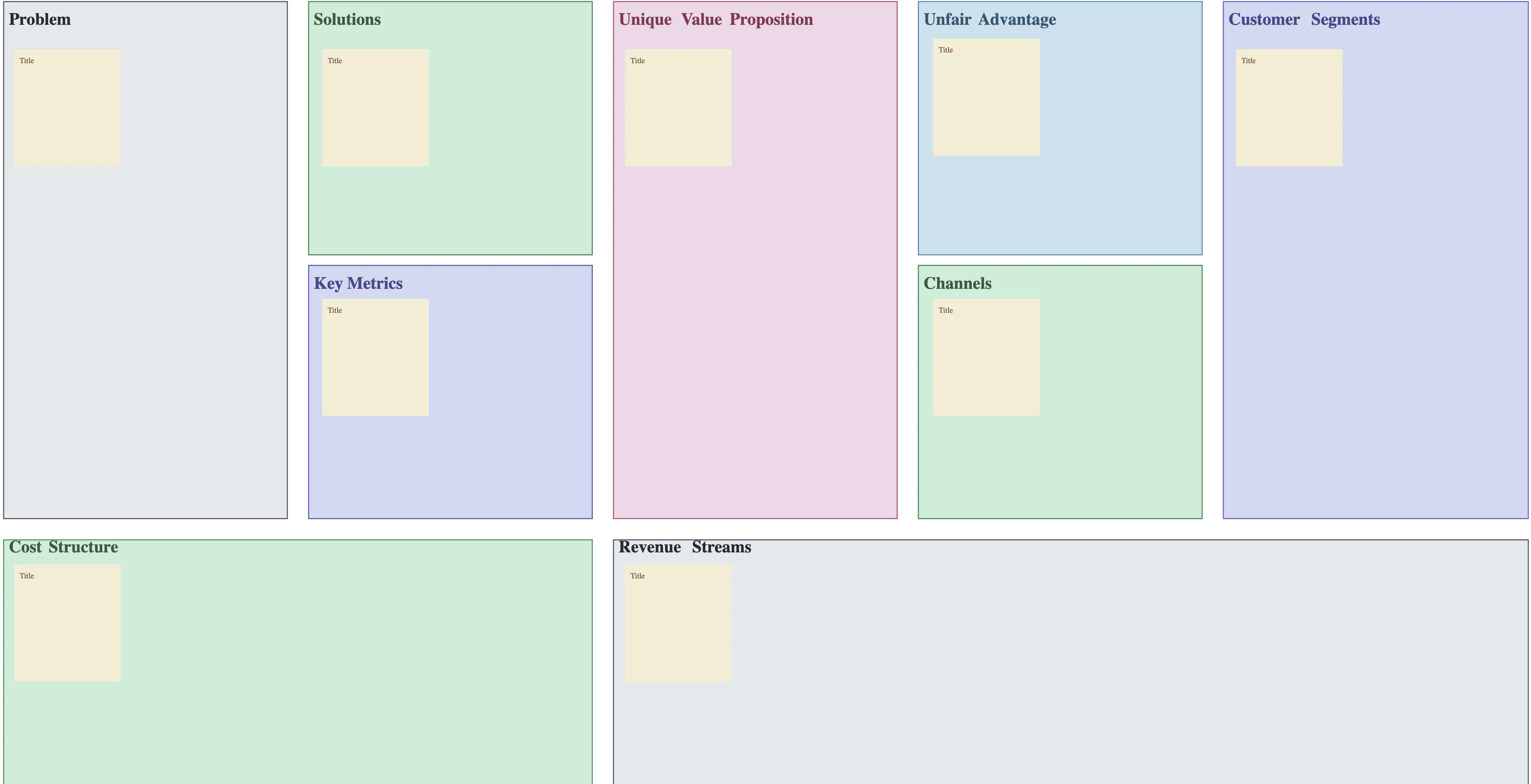
A Lean Canvas is a one-page business planning tool that helps startups and teams quickly map out and validate their business model. It breaks down the business into nine key sections: problem, solution, key metrics, unique value proposition, channels, customer segments, cost structure, revenue streams, and unfair advantage. It focuses on identifying and testing the riskiest parts of a business idea, enabling teams to iterate quickly, make data-driven decisions, and align strategy with execution—all without writing a lengthy business plan.
What Is Lean Canvas?

How to Use the Lean Canvas Template?

  • Pick Your Template:

    Start with a Lean Canvas template from Creately’s library, pre-built with all nine key blocks so you can map your business idea instantly. You can also get a headstart with the AI Lean Canvas template.
  • Map Your Core Ideas:

    Use the infinite canvas and drag-and-drop shapes to place problems, solutions, and customer segments. Add sticky notes, highlights, or freehand sketches to visualize your thoughts clearly.
  • Capture All Details:

    Add text, links, documents, and attachments to each block to centralize assumptions, metrics, and resources. Smart alignment and formatting keep your canvas clean and organized.
  • Collaborate and Get Feedback:

    Invite your team to comment, edit, vote, and share insights in real time. Use @mentions, threads, and integrations like Microsoft Teams to prioritize ideas and align everyone on the strategy.
  • Turn Plans into Action:

    Convert your Lean Canvas into actionable steps with Kanban boards, timelines, and data fields for assigning roles and deadlines. Track progress, iterate quickly, and share your plan with presentation mode for seamless execution with Creately’s Lean Canvas maker.
What Our Customers Say About Us
A Comprehensive Tool for Visual Collaboration and Diagramming
it is ease of collaborative diagramming and real-time editing. This allows teams to brainstorm, create, and refine diagrams together in a way that feels intuitive and seamless, regardless of location.
Juan Leonardo G
Efficient and User-Friendly Diagramming Tool
I love how easy it is to create and collaborate on diagrams with Creately. The real-time collaboration feature is incredibly helpful for team projects, and the extensive library of templates and shapes saves a lot of time
Aymen G
Creately provides best diagram structure.
Creately has proven to be an incredibly creative tool, enhancing the visual appeal of our company tasks significantly. Additionally, its pricing is highly competitive, offering great value for the features it provides.
Ruchika N
Great AI features
AI Modelling capability. It gives Prompt examples so user can learn how to create effective prompts
Karma A.
User friendly and visually appealing!!
The interface is easy to use. The look is aesthetically pleasing as well. Love the functionality.
Chrisoula

FAQs About the Lean Canvas Online

What are Creately’s lean canvas template pricing plans?

  • Free Plan — $0/month for basic lean canvas creation and collaboration
  • Starter & Team Plans — $8/month or $5/month billed annually
  • Business Plan — $149/month or $89/month billed annually

Annual billing helps you save more while unlocking advanced collaboration, workspace management, and enhanced lean canvas features. You can compare all available plans and features on the Creately Pricing Page.

How can you create lean canvases faster?

Creately helps you create lean canvases faster with an infinite canvas, drag-and-drop diagramming, smart connectors, and professionally designed templates. You can start with a ready-made layout or build from scratch, then collaborate and refine everything in one shared workspace.

Are there templates for different lean canvas use cases?

Yes. Creately offers editable templates for different lean canvas use cases, so you can start with a relevant structure and customize it to match your workflow, team, or project requirements.

Can teams collaborate on lean canvases?

Yes. Teams can work together on the same lean canvas in real time using live cursors, comments, mentions, and shared workspaces. This makes reviews faster and keeps everyone aligned.

Can I add notes, data, and files?

Yes. Creately lets you enrich your work with notes, links, images, documents, and additional context attached directly to shapes and items on the canvas. This helps you keep supporting information connected to the visual.

Can I share, present, or export lean canvases?

Yes. You can share lean canvases with a link, present them directly from the workspace, or export them in formats like PDF, PNG, SVG, and JPEG. This makes it easy to use Creately in meetings, documentation, reviews, and presentations.
Streamline Your Workflows by Integrating with the Tools You Love
Creately integrates with the tools your teams use every day and supports your team’s workflow seamlessly.
Github
Microsoft
Google Drive
Google Sheets
Google Docs
Google Slides
Confluence
Why Creately Is the Best Lean Canvas Creator
Creately is the intelligent visual platform enabling visual collaboration, knowledge management and project execution.
Why Creately Is the Best Lean Canvas Creator
Infinite Visual Canvas
Real-Time Collaboration
Custom Databases
Data Driven Docs
Professional Diagramming
Project & Task Management
Enterprise Grade Security
Powerful Visual Modelling

G2
Atlassian
GetApp
Capterra
Software Advice
Trust Radius

24/7 Live Support

Live in-app chat support

24/7 Live Support