HR Audit Org Chart Template
Turn Your HR Audit into a Strategic Asset with an Interactive Org Chart
Stop chasing ghost employees and outdated spreadsheets. Use Creately’s HR audit org chart tool to instantly map your reporting lines, ensure data accuracy, and gain the visual clarity you need to keep your organization compliant and agile.
- Map your HR audit instantly with AI-powered CSV import & mapping
- Protect sensitive pay data with a secure 6-tier sensitivity model
- Collaborate in real-time to eliminate data silos and audit errors
Over 10 Million people and 1000s of teams already use Creately

Ready-to-Use Free Templates for Every Stage of Your HR Audit
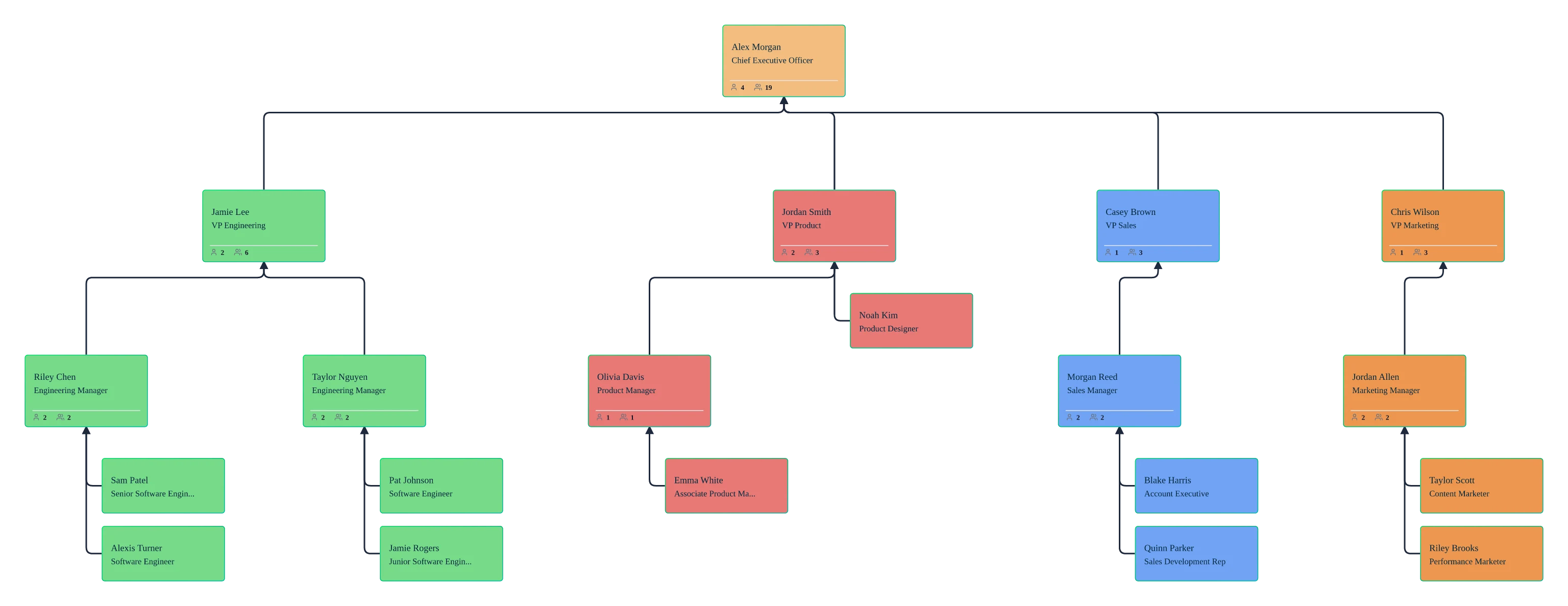
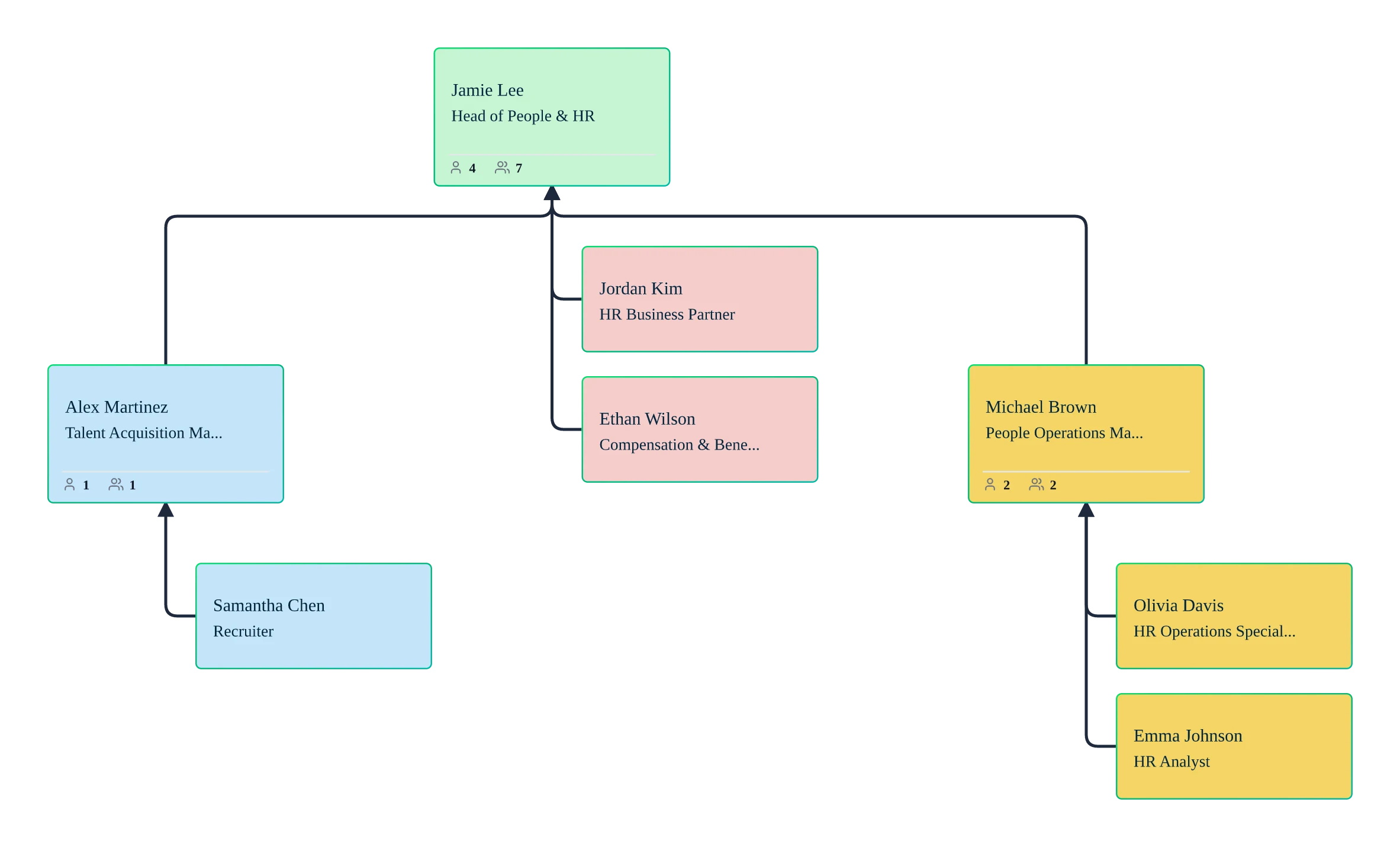
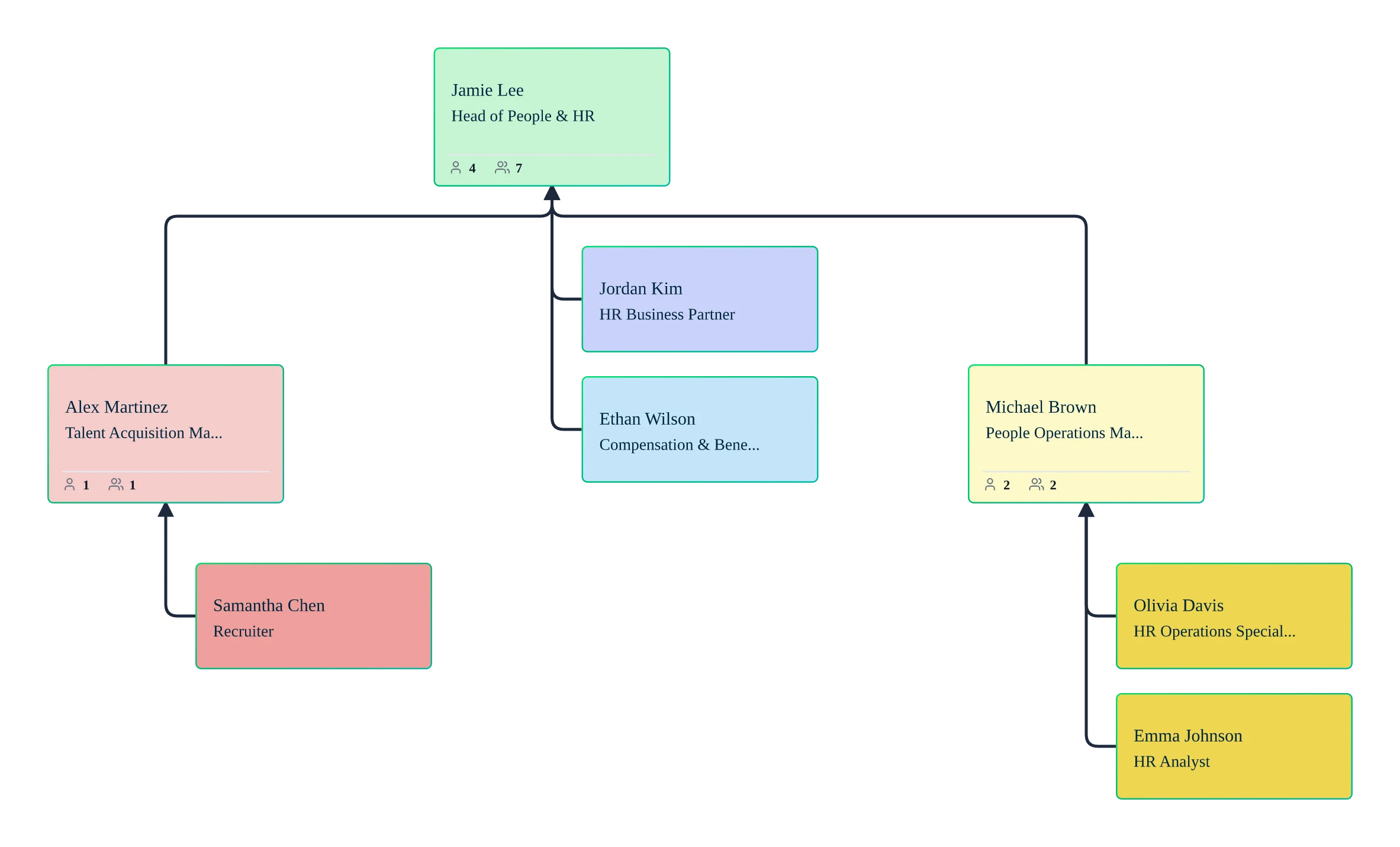
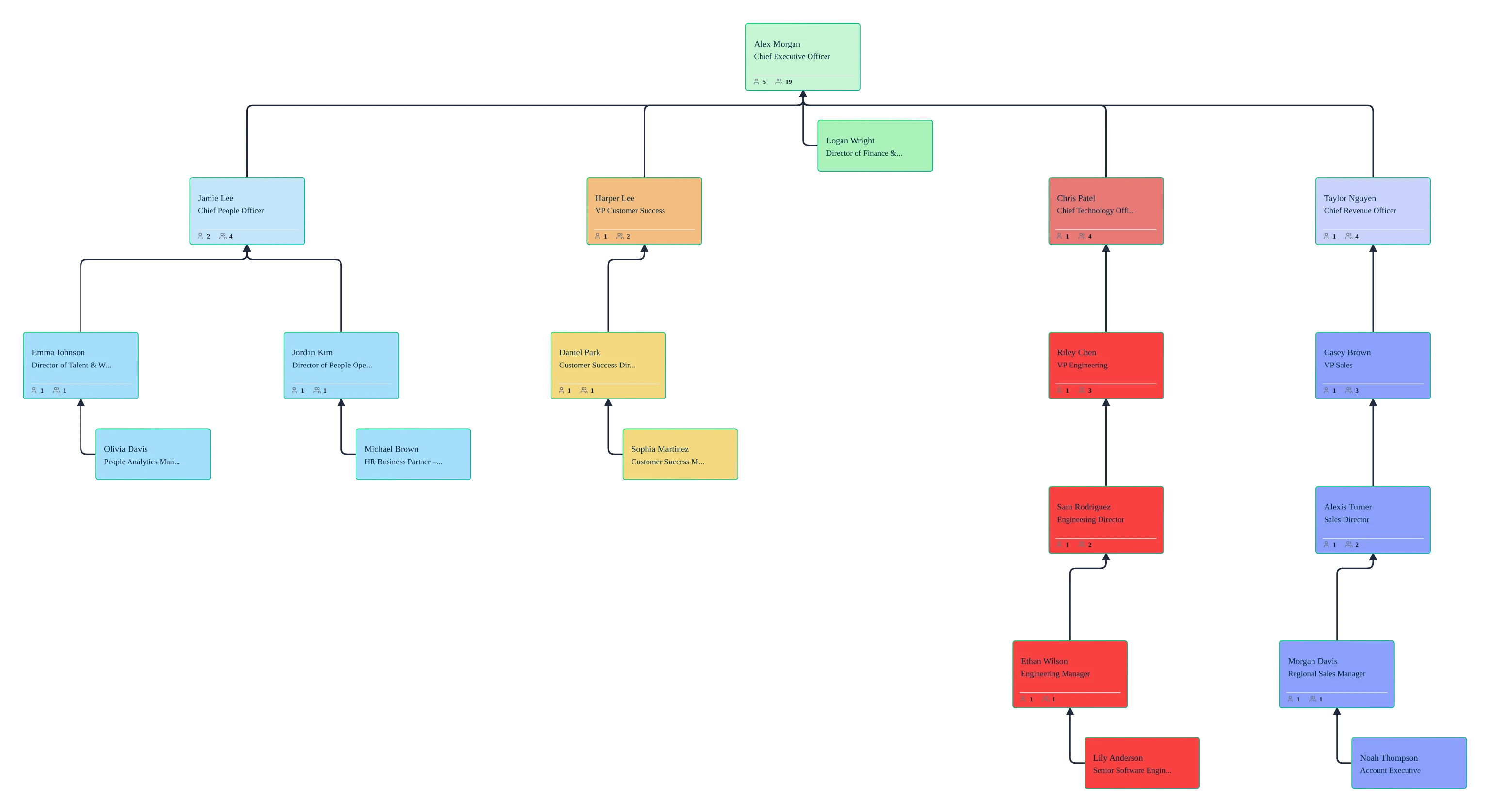
Build Your Org Structure in Seconds, Not Hours
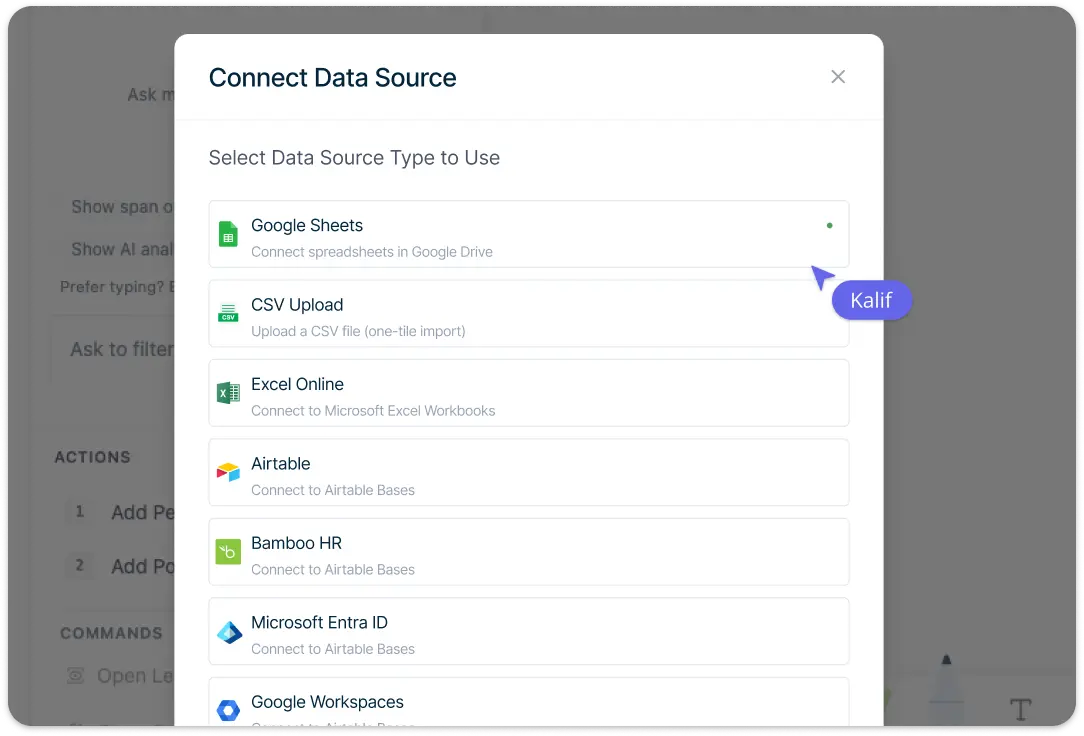
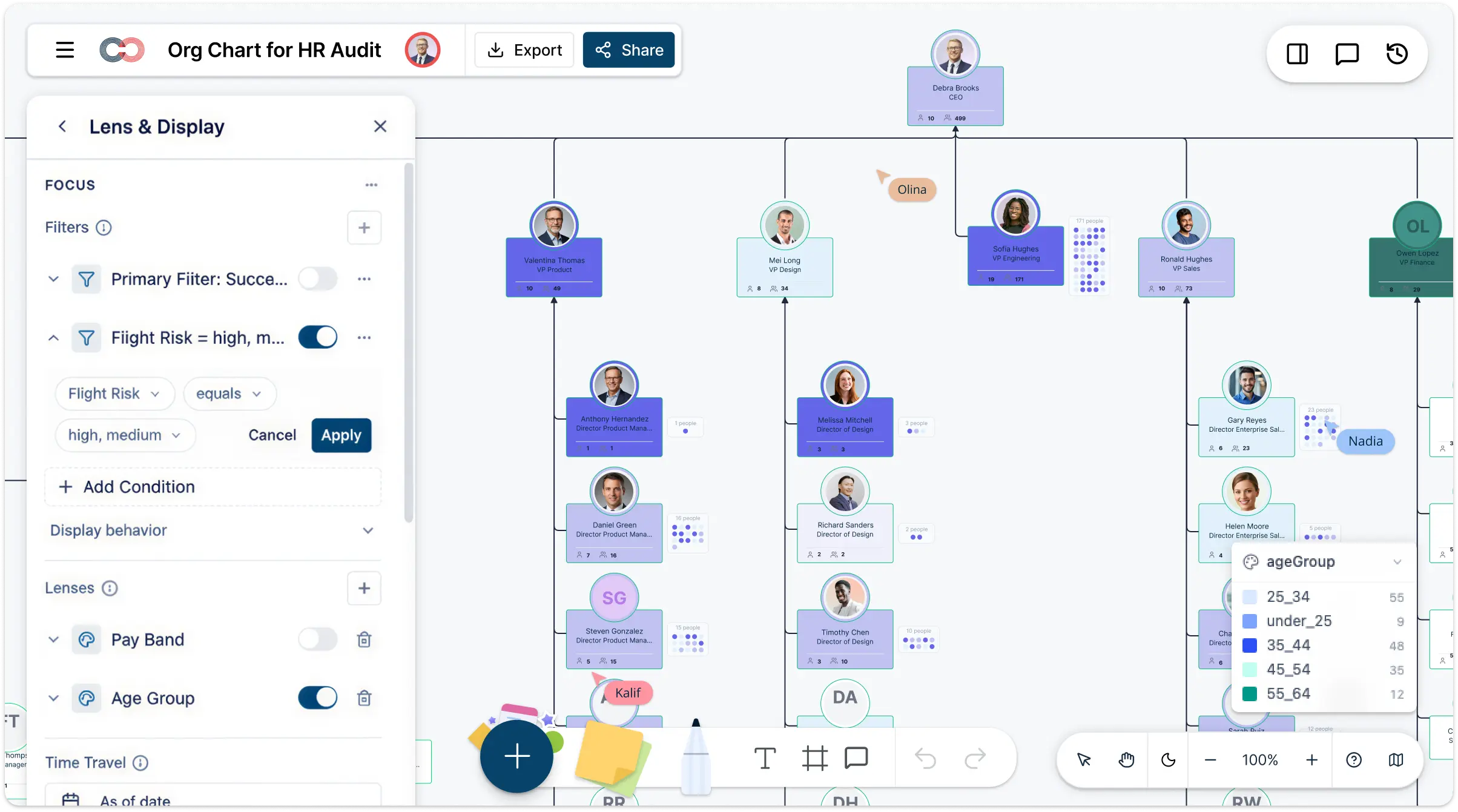
Import an HRIS or spreadsheet CSV into Creately Atlas to build your audit chart. Review AI-suggested mappings and resolve validation errors before generating the hierarchy. Department views and editable employee records help your team review reporting lines without drawing each connection manually.
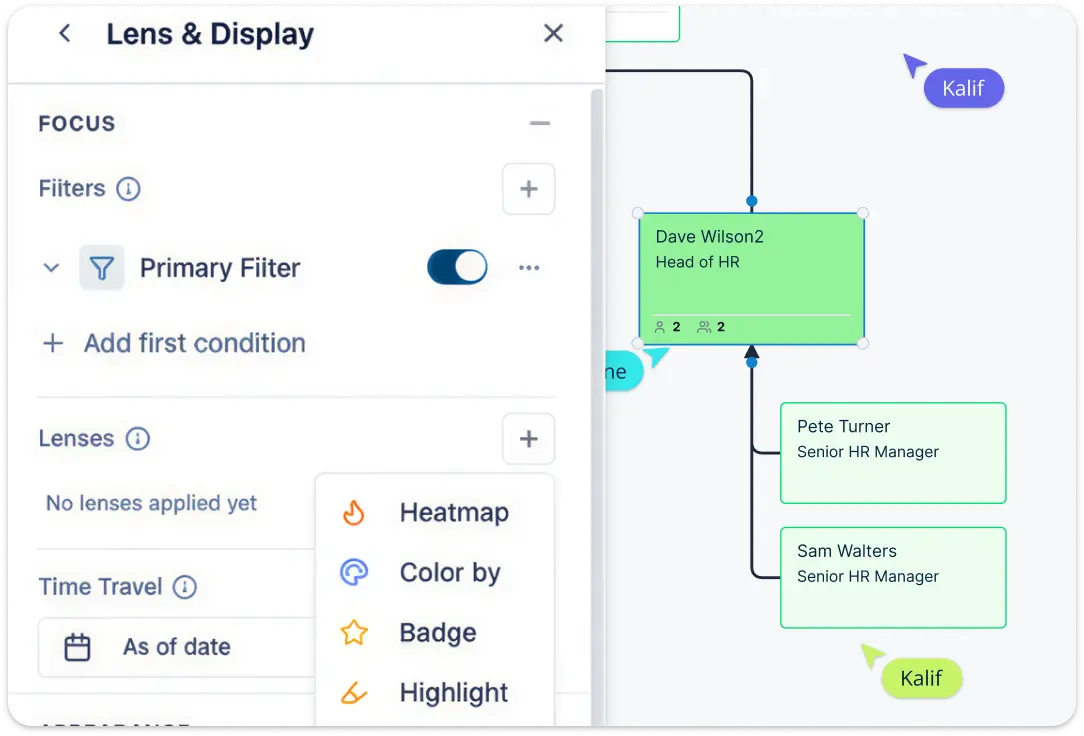
Turn Data into Strategy with Advanced Workforce Analytics
Move beyond basic boxes and lines to see the “why” behind your workforce. Use built-in heatmaps and 9-box grids to visualize talent density, span of control, and performance trends at a glance. Our “What-if” scenario modeling allows you to plan reorgs and structural changes in a scenario overlay, compare old and new values, and review proposed changes before applying them. It’s HR auditing turned into a strategic advantage.
Centralize Your People Data in One Visual Workspace
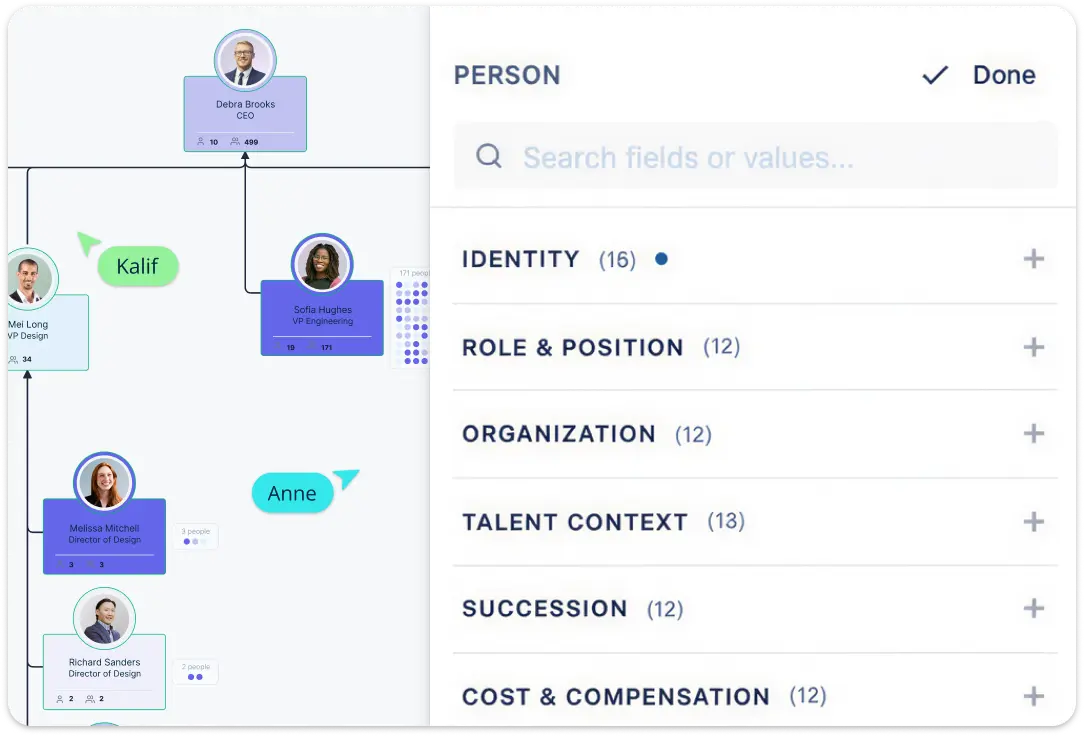
Enrich your audit with 15 field packs, covering everything from compensation analysis to succession planning. Atlas uses imported records to filter by department, tenure, skills, or position status. Keep the HRIS as the source of record and validate chart data against it before drawing audit conclusions.
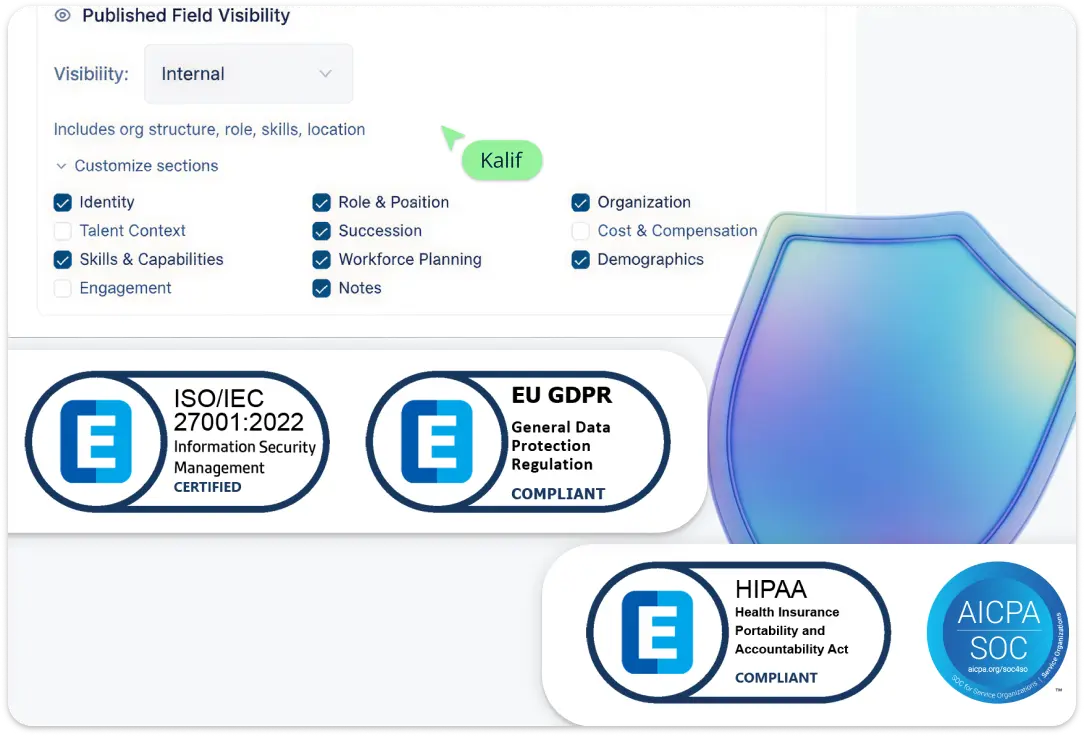
Enterprise-Grade Protection for Your Sensitive HR Data
We understand that HR audits involve highly sensitive information. Atlas applies six sensitivity tiers so users see only the employee fields they are authorized to access. Effective-dated views and scenario deltas support structural reviews, while compliance evidence and audit-log requirements need separate verification.
Align Your Leadership Team with Real-Time Collaboration
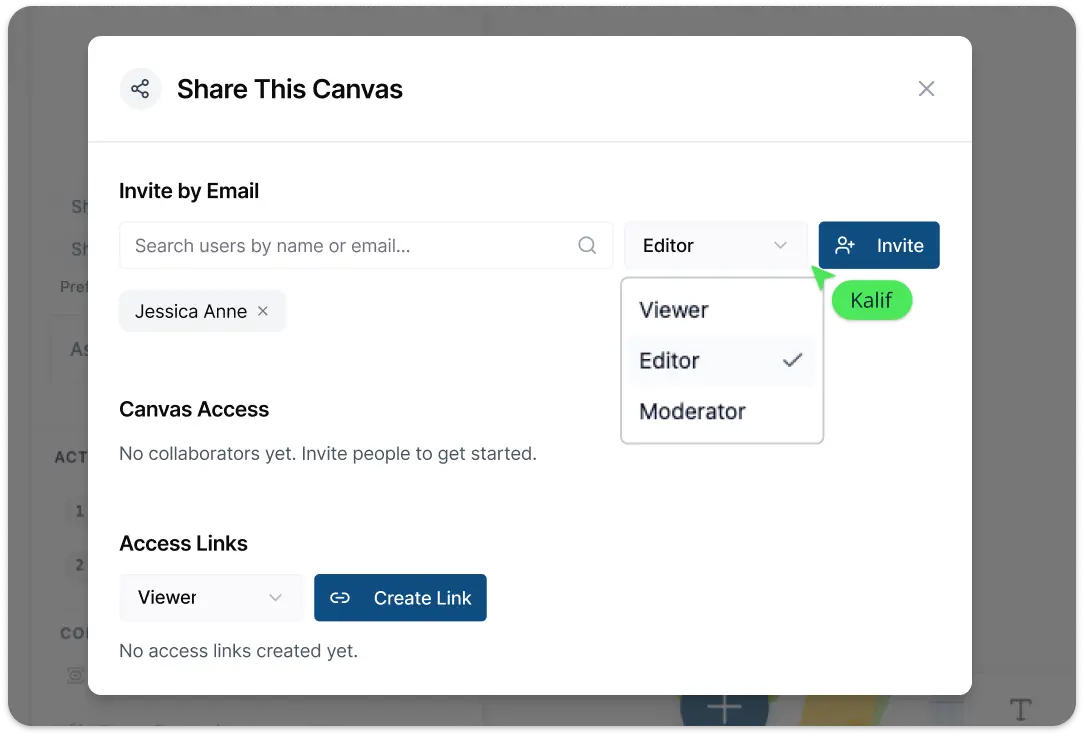
Stop the endless back-and-forth of email attachments. Use real-time multi-user editing to finalize your HR audit with stakeholders in a shared digital workspace. Tag team members for feedback with in-app comments, and once your chart is ready, export board-ready versions in high-res PDF or SVG. Share read-only links with the appropriate field sensitivity and diagram permissions for each reviewer.
What Is an HR Audit Org Chart?
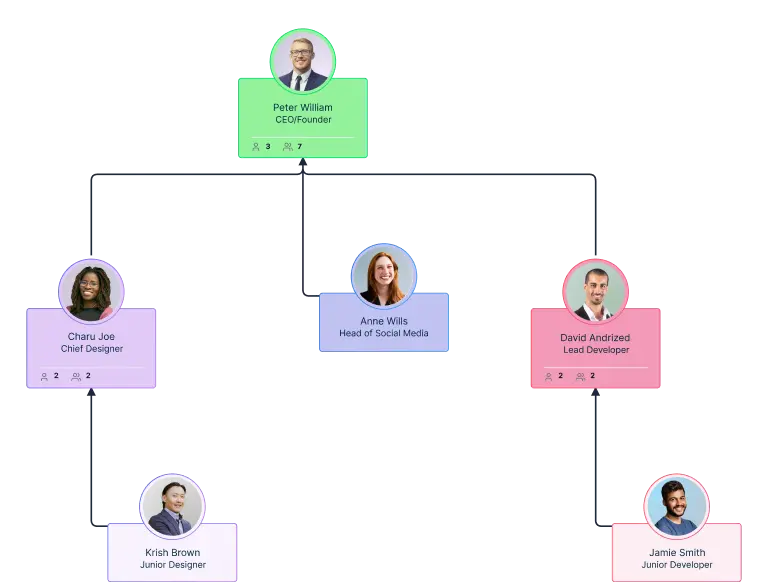
How to Conduct an HR Audit with the HR Audit Org Chart Template
Launch Creately’s AI-Powered HR Audit Workspace:
Sign in to Creately and open a new workspace to start your audit. Instead of manually drawing boxes, use an org chart in Atlas to establish your framework. You can also use the AI generator to instantly produce a custom structural layout based on a simple prompt, giving you a professional starting point in seconds.Import Data via CSV Import Wizard and AI Column Mapping:
Skip the data entry. Export your employee list from the HRIS as CSV and open Atlas’s import wizard. Review the suggested mappings for IDs, manager references, titles, and departments, then resolve validation errors before importing.Use 15 Field Packs to Review Structural Gaps:
Enable relevant packs through Field Management, such as Compensation for pay fields or Talent for performance ratings. Correct reporting lines and use comments to flag roles that need review. Record supporting references in custom fields and comments while retaining the original audit evidence in its source system.Model Reorg Scenarios with Real-Time Team Collaboration:
Invite your leadership team or department heads to the canvas to verify the structure. Use Real-Time Collaboration with multiple cursors to make adjustments together, eliminating the need for back-and-forth emails. Utilize contextual comments and @mentions to debate structural changes or “what-if” scenarios directly within the app, ensuring total alignment across the board.Secure Sensitive Data with 6-Tier Controls and Export:
Once your audit is complete, use focused department views to walk stakeholders through the findings. You can export your high-resolution org chart as a PDF, PNG, or SVG for board reports, or share a secure, interactive link with 6-tier sensitivity controls to protect private data. As your company grows, simply review updated CSV imports or direct edits to keep the org chart aligned with source records.
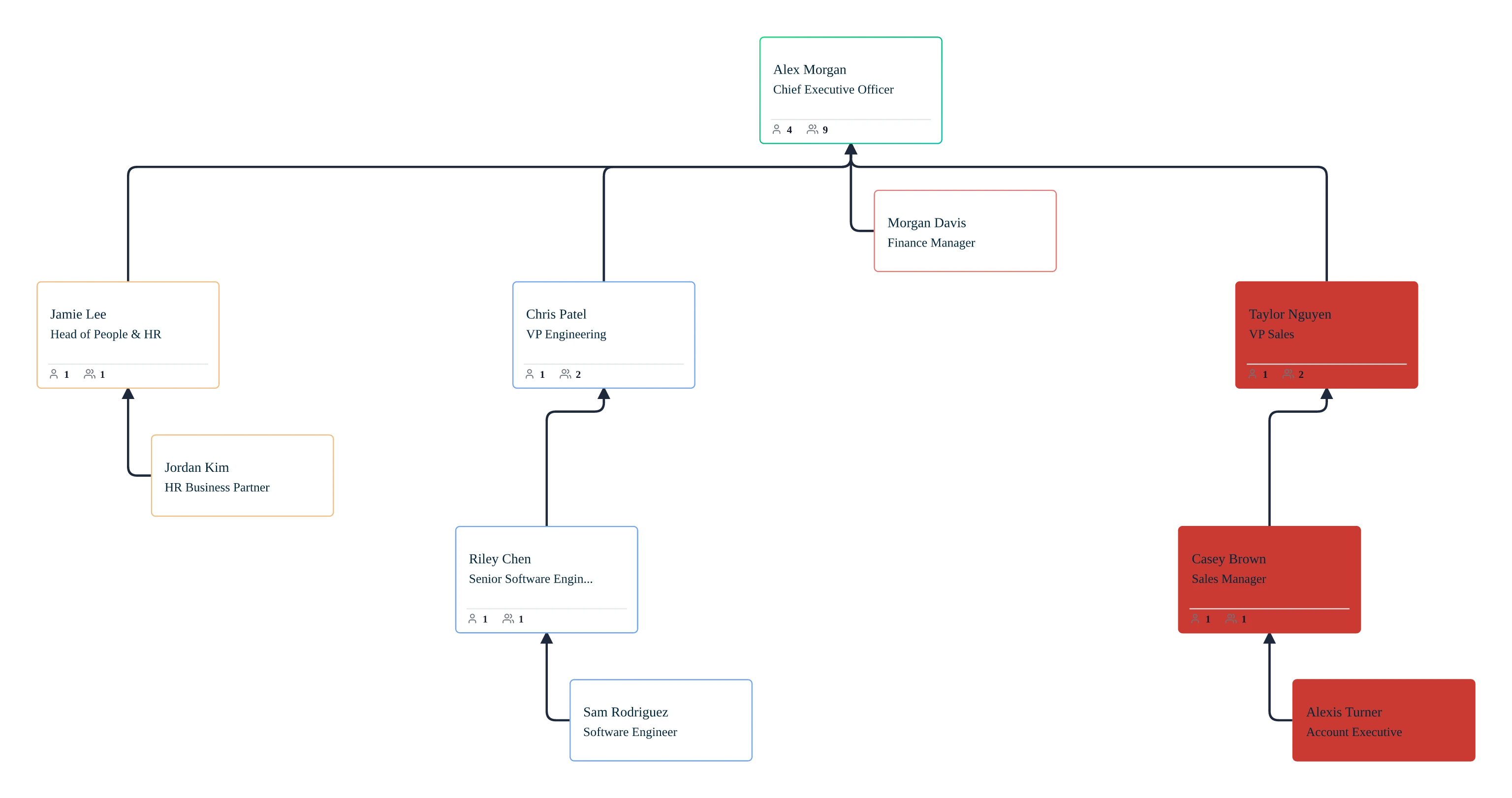
Free Org Chart Frameworks for Data-Driven HR Audits
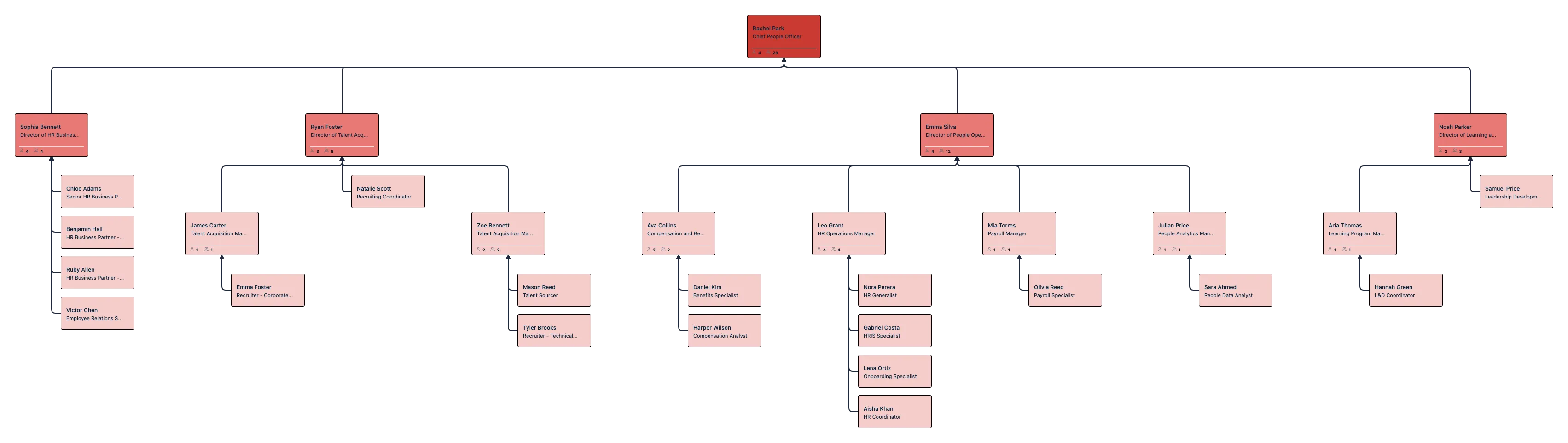
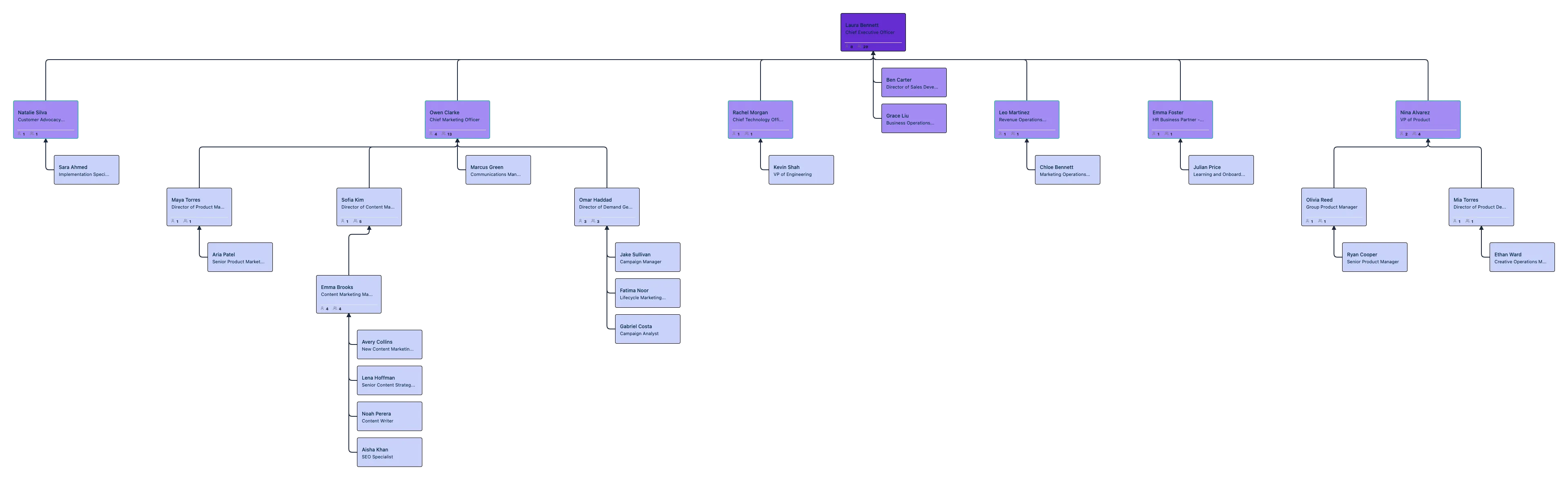

FAQs About the HR Audit Org Chart Template
What are Creately’s HR audit org chart template pricing plans?
- Free Plan — Workspace plan with usage limits
- Starter & Team Plans — Confirm current Workspace pricing and included features
- Business Plan — Confirm current pricing and Atlas feature availability
Plan requirements depend on the product, usage limits, and features your team needs. Confirm Atlas pricing and availability alongside the plans listed on the Creately Pricing Page.
How can you create HR audit org charts faster?
Are there templates for different HR audit org chart use cases?
Can teams collaborate on HR audit org charts?
Can I add notes, data, and files?
Can I share, present, or export HR audit org charts?






















