Fault Tree Analysis Template
Identify and Mitigate Risks Effectively with Fault Tree Analysis Template
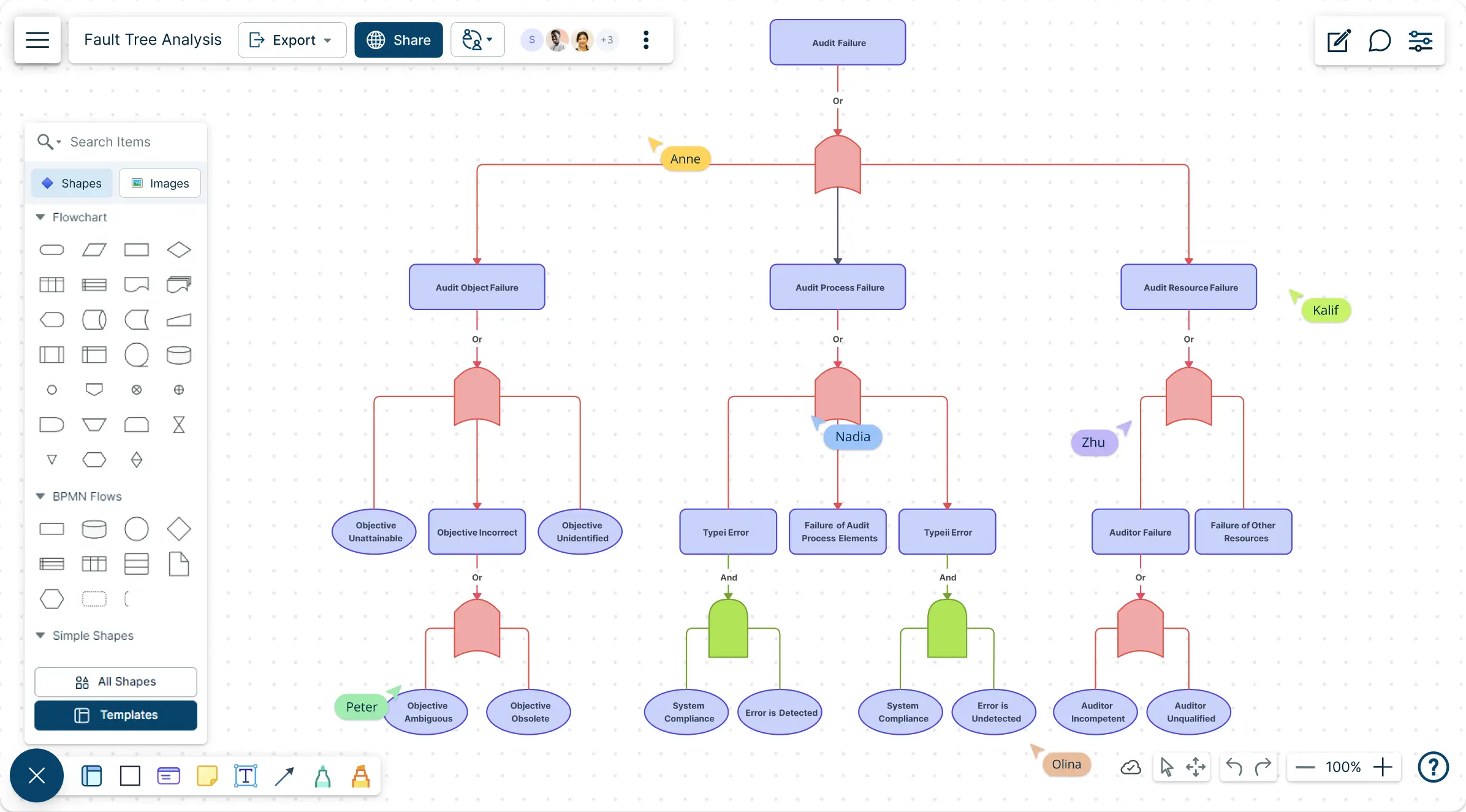
Uncover potential system failures, analyze their causes, and develop preventive measures with our Fault Tree Analysis Template. Designed to simplify risk management, this tool empowers teams to make data-driven decisions.
- Fully customizable templates to fit your specific analysis needs
- Real-time collaboration for seamless teamwork
- Comprehensive visualization tools for identifying root causes
Over 10 Million people and 1000s of teams already use Creately

Get Started Quickly with Ready-Made Fault Tree Analysis Templates
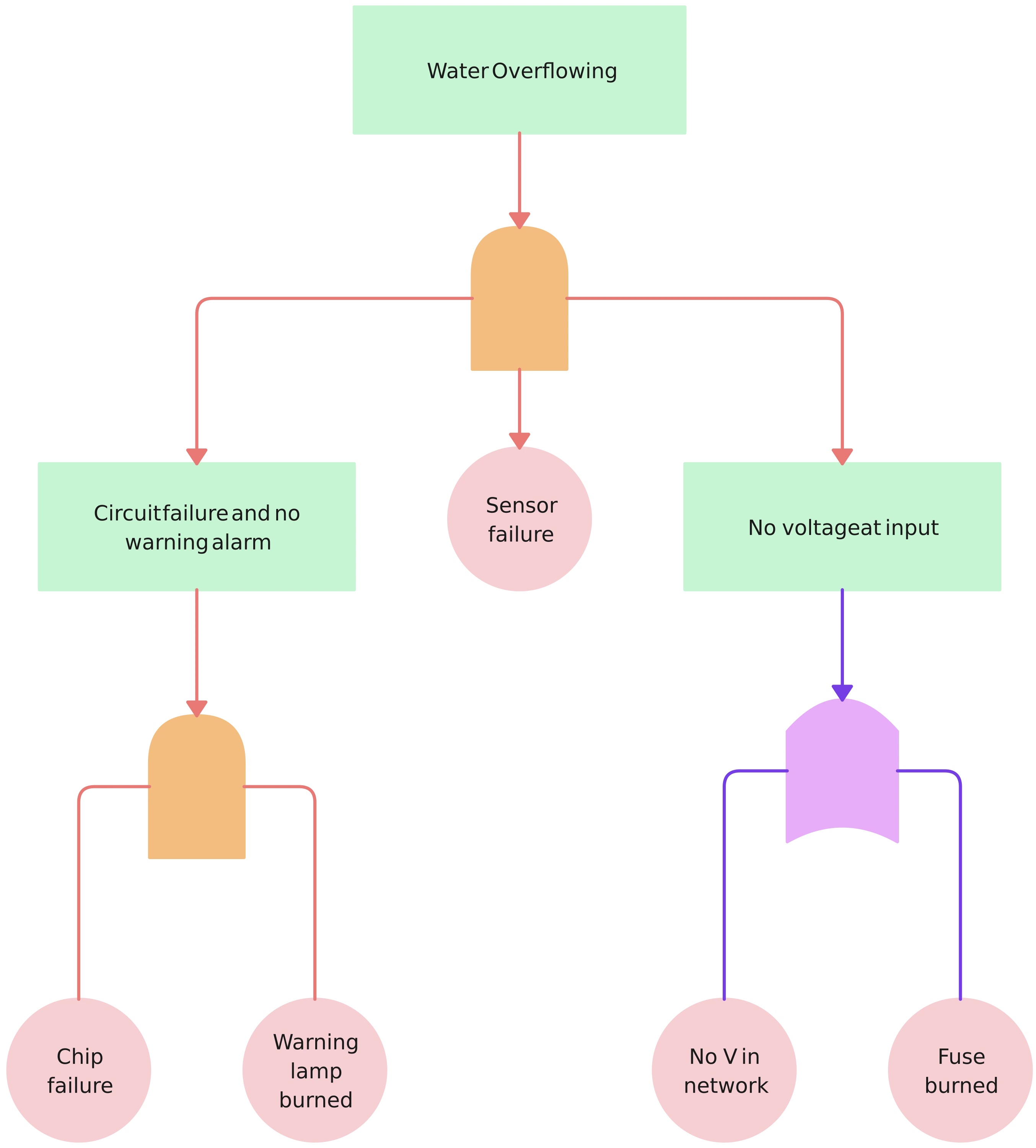
Simplify Risk Analysis with Intuitive Fault Tree Analysis Template
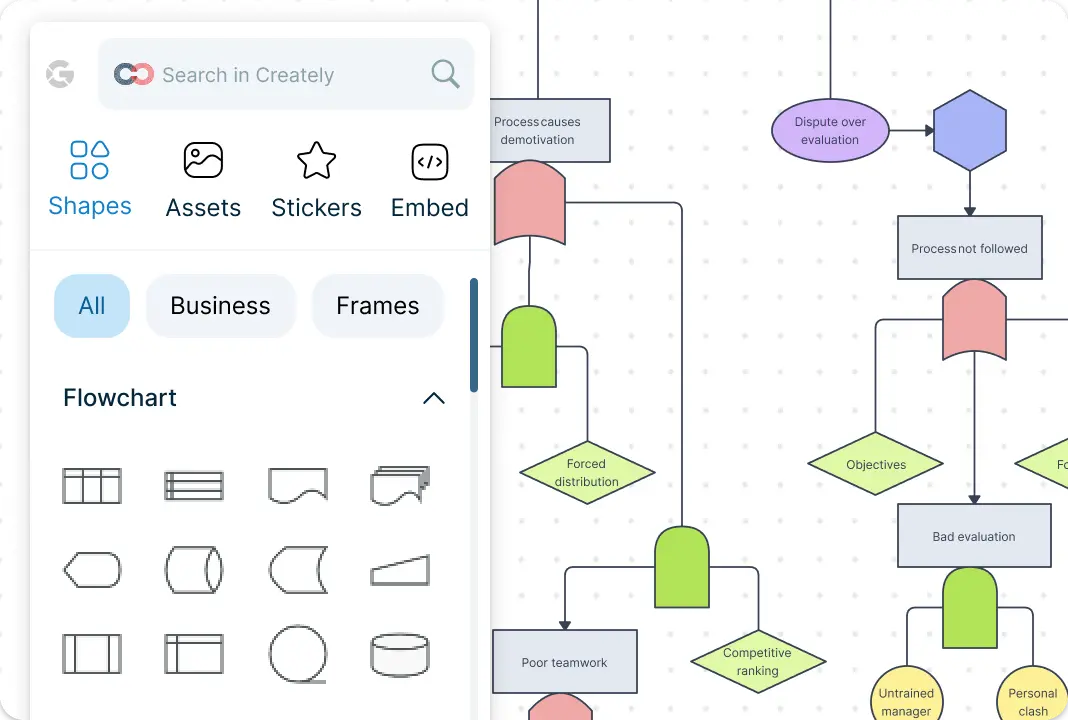
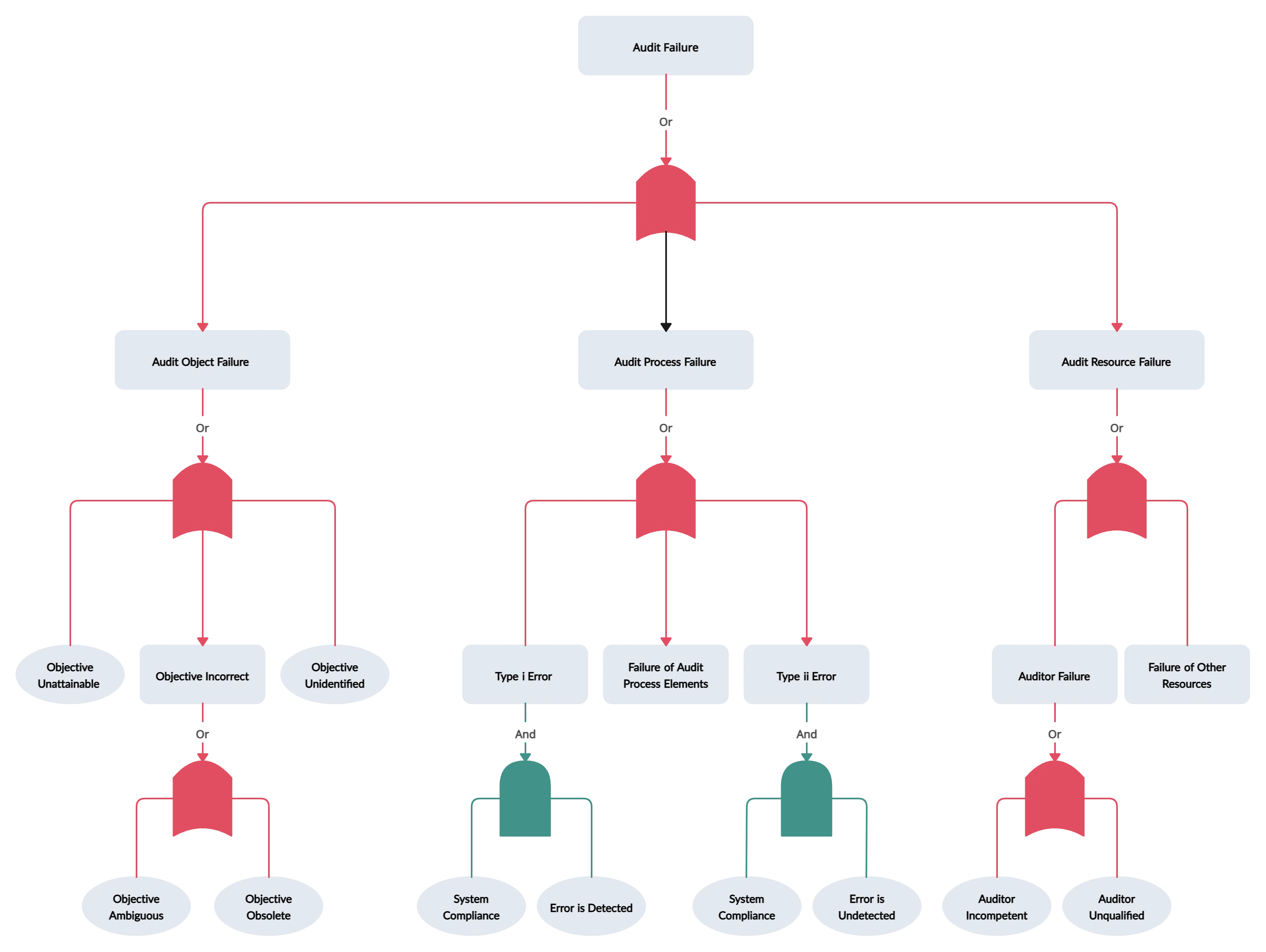
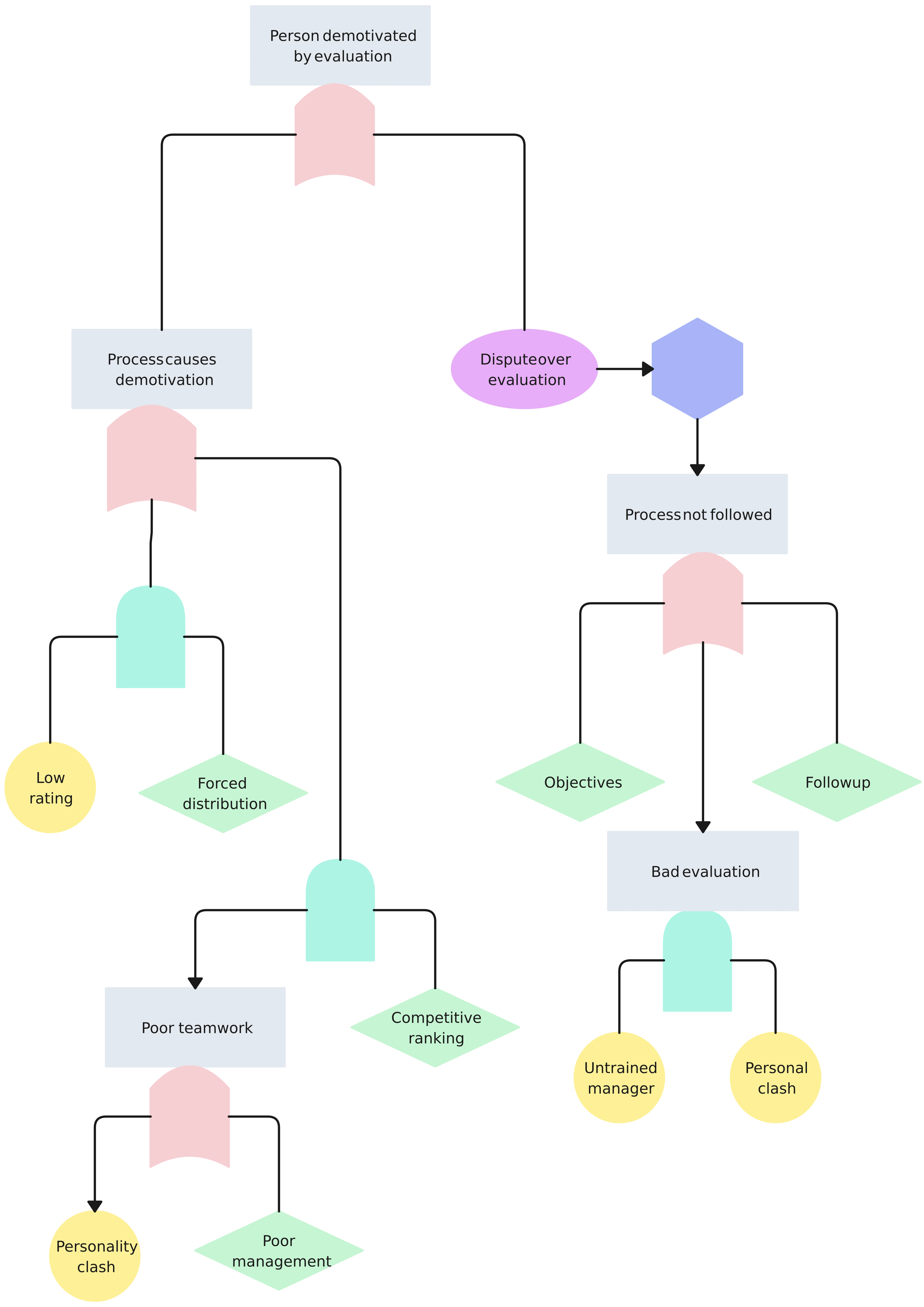
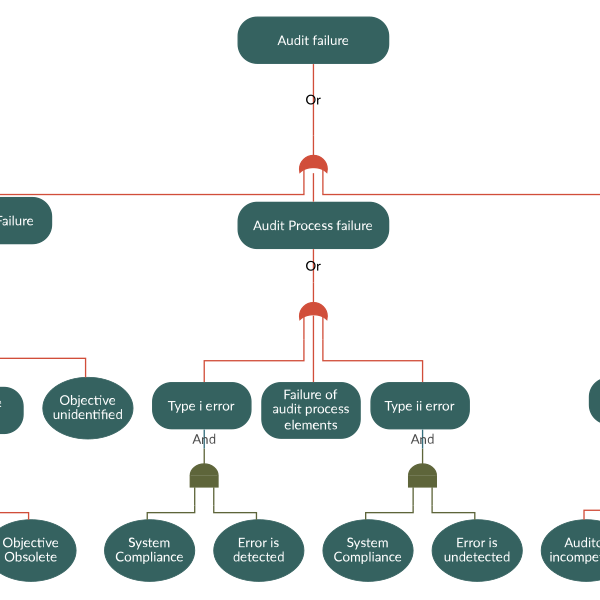
Creately’s Fault Tree Analysis Template provides a clear and concise way to map out potential failures. The infinite canvas enables you to add detailed fault logic, visualize interconnections, and structure complex systems. Attach relevant documents and resources for a comprehensive view, and customize your diagram with industry-specific icons and symbols to improve readability and focus.
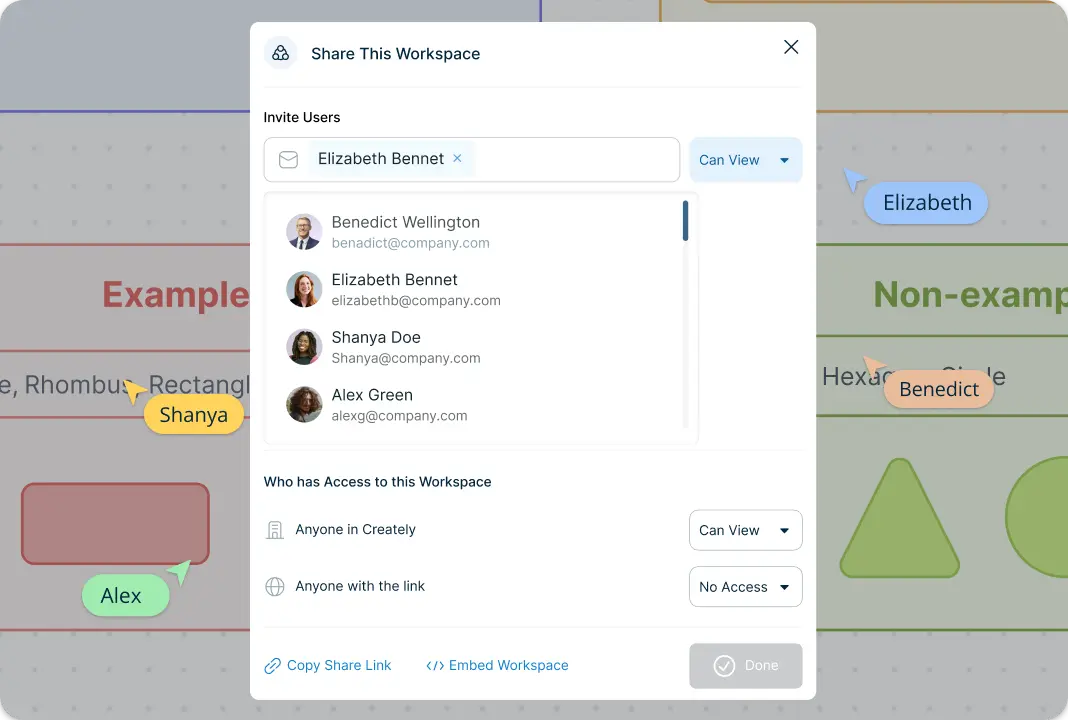
Enhance Team Collaboration for Better Risk Management with Fault Tree Analysis Template
Work together with your team to perform thorough fault tree analyses. Share the canvas securely, assign tasks, and collect inputs in real-time. Utilize Creately’s commenting and feedback tools to ensure all stakeholders are aligned, driving efficiency and reducing the risk of oversight.
Use Fault Tree Analysis Template to Identify Root Causes and Assess Risks with Precision
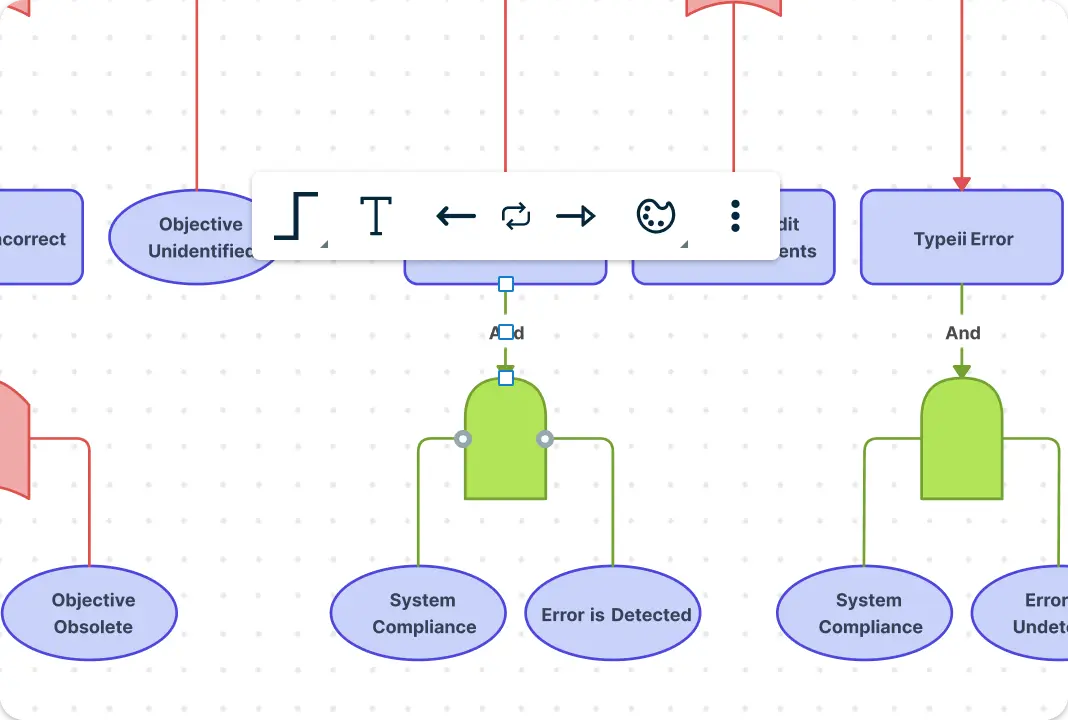
Perform detailed evaluations of potential system failures with Creately’s Fault Tree Analysis Template. Break down complex events into manageable components and analyze their relationships using industry-standard symbols and connectors. Identify root causes, evaluate their probability, and assess the impact of each failure scenario.
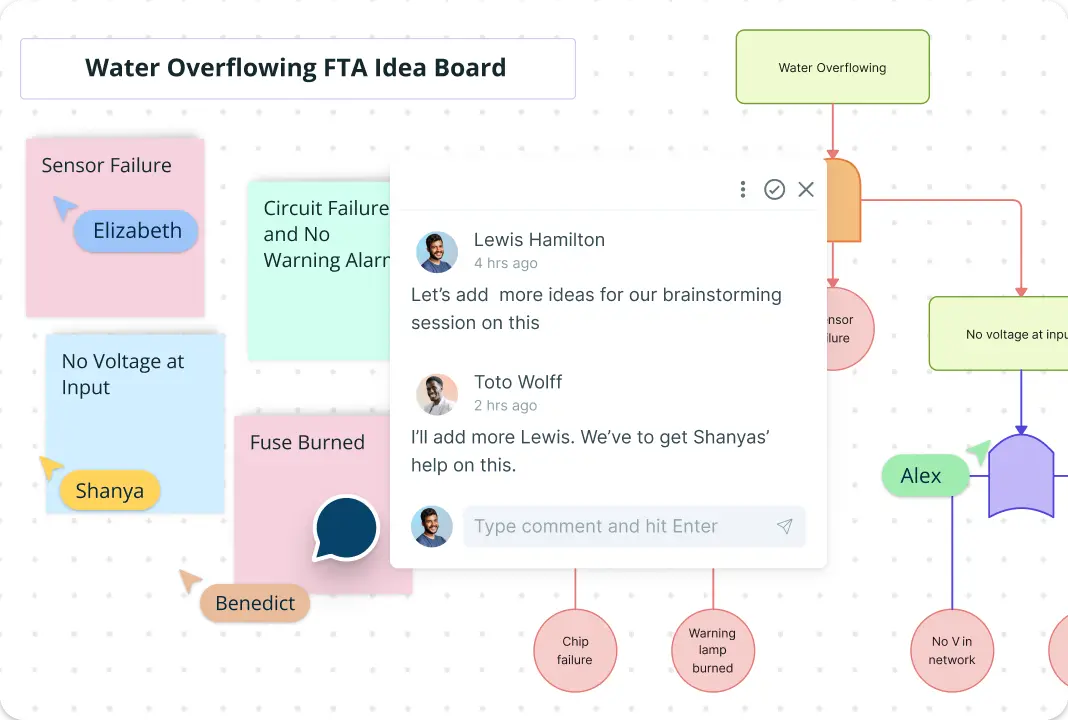
Brainstorm Solutions Using the Fault Tree Analysis Template
Transform your risk analysis sessions into productive solution-generating meetings. With features like sticky notes and drag-and-drop elements, your team can brainstorm potential fixes and preventive measures visually and interactively.
What Is a Fault Tree Analysis Template?
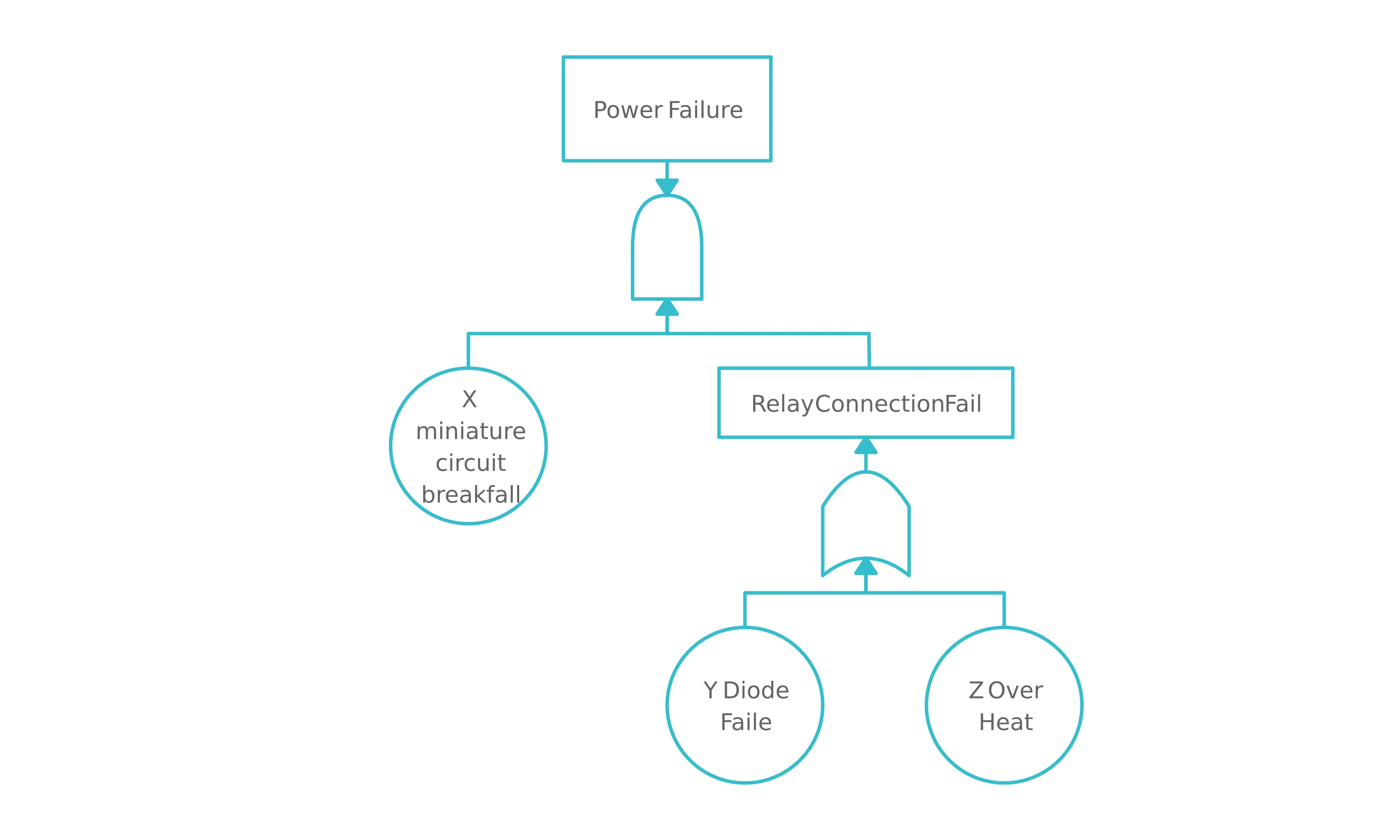
A Fault Tree Analysis Template is a specialized tool for systematically identifying and analyzing potential causes of system failures. It employs a top-down approach, breaking down complex systems into smaller, manageable components to pinpoint specific risks. By mapping out these elements, teams can prioritize issues, assess their probability, and develop strategies to mitigate risks.
This template is particularly useful in industries like engineering, manufacturing, and IT, where risk analysis is critical. Its visual format helps in identifying gaps, reducing redundancies, and ensuring all possible scenarios are considered.

How to Use Creately’s Fault Tree Analysis Template
Create a new workspace:
Start by opening Creately and selecting the Fault Tree Analysis Template. This ready-to-use structure will help you begin your risk analysis efficiently.Identify system failures:
Outline the top-level failure event and map out potential contributing factors in a logical hierarchy.Analyze root causes:
Drill down into each contributing factor to identify root causes, using symbols and connections to visualize fault logic clearly.Include relevant data:
Attach supporting documents, such as risk reports or system logs, to your template for a well-rounded analysis.Customize and organize:
Personalize the template with industry-specific symbols, colors, and annotations to highlight critical areas and improve clarity.Collaborate in real time:
Share your fault tree analysis with team members, allowing them to add insights, suggest changes, and refine the analysis collectively.Save and export:
Once your analysis is complete, save your workspace in Creately or export it as a PDF, PNG, or SVG for presentations or offline use.
Elevate Your Fault Tree Analysis with These Powerful Templates
FAQs About the Fault Tree Analysis Template
What are Creately’s fault tree analysis template pricing plans?
- Free Plan — $0/month for basic fault tree analysis creation and collaboration
- Starter & Team Plans — $8/month or $5/month billed annually
- Business Plan — $149/month or $89/month billed annually
Annual billing helps you save more while unlocking advanced collaboration, workspace management, and enhanced fault tree analysis features. You can compare all available plans and features on the Creately Pricing Page.
How can you create fault tree analyses faster?
Are there templates for different fault tree analysis use cases?
Can teams collaborate on fault tree analyses?
Can I add notes, data, and files?
Can I share, present, or export fault tree analyses?






















