Design System Template

Create Consistent, Scalable, and User-Friendly Design Systems

Build your own design system template to unify brand identity, streamline UI/UX, and accelerate workflows. Explore ready-made design system examples, libraries, and tools to guide your team from concept to launch.

Create a Design System
Generate with AI
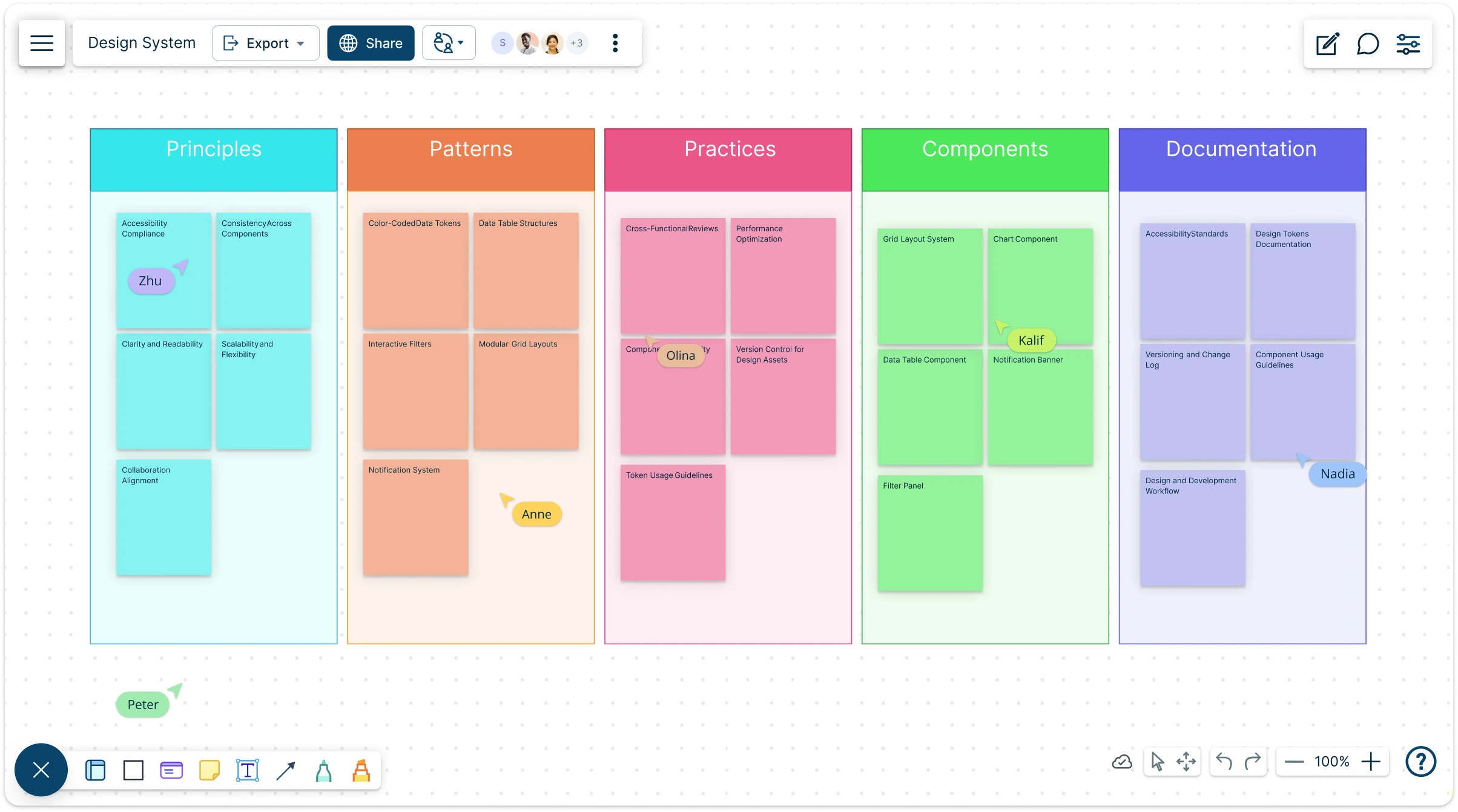
  • Ready-to-use design system templates with shape libraries and tools
  • Collaborate in real-time to build a consistent UI/UX across teams
  • Share your design system framework in multiple formats or online
Design System Template

Over 10 Million people and 1000s of teams already use Creately
lp

Design System AI Tool

Design System AI Tool

Accelerate Design System Creation with AI-Powered Assistance

  1. Start with a blank canvas or pre-built design system template
  2. Enter design principles, component ideas, or token definitions in the dialog box
  3. Click Generate with AI → let Creately structure your design system, suggest components, and auto-generate documentation
Try Creately AI

Why Teams Love Creately’s Design System AI Tools

Try AI Design System Generator
  • Save hours Faster Setup – Instantly generate foundational elements like color tokens, typography scales, and component groups.
  • Secure by design Private & Secure – Your design data is processed securely and never leaves Creately’s encrypted infrastructure.
  • Smarter suggestions Smarter Suggestions – AI recommends reusable patterns, naming conventions, and accessibility best practices.
  • Works in any language Works with Your Language – AI understands industry-specific terminology and supports multilingual teams.
  • Automated Documentation Automated Documentation – Generate style guides and design system documentation as you build—no manual work needed.

Brainstorm and Structure Design System Components
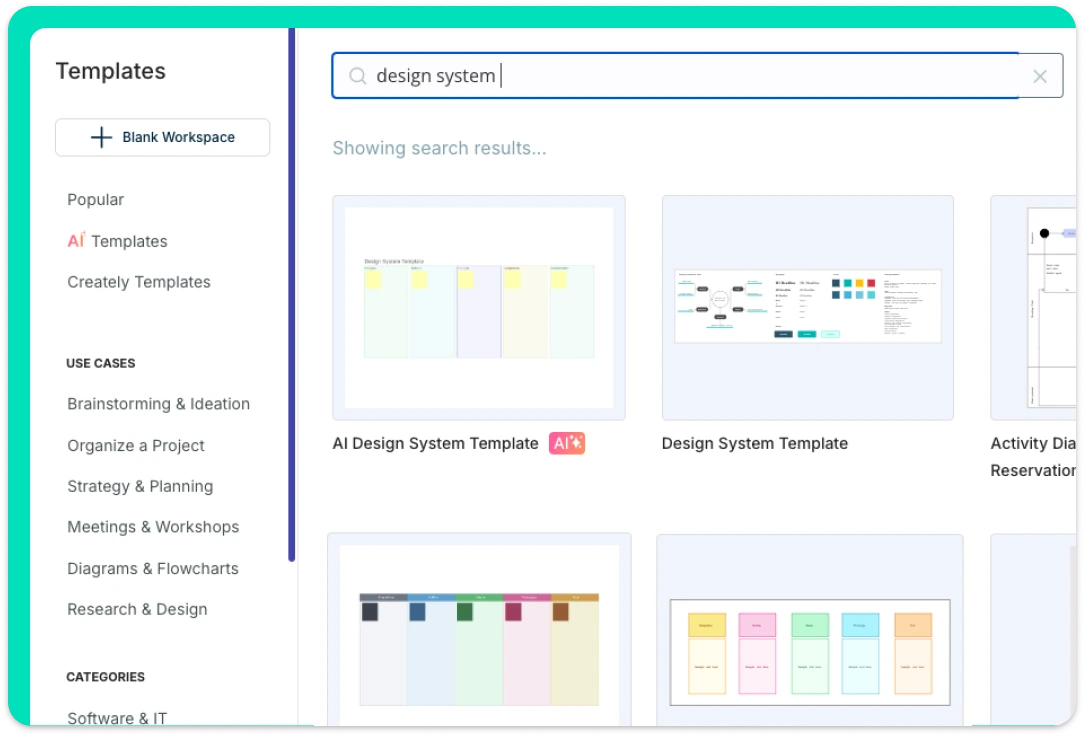
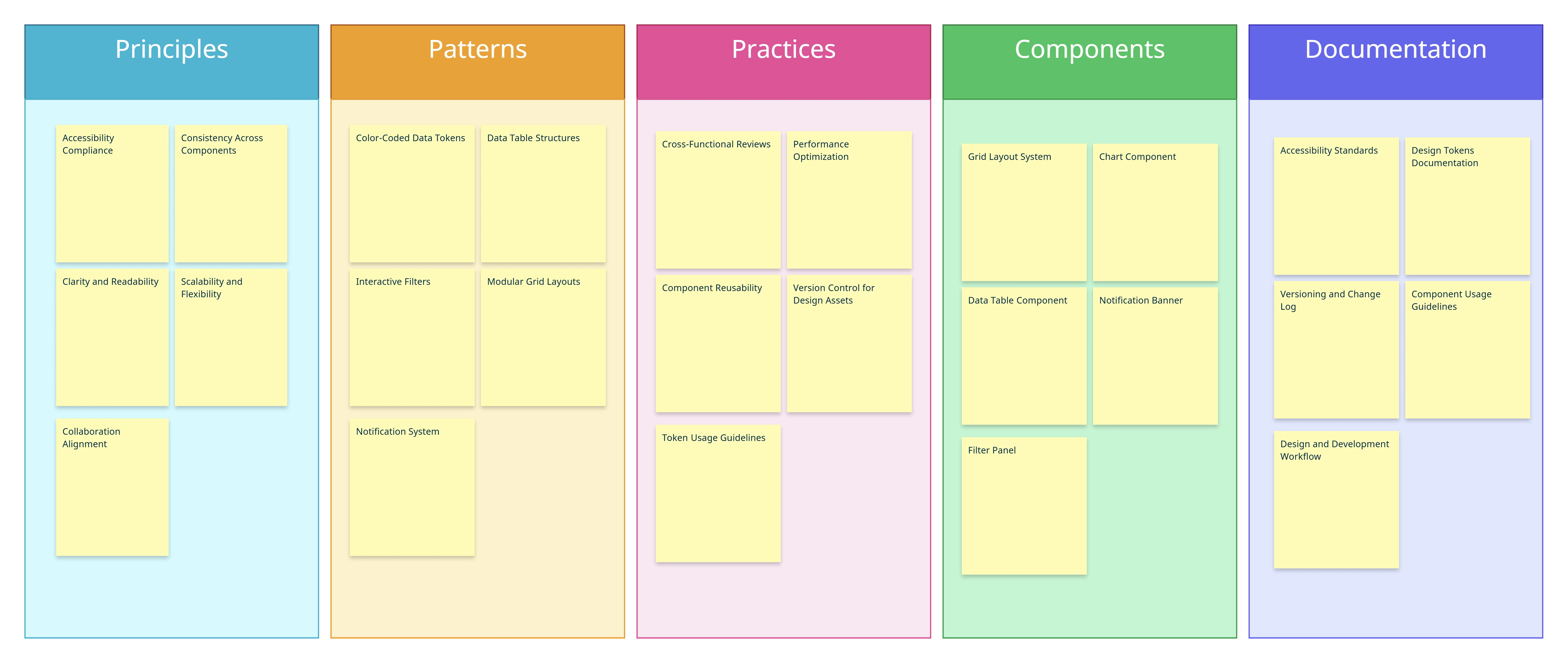
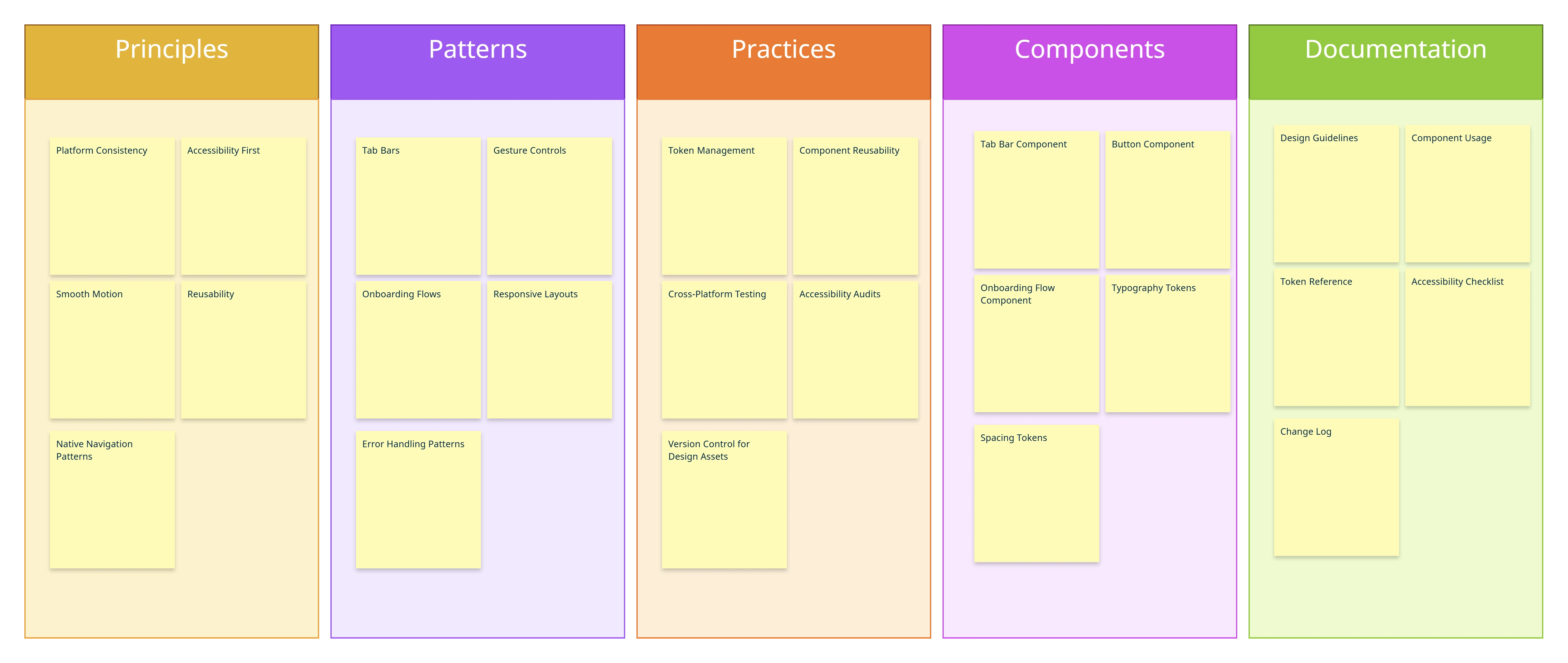
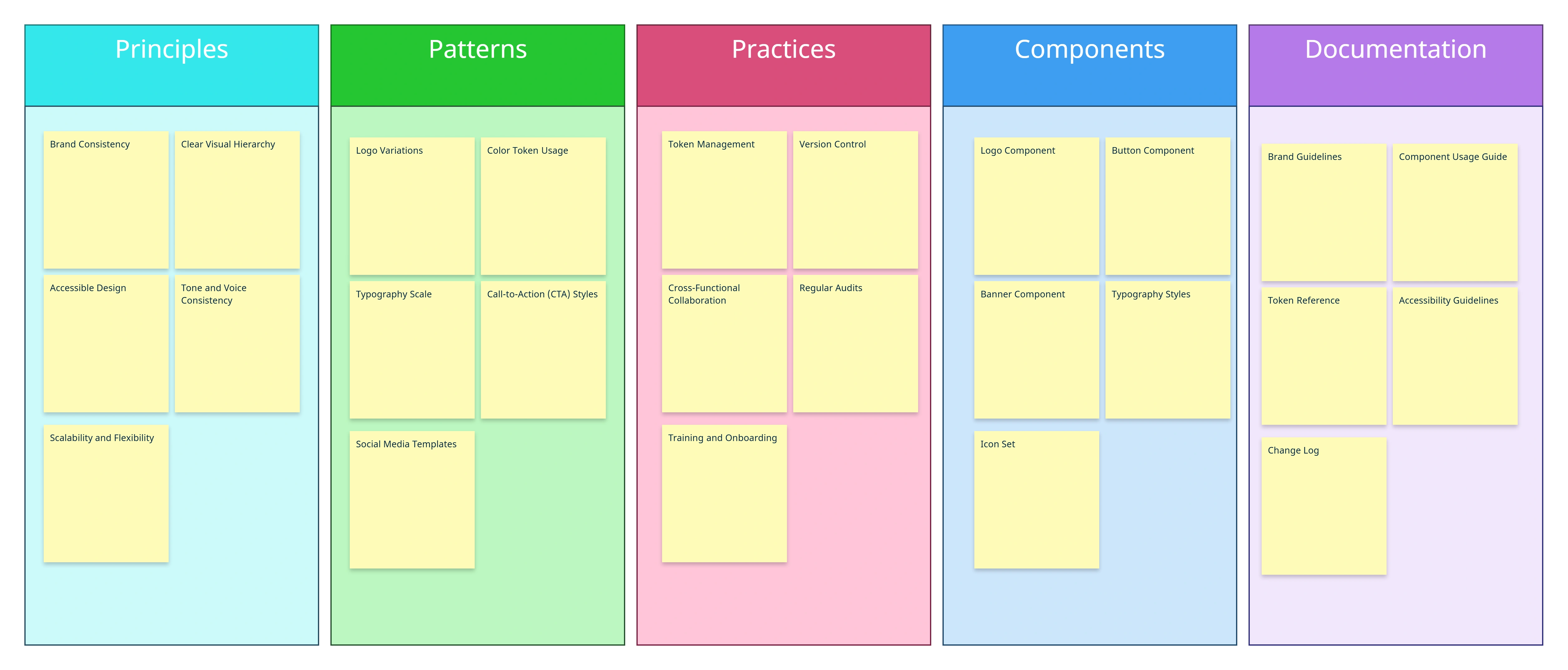
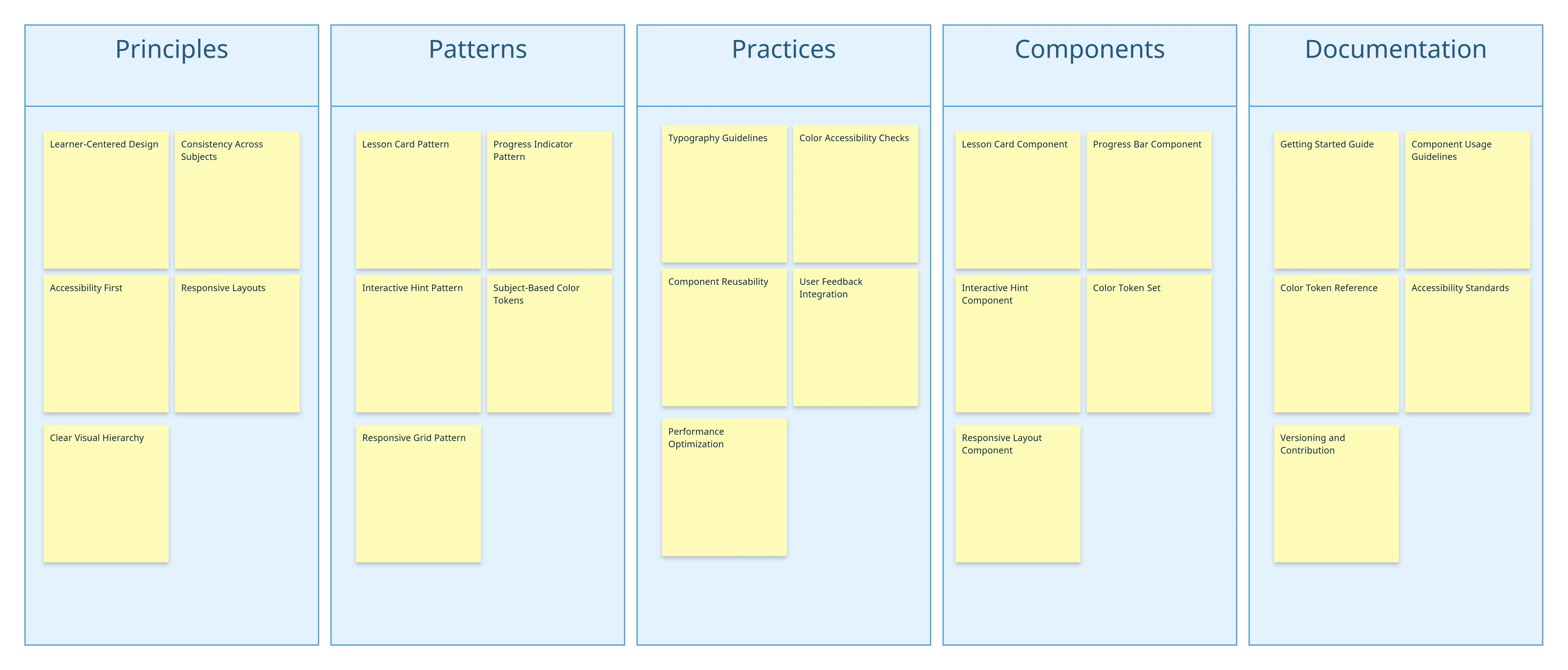
Image of Design System Templates Library in Creately

Jumpstart your design workflow by brainstorming with mind maps, sticky notes, and visual canvases. Quickly capture UI style guide elements, design grid system templates, and branding assets in one central design system framework. Explore pre-built design system examples to inspire ideas and transform early concepts into structured, reusable components that scale with your project.
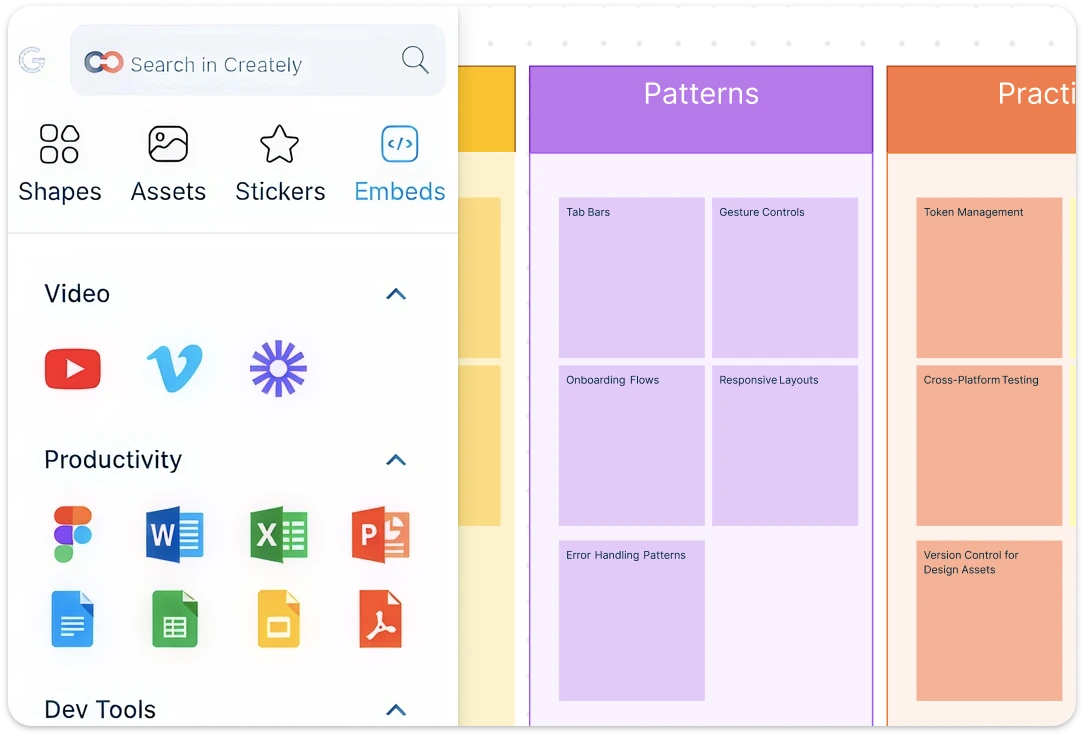
Image of Design System Templates Library in Creately
Screenshot of Creately's Design System Template Workspace

Build Clear, Scalable Design Systems with Notes, Attachments, and Embeds

Screenshot of Creately's Design System Template Workspace

Transform ideas into a complete design system with Creately’s infinite canvas and customizable shapes. Visualize brand design system elements, libraries, and UI components in one flexible space that adapts to your workflow. Add notes, attachments, and embeds directly to components, creating a single source of truth that keeps guidelines, assets, and context in one place. From website design systems to complex UI design systems, map every detail, align elements seamlessly, and ensure brand consistency across products and platforms.

Real-Time Collaboration for Design System UX
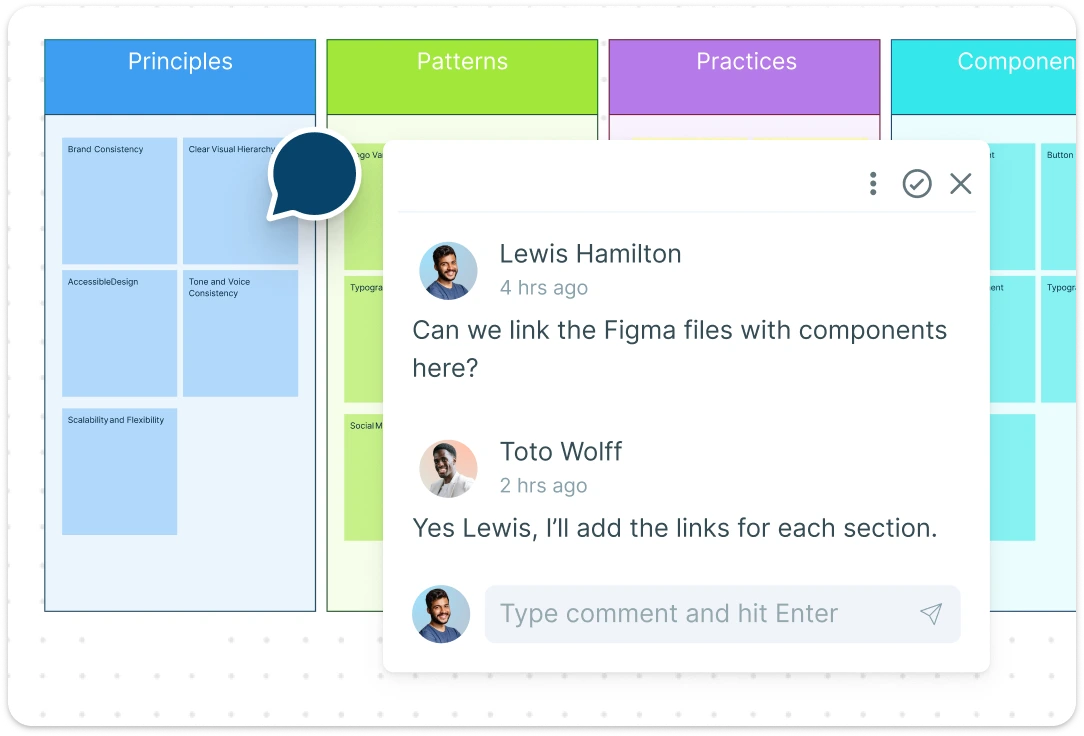
Image of users collaborating on Creately's Design System Template workspace

Work with your team in real time to refine and expand your design system. Use @mentions and contextual comments to give precise feedback, while multiple share options (email invites, access control, and secure links) keep collaboration smooth. Co-edit design system libraries, track updates, and export your work as PDF, JPEG, PNG, or SVG. Whether you need a design system to download or an online workspace, Creately ensures accuracy, scalability, and alignment across every project.

Image of users collaborating on Creately's Design System Template workspace

What Is a Design System?

A design system is a structured visual framework that helps teams create, organize, and maintain consistent UI and UX across digital products. It captures design system components, branding elements, style guides, and reusable UI patterns in one centralized space. By using a ready-made design system template, teams can quickly standardize product design systems, align design system libraries, and ensure consistency across platforms, improving collaboration, efficiency, and overall product quality.
What is a BCG Matrix Template

How to Use Creately’s Design System Template

  • Launch Creately:

    Sign in to Creately and open your workspace to start a new design system framework. Access your existing projects or begin from scratch.
  • Choose a Template:

    Select from ready-made design system templates, UI style guide templates, or design grid system templates to accelerate your workflow.
  • Customize Components:

    Drag and drop UI elements, shapes, and branding assets onto the canvas. Adjust colors, typography, and spacing to align with your brand design system.
  • Add Notes & Collaborate:

    Use sticky notes, the notes panel, and @mentions to document guidelines and collaborate in real time. Share access with teammates using email invites or access control links.
  • Review, Update & Share:

    Finalize your design system by reviewing all components. Export your template as PDF, JPEG, PNG, or SVG, or continue refining online with your team.
What Our Customers Say About Us
A Comprehensive Tool for Visual Collaboration and Diagramming
it is ease of collaborative diagramming and real-time editing. This allows teams to brainstorm, create, and refine diagrams together in a way that feels intuitive and seamless, regardless of location.
Juan Leonardo G
Efficient and User-Friendly Diagramming Tool
I love how easy it is to create and collaborate on diagrams with Creately. The real-time collaboration feature is incredibly helpful for team projects, and the extensive library of templates and shapes saves a lot of time
Aymen G
Creately provides best diagram structure.
Creately has proven to be an incredibly creative tool, enhancing the visual appeal of our company tasks significantly. Additionally, its pricing is highly competitive, offering great value for the features it provides.
Ruchika N
Great AI features
AI Modelling capability. It gives Prompt examples so user can learn how to create effective prompts
Karma A.
User friendly and visually appealing!!
The interface is easy to use. The look is aesthetically pleasing as well. Love the functionality.
Chrisoula

FAQs About Design System Template

What are Creately’s design system template pricing plans?

  • Free Plan — $0/month for basic design system creation and collaboration
  • Starter & Team Plans — $8/month or $5/month billed annually
  • Business Plan — $149/month or $89/month billed annually

Annual billing helps you save more while unlocking advanced collaboration, workspace management, and enhanced design system features. You can compare all available plans and features on the Creately Pricing Page.

How can you create design systems faster?

Creately helps you create design systems faster with an infinite canvas, drag-and-drop diagramming, smart connectors, and professionally designed templates. You can start with a ready-made layout or build from scratch, then collaborate and refine everything in one shared workspace.

Are there templates for different design system use cases?

Yes. Creately offers editable templates for different design system use cases, so you can start with a relevant structure and customize it to match your workflow, team, or project requirements.

Can teams collaborate on design systems?

Yes. Teams can work together on the same design system in real time using live cursors, comments, mentions, and shared workspaces. This makes reviews faster and keeps everyone aligned.

Can I add notes, data, and files?

Yes. Creately lets you enrich your work with notes, links, images, documents, and additional context attached directly to shapes and items on the canvas. This helps you keep supporting information connected to the visual.

Can I share, present, or export design systems?

Yes. You can share design systems with a link, present them directly from the workspace, or export them in formats like PDF, PNG, SVG, and JPEG. This makes it easy to use Creately in meetings, documentation, reviews, and presentations.
Streamline Your Workflows by Integrating with the Tools You Love
Creately integrates with the tools your teams use every day and supports your team’s workflow seamlessly.
Github
Microsoft
Google Drive
Google Sheets
Google Docs
Google Slides
Confluence
Why Are Creately Templates Better for Design Systems?
Creately offers pre-built design system templates with a visual-first approach to organizing components, documenting standards, and ensuring consistency across teams and platforms.
Why Are Creately Templates Better for Design Systems?
Infinite Visual Canvas
Real-Time Collaboration
Custom Databases
Data Driven Docs
Professional Diagramming
Project & Task Management
Enterprise Grade Security
Powerful Visual Modelling

G2
Atlassian
GetApp
Capterra
Software Advice
Trust Radius

24/7 Live Support

Live in-app chat support

Sign up for a free account today.
banner-img