Tree Diagram Maker
Visualize Complex Ideas Instantly with a Tree Diagram
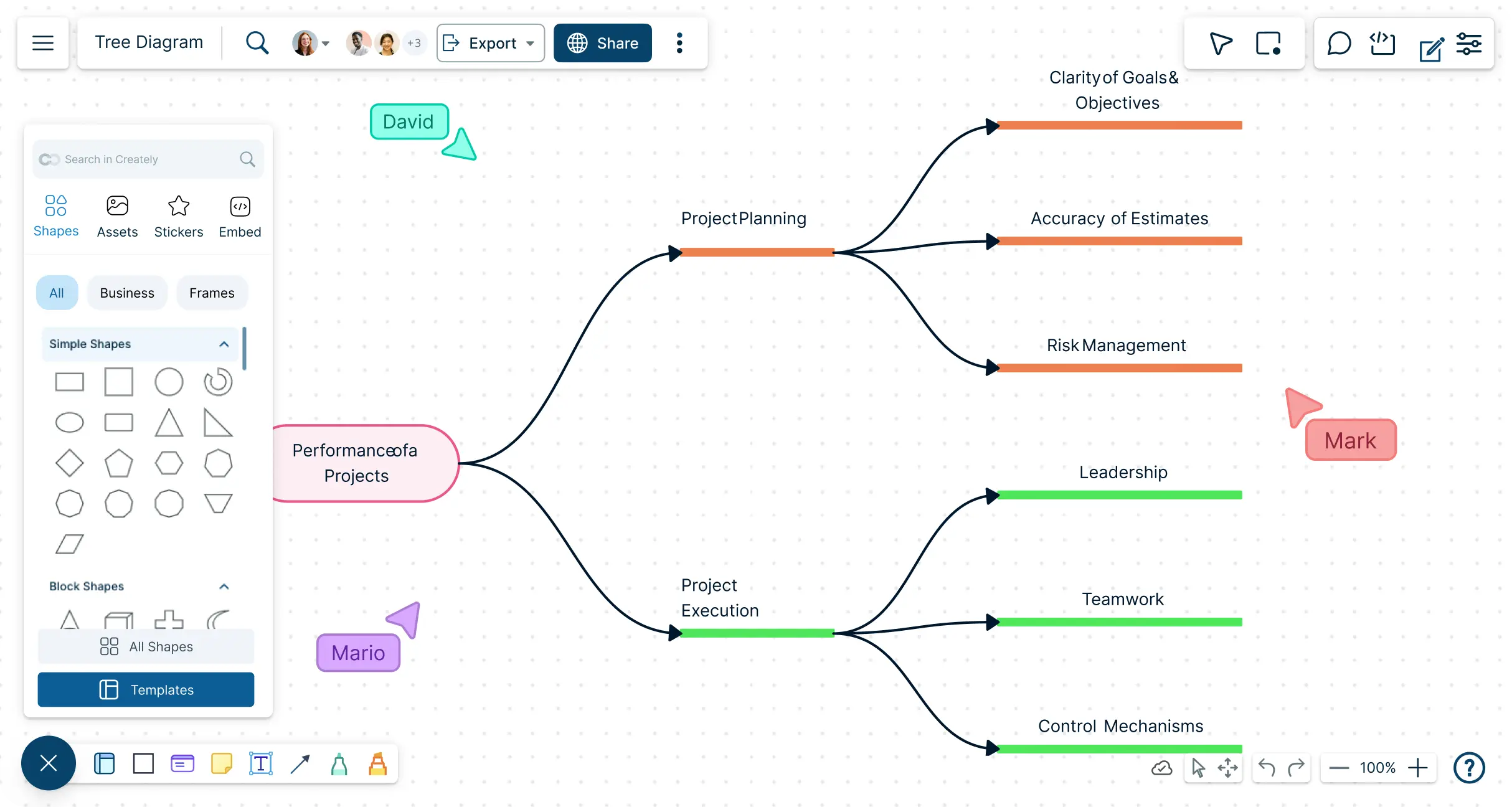
Transform complicated data into clear, easy-to-understand hierarchical data visualization with Creately’s intuitive online tool. Create, edit, and share professional decision analysis tree diagrams in minutes.
Infinite canvas to easily map complex ideas without limits
Collaborate in real-time with your team anywhere online
Export diagrams quickly as PDF, SVG, PNG, or JPEG




 Diagramming Visual Collaboration Org Chart


Create Tree Diagrams Online Instantly with Intuitive Visual Tools
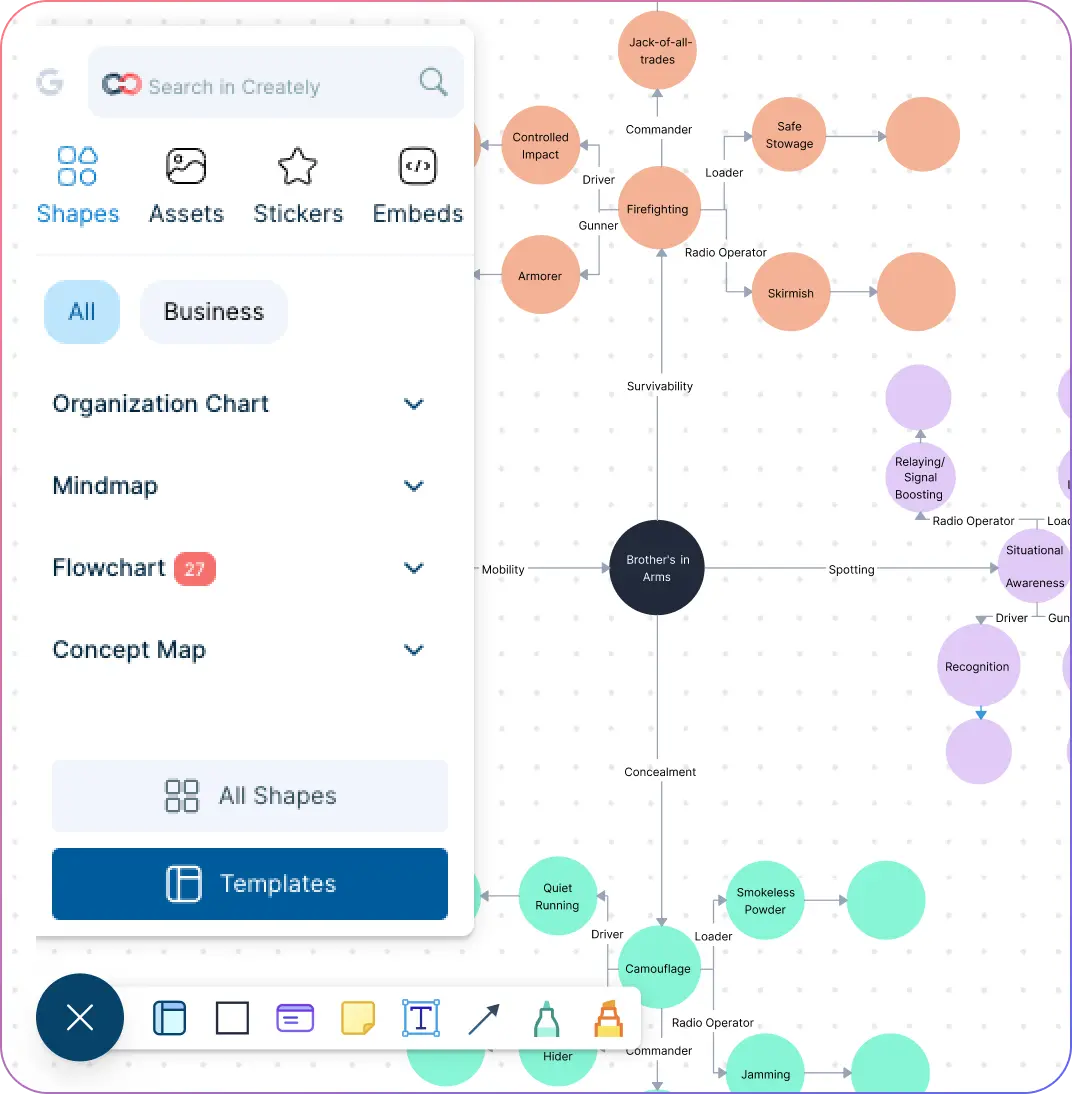
Build clear hierarchies and tree diagrams on an infinite canvas with no space limits.
Access a comprehensive library of shapes designed for decision trees, family trees, org charts, and more.
Quickly drag and drop shapes to structure your ideas without manual drawing.
Get started faster with pre-built templates and intuitive diagramming tools such as smart connectors that make professional diagramming easy.
Generate Tree Diagram Insights with Centralized Documentation
Perfect for mapping root-cause analysis, org charts, or project dependencies.
Keep all your project information in one place with centralized documentation.
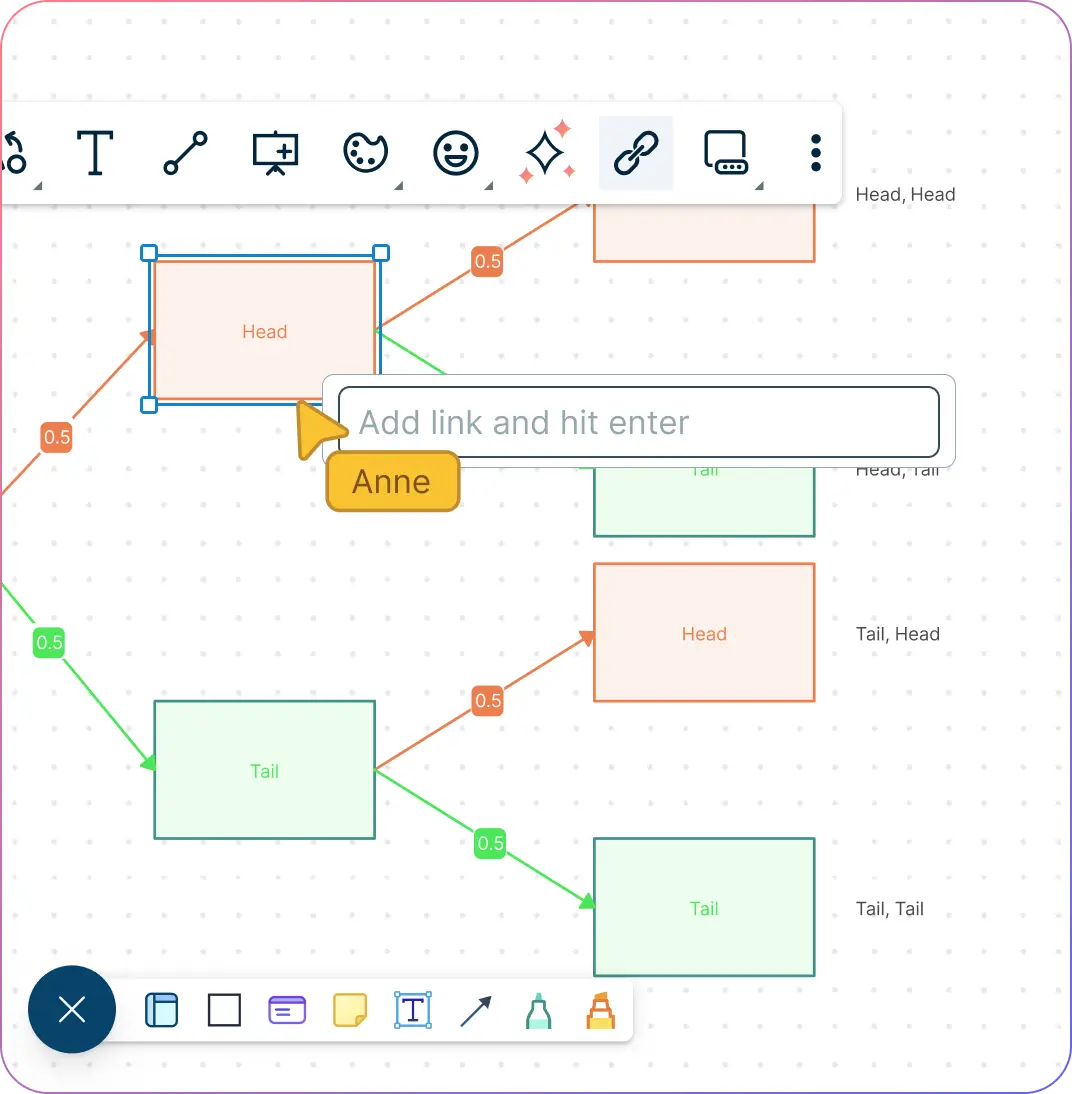
Link related diagrams and supporting documents to provide contextual depth for better decision-making.
Explore multi-level hierarchies easily, ensuring complex relationships are always clear.
Enhance Tree Diagrams with Links, Multimedia & Integrations
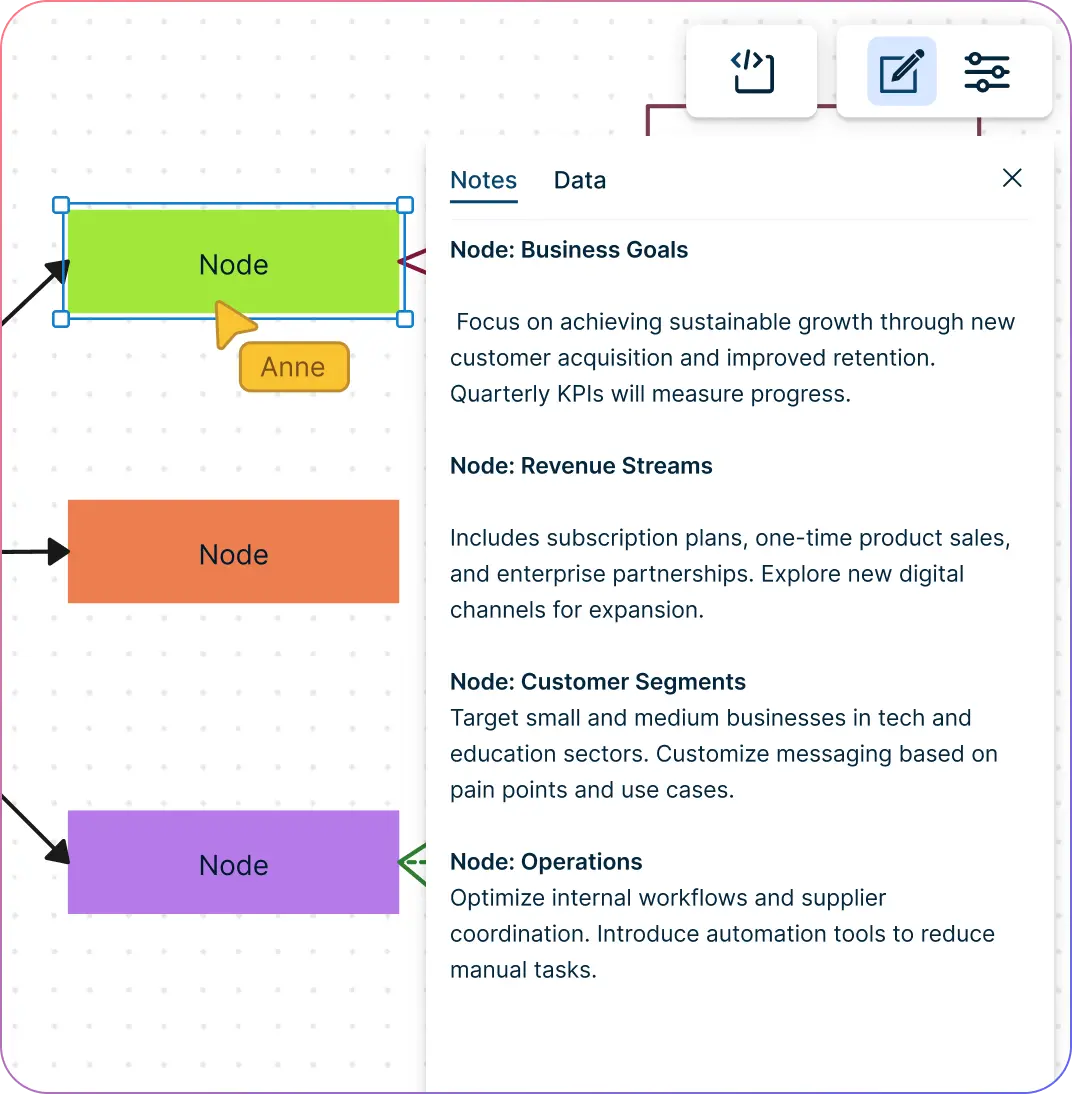
Add notes, links, images, or videos directly to your tree diagrams for deeper context.
Track changes with version history to never lose edits or updates.
Integrate seamlessly with Jira, GitHub, and other tools to embed your tree diagrams in presentations, websites, or LMS platforms.
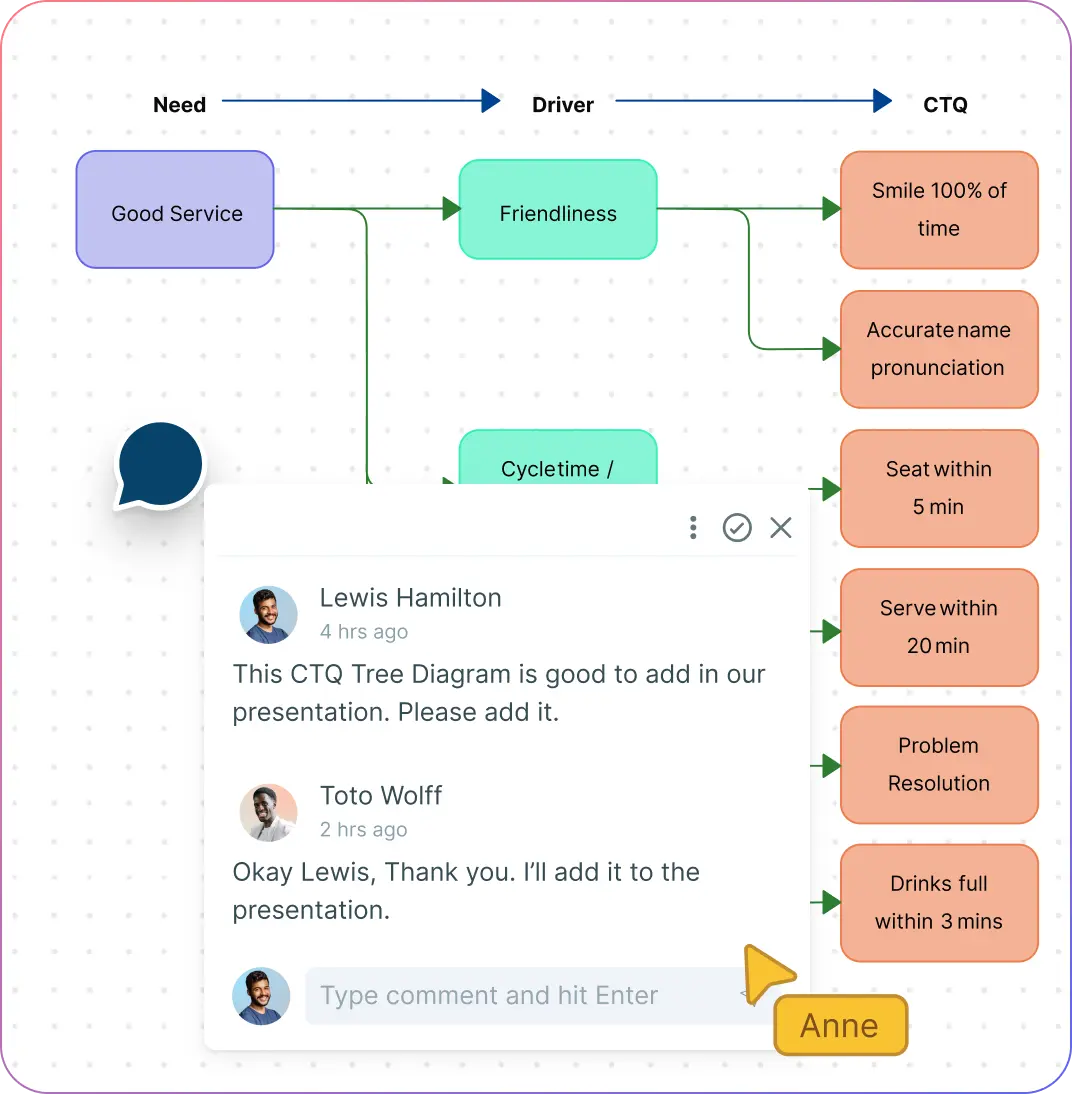
Make Online Tree Diagrams Together with Real-Time Collaboration
Collaborate effortlessly with @mentions, multiple cursors, and contextual comments.
Control access with secure sharing and permissions, ensuring only the right people can edit or view.
Turn static trees into dynamic discussions and enable teams to make decisions faster without losing alignment.
What Is a Tree Diagram?
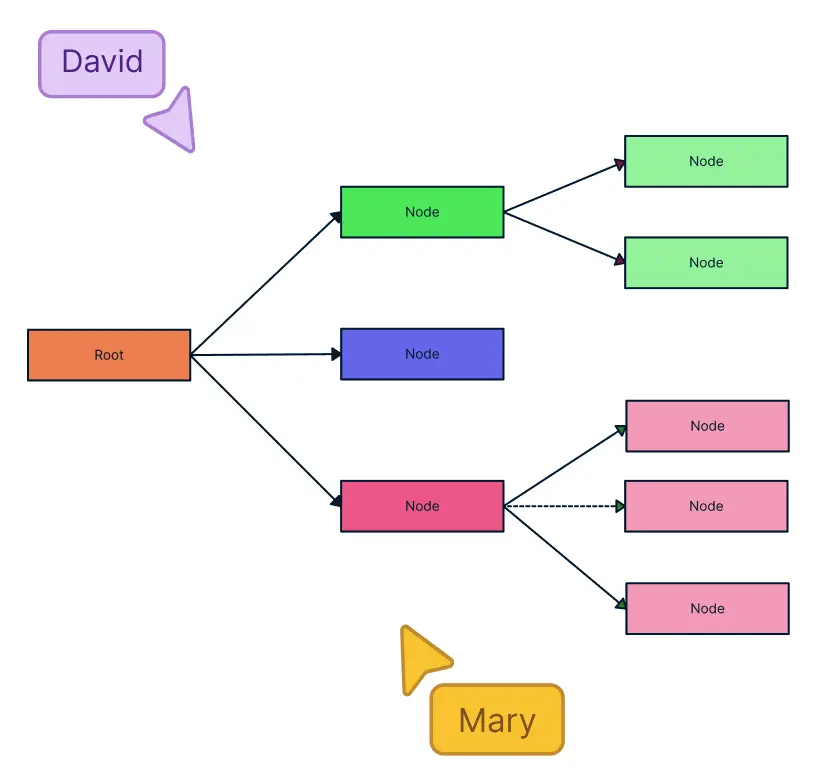
How to Use Creately’s Tree Diagram Maker
Launch Creately
Sign in to your Creately account and open a new or existing workspace. Start from scratch or choose a tree diagram template to get a head start.
Add and Customize Shapes
Drag and drop shapes from the comprehensive library to build your tree diagram. Adjust colors, sizes, and labels to match your project needs.
Use Notes and Multimedia
Add context with the notes panel, sticky notes, images, or links to enrich your diagram and provide deeper insights.
Collaborate in Real Time
Work together with team members using @mentions, multiple cursors, and contextual comments. See updates instantly and maintain version control.
Review, Update, and Share
Check your diagram, make adjustments as needed, and share it securely with others. Export your tree diagram as PDF, SVG, PNG, or JPEG for presentations, reports, or online use.
Create a Tree DiagramJumpstart Your Project with Ready-to-Use Tree Diagram Templates

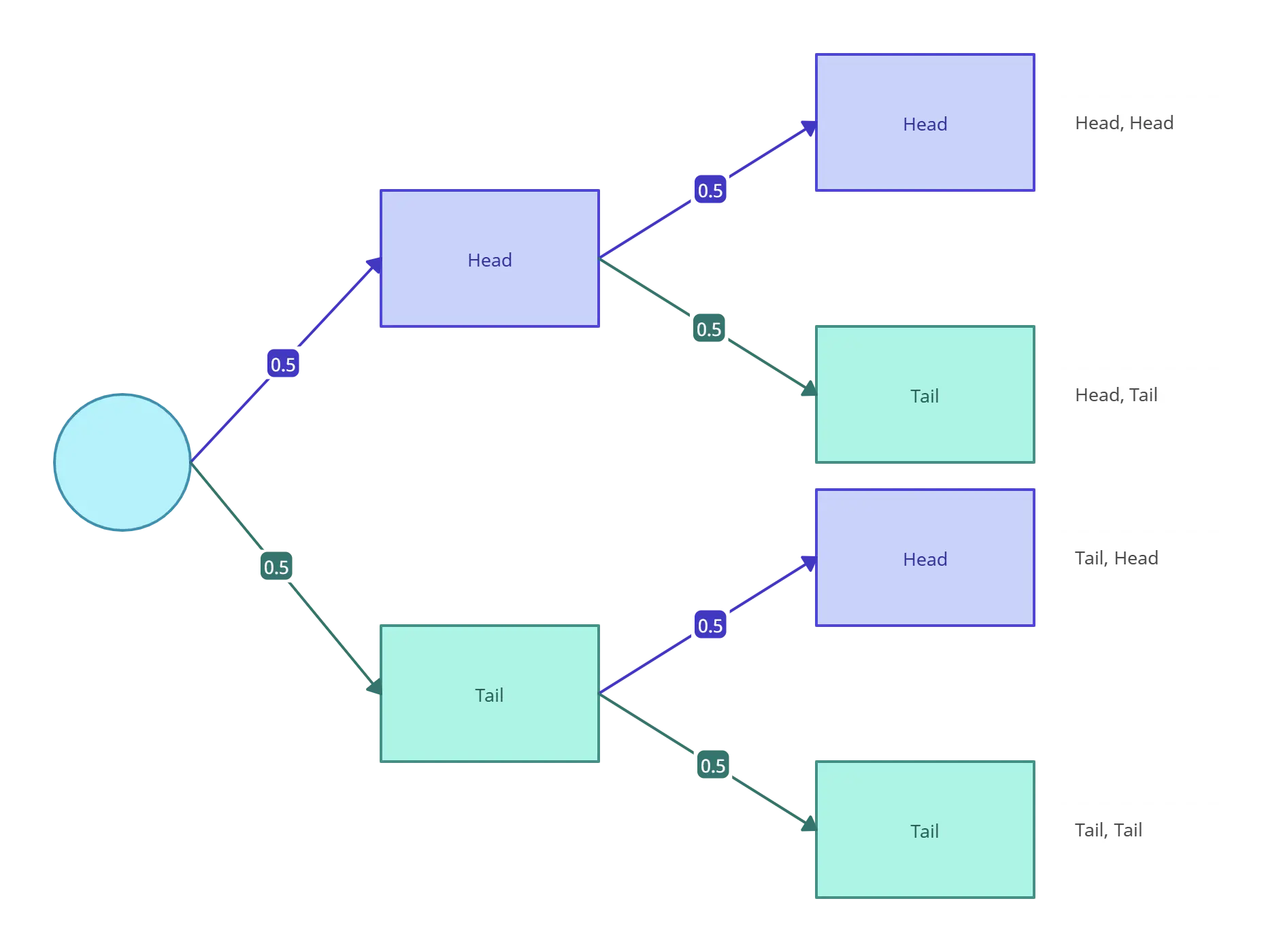

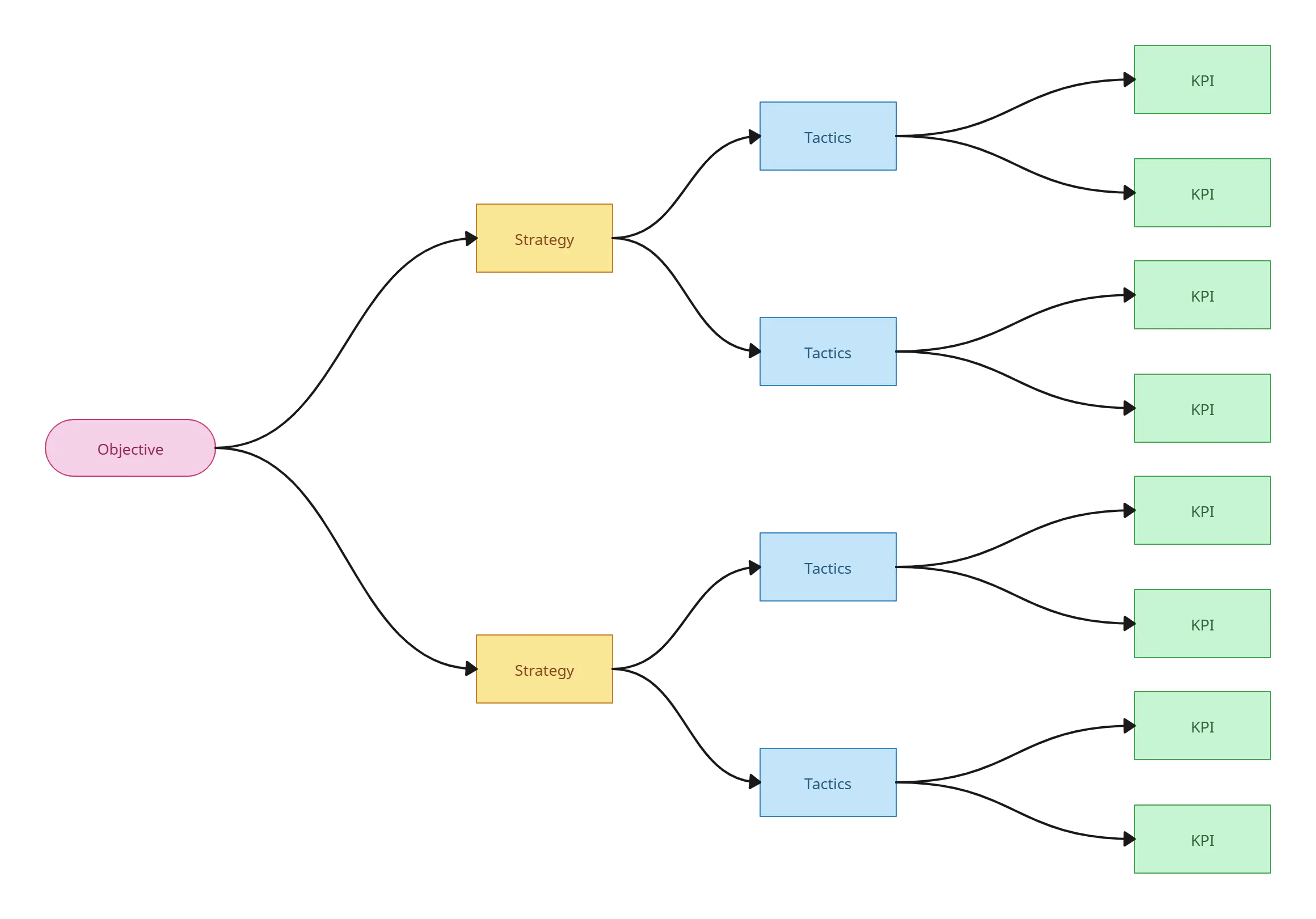
FAQs About the Tree Diagram Maker in Creately
What are Creately’s tree diagram maker pricing plans?
- Free Plan — $0/month for basic tree diagram creation and collaboration
- Starter & Team Plans — $8/month or $5/month billed annually
- Business Plan — $149/month or $89/month billed annually
Annual billing helps you save more while unlocking advanced collaboration, workspace management, and enhanced tree diagram features. You can compare all available plans and features on the Creately Pricing Page.
How can you create tree diagrams faster?
Are there templates for different tree diagram use cases?
Can teams collaborate on tree diagrams?
Can I add notes, data, and files?
Can I share, present, or export tree diagrams?






















