Alternative to SmartDraw
SmartDraw vs.Creately
Experience how Creately revolutionizes diagramming with user-friendly features that enhance collaboration and drive innovation, making your workflow more efficient and effective. Compare its collaboration workflow with your team’s requirements.
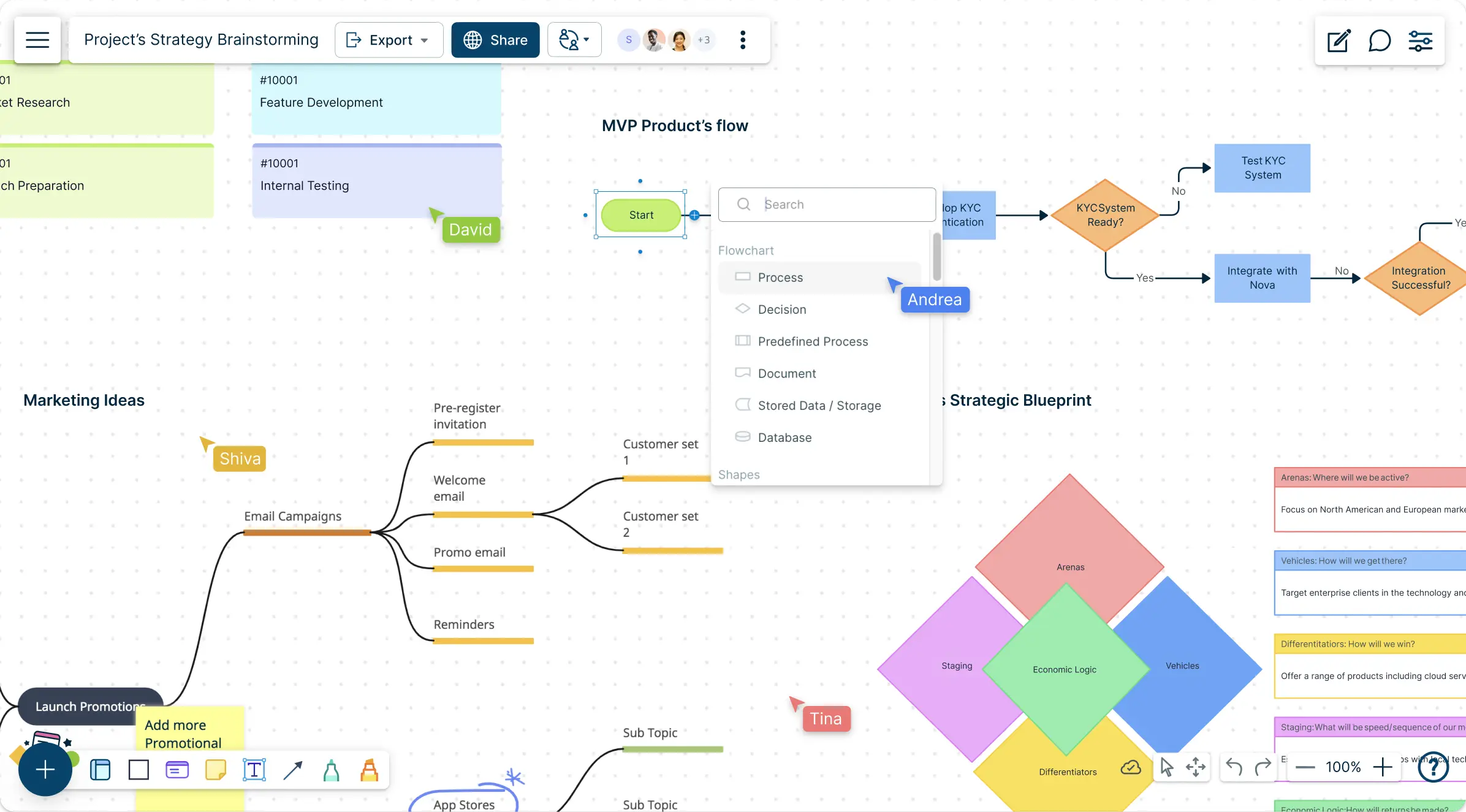
- Work together seamlessly with team members from anywhere
- Choose from hundreds of pre-built templates for various diagrams
- An intuitive interface that simplifies diagram creation

 Test the editing workflow with a representative diagram Intuitive and user-friendly drag-and-drop design Wide variety of diagram types Extensive range of diagram types including flowcharts and mind maps Supports collaboration; confirm the workflow and plan Real-time collaboration with team members Integrates with MS Office, and Google Workspace Integrates with Slack, MS Teams, Confluence and more Large selection of templates available A repository of templates that is continuously updated Offers a free trial; subscription-based pricing Flexible pricing with a free tier Confirm supported data sources and refresh behavior Supports linking data to diagrams Test required shapes, styles, and layouts High level of customization with an intuitive interface with drag-and-drop functions Confirm presentation and export options for your workflow Built-in presentation mode for easy sharing Cloud storage with easy access Cloud-based, but requires a subscription for full features
Over 10 Million people and 1000s of teams already use Creately
Diagramming with Templates and Editing Shortcuts
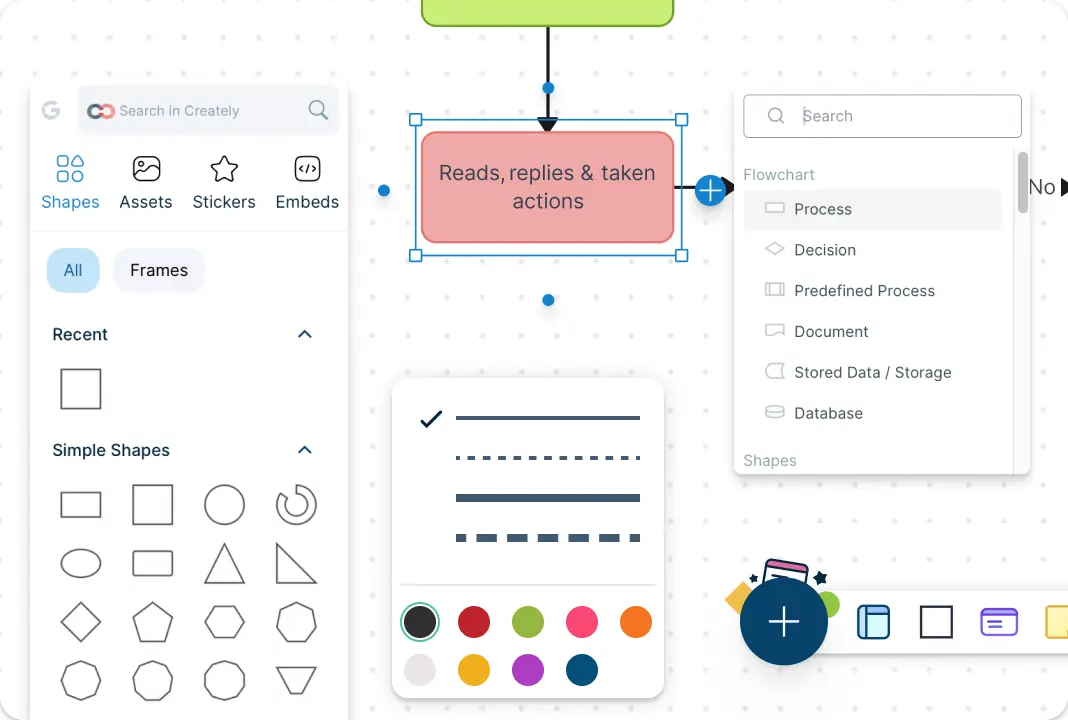
SmartDraw supports org-chart templates and formatting tools. Creately offers another workflow to evaluate using your team’s diagrams and editing requirements.
With a modern UI and purpose-built shape libraries, Creately simplifies diagramming through Plus Create, intelligent shortcuts, contextual toolbars, and preset color themes and styles. Test these controls with the diagrams your team creates most often.
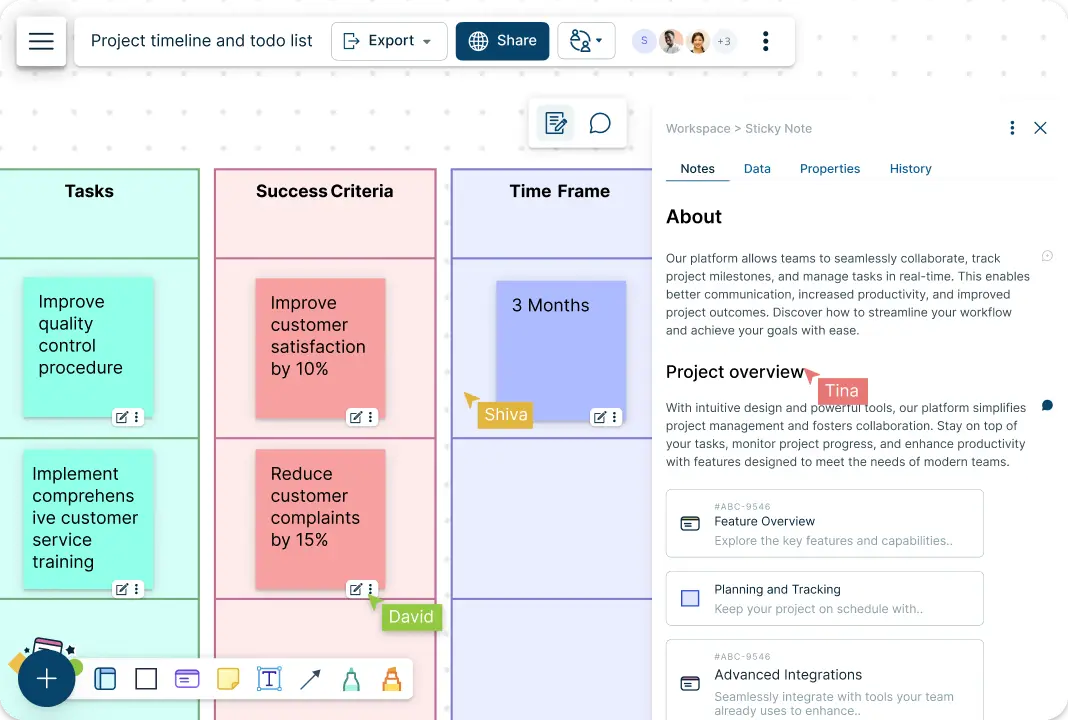
Go From Visualization to Execution on One Platform
Review SmartDraw’s collaboration options against your team’s sharing and editing requirements. Test the integrations needed to connect diagrams with your other work.
Creately stands out as a complete alternative to SmartDraw, allowing users to manage the entire workflow, from conceptualization to execution, on one platform. Creately enables users to simplify project tasks and workflows, seamlessly integrating visualization and execution without needing to switch between different tools.
Do More with Creately's Data-Powered Visual Platform
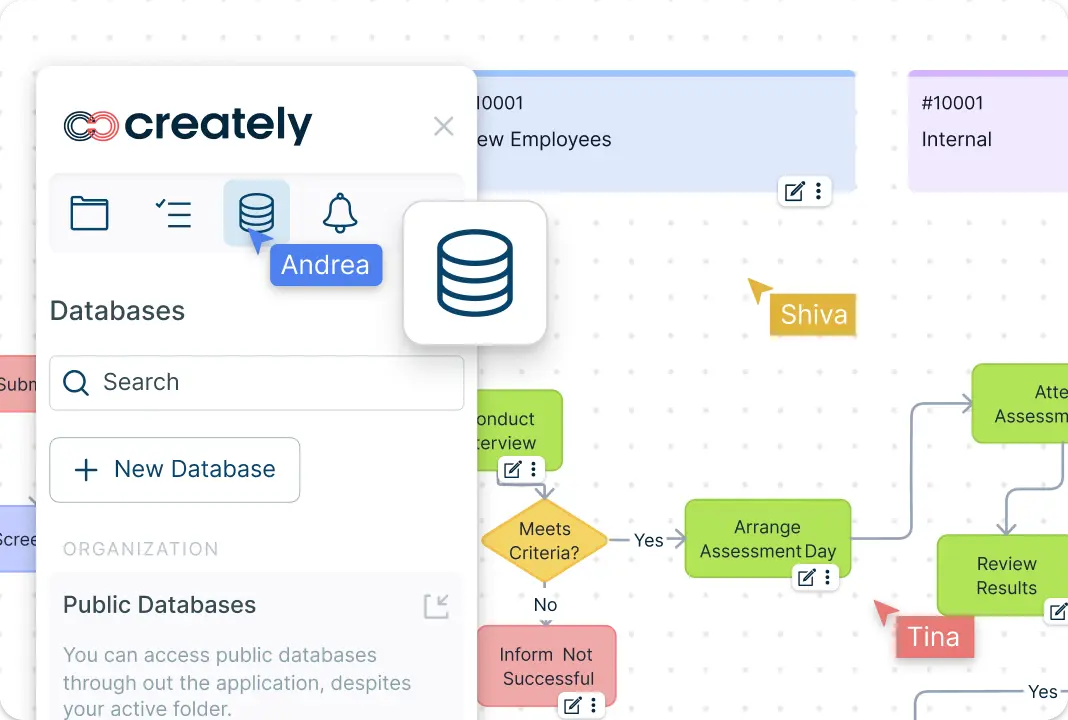
Compare the data sources and update workflows supported by each product. Creately Workspace and Creately Atlas support different kinds of data-driven visual work.
Creately Workspace connects visual work with data, while Creately Atlas models people, vacant positions, and proposed reporting structures from reviewed CSV imports. Atlas scenarios let teams compare changes before applying them, while external data sync depends on the product, plan, and configured connection.
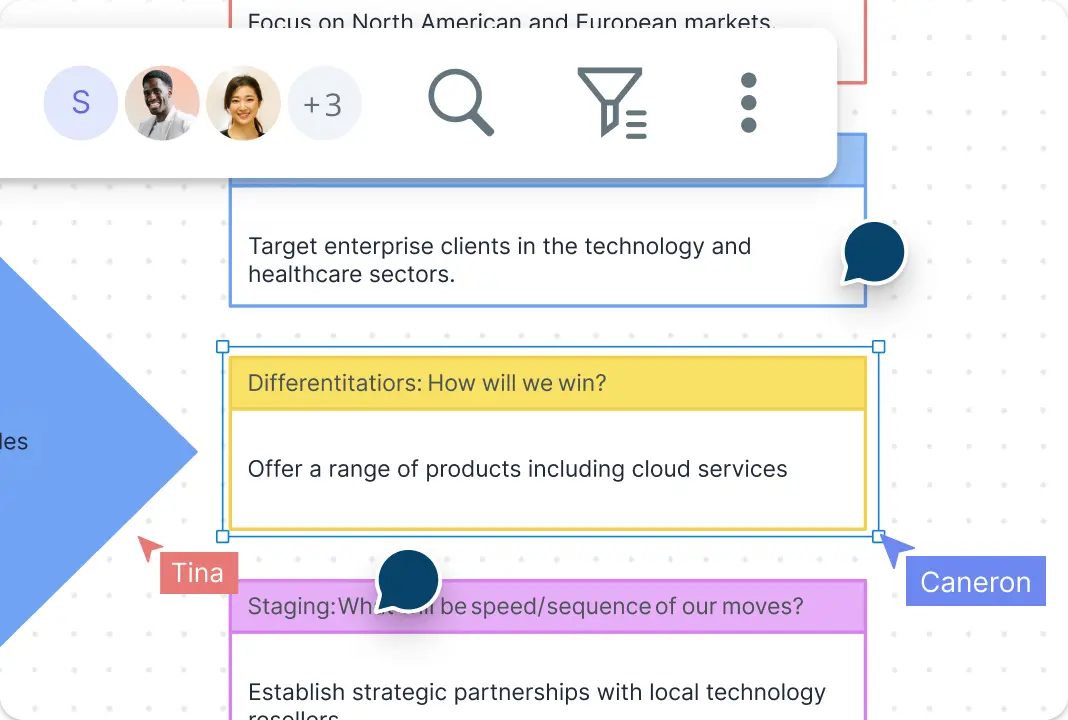
Real-Time Collaboration
SmartDraw supports collaboration on diagrams. Compare its workflow with Creately using a shared editing session rather than assuming collaboration requires third-party tools.
Creately, as an alternative to SmartDraw, offers powerful real-time collaboration directly within the same workspace. Features like live mouse tracking, synced change previews, and advanced comments make it easier for teams to collaborate seamlessly, without the need for external communication apps.
Customize Your Workflows
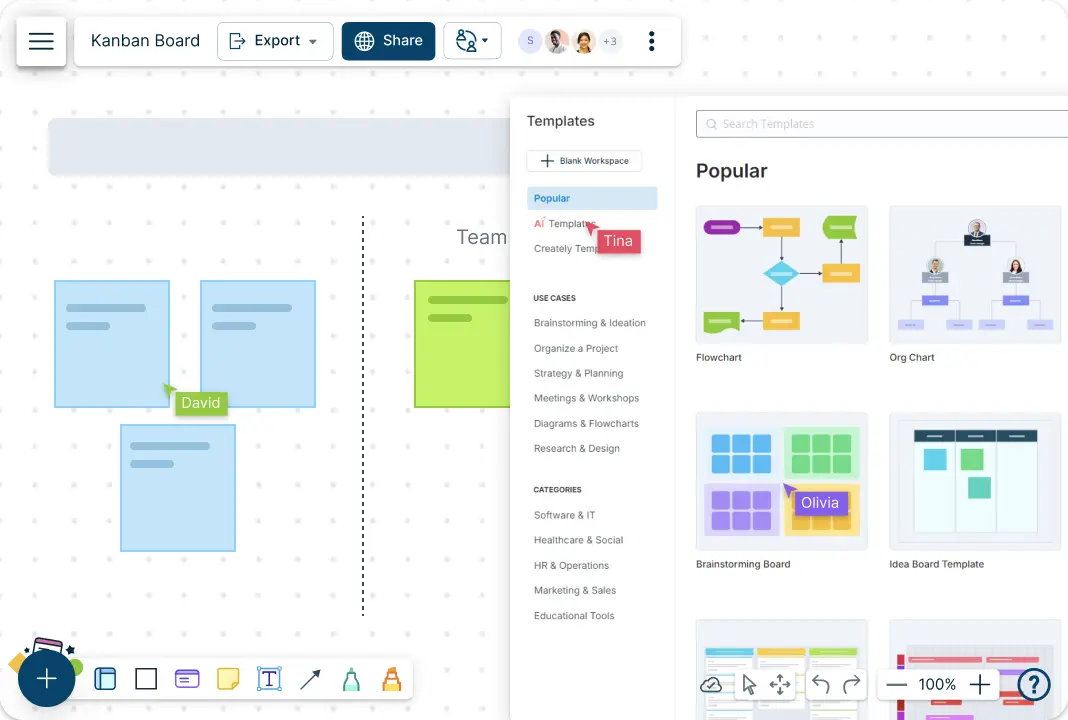
Creately allows users to fully customize their workflows, whether you’re brainstorming, visualizing network architectures, or developing a marketing strategy.
As an alternative to SmartDraw, Creately offers intuitive templates for Kanban boards, timelines, grids, and more, letting users create personalized views that match their unique work style. This level of flexibility and customization is a significant advantage as an alternative to SmartDraw.
Re-imagining How Teams Visualize and Execute Work
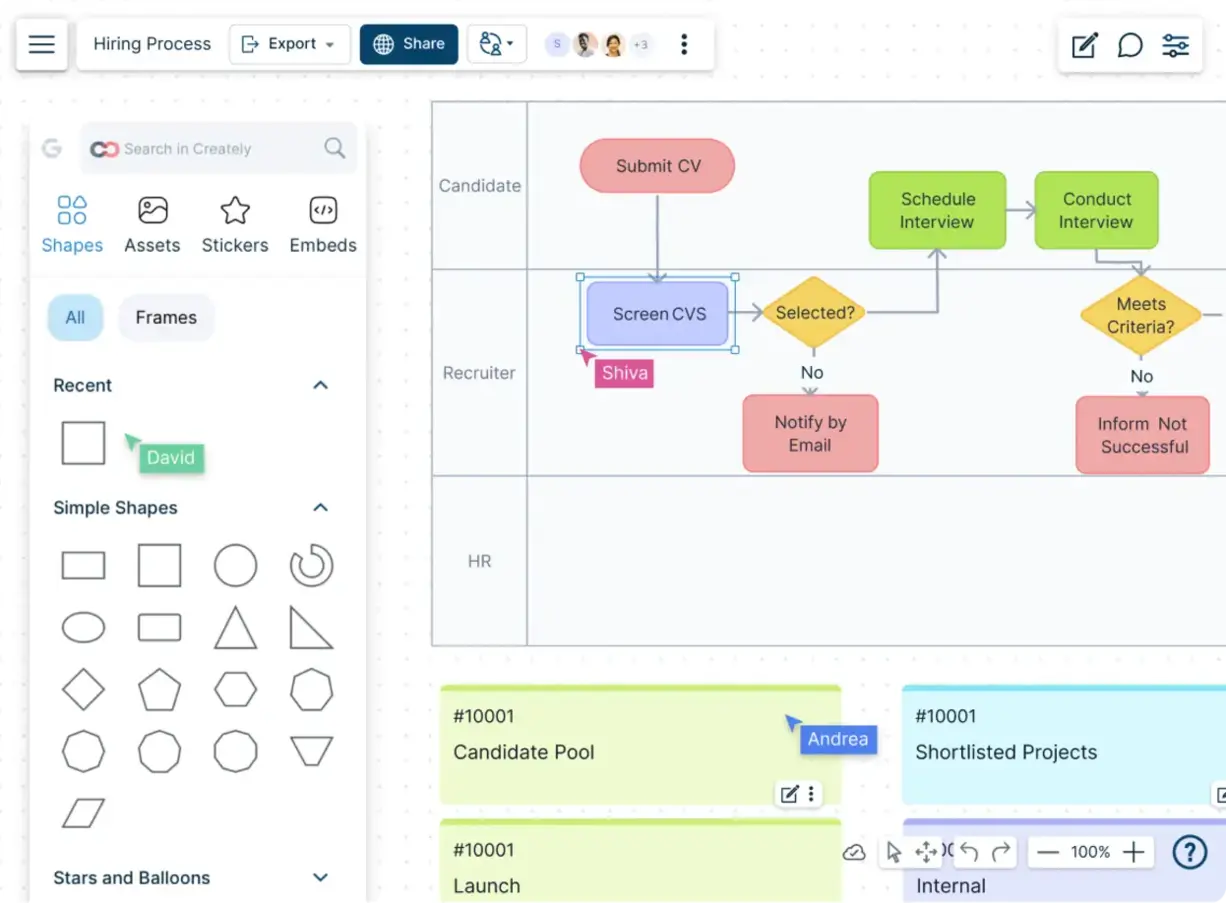
Creately is a free alternative to SmartDraw that combines the power of an intuitive online whiteboard with advanced data-linking features, offering much more than traditional diagramming tools. As a powerful alternative to SmartDraw, Creately’s visual platform enables smart diagramming, enhanced visual collaboration, knowledge management, and seamless project execution all in one place.

How to Get Started with Creately as Your Alternative to SmartDraw
Sign Up for Creately:
Head over to the Creately website and create an account for a free alternative to SmartDraw. Creately also offers flexible paid plans to suit your needs, either for individual use or team collaboration. Signing up is quick and straightforward, so you can get started immediately.Access Creately in Your Browser:
No downloads required! Simply open Creately in your favorite browser on Mac, Windows, or Linux and work online. Creately’s cloud-based platform ensures that you can work from anywhere, anytime.Drag and Drop to Create Diagrams:
Creately’s drag-and-drop interface makes adding shapes, icons, and text effortless. Personalize each element with your desired colors, fonts, and styles to create professional-looking diagrams.Collaborate in Real Time:
Collaborate with your team with real-time editing, feedback, and commenting features. This enhances team contribution and keeps the team aligned. You can invite participants to collaborate by sharing a link.Save, Export, Download, and Share:
The diagrams created on the workspace are automatically saved in the cloud, making them accessible from any device. Export and download them in SVG, PNG, JPEG, or PDF formats for presentations and reports.
FAQs
Why choose this over SmartDraw?
Are templates and flexible customization available?
Can teams collaborate in real time?
Can I organize data, notes, and supporting context?
Can I share, present, or export work?