Staff aren't sure who they report to - Make leadership roles and reporting lines clear for teachers, counselors, and support staff with a shared org chart.
Org charts go out of date every term - Update roles, reporting lines, and departments instantly as staff change-no redrawing required.
Public transparency requirements - Meet district and state transparency expectations with a live org chart that always reflects current roles and reporting lines.
CERTIFIED



School Org Chart Software
Create Clear Org Charts for Schools, Universities, and Districts
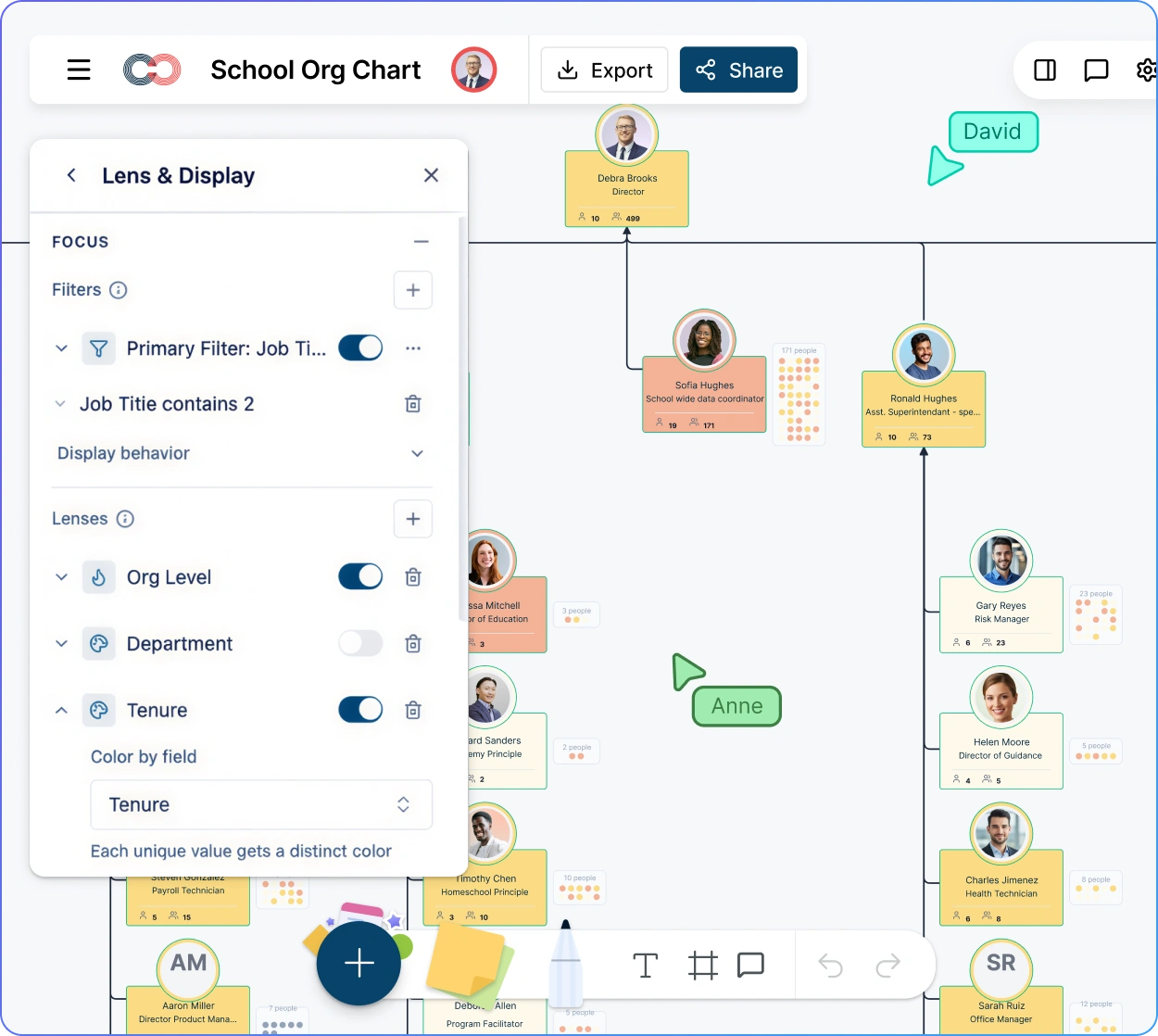
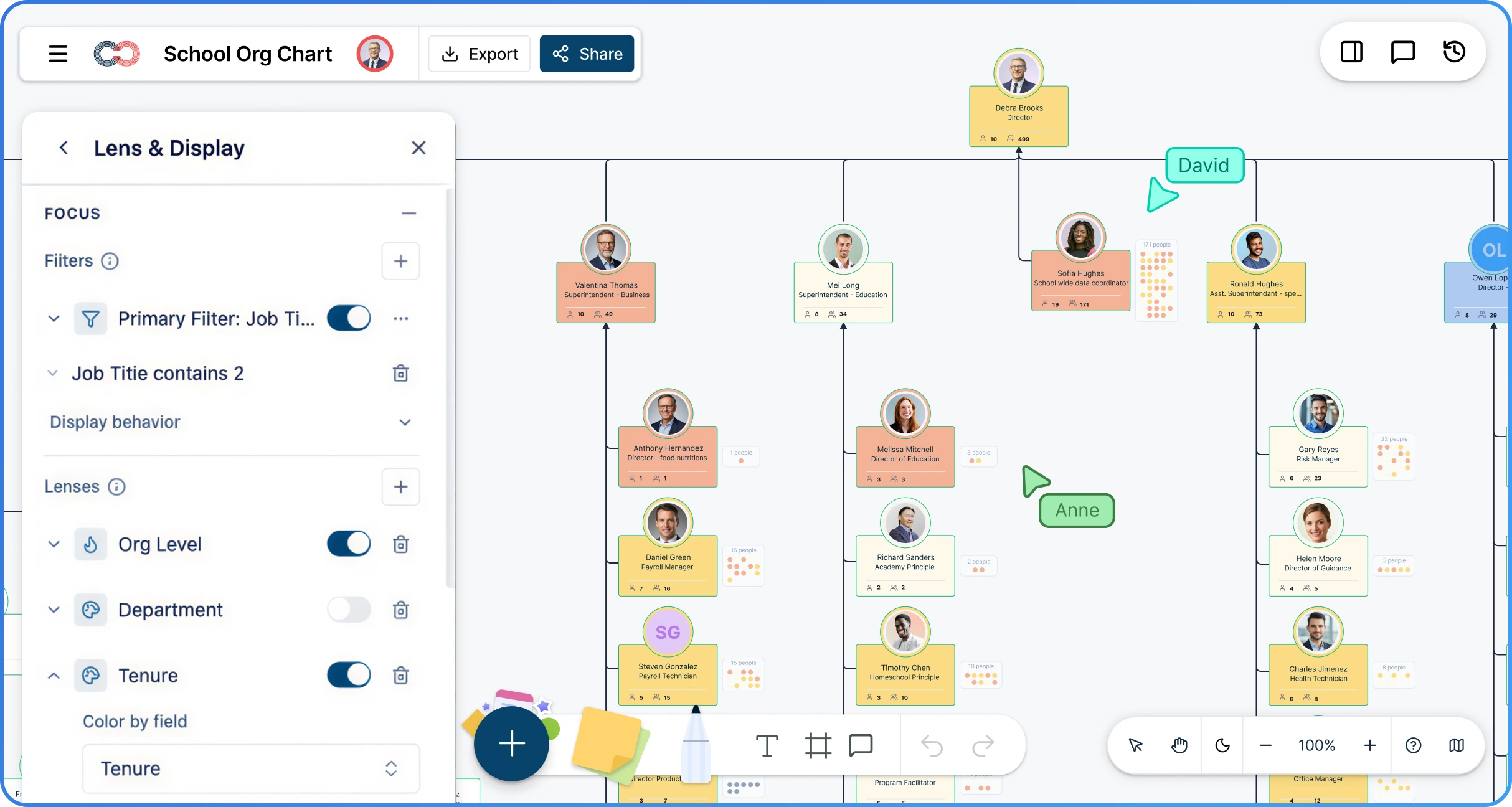
Staff roles change every term. Keep reporting lines clear with a live school org chart you can update instantly, share with staff and district offices, and reuse year after year.
 Staff aren't sure who they report to
Make leadership roles and reporting lines clear for teachers, counselors, and support staff with a shared org chart.

 Org charts go out of date every term
Update roles, reporting lines, and departments instantly as staff change-no redrawing required.
 Public transparency requirements
Meet district and state transparency expectations with a live org chart that always reflects current roles and reporting lines.



 Diagramming Visual Collaboration Org Chart


Why Choose Creately for School Organizational Charts
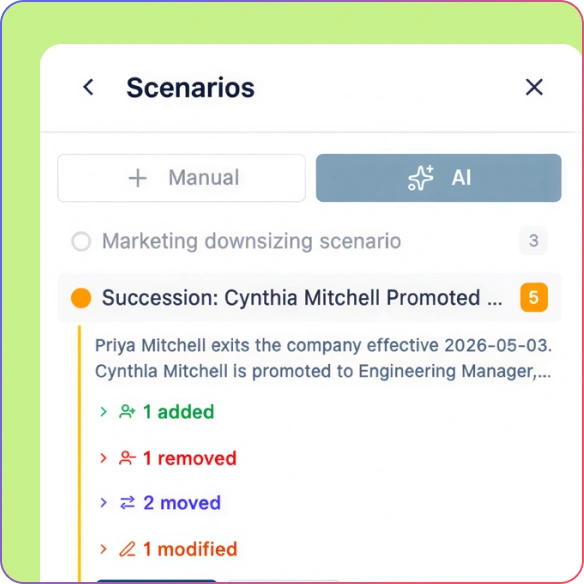
Built for Constant Staff Changes
Update roles, reporting lines, and departments instantly as teachers and staff join, leave, or move-without rebuilding your org chart.
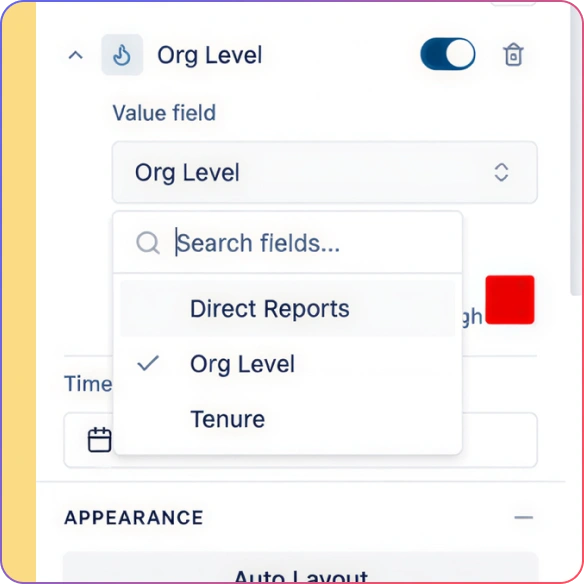
Clear Structure for Everyone
Give administrators, teachers, and support staff a single source of truth for how the school or district is organized.
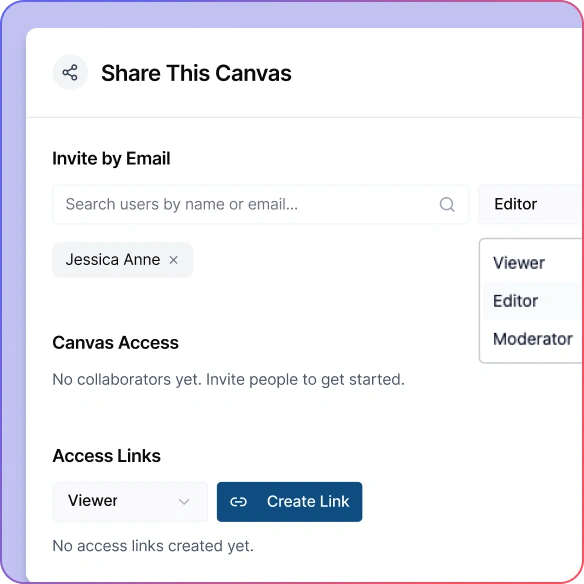
Easy to Share, Easy to Control
Share live org charts with staff and district offices while controlling who can edit and who can only view.
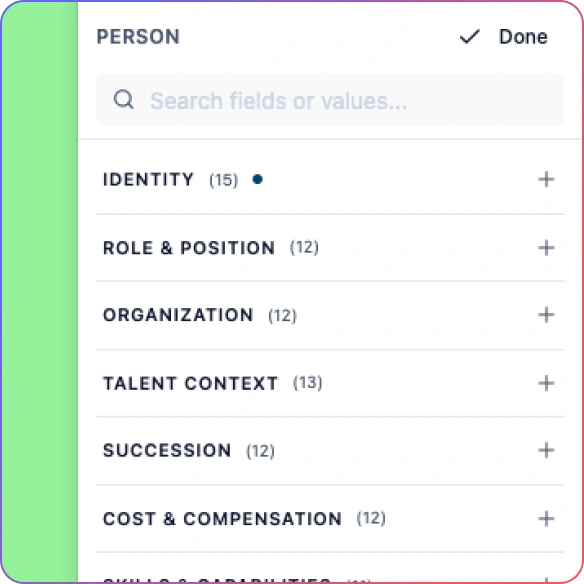
Update Without Redrawing
Change roles, move staff, or adjust reporting lines directly on the org chart. Creately updates the layout automatically so schools never have to rebuild org charts from scratch.
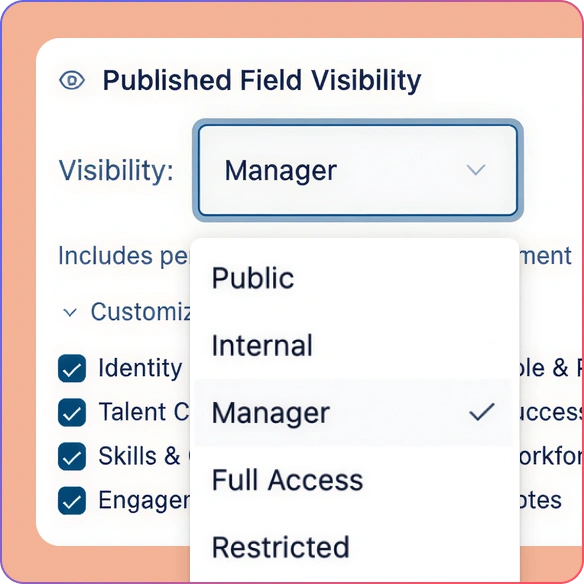
Built for Transparency & Public Accountability
Many districts must publish org charts online. Creately lets you embed a live school org chart on your website so updates stay accurate automatically.
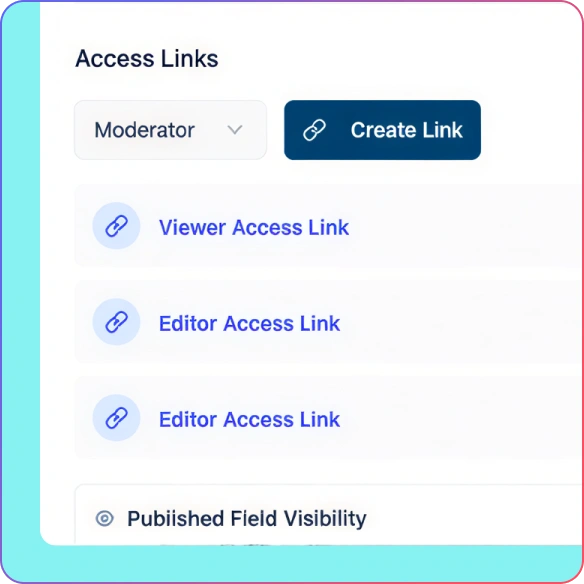
Controlled Sharing and Access
Share read-only org charts with teachers, parents, or district offices, while giving edit access only to administrators so everyone stays informed without accidental changes.
Build Your Online School Org Chart Quickly
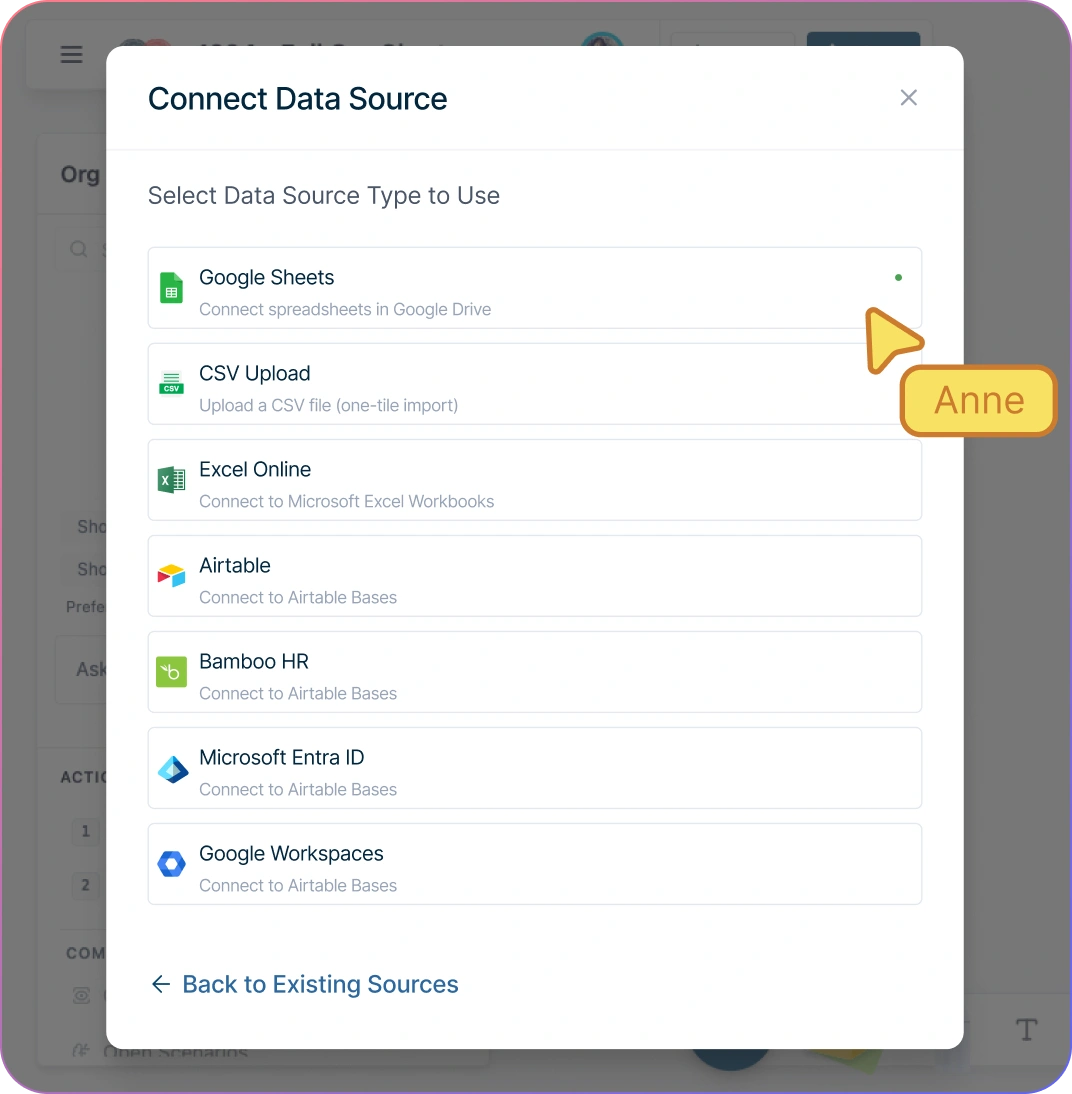
Start from a school organizational chart template or import staff from CSV, Google Sheets, or Excel.
Add administrators, teachers, and support staff using drag-and-drop or quick-add actions.
Automatic layout keeps the org chart clean as you add or move roles in the school org chart generator.
Edit names, titles, and reporting lines directly on the chart-no separate forms.
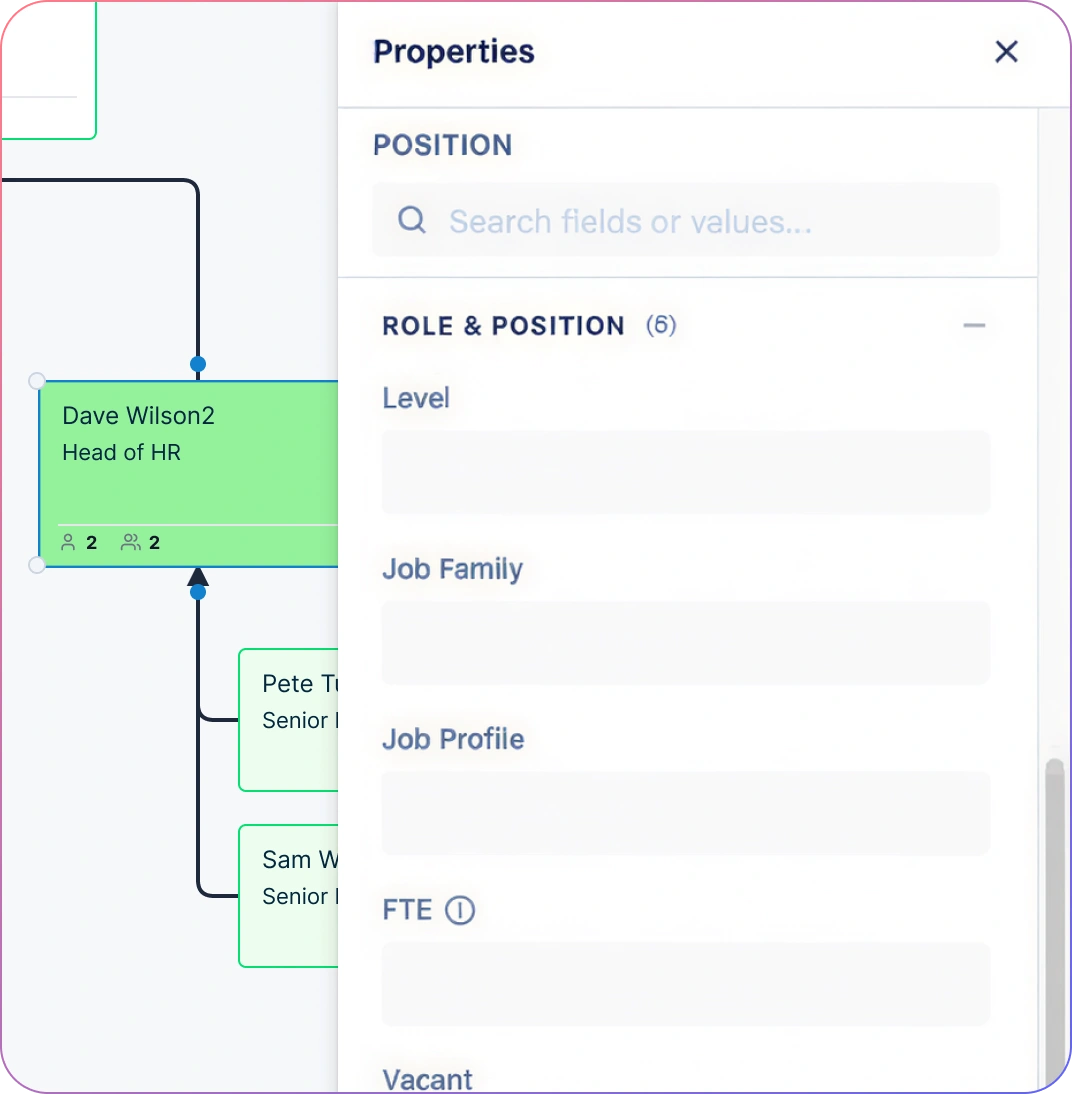
Create a Single Source of Truth for Your Institution
Clearly document leadership roles, departments, and responsibilities.
Use the same org chart for onboarding new staff, planning changes, and reporting to districts.
Collapse departments or schools to focus on specific areas during reviews.
Keep one live version instead of multiple outdated files.
Publish a Live Org Chart for Transparency
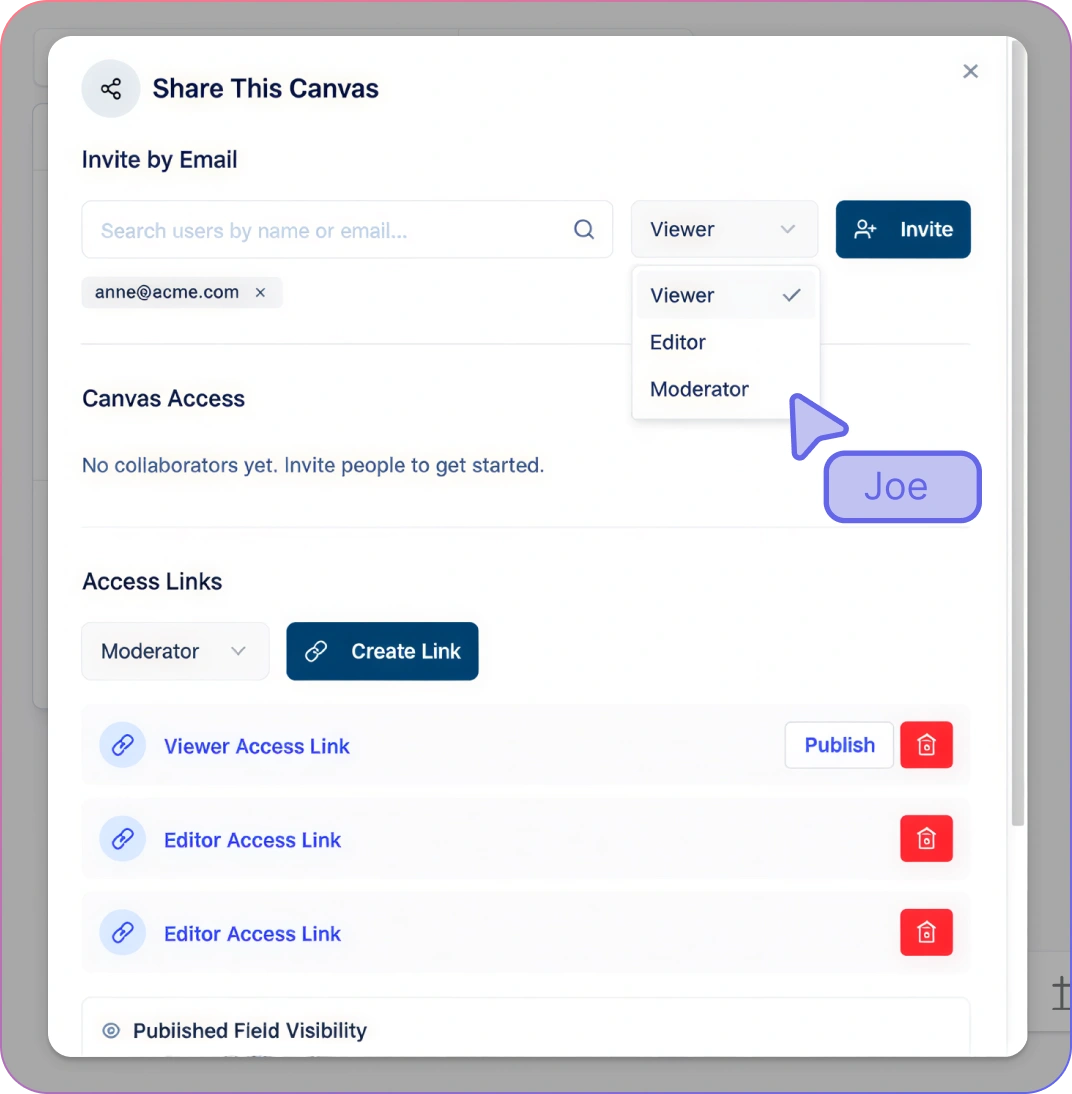
Embed a live org chart on your website to clearly publish roles, positions, and reporting hierarchies-supporting transparency without manual updates.
Share a live, view-only link to the school org chart builder so staff always see the latest structure.
Give edit access only to administrators to prevent accidental changes.
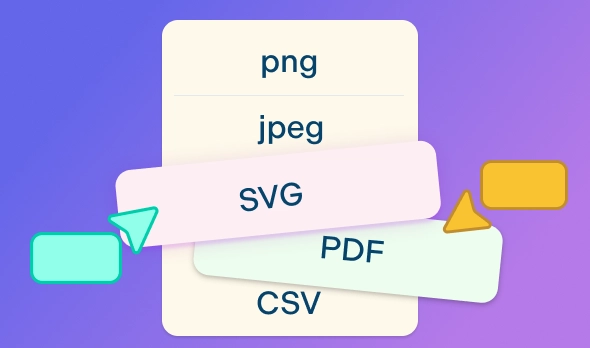
Export org charts as PDF or images for onboarding packets and reports.
Avoid confusion caused by outdated slides or documents.
How to Create a School Organizational Chart with Creately
Start with a school org chart template or import staff data from a spreadsheet (CSV, Google Sheets, or Excel).
Add administrators, teachers, and support staff using drag-and-drop or quick-add actions.
Define reporting lines between leadership, departments, and staff roles.
Customize departments, schools, or districts to match your institution’s structure.
Share a live org chart link or export it for onboarding, reporting, or compliance.
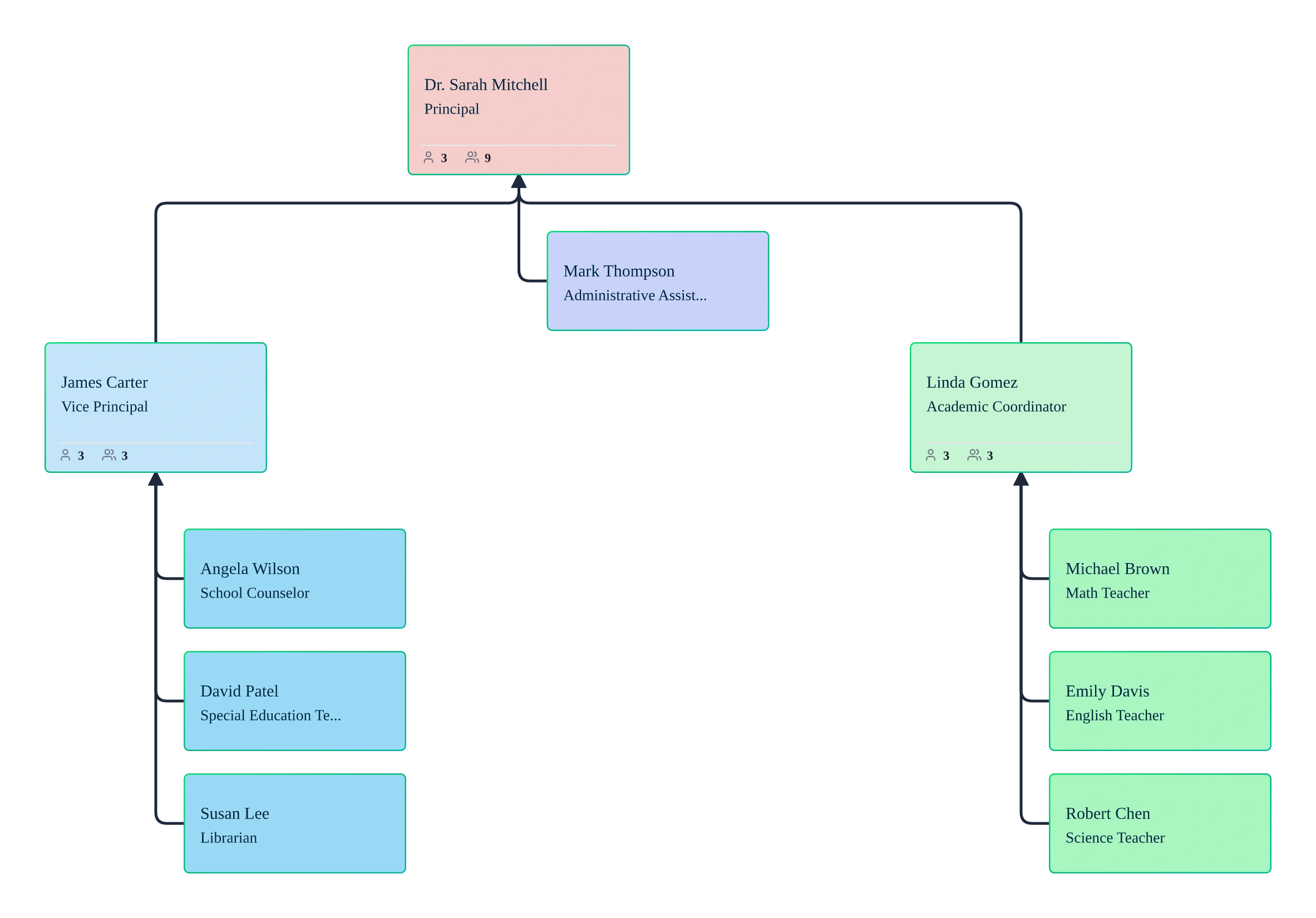
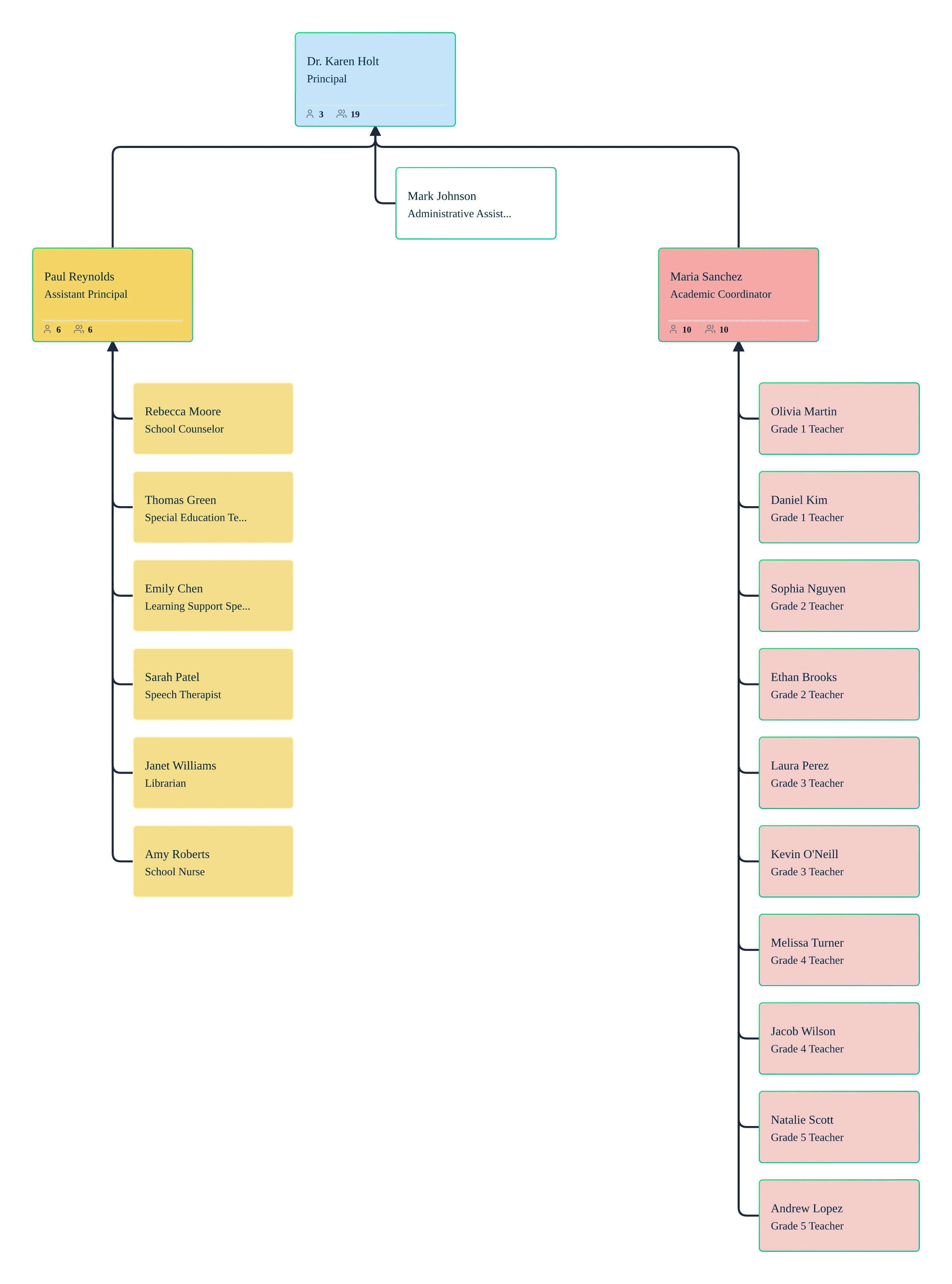
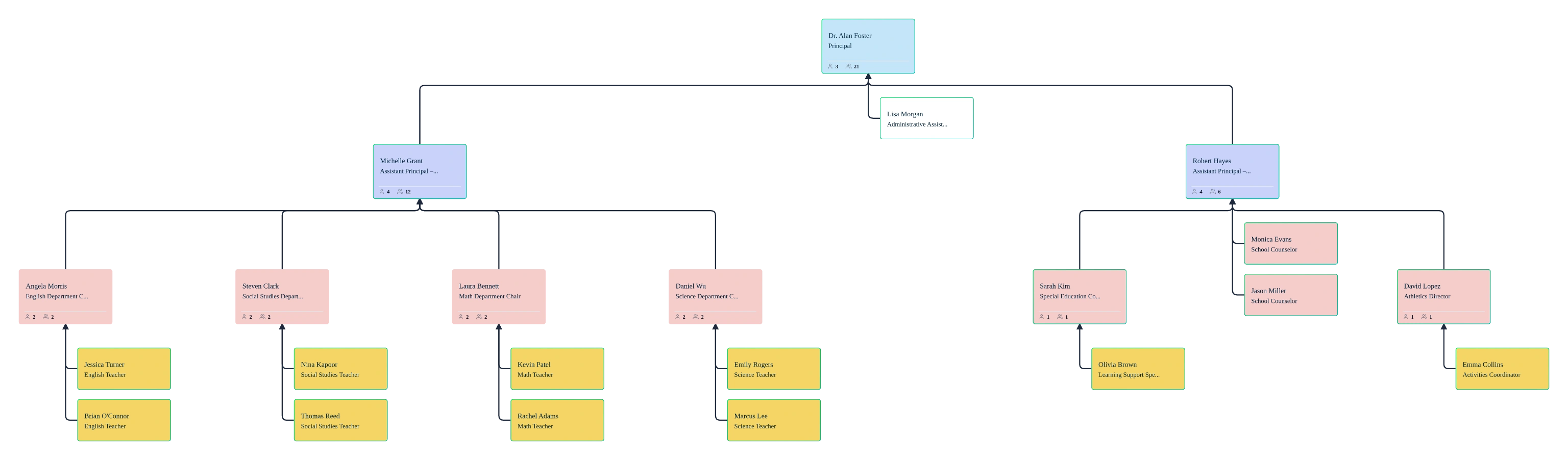
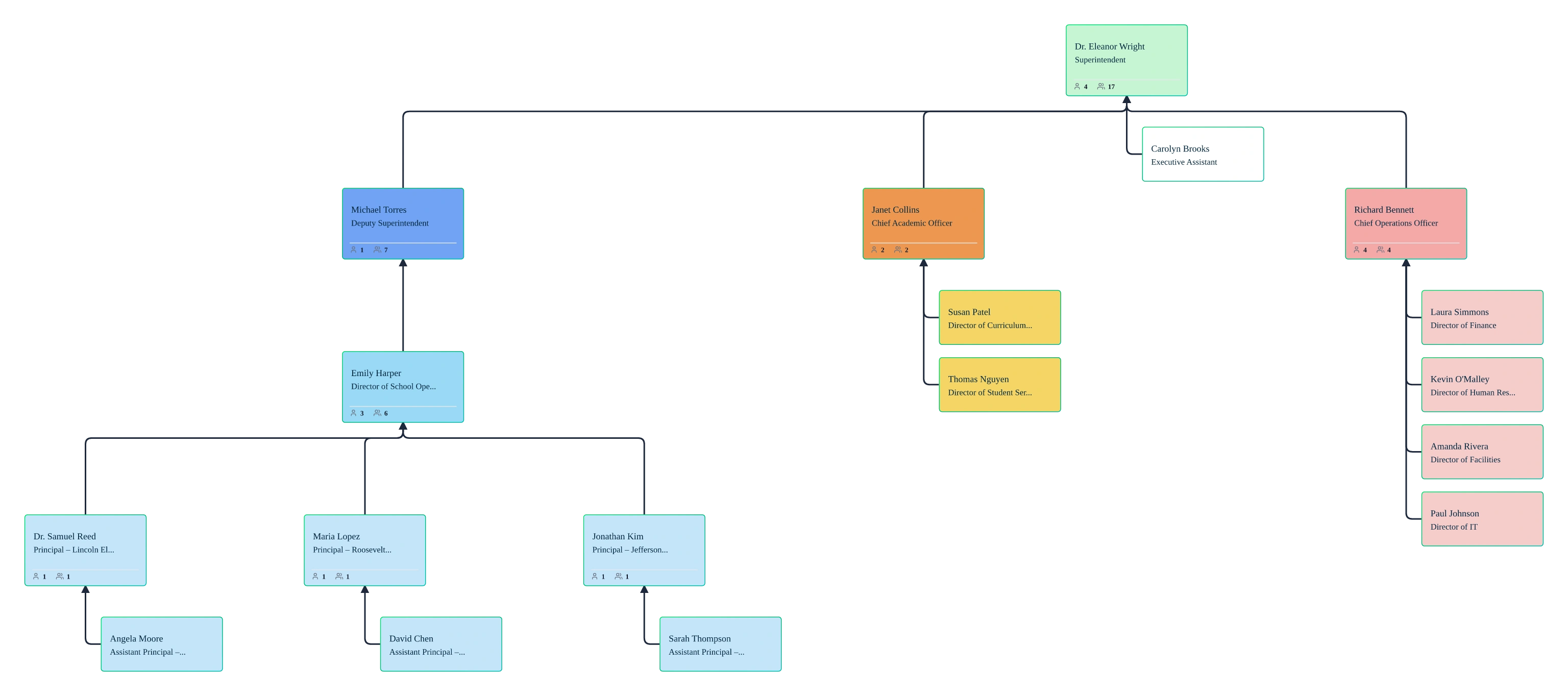
Education Org Chart Use Cases
School Leadership Clarity
Give principals, vice principals, and department heads a clear view of reporting lines and responsibilities.
Teacher & Staff Onboarding
Help new teachers and staff understand the school structure and who to approach from day one.
District-Level Visibility
Standardize org charts across multiple schools while allowing each school to maintain its own structure.
Staffing & Role Planning
Plan role changes, new hires, or department shifts visually before they take effect.
Parent & Board Communication
Share a clear, professional org chart during reviews, audits, or board discussions.
FAQs about the School Org Chart Software
What are Creately’s school org chart software pricing plans?
- Free Plan — $0/month for basic school org chart creation and collaboration
- Starter & Team Plans — $8/month or $5/month billed annually
- Business Plan — $149/month or $89/month billed annually
Annual billing helps you save more while unlocking advanced collaboration, workspace management, and enhanced school org chart features. You can compare all available plans and features on the Creately Pricing Page.
How can you create school org charts faster?
Are there templates for different school org chart use cases?
Can teams collaborate on school org charts?
Can I add notes, data, and files?
Can I share, present, or export school org charts?













Support articles and troubleshooting guidance-covering staff imports, shared roles, reporting lines, and keeping org charts accurate each term.
 Quick Setup Guidance
 Org Chart How-tos
 Troubleshooting & Fixes