Process Flowchart Maker

Visualize Every Task Clearly with Best Online Process Flowcharts

Plan, organize, and execute every task with ease using Creately’s process flowchart tool. Collaborate online in real time, simplify complex workflows, and ensure accuracy and efficiency across your team’s processes.

  • Ready-made process flowchart templates for common workflows

  • Real-time collaboration for documenting processes together

  • Drag-and-drop libraries tailored for process mapping

Over 10 Million people and 1000s of teams already use Creately
Diagramming Grid Leader 2025 Diagramming
Visual Collaboration Grid Leader 2025 Visual Collaboration
Org Chart Grid Leader 2025 Org Chart
Most Implementable 2025 Best Results 2025 Ease to Do Business With 2025

Trusted by Process Owners and Operations Teams Worldwide

Excellent for documenting business processes
Creately makes it incredibly easy to map and improve our internal processes collaboratively. Everyone can see and understand the flow clearly.
JUAN LEONARDO G
Small-Business
Simple and effective process flowchart tool
The templates and collaboration features save us hours when documenting workflows and SOPs.
Aymen G
Small-Business
Clear visibility into workflows
Creately helps us visualize complex processes and spot inefficiencies quickly.
Ruchika N
Assistant Manager
Creately: Simple Diagram Tool
I like that Creately is easy to use. It helps me create diagrams quickly and easily.
Ananya G
Executive Committee Member
Creately: A smart choice for expressing ideas over diagrams
Creately is a simple and user-friendly application for creating diagrams to visualize complex technical ideas and data flow on wireframes, flow charts, and other visual options. The best part of this tool is its real-time collaboration features, which help us to enhance the workflows in the team.
Gulam M
Software Engineer
User friendly and visually appealing!!
The interface is easy to use. The look is aesthetically pleasing as well. Love the functionality.
Chrisoula
Small-Business
Intuitive Design and Effortless Creativity
What I like best about Creately is its intuitive design and the ease with which it allows me to create attractive designs. From the moment I started using it, I was impressed by how easy it was to navigate the platform and how quickly I could bring my ideas to life in visually appealing diagrams and charts.
DARWIN M.
Mid-Market
Creatly Awesome App
In creatly easy to use and easy to design our all network diagrams for the clients and easy to export and Creately offers a user-friendly interface that makes it easy for users to create various types of diagrams without extensive training or experience. We used creately on daily basis for making diagram.
Surya Prakash M
Tech Lead Security
Easy to use
Creately has better options than Canva. It has great templates. it is a great product to use for visual org charts.
Jennifer D.
Initial Implementation
Great AI features
AI Modelling capability. It gives Prompt examples so user can learn how to create effective prompts
Karma A.
Business Manager
VISUALIZE

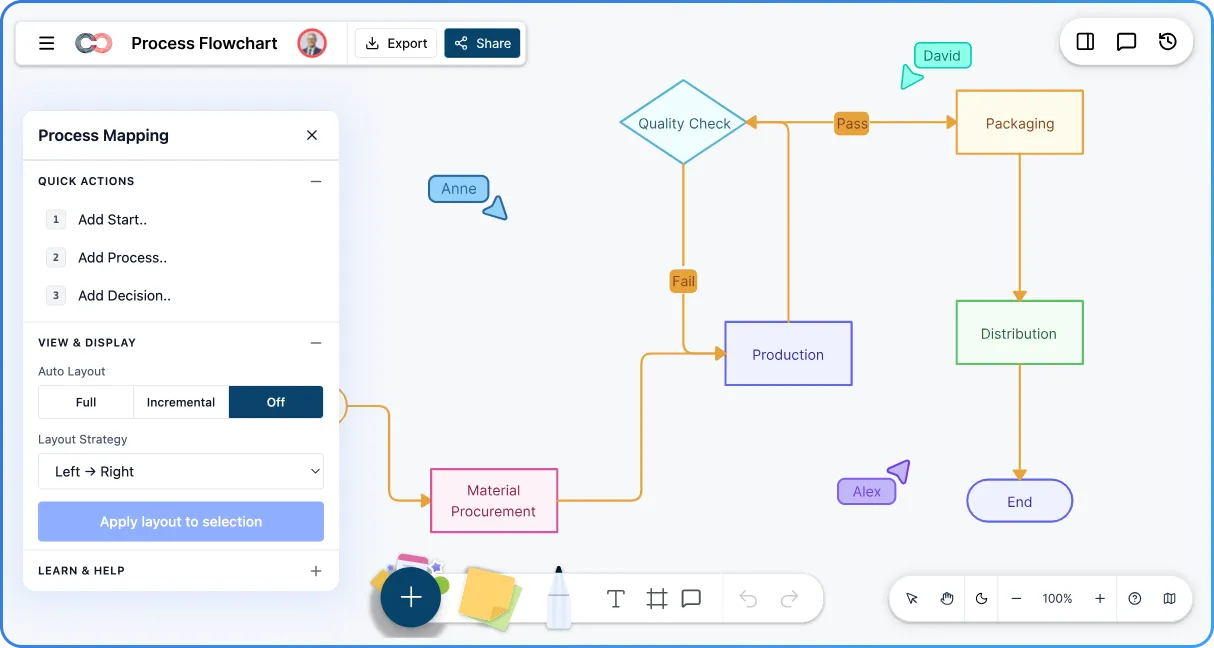
Design Process Flowcharts Faster

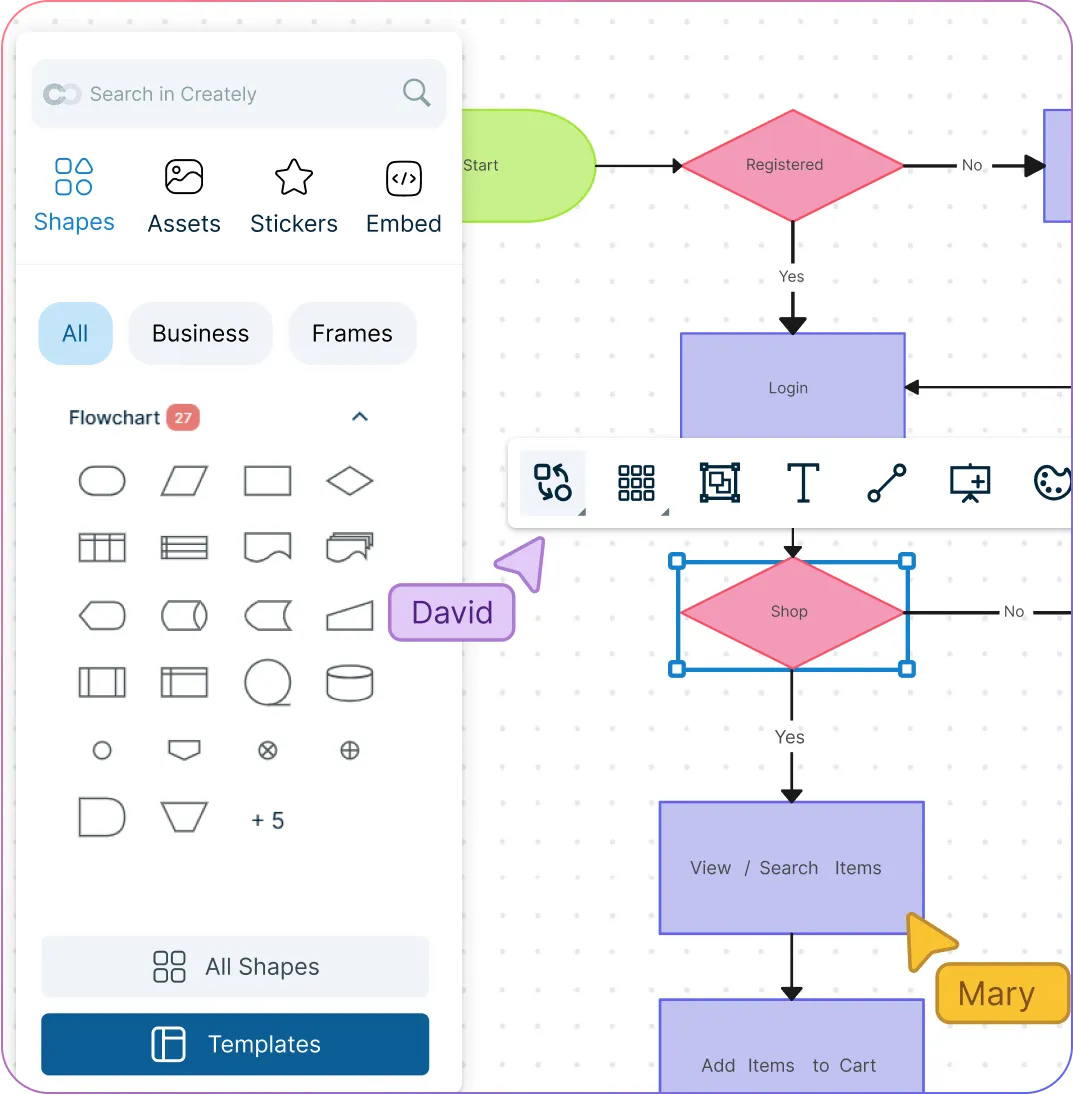
Process flowchart shapes and editor in Creately
  • Drag-and-drop tools to map simple or complex processes with ease.

  • Smart connectors that keep flows clean as you edit.

  • Keyboard shortcuts for rapid process documentation.

  • Flexible layouts that adapt as processes change.
Process flowchart shapes and editor in Creately
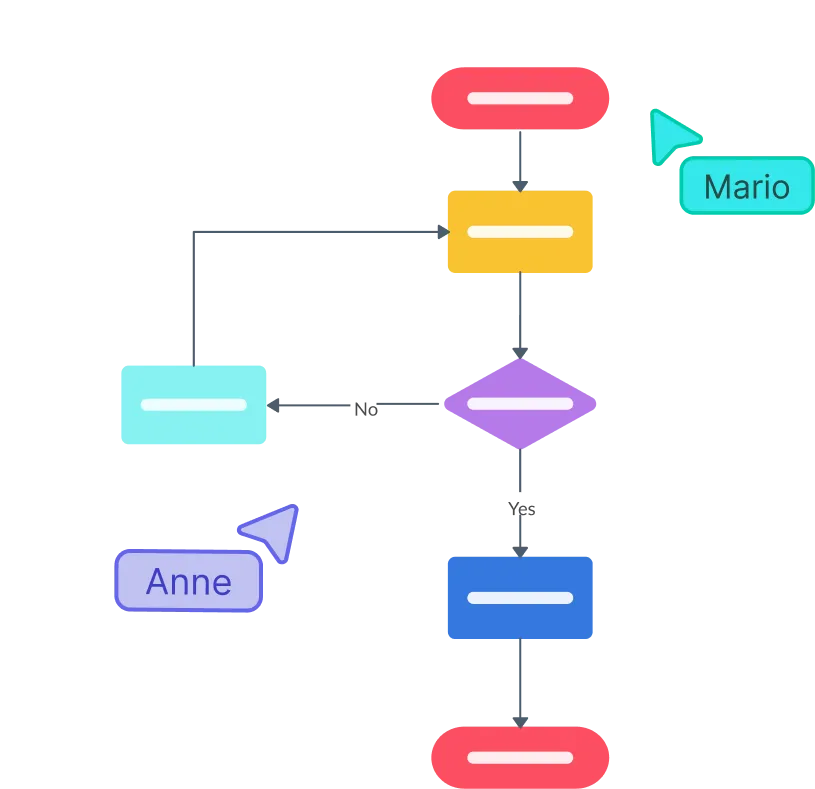
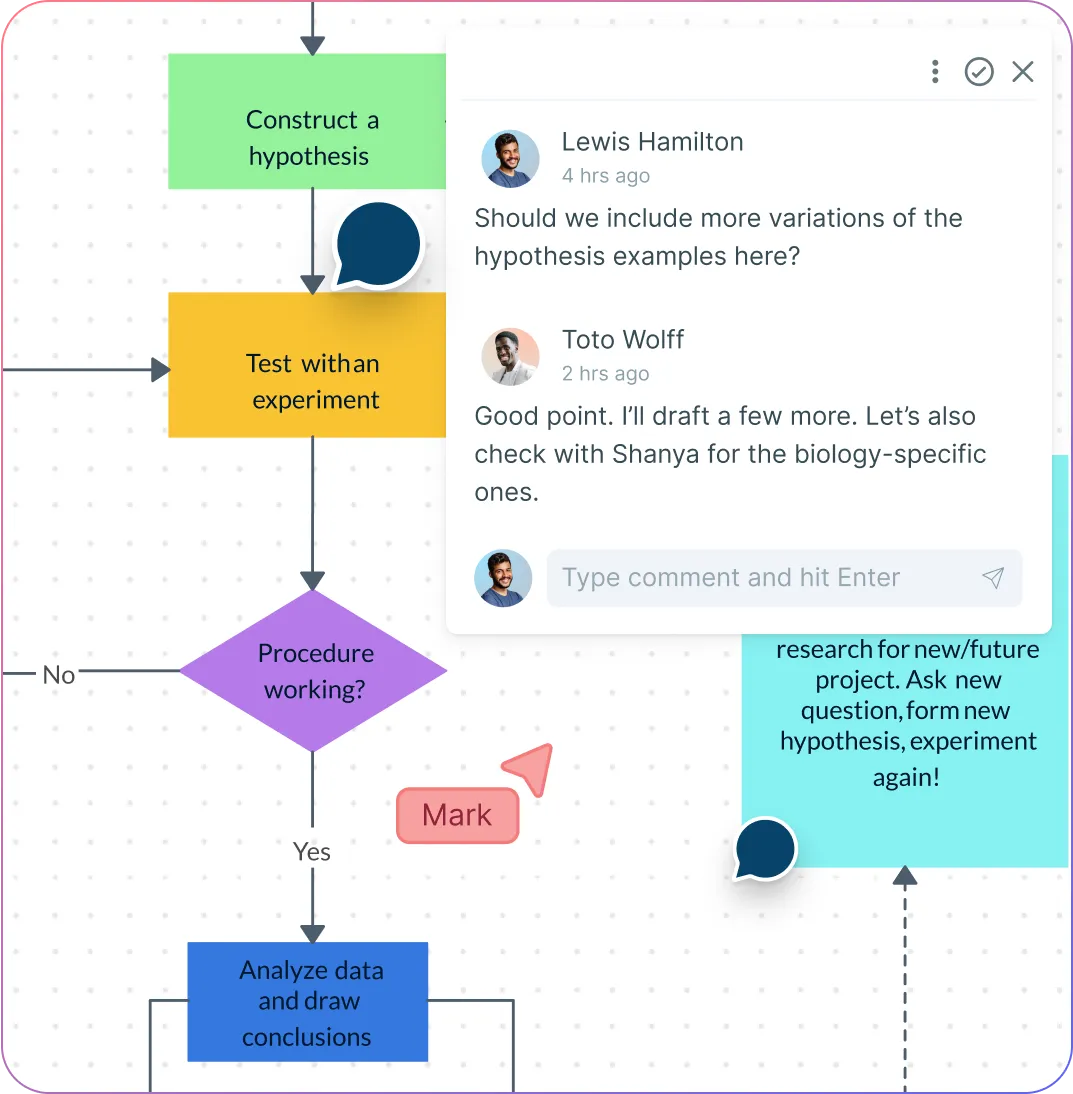
Teams collaborating on a process flowchart in Creately
COLLABORATE

Collaborate on Process Improvement

Teams collaborating on a process flowchart in Creately
  • Work together with multi-cursor editing and comments.

  • Capture feedback asynchronously or in real time.

  • Maintain a single source of truth for all processes.

  • Track updates with full version history.

ORGANIZE

Connect Processes Across Teams

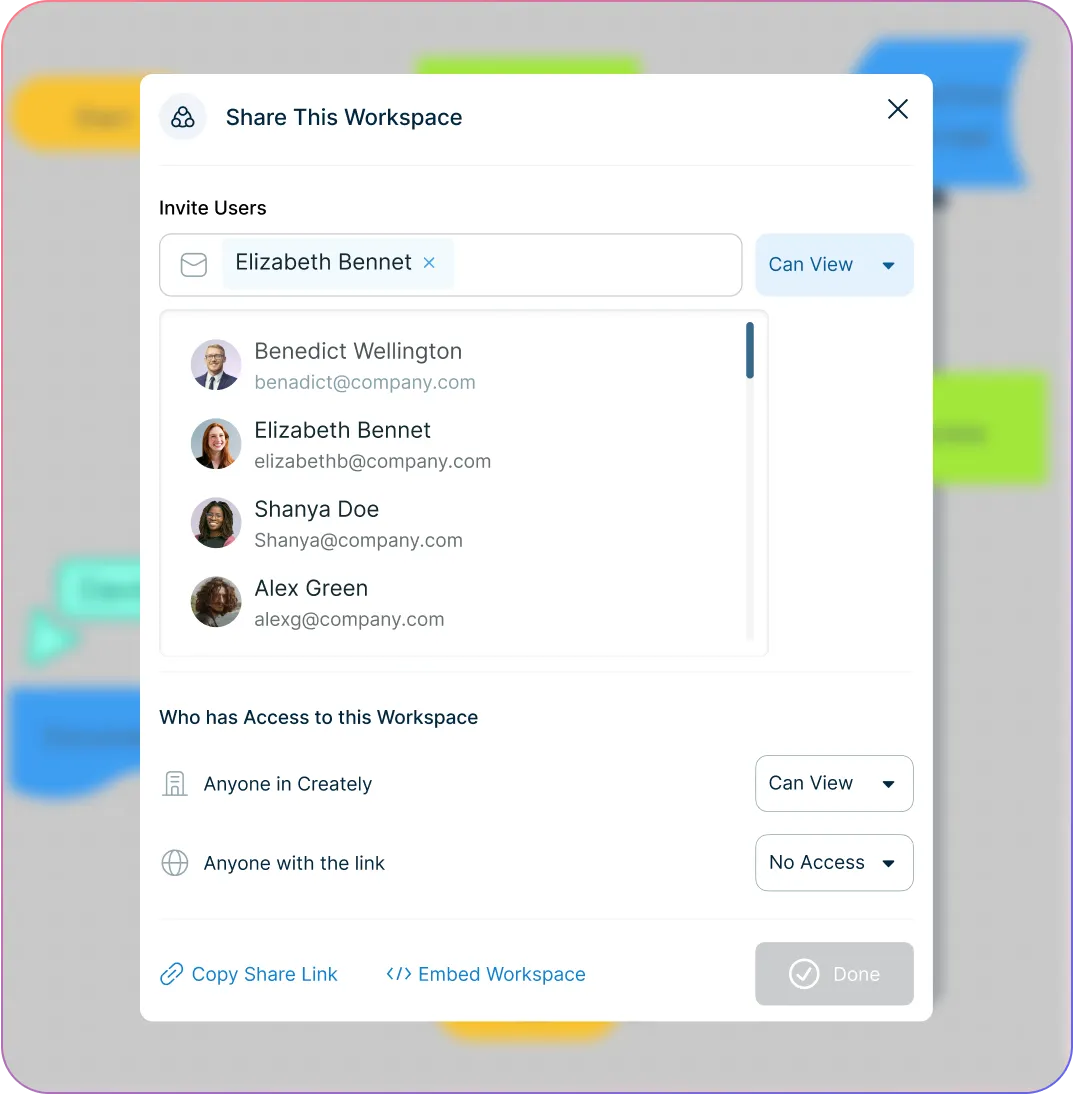
Sharing and permissions in Creately process flowchart software
  • Centralize all process flowcharts on an infinite canvas.

  • Integrate with tools your teams already use.

  • Control access with flexible sharing permissions.

  • Present process flows directly from the canvas.
Sharing and permissions in Creately process flowchart software
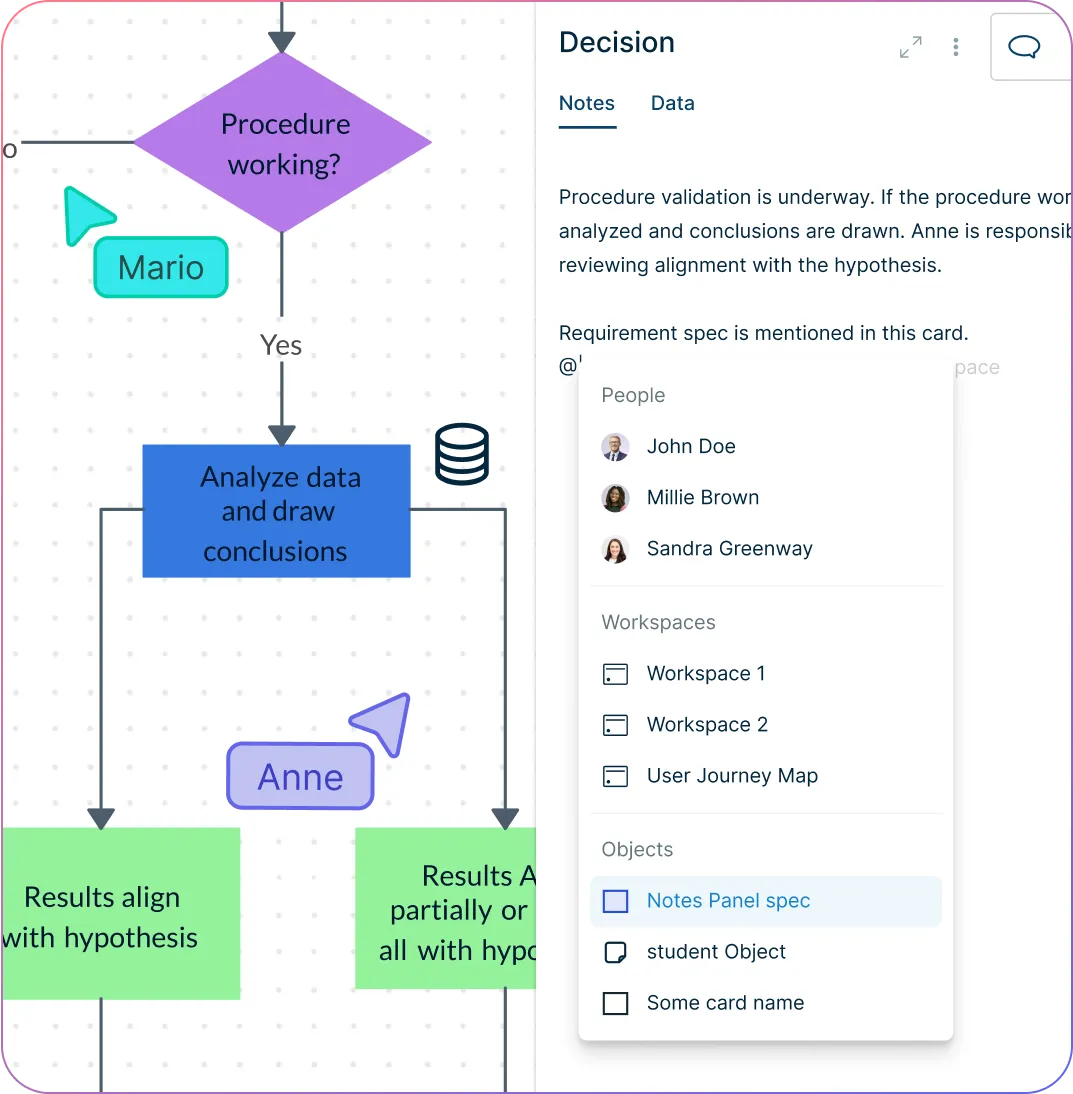
Process notes and metadata in Creately
EXECUTE

Execute and Manage Processes Better

Process notes and metadata in Creately
  • Add owners, statuses, and notes to each process step.

  • Manage tasks and responsibilities visually.

  • Keep documentation and execution connected.

Document and improve your processes with Creately

What Is a Process Flowchart?

What Is a Process Flowchart?
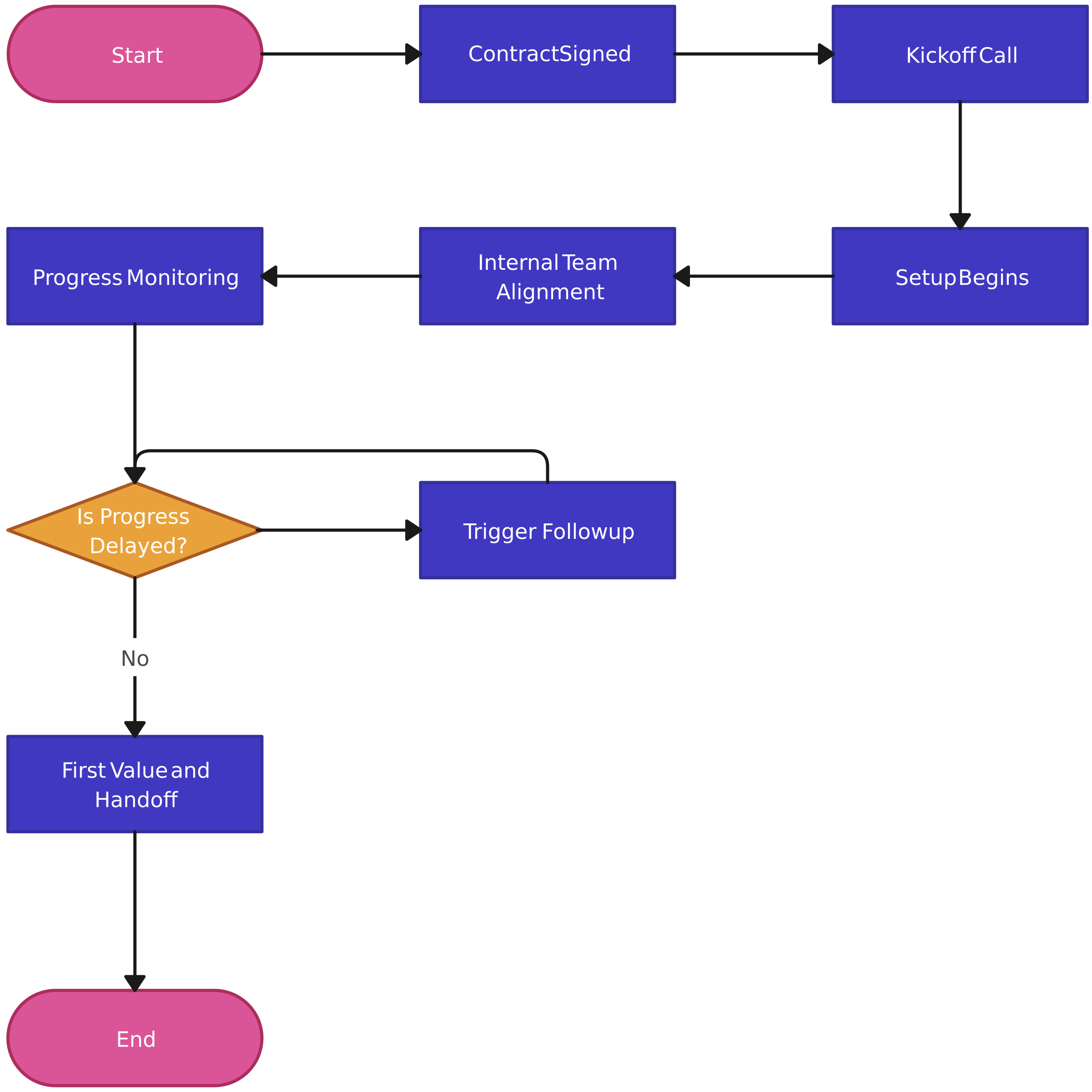
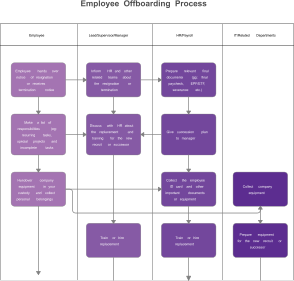
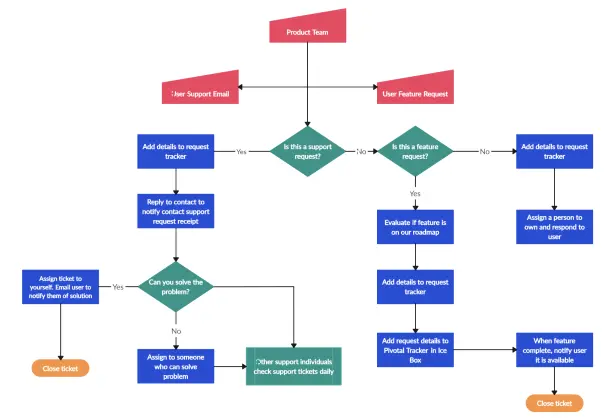
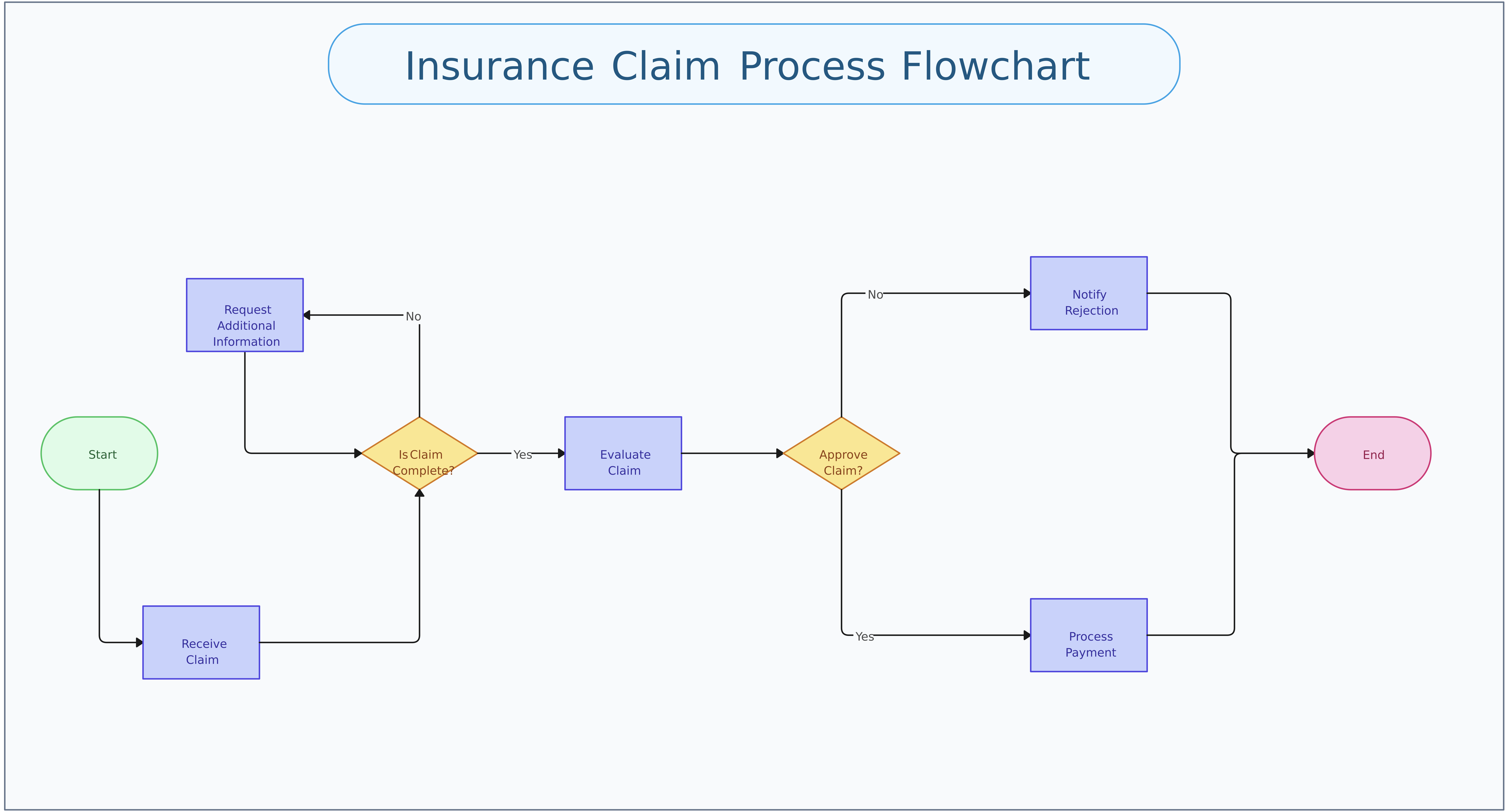
A process flowchart is a visual diagram used to map the logic, steps, decisions, inputs, and outputs of a process clearly. It helps teams understand sequences faster, review decision paths with confidence, and improve planning, collaboration, and documentation around process flowchart work.

How to Make a Process Flowchart with Creately

  1. Set up a shared workspace

Create a dedicated workspace for your process flowchart and invite teammates so everyone can align on objectives, scope, and ownership from the beginning.

  1. Define scope, inputs, and outcomes

Identify the start and end points, key decisions, and expected outputs so the process flowchart reflects the real process and supports accurate planning.

  1. Choose a template or start from scratch

Use a ready-made Creately template to move faster, or begin with a blank canvas and standard symbols to model your process flowchart structure clearly.

  1. Map steps, decisions, and ownership

Place each step in sequence, connect decision points, and assign owners so stakeholders can understand responsibilities and handoffs at a glance.

  1. Review, optimize, and share

Collaborate with stakeholders using comments and live editing, refine for clarity, then share via secure link or export for documentation and presentations.

Create a Process Flowchart

FAQ about the Process Flowchart Maker

What Is a Process Flowchart and Why Is It Useful?

Process Flowchart diagrams map tasks, decisions, and ownership so teams can understand how work moves from start to finish. Creately helps teams visualize dependencies clearly, remove bottlenecks, and keep process documentation current with collaborative editing and reusable templates.

How Does Creately Work as a process flowchart tool?

Creately works as a process flowchart tool with drag-and-drop diagramming, smart connectors, and structured templates. Teams can model processes faster, review changes in context, and keep operational diagrams accurate through comments and version history.

Is Creately’s Process Flowchart Tool Free to Use?

Yes. Creately offers a free plan for teams that need a process flowchart creator without upfront cost. You can start with core editing and sharing features, then upgrade as your process flowchart requirements expand.

What Is the Best Process Flowchart Software on the Market Today?

Creately combines the flexibility of a process flowchart software with enterprise-ready collaboration, governance, and integrations. Organizations choose it as a dependable process flowchart maker platform because it supports planning, execution, and continuous process improvement in one place.

Can teams collaborate in real time using Creately’s online process flowchart maker?

Yes. Creately enables real-time collaboration on process flowcharts with live cursors, contextual comments, and threaded discussions. Teams can co-edit workflows, review process steps together, and resolve feedback faster—keeping everyone aligned and reducing review cycles across distributed teams.

Can I Export and Share Process Flowchart Diagrams Built with Creately?

Absolutely. You can share diagrams via secure links or export to PNG, PDF, and SVG for documentation, stakeholder reviews, and presentations. This makes it easy to distribute approved process flowchart visuals across teams and systems.
Integrate with the Tools You Already Use
Connect Creately with your existing workflow and productivity tools.
Github
Microsoft
Google Drive
Google Sheets
Google Docs
Google Slides
Confluence
Why Creately Is the Best Process Flowchart Maker
Creately is the intelligent visual platform enabling visual collaboration, knowledge management and project execution.
Why Creately Is the Best Process Flowchart Maker
Infinite Visual Canvas
Real-Time Collaboration
Custom Databases
Data Driven Docs
Professional Diagramming
Enterprise Grade Security
Project & Task Management
Powerful Visual Modelling
G2
Atlassian
GetApp
Capterra
Software Advice
Trust Radius

24/7 Live Support

In-app chat support whenever you need help

Sign up for a free account today.
banner-img