Process Chart Maker
See Every Step, Decision, and Outcome Clearly with Process Charts
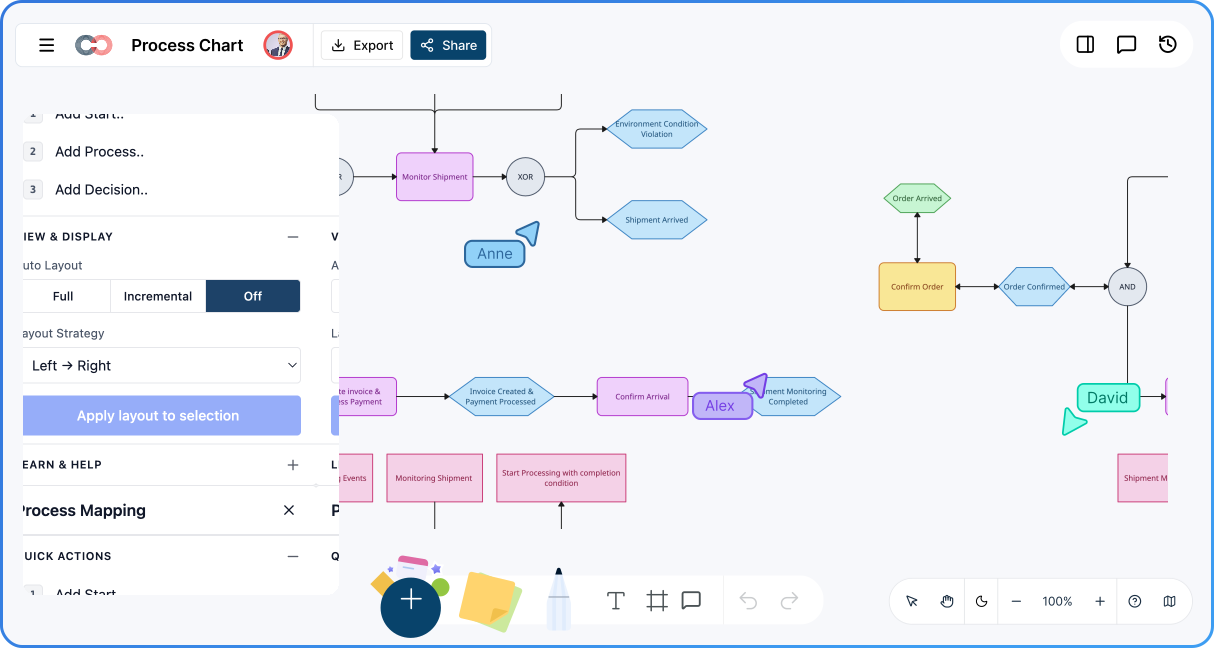
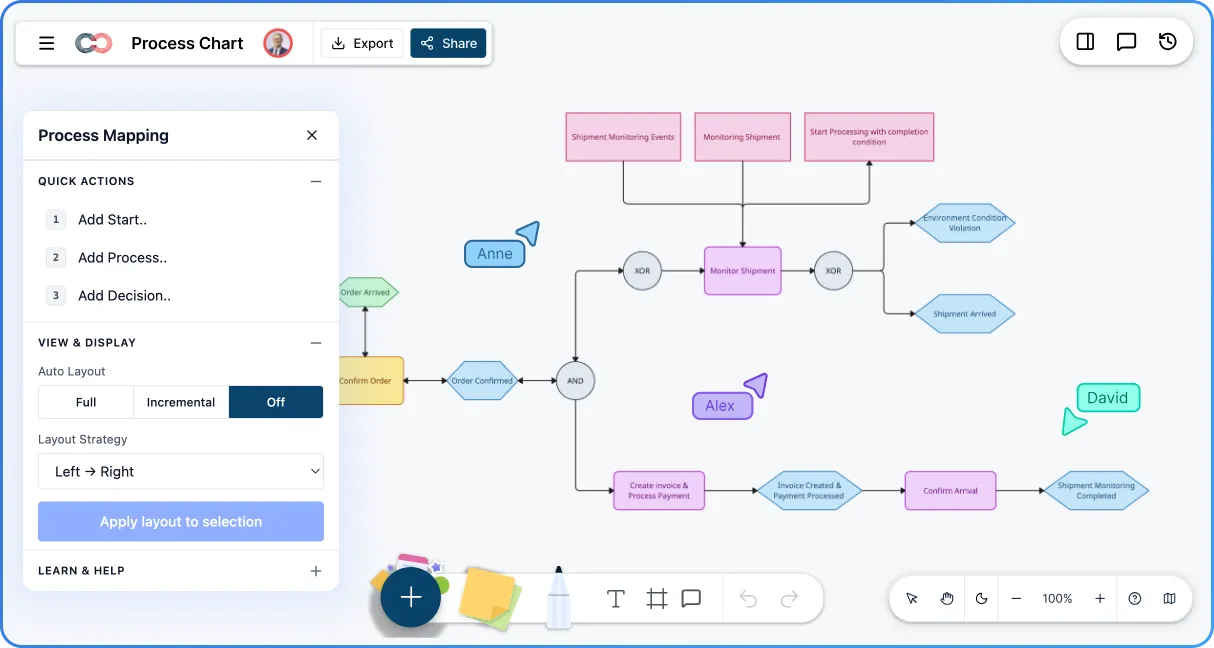
Map workflows online with clarity and precision. Creately’s process chart creator helps teams plan, document, and refine processes—improving collaboration and keeping operating guidance clear.
Easy-to-use process chart creator with smart shapes
Standard symbols for accurate process mapping
Real-time collaboration for teams and stakeholders




 Diagramming Visual Collaboration Org Chart


Visual Process Charts for Clear Workflow Mapping
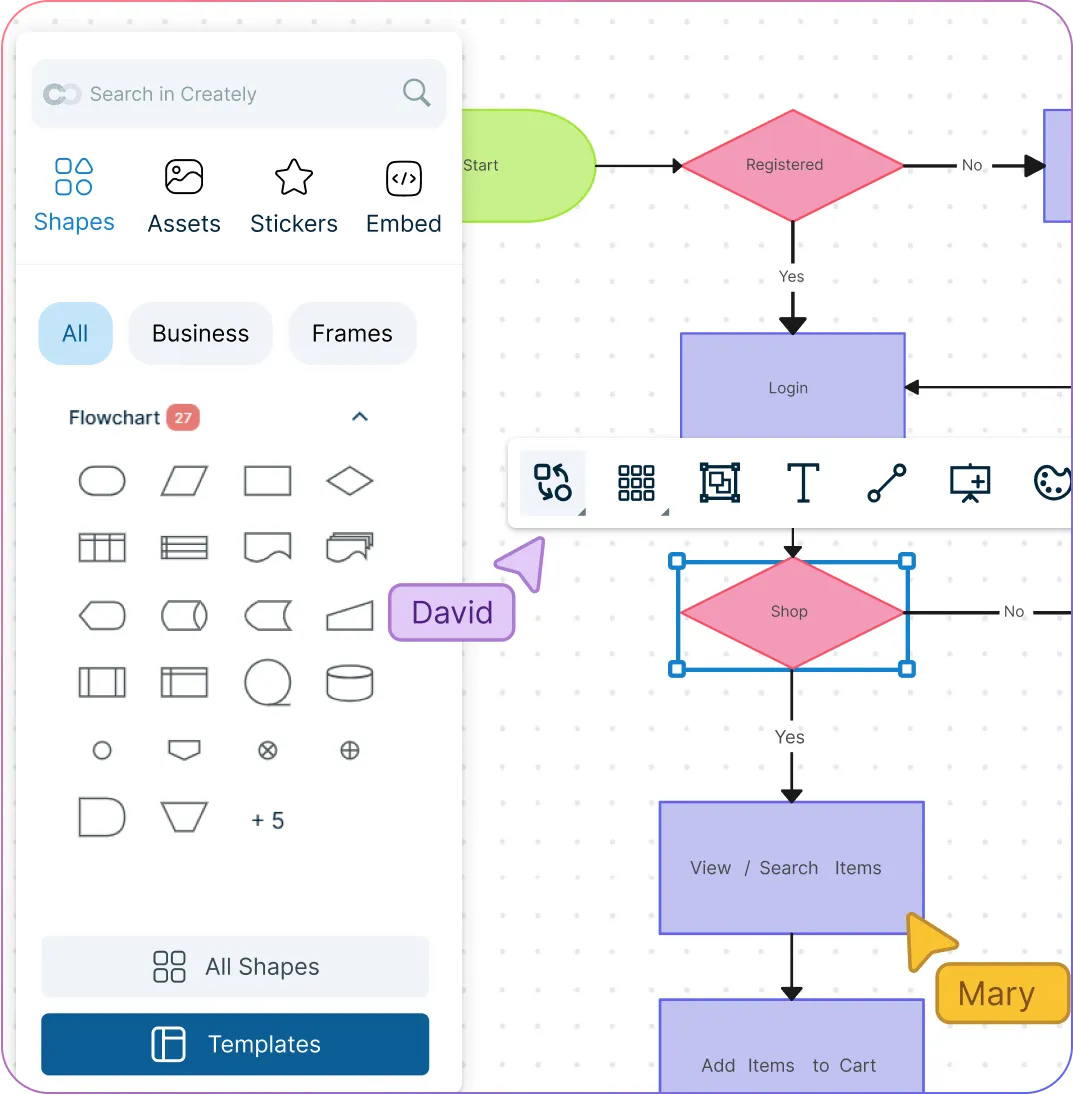
Drag-and-drop process chart creator with standard symbols and connectors.
Clearly visualize steps, decisions, and flows in a single view.
Use colors, icons, and labels to make processes easy to follow.
Maintain consistent documentation with reusable templates.
Flexible Online Process Chart Software for Any Use Case
Model business, manufacturing, service, or IT processes with ease.
Link documents, data, and notes directly to process steps.
Update workflows quickly as processes evolve.
Present and share process charts from one visual workspace.
Collaborative Process Chart Tool Built for Teams
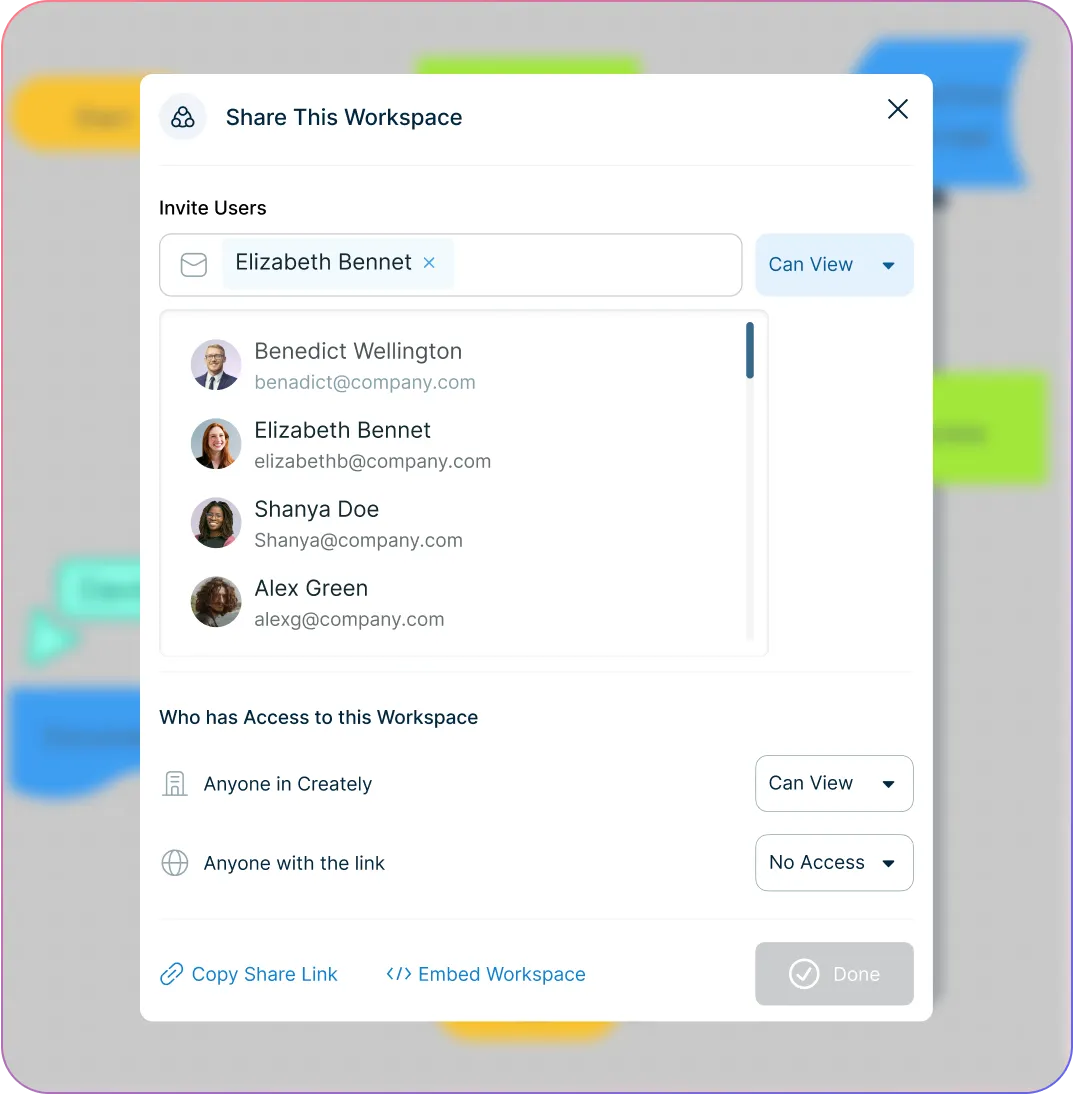
Co-edit process charts with live cursors and presence indicators.
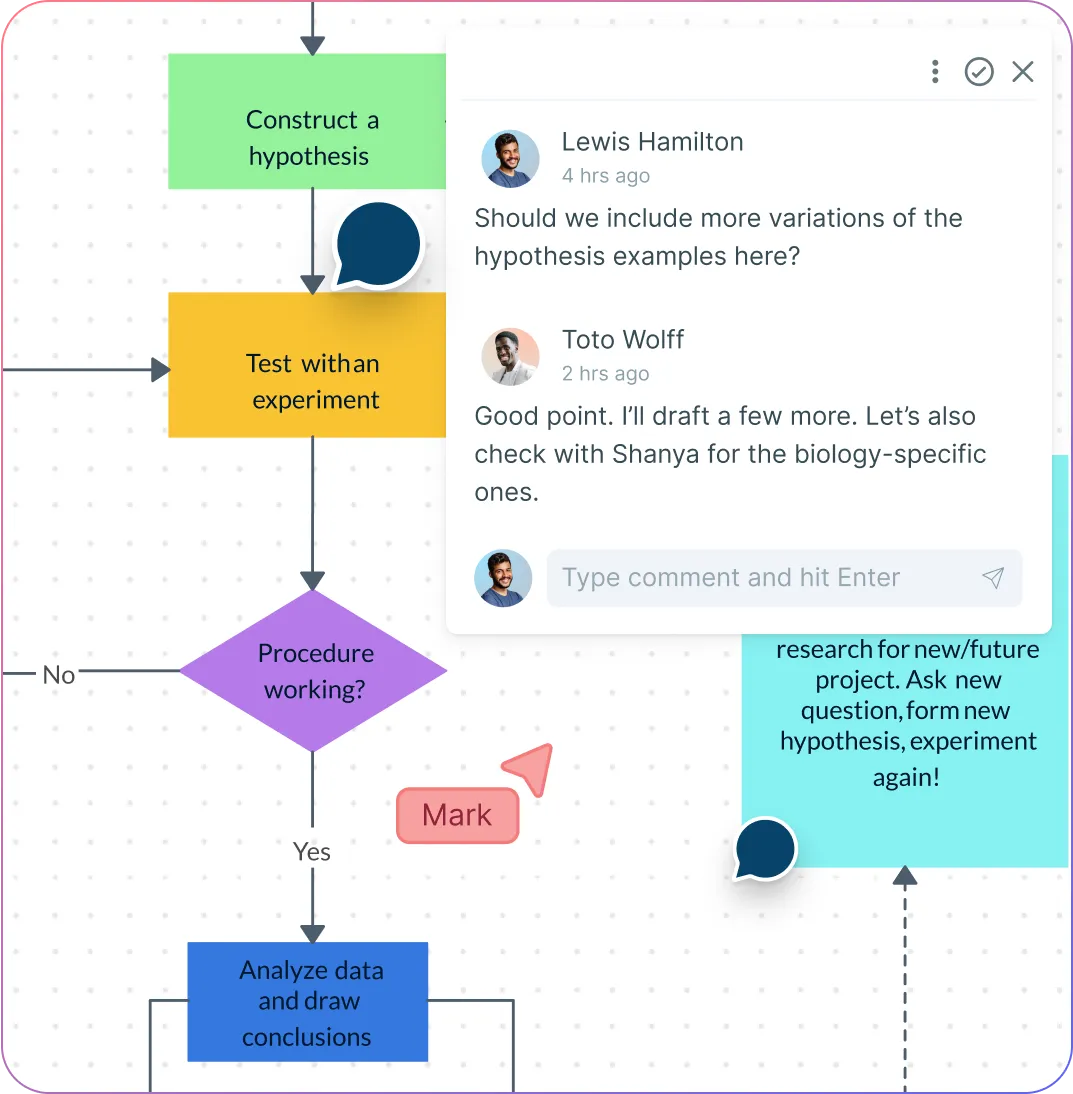
Discuss improvements using contextual comments.
Manage access with viewer and editor roles.
Track updates with complete version history.
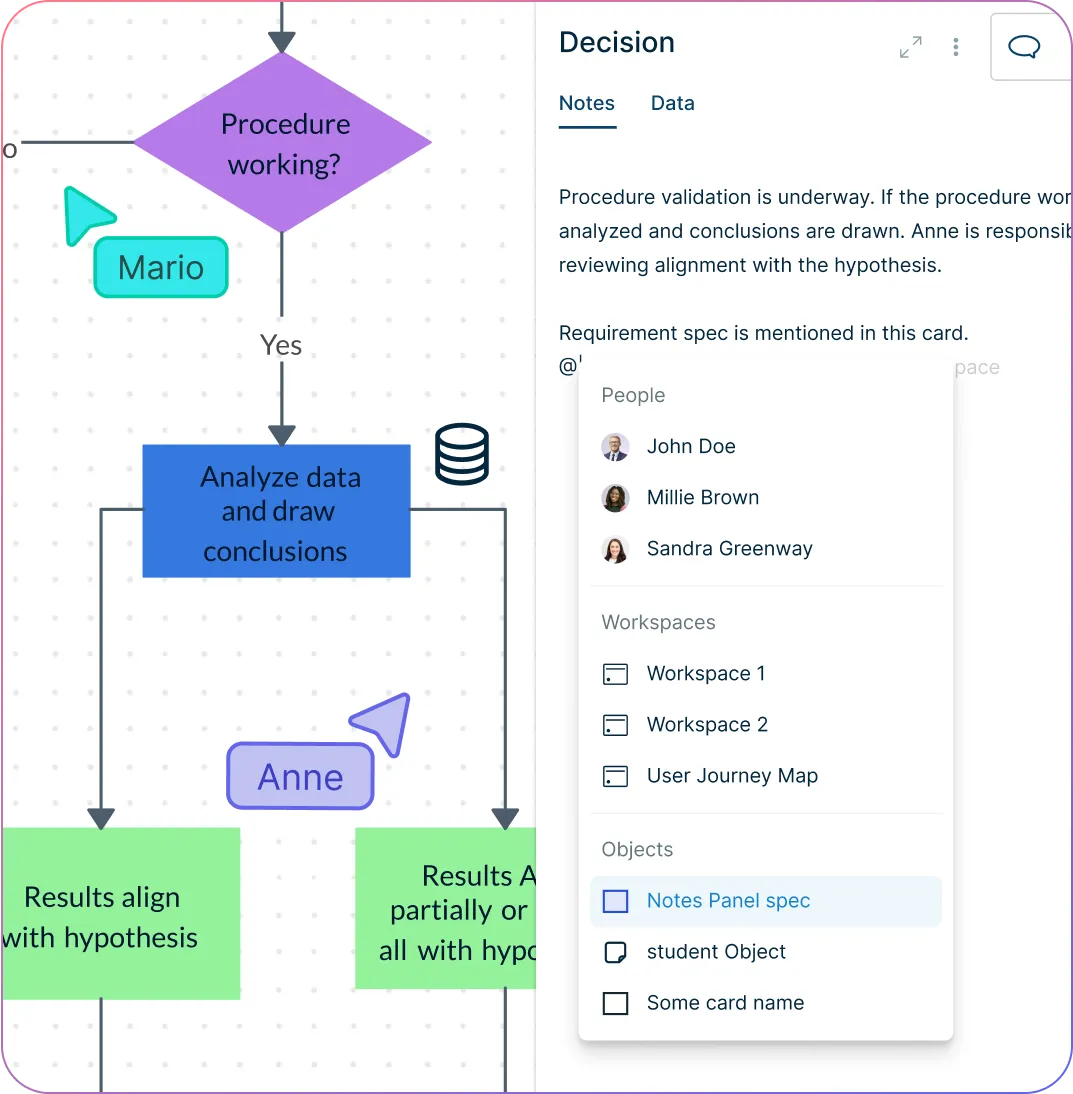
Execute and Improve Processes with Confidence
Add ownership, checkpoints, and supporting details to process steps.
Manage tasks and handoffs visually within the process chart.
Monitor changes and updates over time.
Ensure processes stay accurate as teams and workflows evolve.
What Is a Process Chart Maker?
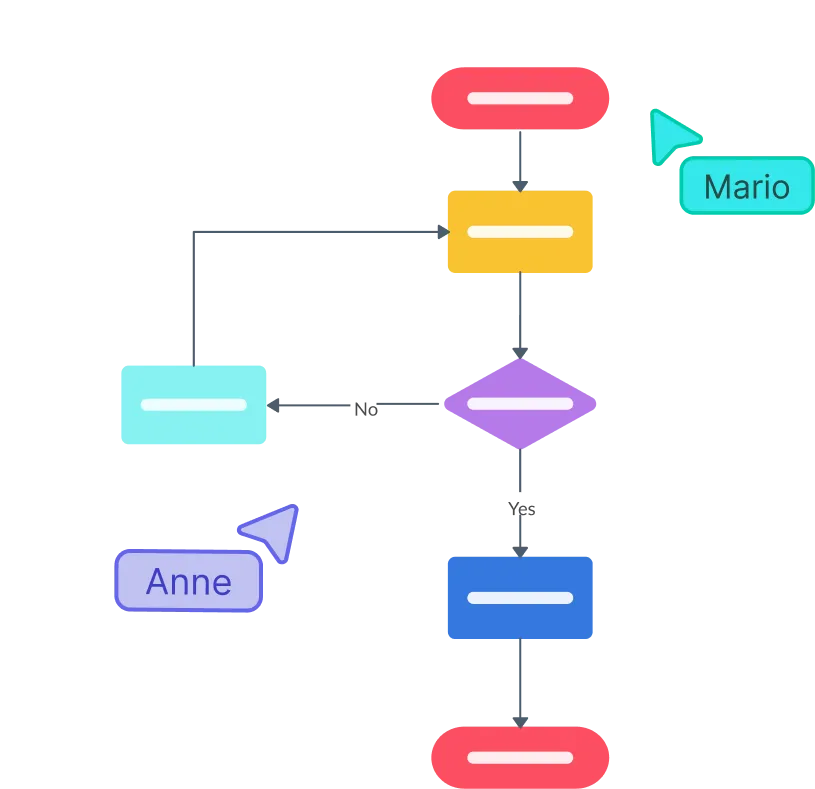
How to Make a Process Chart with Creately
Set up a shared workspace
Create a dedicated workspace for your process chart and invite teammates so everyone can align on objectives, scope, and ownership from the beginning.
Define scope, inputs, and outcomes
Identify the start and end points, key decisions, and expected outputs so the process chart reflects the real process and supports accurate planning.
Choose a template or start from scratch
Use a ready-made Creately template to move faster, or begin with a blank canvas and standard symbols to model your process chart structure clearly.
Map steps, decisions, and ownership
Place each step in sequence, connect decision points, and assign owners so stakeholders can understand responsibilities and handoffs at a glance.
Review, optimize, and share
Collaborate with stakeholders using comments and live editing, refine for clarity, then share via secure link or export for documentation and presentations.
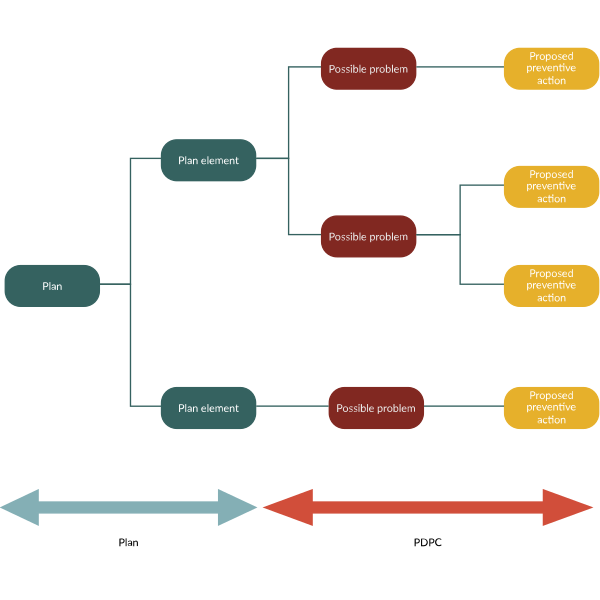
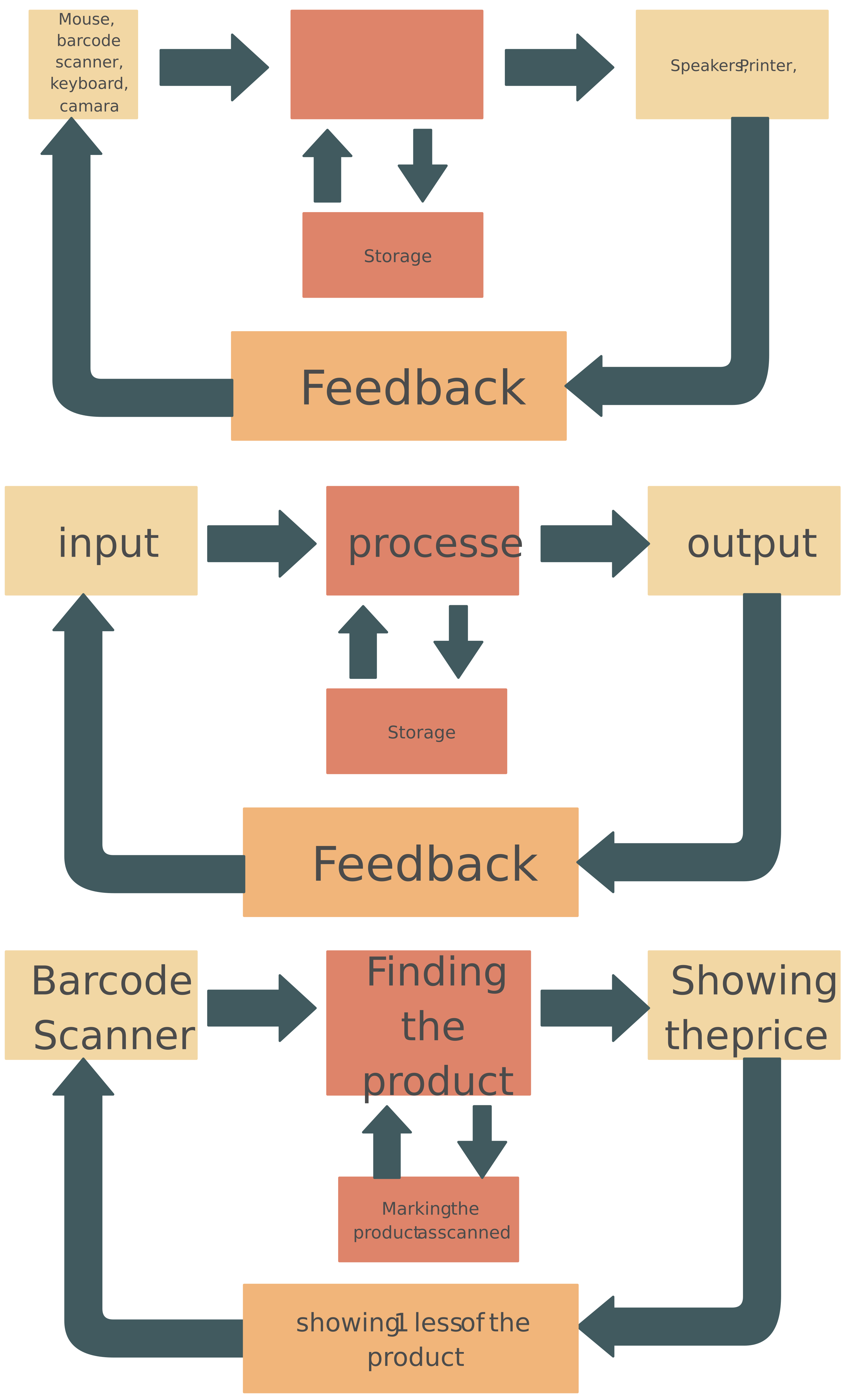
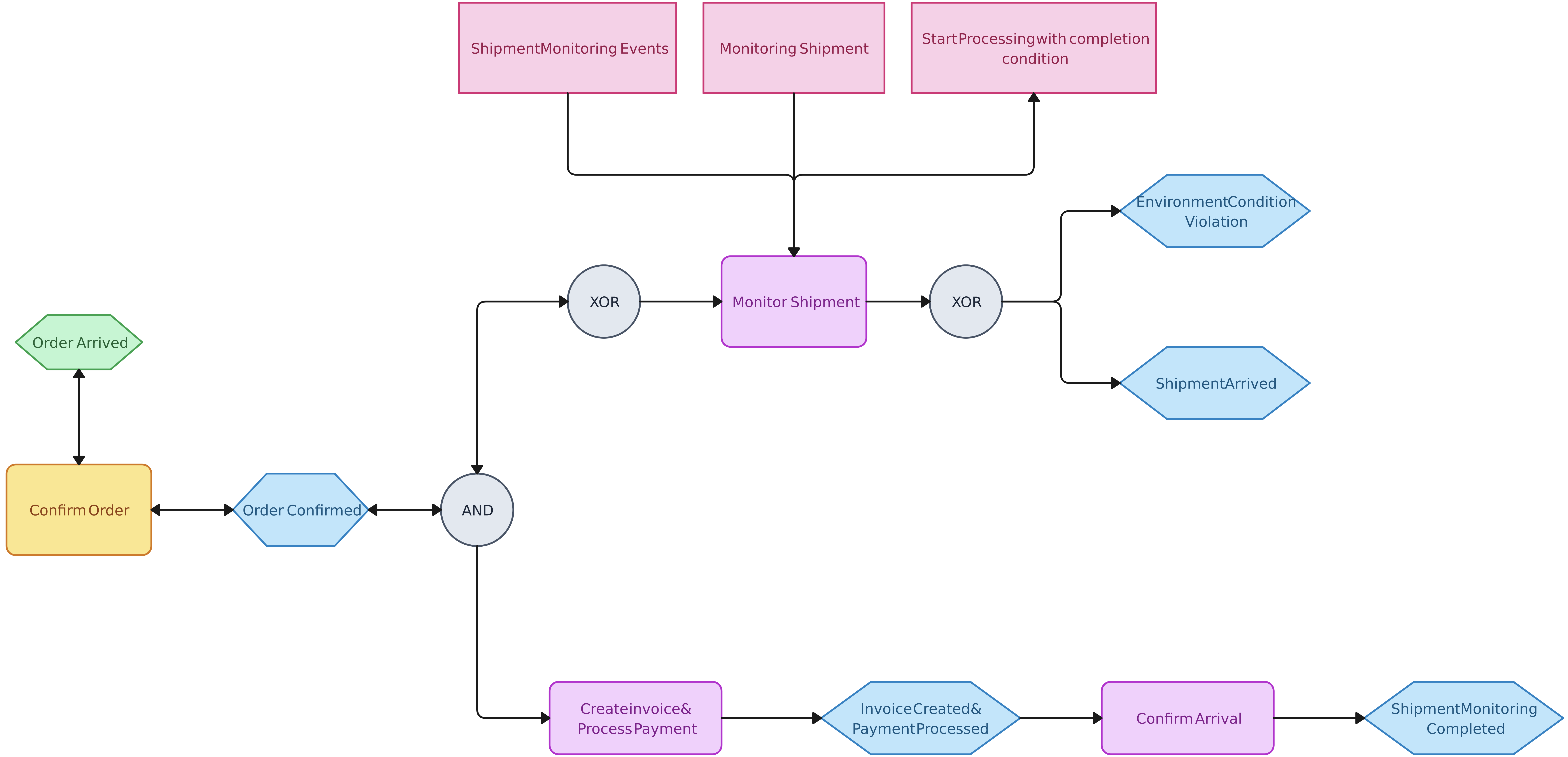
Create a Process ChartGet Started with These Free Process Chart Templates
FAQ about the Process Chart Maker
What are Creately’s process chart maker pricing plans?
- Free Plan — $0/month for basic process chart creation and collaboration
- Starter & Team Plans — $8/month or $5/month billed annually
- Business Plan — $149/month or $89/month billed annually
Annual billing helps you save more while unlocking advanced collaboration, workspace management, and enhanced process chart features. You can compare all available plans and features on the Creately Pricing Page.
How can you create process charts faster?
Are there templates for different process chart use cases?
Can teams collaborate on process charts?
Can I add notes, data, and files?
Can I share, present, or export process charts?






















