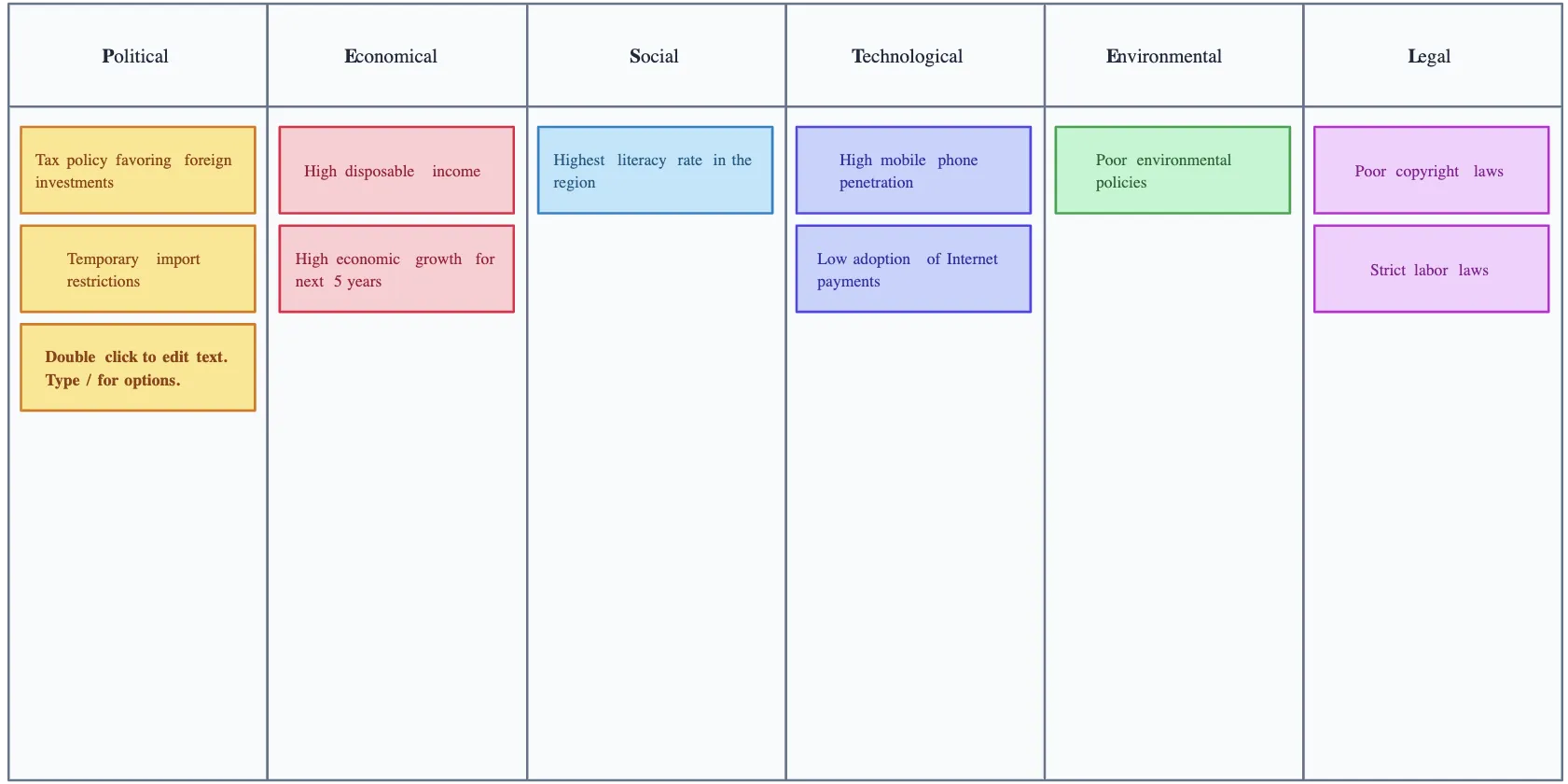
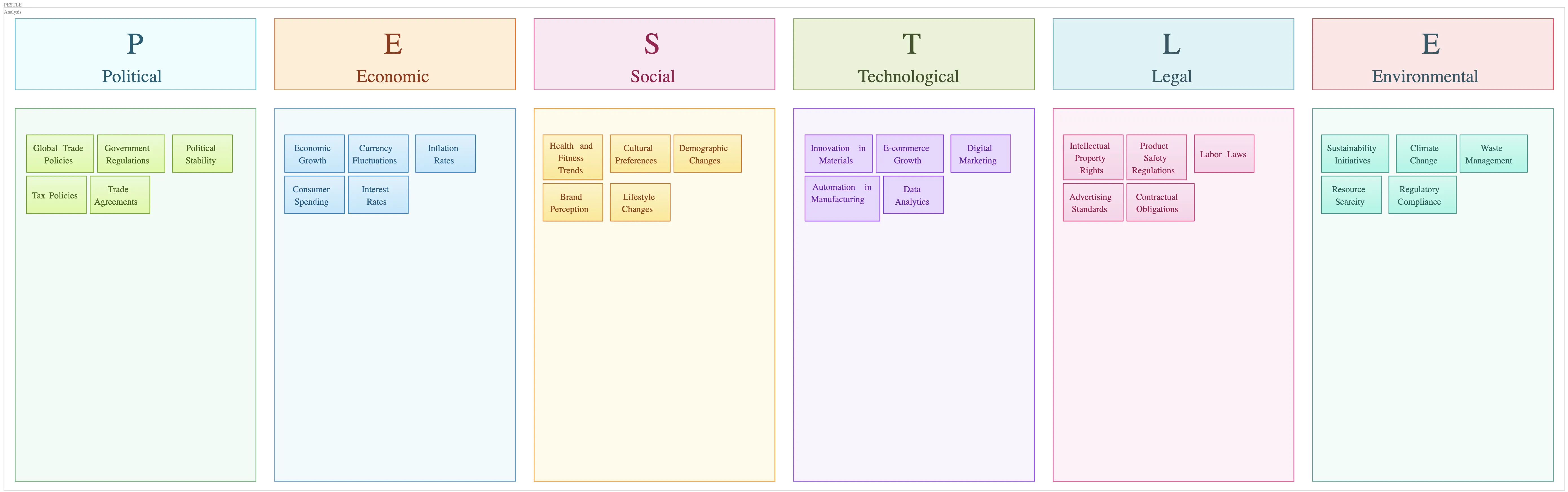
PESTEL Analysis Generator

Do Your PESTEL Analysis the Easy Way

Analyze political, economic, social, technological, environmental, and legal factors in one collaborative workspace to understand market conditions, evaluate risks, and align your team on strategic decisions.

  • Start with editable PESTEL analysis templates

  • Capture and organize external factors on a visual canvas

  • Collaborate, refine, and share your analysis with stakeholders

Over 10 Million people and 1000s of teams already use Creately
Diagramming Grid Leader 2025 Diagramming
Visual Collaboration Grid Leader 2025 Visual Collaboration
Org Chart Grid Leader 2025 Org Chart
Most Implementable 2025 Best Results 2025 Ease to Do Business With 2025
G2
Atlassian
GetApp
Capterra
Software Advice
Trust Radius
VISUALIZE & BRAINSTORM

Structure Your PESTEL Analysis Faster
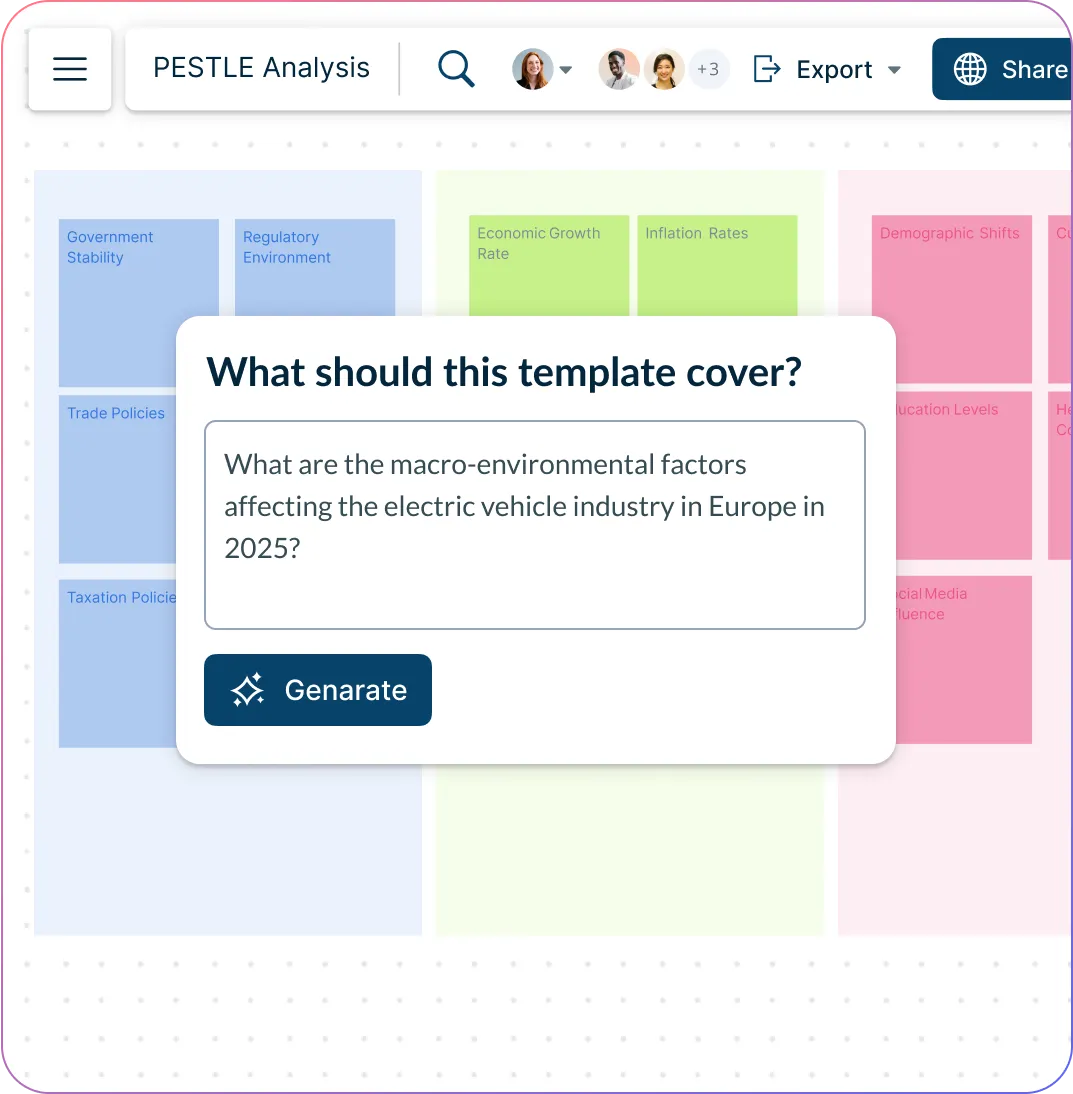
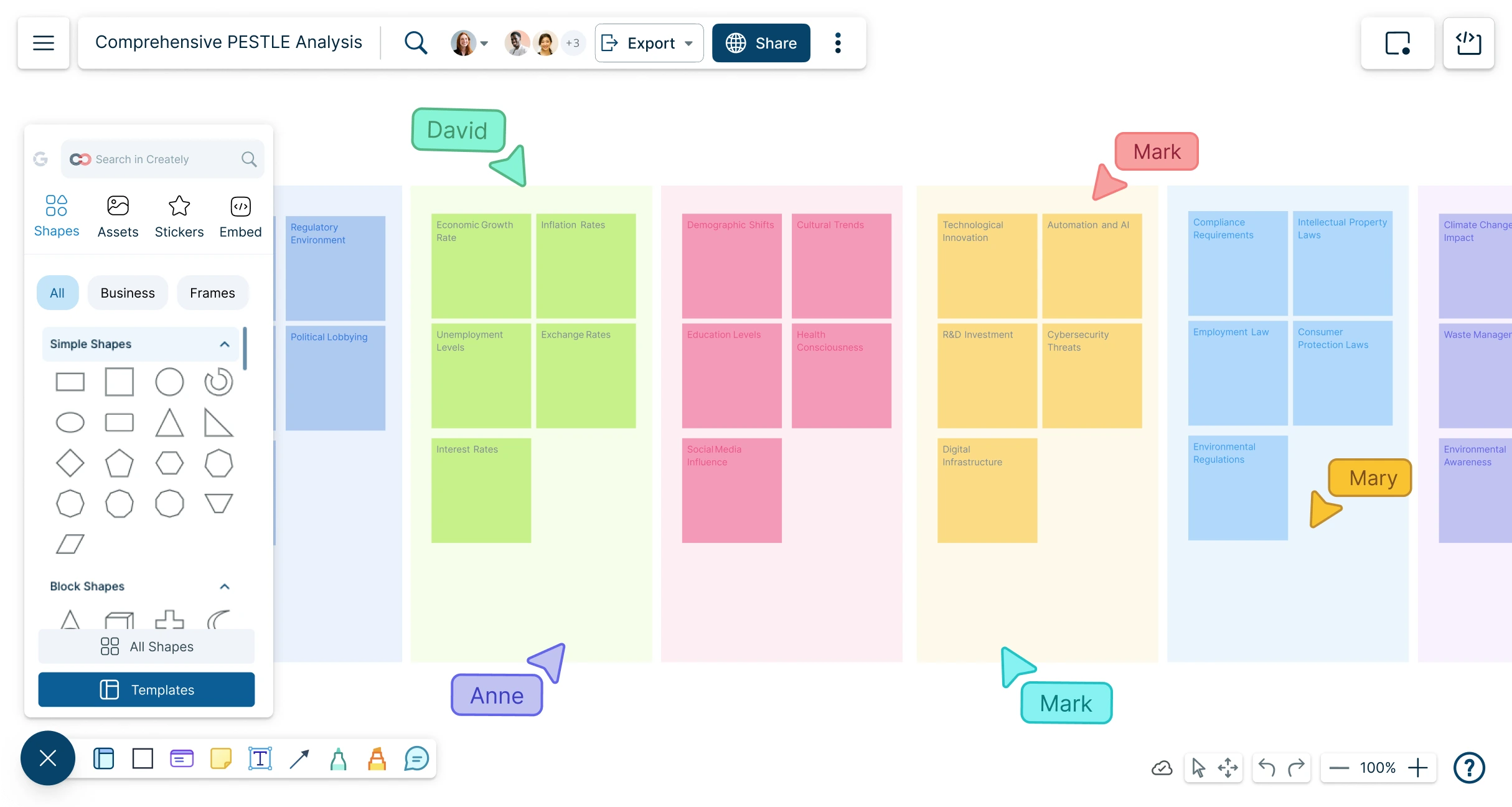
Screenshot of Creately AI feature on the pestel analysis generator
  • Add ideas quickly using sticky notes, text blocks, shapes, and connectors

  • Use colors, labels, and grouping to organize factors by category, impact, or priority

  • Expand or refine brainstorming points with in-app AI assistance

  • Move and rearrange items freely as patterns, risks, and opportunities become clearer
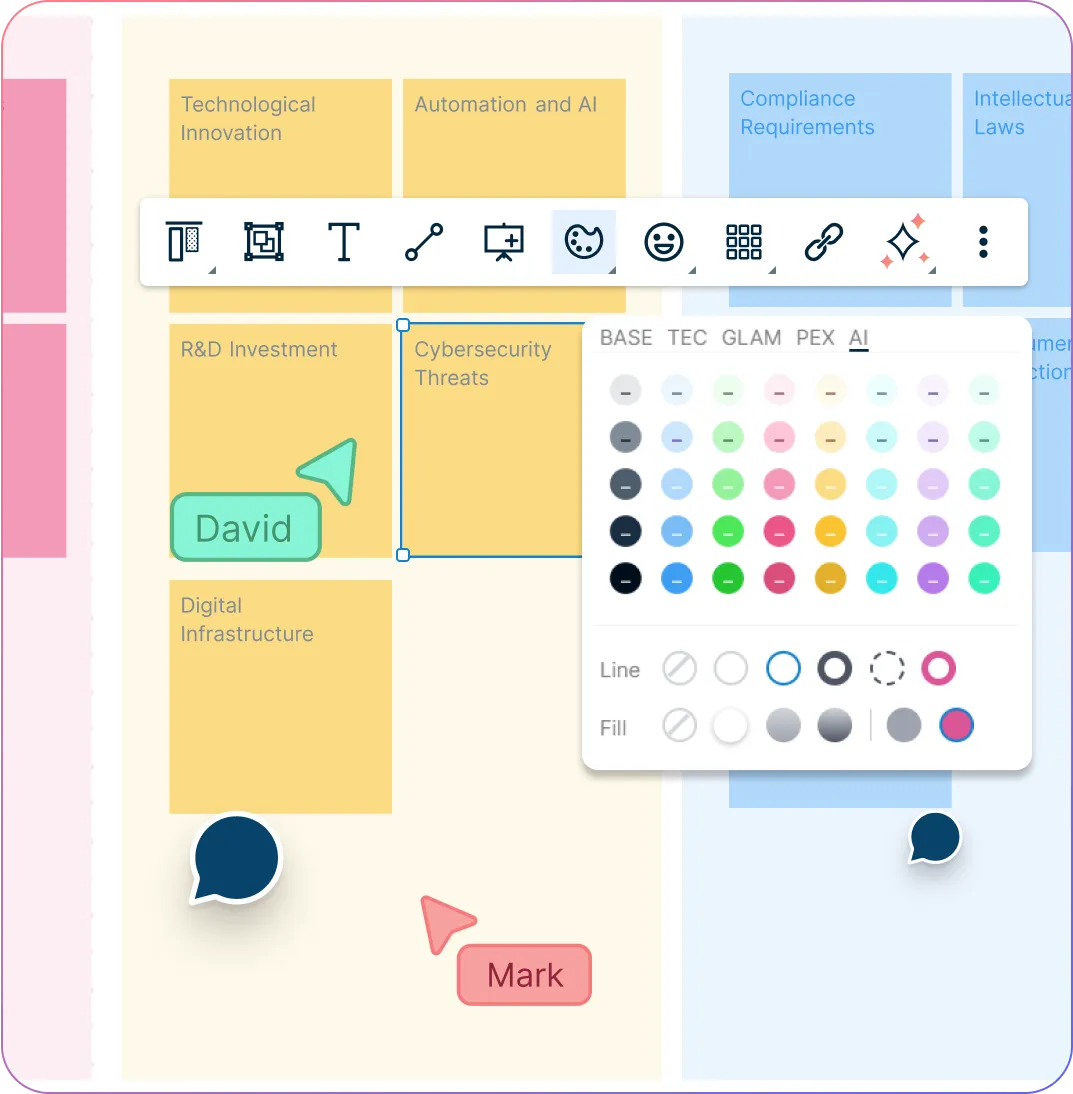
Screenshot of Creately AI feature on the pestel analysis generator
Image of the quick tool bar and color palette on the Creately pestel analysis generator
COLLABORATE & REVIEW

Align Your Team Around Key Insights

Image of the quick tool bar and color palette on the Creately pestel analysis generator
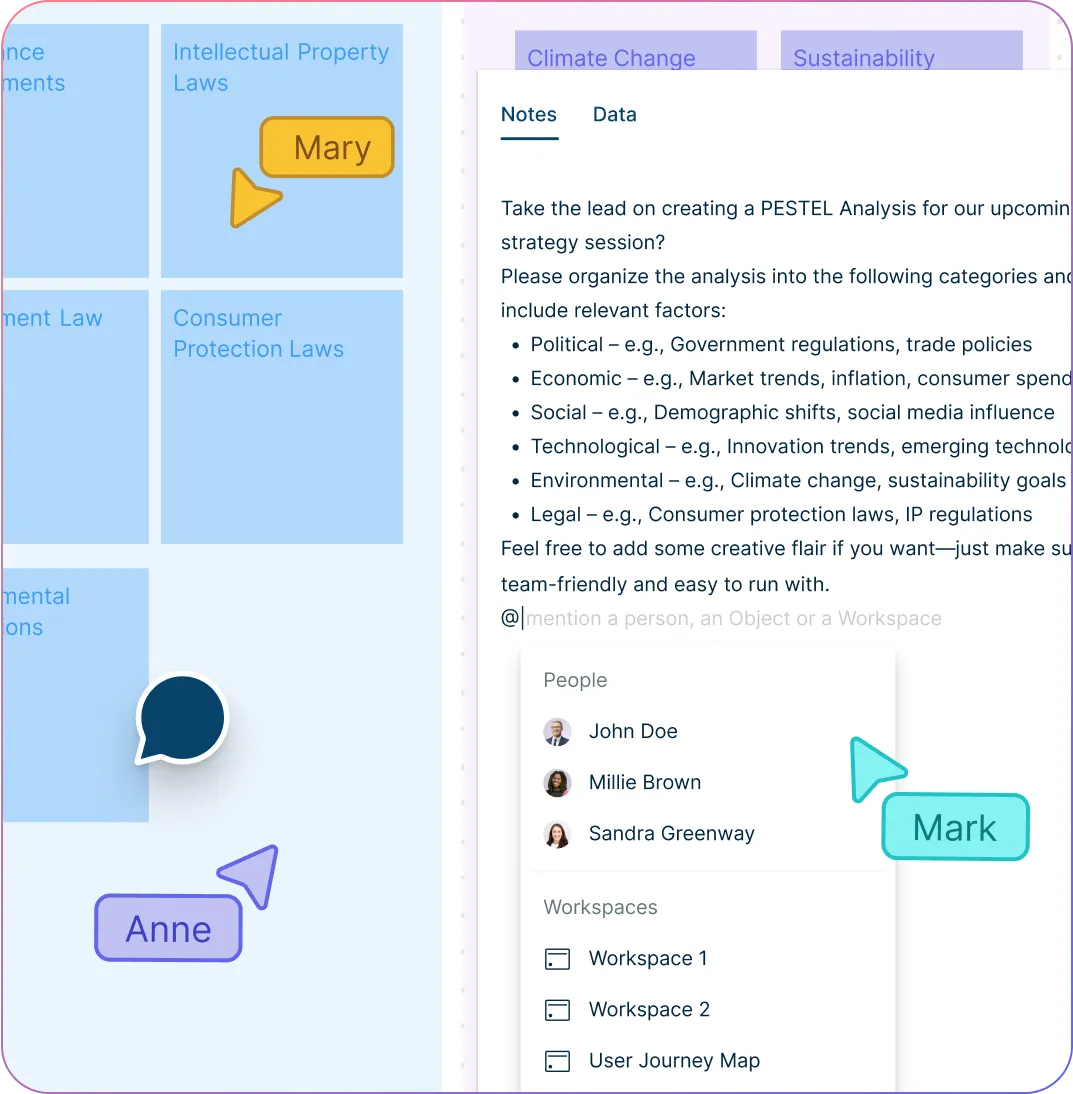
  • Co-edit the PESTEL analysis with teammates in real time

  • Use comments and @mentions to discuss specific factors or request input

  • Review ideas together during planning sessions, workshops, or strategy meetings

  • Present your analysis directly from the workspace for stakeholder discussions

ORGANIZE & ACT

Connect PESTEL Insights to Strategy

Illustration of the notes panel on Creately's pestel analysis creator
  • Add notes, links, files, and references to document assumptions and evidence

  • Keep related diagrams, SWOT analyses, roadmaps, or planning boards in the same workspace

  • Create separate PESTEL views for different markets, regions, products, or strategies

  • Turn key findings into action items or tasks to assign owners and track next steps

Illustration of the notes panel on Creately's pestel analysis creator
Ideate, plan, and execute ideas better with Creately

Why Use a PESTEL Analysis Generator?

Why Use a PESTEL Analysis Generator?
A PESTEL analysis generator is a digital tool that helps you quickly identify and organize key external factors—Political, Economic, Social, Technological, Environmental, and Legal—that impact your business. Instead of starting from a blank page, it provides guided prompts or templates tailored to your industry or objective. This streamlines the analysis process, ensures comprehensive coverage, and allows for easy customization. Many tools also support team collaboration, linking insights to strategy or action plans within a single, connected workspace.

How to Use Creately’s PESTEL Analysis Generator?

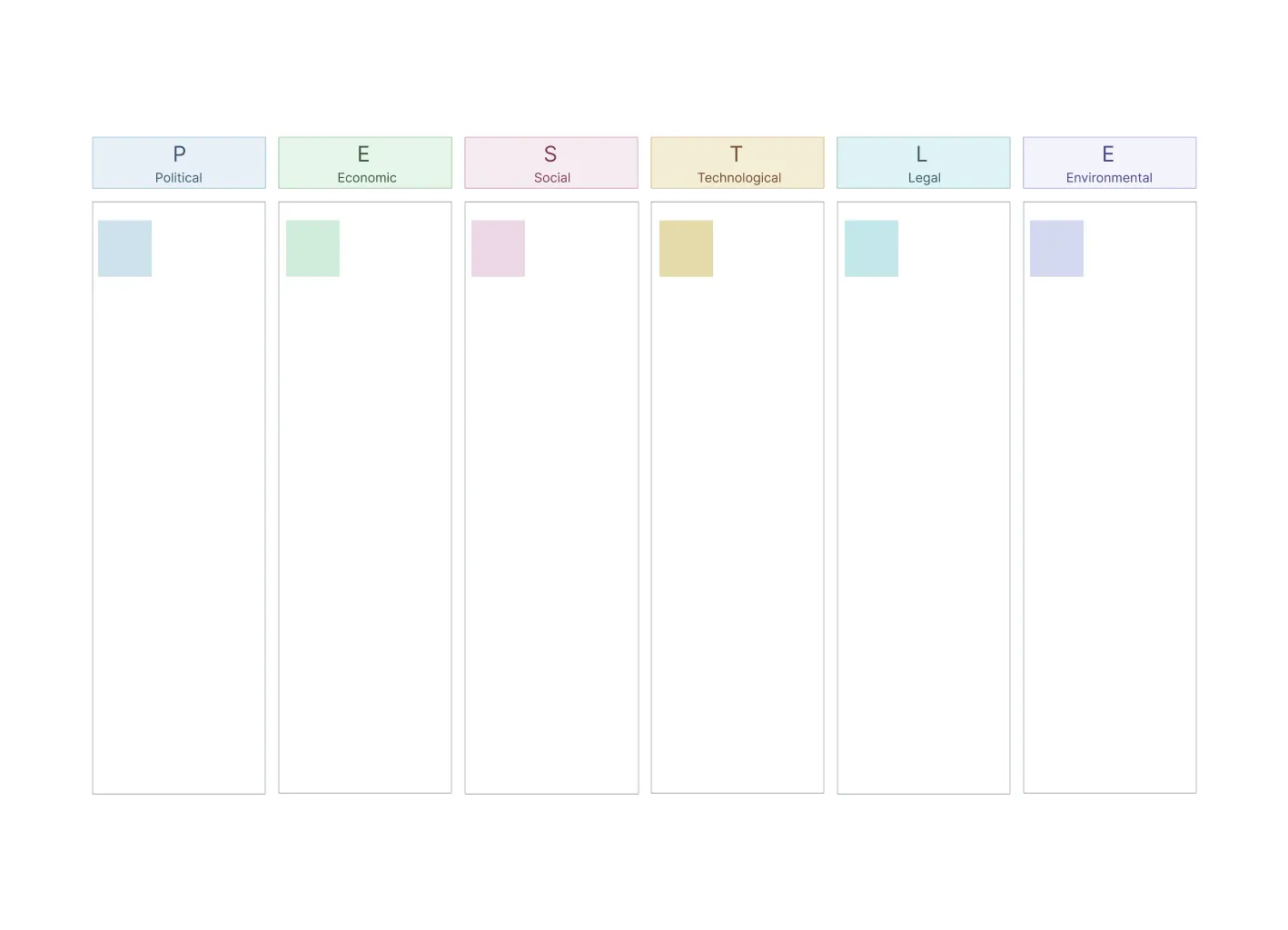
  1. Start with a PESTEL analysis template

Open Creately and choose an editable PESTEL analysis template. Use the standard sections to organize political, economic, social, technological, environmental, and legal factors that may affect your business, project, or industry.

  1. Add your business context

Add your business goal, market, product, region, or strategic challenge to the canvas. This helps your team frame the analysis around the right external factors instead of listing generic trends.

  1. Capture and organize PESTEL factors

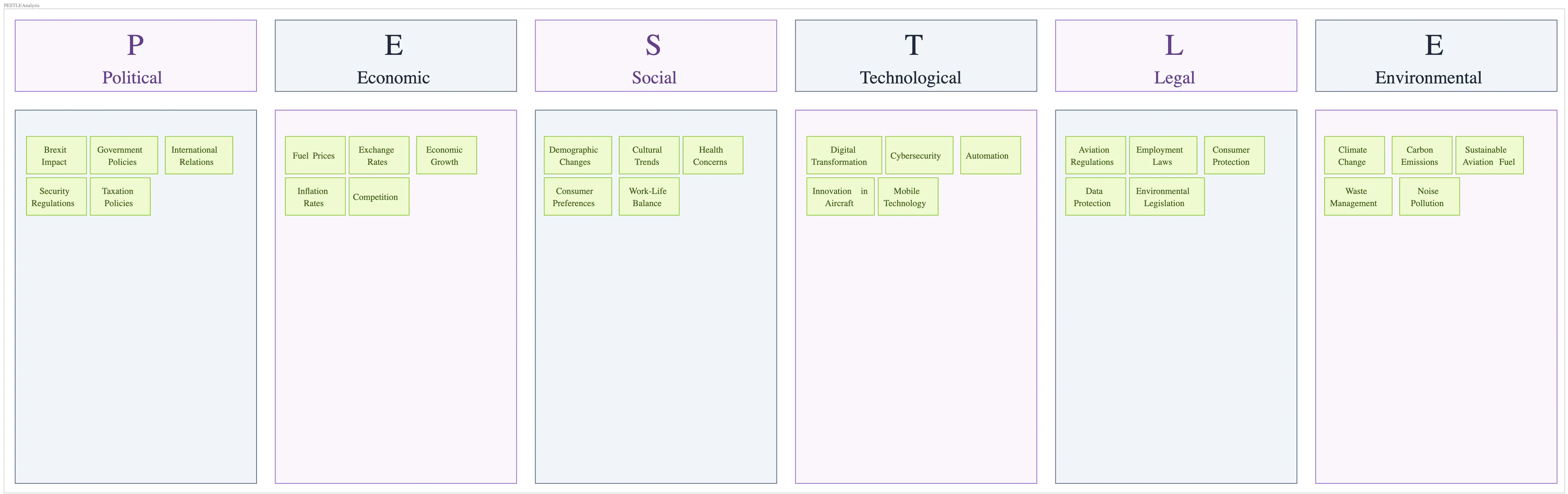
Add relevant external factors under each PESTEL category. Use sticky notes, shapes, colors, labels, and grouping to organize ideas clearly and highlight factors by impact, urgency, or priority.

  1. Review and refine your analysis

Edit, add, remove, or rearrange factors as your thinking develops. Add notes for context, link supporting research, and use in-app AI assistance where helpful to refine and expand ideas, or clarify points.

  1. Collaborate with your team

Invite teammates to review and refine the analysis in real time. Use comments, @mentions, and shared editing to gather input, discuss assumptions, and align on the most important risks and opportunities.

Connect key findings to strategic roadmaps, SWOT analyses, planning boards, or task workflows in Creately. Turn important factors into action items so your team can assign owners and track next steps.

  1. Share and present your analysis

Export your finished PESTEL analysis as a PDF or image, share it with a secure link, or present it directly from Creately during stakeholder reviews, workshops, or planning meetings.

Conduct a PESTEL Analysis
What Our Customers Say About Us
A Comprehensive Tool for Visual Collaboration and Diagramming
it is ease of collaborative diagramming and real-time editing. This allows teams to brainstorm, create, and refine diagrams together in a way that feels intuitive and seamless, regardless of location.
Juan Leonardo G
Efficient and User-Friendly Diagramming Tool
I love how easy it is to create and collaborate on diagrams with Creately. The real-time collaboration feature is incredibly helpful for team projects, and the extensive library of templates and shapes saves a lot of time
Aymen G
Creately provides best diagram structure.
Creately has proven to be an incredibly creative tool, enhancing the visual appeal of our company tasks significantly. Additionally, its pricing is highly competitive, offering great value for the features it provides.
Ruchika N
Great AI features
AI Modelling capability. It gives Prompt examples so user can learn how to create effective prompts
Karma A.
User friendly and visually appealing!!
The interface is easy to use. The look is aesthetically pleasing as well. Love the functionality.
Chrisoula

FAQs About the PESTEL Analysis Generator

What are Creately’s PESTEL analysis generator pricing plans?

  • Free Plan — $0/month for basic PESTEL analysis creation and collaboration
  • Starter & Team Plans — $8/month or $5/month billed annually
  • Business Plan — $149/month or $89/month billed annually

Annual billing helps you save more while unlocking advanced collaboration, workspace management, and enhanced PESTEL analysis features. You can compare all available plans and features on the Creately Pricing Page.

How can you create PESTEL analyses faster?

Creately helps you create PESTEL analyses faster with an infinite canvas, drag-and-drop diagramming, smart connectors, and professionally designed templates. You can start with a ready-made layout or build from scratch, then collaborate and refine everything in one shared workspace.

Are there templates for different PESTEL analysis use cases?

Yes. Creately offers editable templates for different PESTEL analysis use cases, so you can start with a relevant structure and customize it to match your workflow, team, or project requirements.

Can teams collaborate on PESTEL analyses?

Yes. Teams can work together on the same PESTEL analysis in real time using live cursors, comments, mentions, and shared workspaces. This makes reviews faster and keeps everyone aligned.

Can I add notes, data, and files?

Yes. Creately lets you enrich your work with notes, links, images, documents, and additional context attached directly to shapes and items on the canvas. This helps you keep supporting information connected to the visual.

Can I share, present, or export PESTEL analyses?

Yes. You can share PESTEL analyses with a link, present them directly from the workspace, or export them in formats like PDF, PNG, SVG, and JPEG. This makes it easy to use Creately in meetings, documentation, reviews, and presentations.
Streamline Your Workflows by Integrating with the Tools You Love
Creately integrates with the tools your teams use every day and supports your team’s workflow seamlessly.
Github
Microsoft
Google Drive
Google Sheets
Google Docs
Google Slides
Confluence
Why Creately Is the Best PESTEL Analysis Generator
Creately is the intelligent visual platform enabling visual collaboration, knowledge management and project execution.
Why Creately Is the Best PESTEL Analysis Generator
Infinite Visual Canvas
Real-Time Collaboration
Custom Databases
Data Driven Docs
Professional Diagramming
Enterprise Grade Security
Project & Task Management
Powerful Visual Modelling

24/7 Live Support

Live in-app chat support

Sign up for a free account today.
banner-img