Hidden org issues turn into costly surprises - Surface spans of control, structural risk, and cross‑functional relationships before they escalate. W
Org design work spreads across tools and teams - Replace slides and spreadsheets with a single, live org design workspace that brings structure and workforce data together.
Reorg decisions lack a clear, shared rationale - Model changes in scenarios, compare options, and explain decisions clearly using board-ready views.
CERTIFIED



Organizational Design Software
Design the Right Org Structure with Confidence
Creately’s organizational design software helps HR leaders and org design consultants choose the right structure for their organization. Compare structures with real workforce data and scenarios — before committing to change.
 Hidden org issues turn into costly surprises
Surface spans of control, structural risk, and cross‑functional relationships before they escalate. W

 Org design work spreads across tools and teams
Replace slides and spreadsheets with a single, live org design workspace that brings structure and workforce data together.
 Reorg decisions lack a clear, shared rationale
Model changes in scenarios, compare options, and explain decisions clearly using board-ready views.




 Diagramming Visual Collaboration Org Chart


Why Choose Creately for Organizational Design
Choose the Right Structure First
Use scenarios, relationship modeling, and workforce data to evaluate which organizational structures fit your scale, coordination needs, and governance complexity.
Compare Structure Models with Data
Evaluate functional, divisional, matrix, flat, and network structures using headcount, span of control, cost centers, and compensation bands in the organizational design builder.
Start from Proven Structure Templates
Use pre-built templates for each structure type as a starting point, then adapt them using your real organization data.
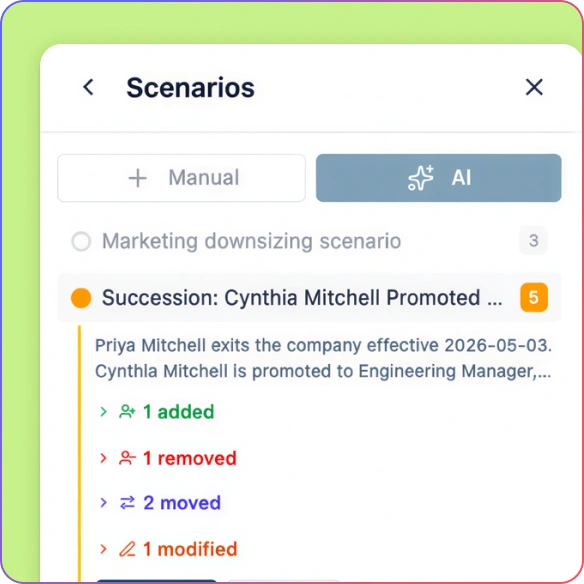
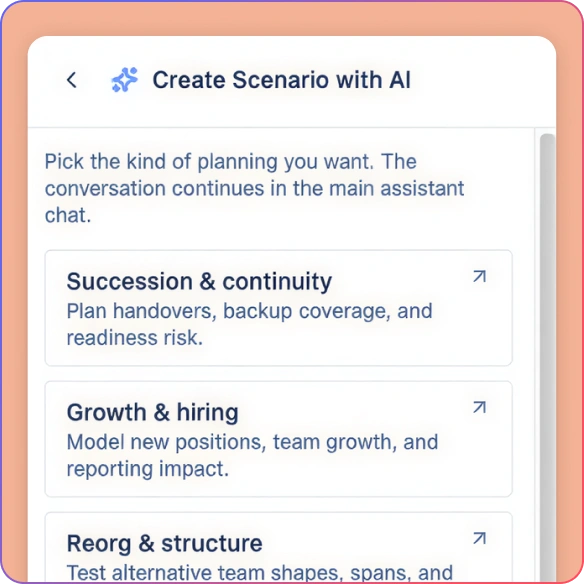
Model Reorgs Safely
Create what-if scenarios in the organizational design maker to test new structures without disrupting the live organization.
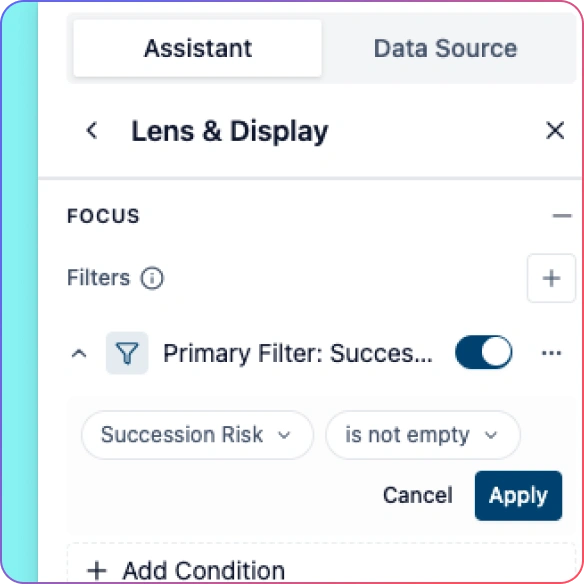
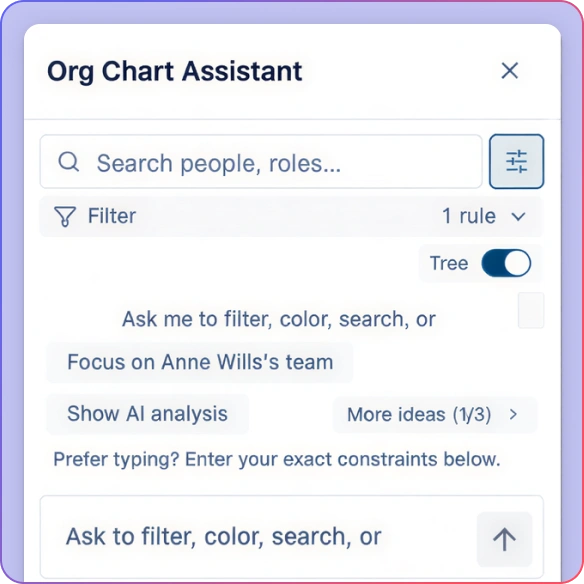
Analyze Structures with AI
Ask natural-language questions like “Where are spans too wide?” or “Which teams have overloaded managers?” and see results highlighted directly on the org chart.
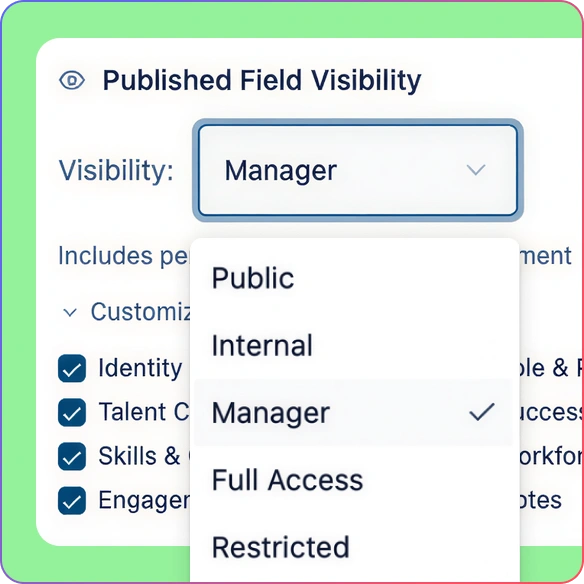
Share Designs with the Right Stakeholders
Use role-based permissions and sensitivity controls so executives, HR, and consultants see only the data they’re meant to see.
Design Any Organizational Structure
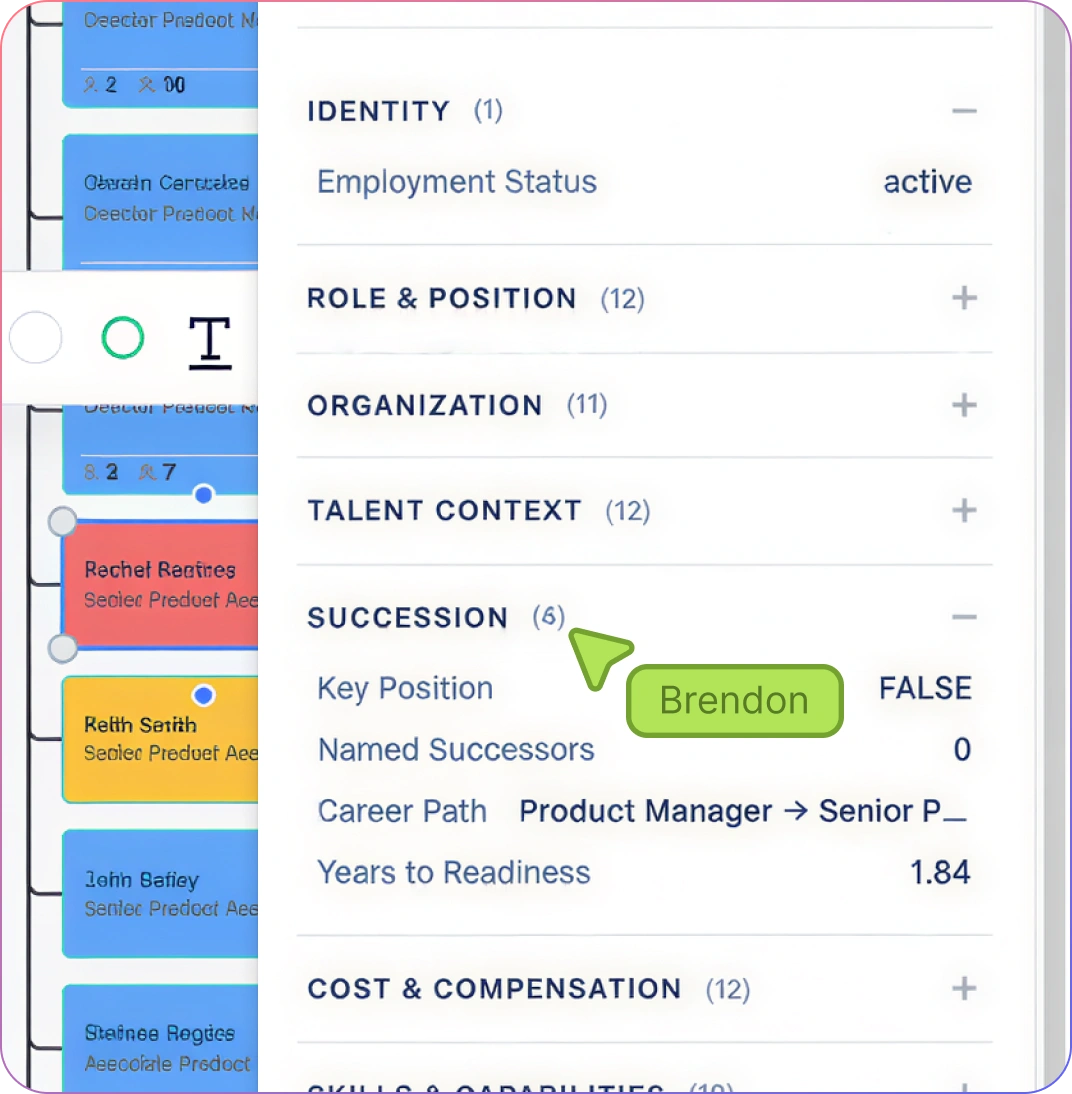
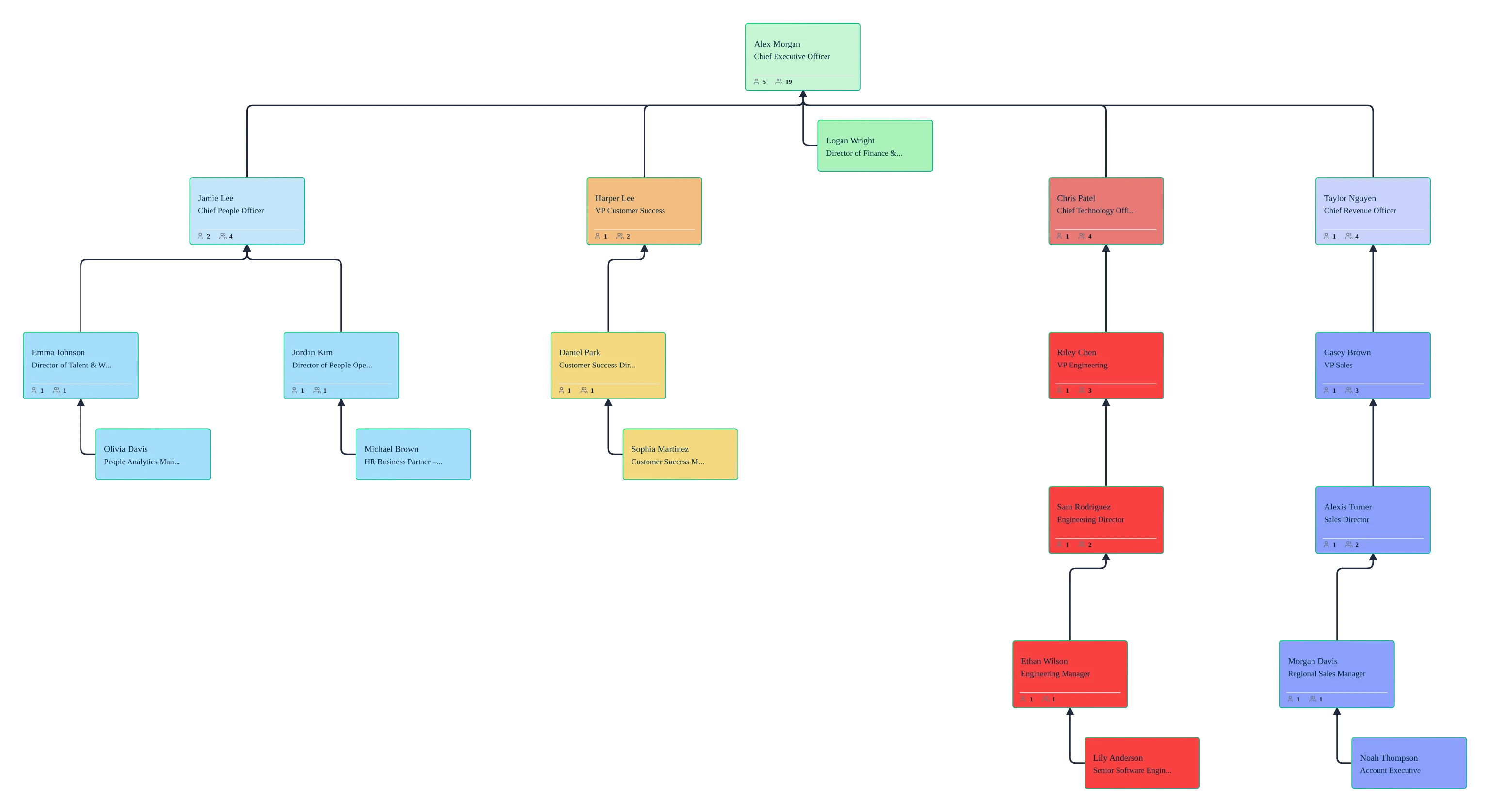
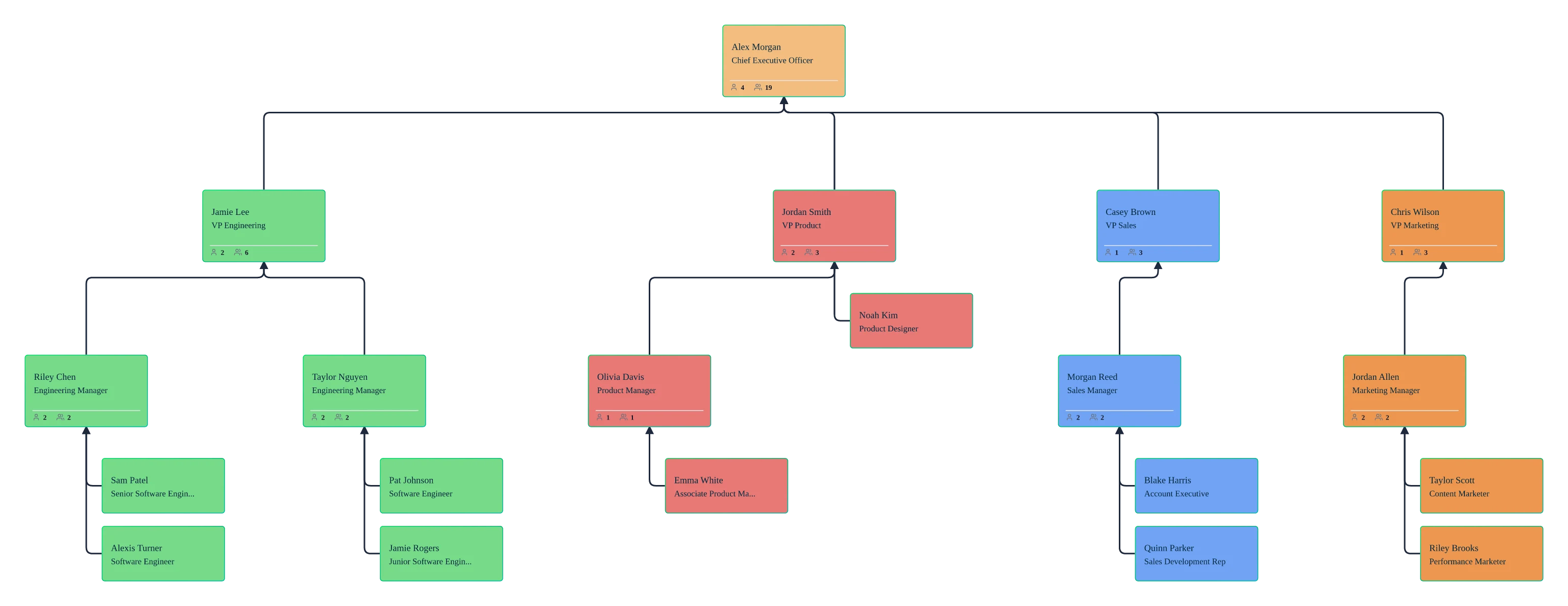
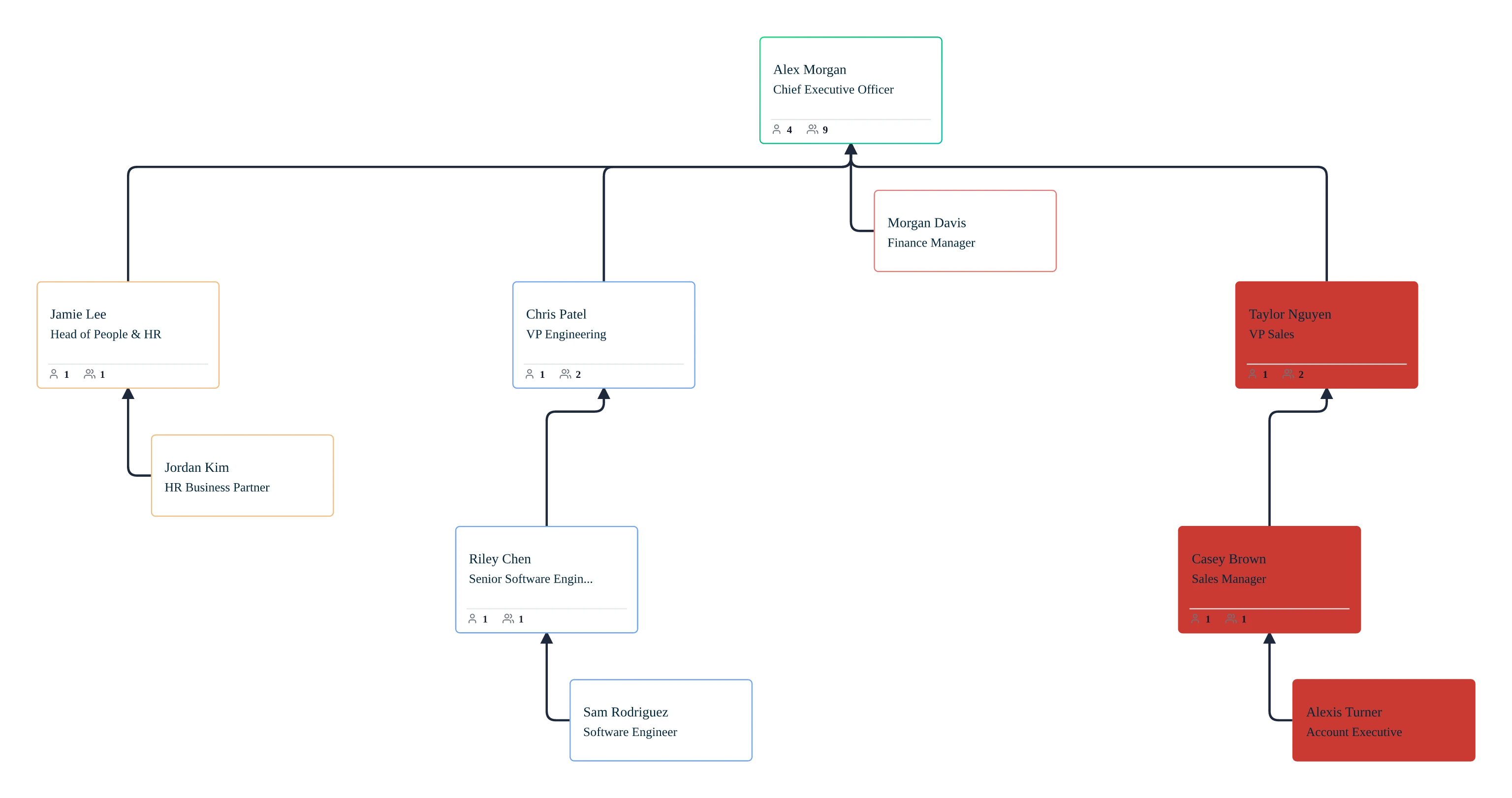
Design and model functional, divisional, matrix, flat, and network organizational structures in one workspace.
Define primary, secondary, and cross‑functional reporting relationships so the model reflects how work actually happens.
Separate positions from people to design future-state orgs, vacant roles, and growth plans without disrupting today’s structure.
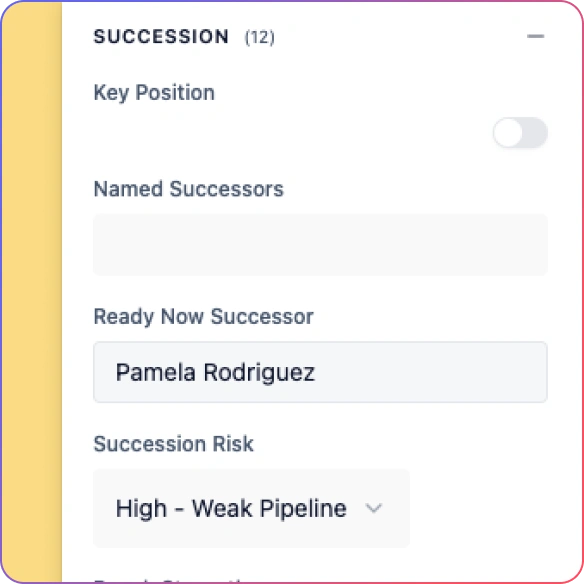
Attach HR data to roles using field packs, including cost center, employment type, and compensation bands, with headcount calculated automatically.
Start from structure‑specific templates and adapt them using real organization data instead of rebuilding from scratch.
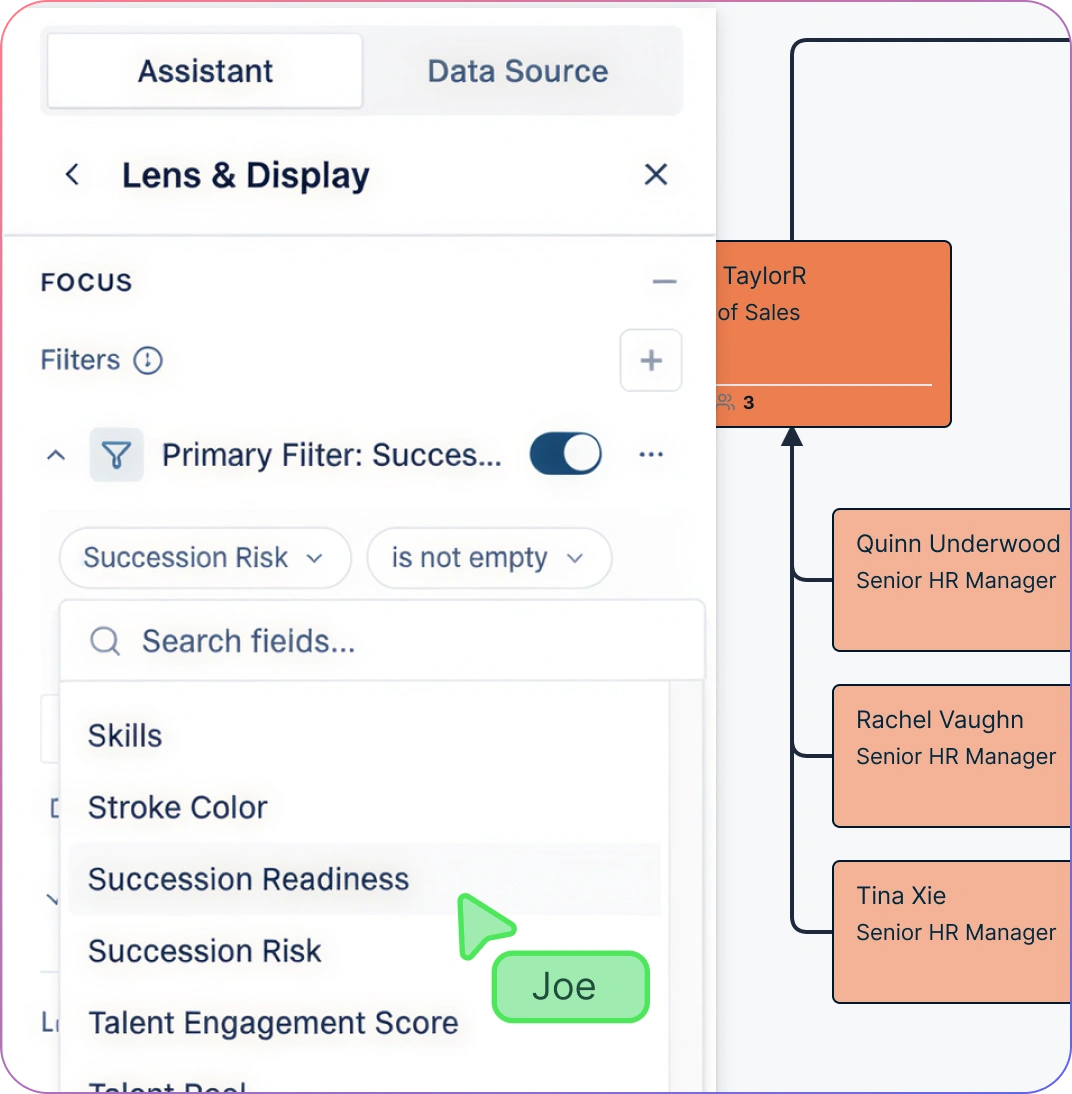
Compare and Validate Org Designs
Create named what-if scenarios for each structure option in the organizational design builder.
Compare scenario additions, removals, moves, and field updates against the same current-state people and position records.
Apply approved designs without rebuilding or re-importing data.
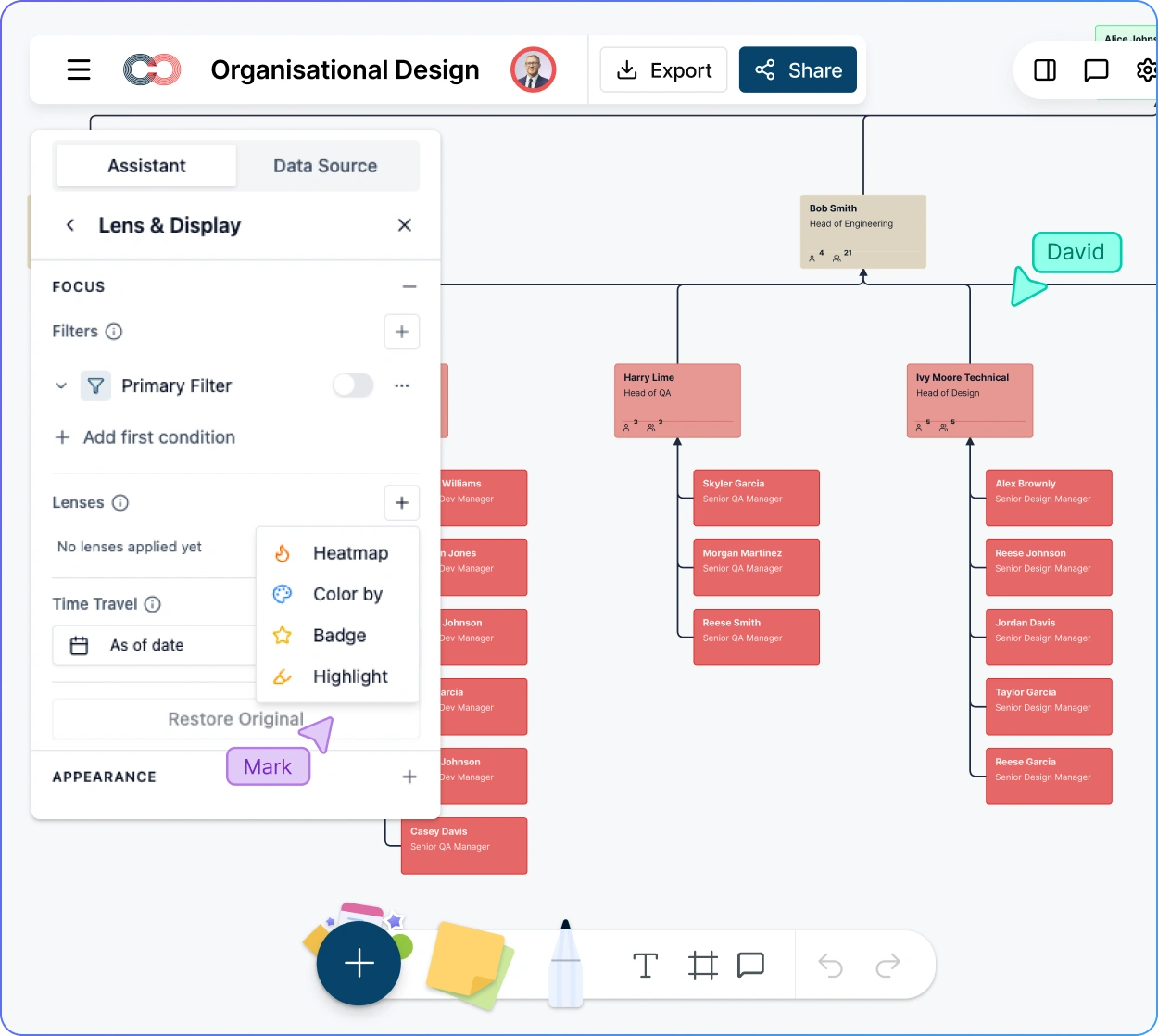
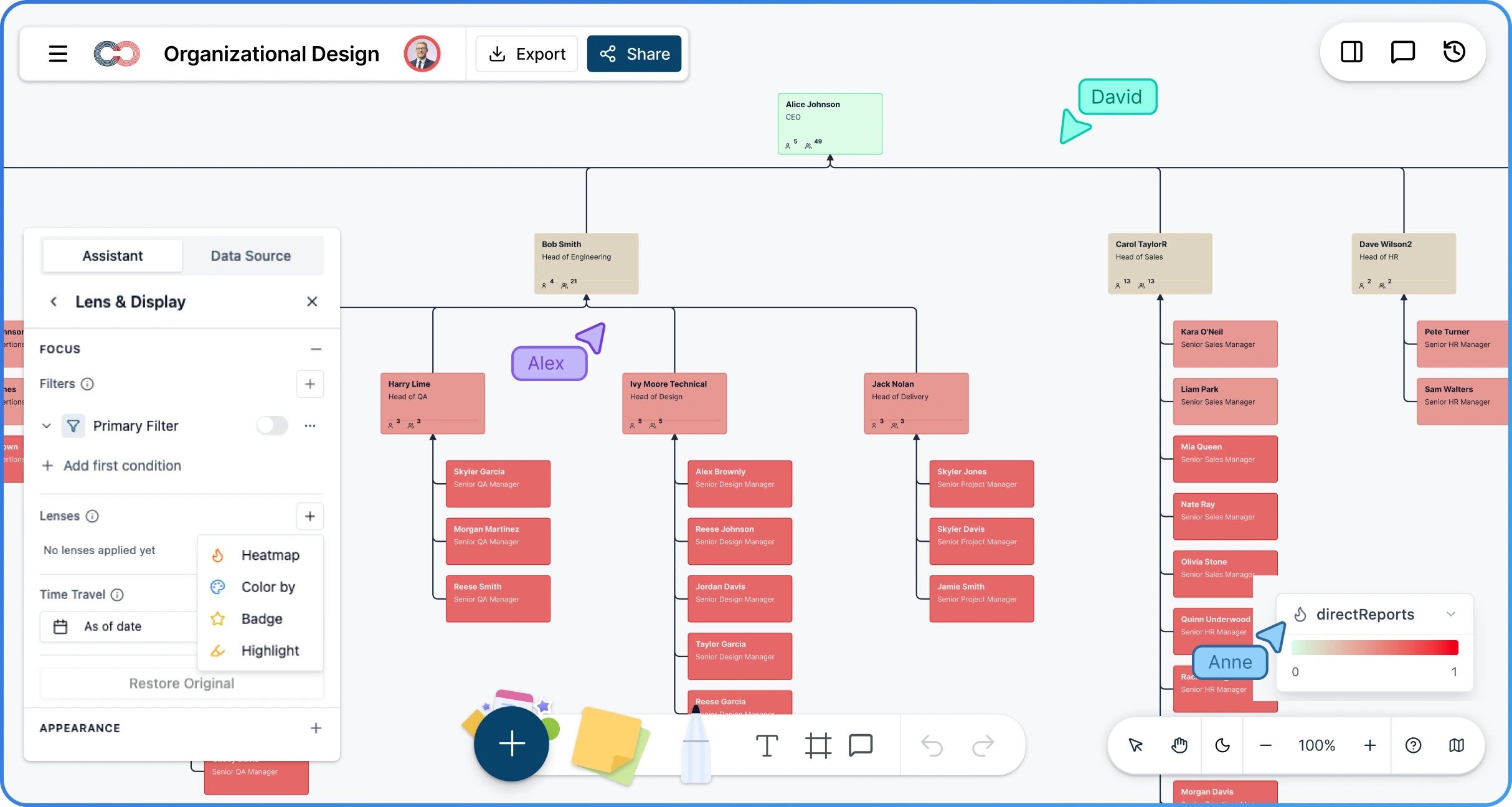
Use heatmaps and visual overlays to identify wide reporting spans and other patterns for review in context.
Ask the AI natural-language questions and see insights highlighted directly on the org model.
Govern and Defend Org Design Decisions
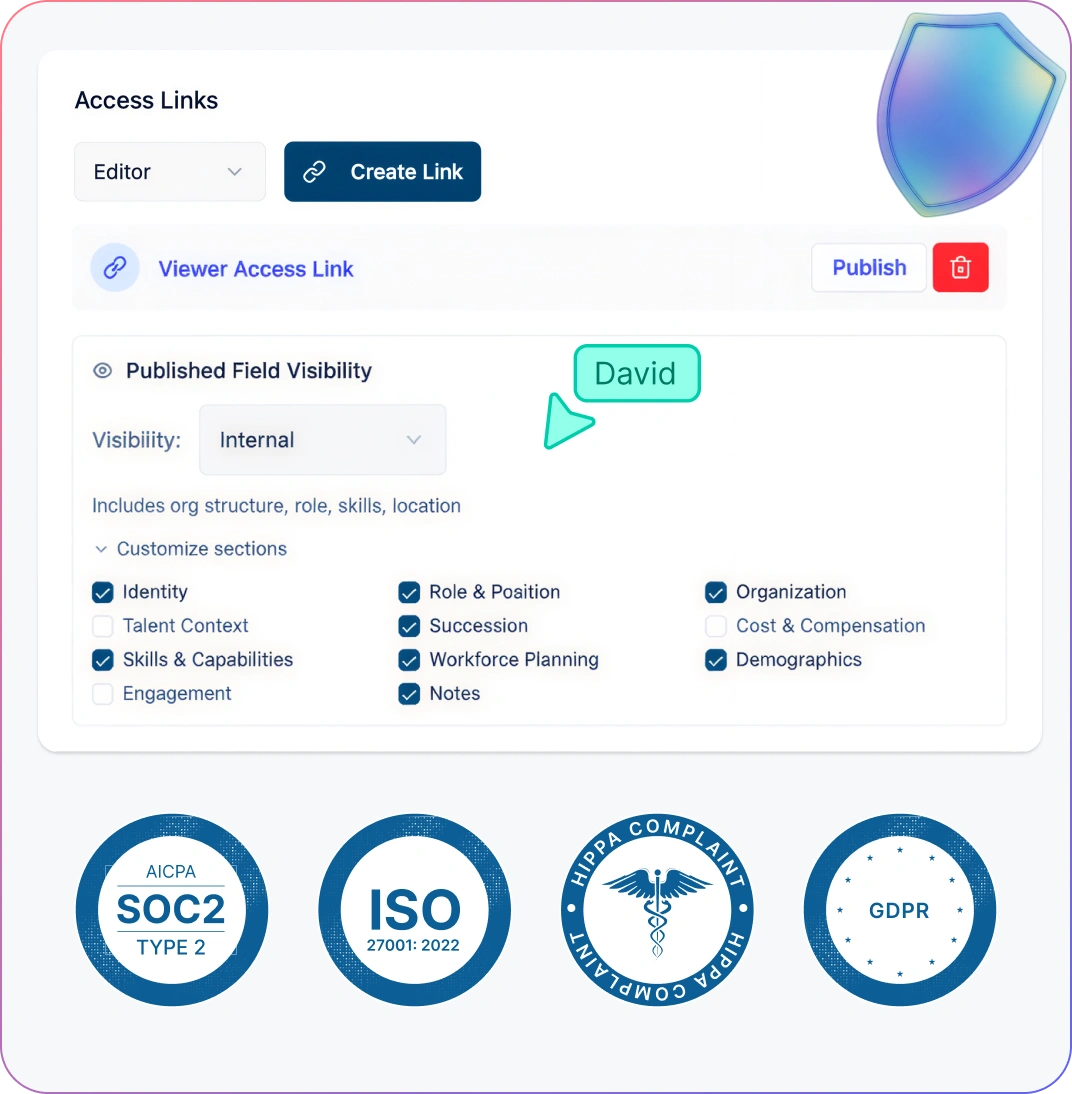
Control access to sensitive org design data using role-based permissions and a 6-tier sensitivity model.
Share live, permissioned views so executives, HR, and consultants see only what they’re meant to see.
Review original and proposed values in scenario deltas, using comments to record the rationale behind structure changes.
Include structure comparisons, assumptions, and rationale directly in shared views.
Export the org chart as PDF for boards, executives, and consulting clients when formal documentation is required.
How to Do Organizational Design with Creately
Build or import your current org using people, positions, and reporting lines.
Define primary, secondary, and cross-functional relationships to reflect how work actually happens.
Add HR data to roles using field packs, including cost centers, employment type, and compensation bands.
Create scenarios to test alternative structures without affecting the live org.
Validate and present decisions using visual analysis, AI insights, and board-ready outputs.
Use Cases
Organizational Redesigns & Reorgs
Model proposed restructures in scenarios, compare current and future-state designs, and understand span, role, and reporting impacts before making changes live.
Growth, Scaling & New Business Units
Design future-state org structures for growth initiatives, new teams, or business units by separating positions from people and planning roles ahead of hiring.
Matrix & Cross-Functional Operating Models
Visualize primary, secondary, and cross-functional reporting relationships to design and validate matrix structures without losing clarity or accountability.
M&A and Post-Merger Integration
Combine multiple org structures into a single workspace to evaluate overlaps, reporting conflicts, and integration options before executing changes.
Consulting & Client Org Design Engagements
Run structured org design engagements using templates, scenarios, and comparison views, then share controlled, client-ready visuals and reports.
Board & Executive Structure Reviews
Present defensible organizational design recommendations using live views, scenario comparisons, and board-ready exports to align leadership decisions.
FAQs About Organizational Design Software
What are Creately’s organizational design software pricing plans?
- Free Plan — $0/month for basic organizational design creation and collaboration
- Starter & Team Plans — $8/month or $5/month billed annually
- Business Plan — $149/month or $89/month billed annually
Annual billing helps you save more while unlocking advanced collaboration, workspace management, and enhanced organizational design features. You can compare all available plans and features on the Creately Pricing Page.
How can you create organizational designs faster?
Are there templates for different organizational design use cases?
Can teams collaborate on organizational designs?
Can I add notes, data, and files?
Can I share, present, or export organizational designs?













Guides, best practices, and expert support for designing effective organizational structures.
 Clear Answers
 Enterprise‑specific Guidance
 Real Human Support