Browser-Based Genogram Software for Mac
Map Family Relationships in Your Mac Browser
Start with an editable template or turn family notes into an AI draft. Refine relationships with your team, then export the reviewed map using the options available to your workspace.
 Open your genogram on Mac
Use Creately in Safari or Chrome on Macs without installing a separate app.

 Choose a template that fits
Start with a blank canvas or a couple, two-generation, or three-generation layout, then make it your own.
 Turn family notes into a draft
Use metered AI text-to-genogram generation to shape pasted notes into an editable starting point.







 Diagramming Visual Collaboration Org Chart


Why Use Creately as Your Genogram Software for Mac

Editable Genogram Templates
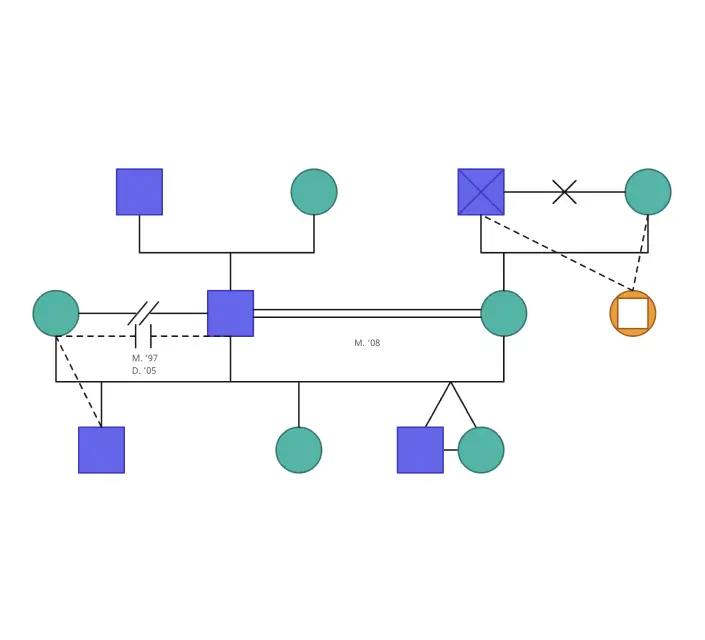
Start with a couple, two-generation, or three-generation template in Creately, then customize the people, relationships, and layout to fit your family map.

Faster Family Mapping with Genogram Assistant
Use quick actions to add parents, partners, children, and siblings, then refine their connections on an editable canvas.

AI Text-to-Genogram Generation
Turn family notes into an editable genogram draft with Creately’s AI, then review and refine the relationships before using the map.

60+ Genogram Relationship Types
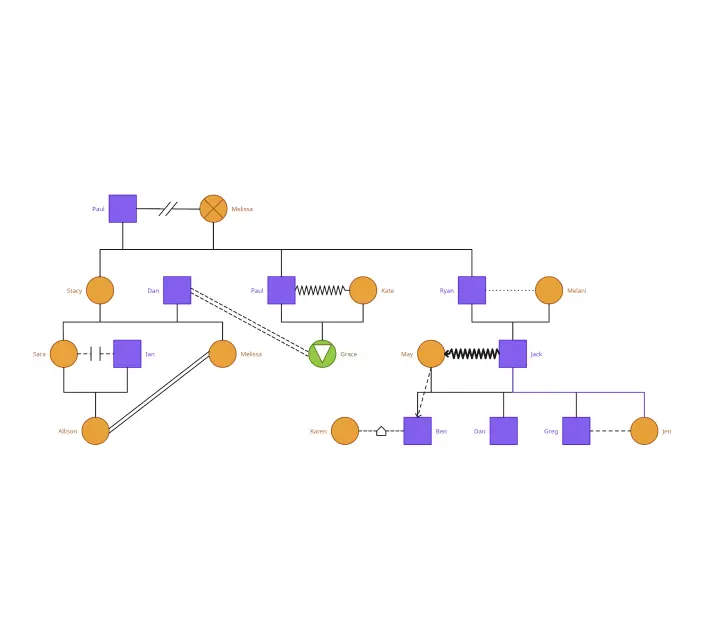
Show family connections with consistent symbols and relationship lines, then check each one against your source information.

Bring a Reviewer into the Workspace
Invite a supervisor or collaborator to review the same genogram in real time, with role-based access for viewing or editing.

Export for Sharing or Documentation
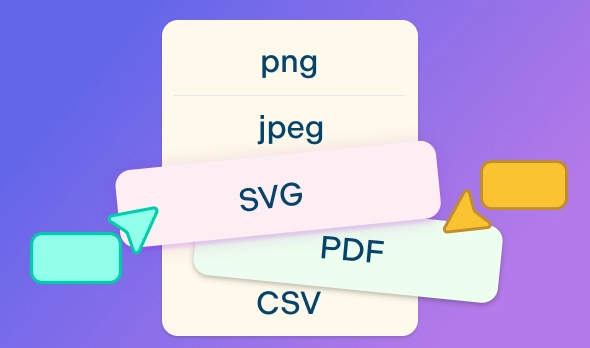
Export an image with basic access. Eligible Enterprise Genogram workspaces can also create structured PDF or DOCX reports.
Build the Map as Family Details Emerge

Open Creately in your Mac browser without installing a separate app.
Use shortcuts to add relatives and their connections without drawing every line yourself.
Keep notes beside the people or relationships they describe.
Rely on auto-save as you update the map.

Start with a Structure That Fits
Choose a couple, two-generation, or three-generation template to get started.
Adjust people, labels, and connections to match the family you’re mapping.
Use a more focused example when you’re documenting relationships or health history.
Start from a blank canvas when a template doesn’t fit.
Turn Family Notes into an Editable Draft

Paste a family description or provide a supported PDF, Word, or text document.
Use metered AI generation to create a diagram you can edit.
Identify people, relationships, dates, and health details from the source with AI.
Get an automatically arranged, generation-by-generation layout that stays editable.

Review Together on the Same Canvas
Invite a supervisor or collaborator to the genogram you’re working on.
Give them viewing or editing access based on their role.
Add comments beside the relevant part of the map to keep feedback in context.
See updates as collaborators make changes.
Take Your Genogram Beyond the Canvas

Export your genogram as an image for documents or presentations.
Create a fixed-layout PDF or editable DOCX report when your Enterprise workspace has Genogram access and protected-data clearance.
Include the diagram, individual profiles, relationship matrix, and symbol legend in a clinical case report.
Export a selected branch or area when you need only part of the family map.
For a step-by-step walkthrough, read How to Make a Genogram on Mac with Creately. For the broader product, see Creately Clinical Maps.
Start Your Mac Genogram with an Editable Template


Who Uses Genogram Software for Mac?
Therapists and Counselors
Prepare a family map for discussion or supervision. Review any AI-generated details against the source before you use or share the diagram.
Social Workers
Show biological, adoptive, foster, and step relationships in one family map. Check your case records and sharing policy before adding or exporting sensitive details.
Students and Educators
Practice reading generations, connections, and notation with an editable template and fictional or de-identified family examples.
Family Researchers
Organize relatives across generations, then update the diagram as you confirm new information.
Genogram Software for Mac FAQs
Which Mac browsers can I use for Creately genograms?
Can I create an AI genogram on Mac?
What genogram templates can I use on Mac?
Can I export a genogram from my Mac?
Do I need to install a Mac app to use Creately Clinical Maps?
Do I need an internet connection to make a genogram on Mac?