Component Diagram Maker
Turn System Complexity into Crystal-Clear UML Architecture
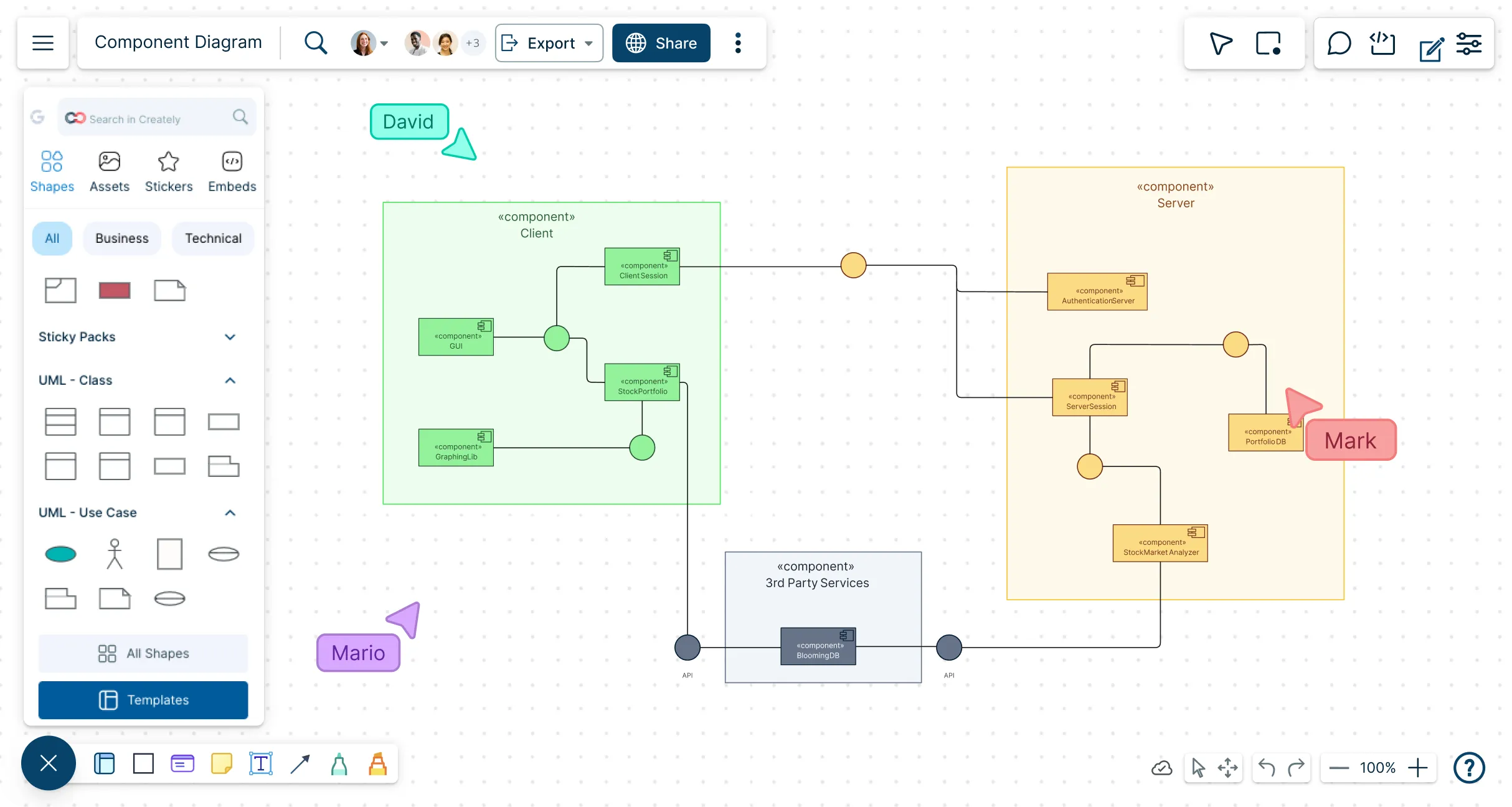
Built for developers, system architects, and DevOps teams to design modular system architectures with UML component and composite structure diagrams quickly and collaboratively. Connect components, define interfaces, and map dependencies clearly, whether building new systems or documenting existing ones.
Build correct UML fast — components, interfaces, and ports without a steep learning curve
Review in real time — reduce rework and accelerate sign-off
Start from best-practice templates — get a clean, standards-aligned base




 Diagramming Visual Collaboration Org Chart


Build Clear and Accurate System Architectures
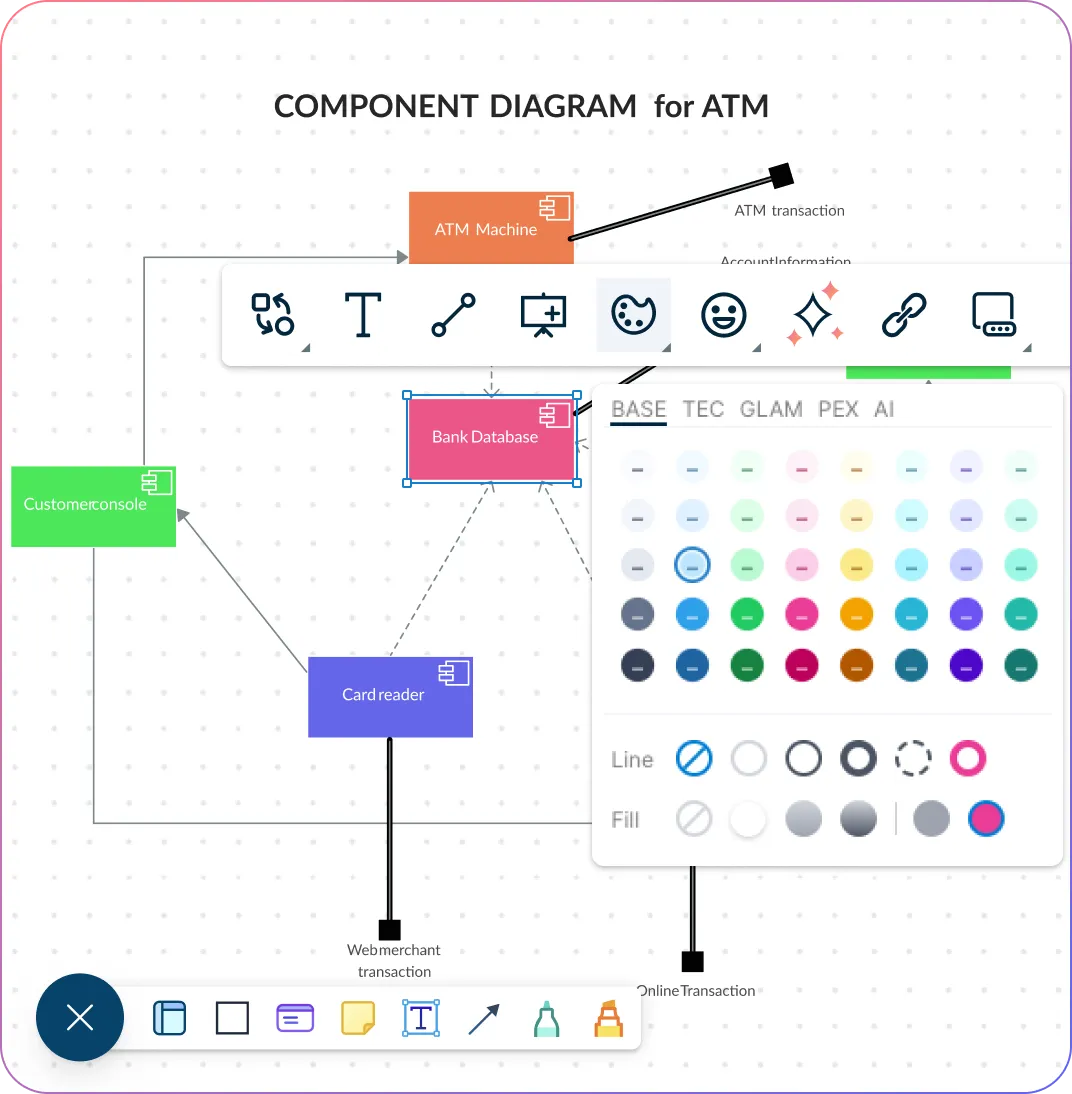
Model modular systems quickly and confidently with ready-made UML components, interfaces, and ports that take the guesswork out of setup.
Let smart connectors instantly map out dependencies so your architecture stays clean, logical, and easy for anyone to follow.
Group classes and components into packages and hierarchies to bring order to even the most complex designs.
Switch between layered composite views to explore details freely while always keeping the big picture in focus.
Collaborate Efficiently and Stay Aligned
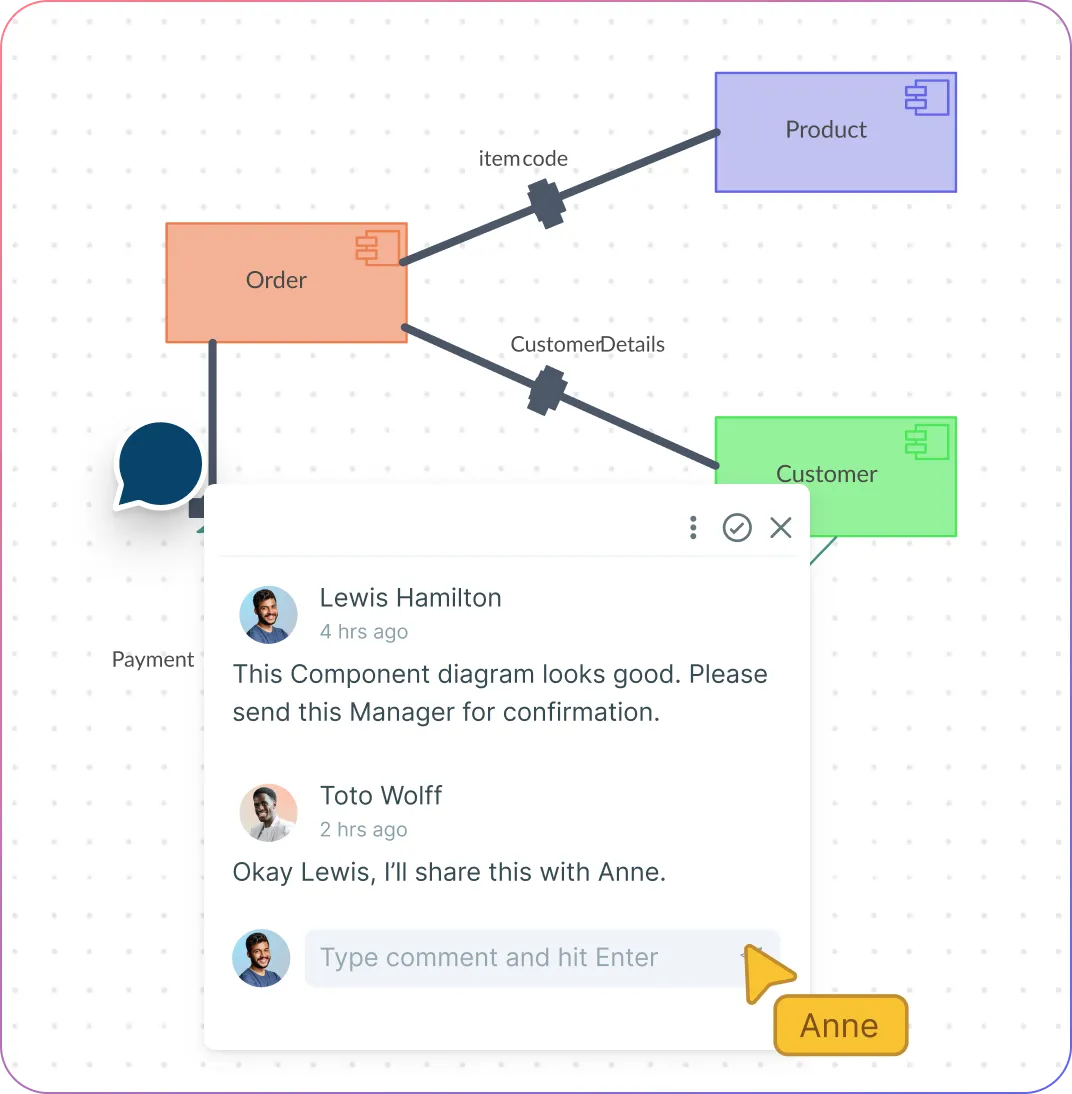
Work together in real time so ideas flow faster and everyone stays in sync as diagrams evolve.
Leave comments right on components and interfaces to clear up questions quickly and keep conversations focused.
Keep every version organized in a shared workspace or folder, making it easy for your team to access, review, and build on the same source of truth.
Export your diagrams as PDF, PNG, or SVG in a single click so you can share updates or drop visuals into documentation without slowing down.
Optimize and Act on Your System Designs
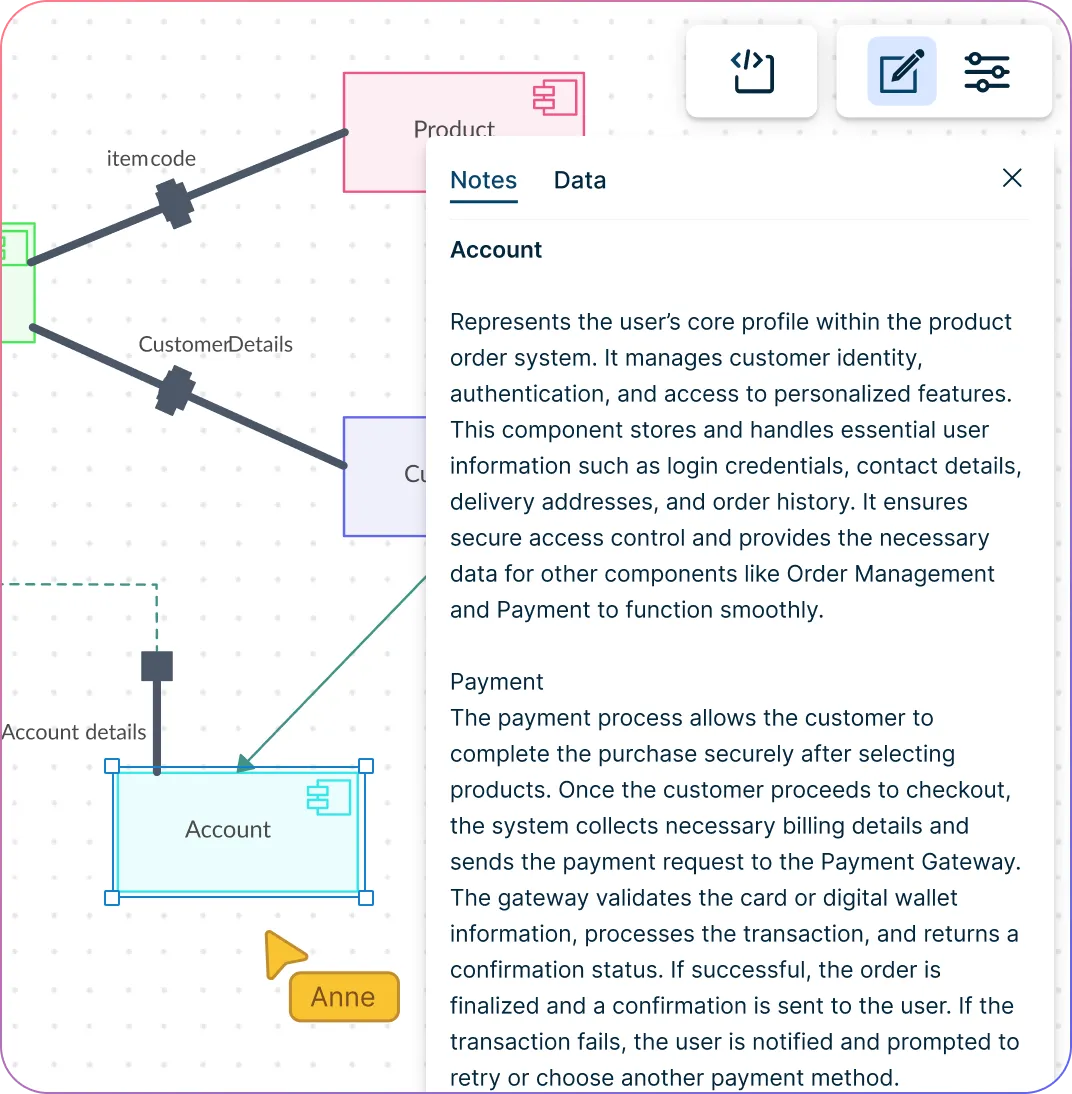
Add notes, custom properties, and hyperlinks to components to make every diagram rich with context and instantly actionable.
Keep everything neat and organized as systems grow with auto-layout and alignment tools that do the heavy lifting for you.
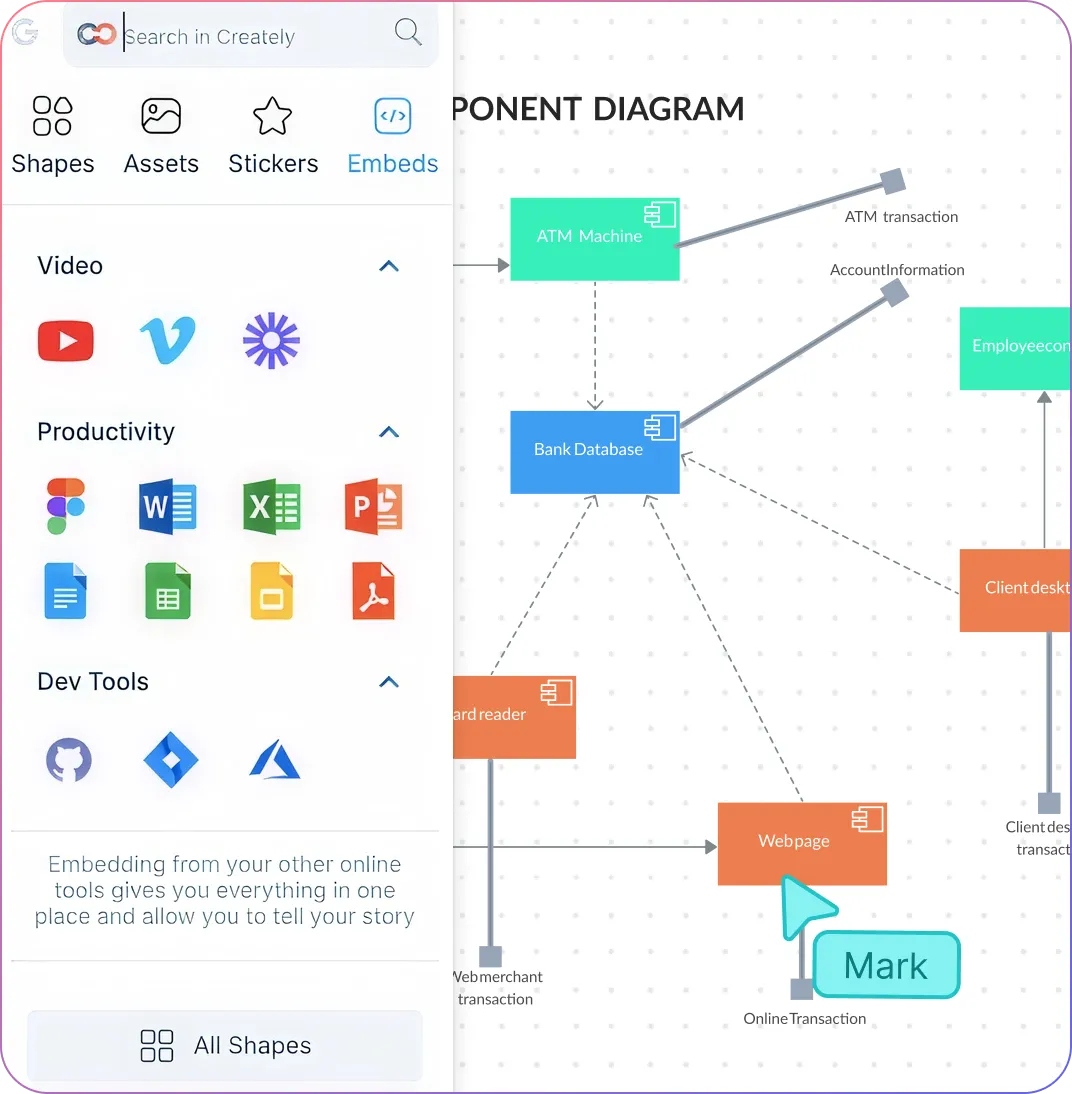
Connect your workflow seamlessly by embedding diagrams directly into Slack, GitHub, or Confluence.
Let smart UML shapes handle connections automatically, cutting errors and saving you time so you can focus on designing better systems.
Scale, Document, and Maintain Your Architecture
Break large systems into clear, manageable modules using frames and linked boards so nothing gets lost in complexity.
Turn diagrams into living system specs with embedded documentation and custom fields that keep your team informed and aligned.
Share confidently with secure access controls that protect your architecture while enabling seamless collaboration.
Rely on enterprise-grade security to safeguard your designs and maintain compliance without slowing your workflow.
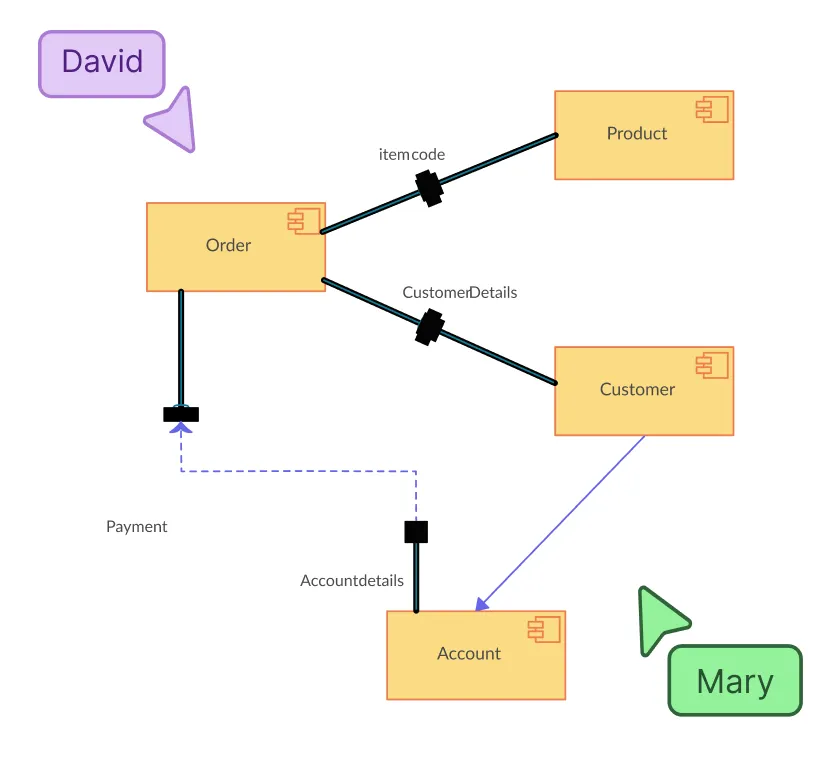
What Is a Component Diagram in UML?
How to Draw a Component Diagram
Start with a template or blank canvas
Open Creately and choose a UML component diagram template or start from a blank canvas. Templates give you a ready-made structure, so you can focus on mapping your system instead of designing from scratch.
Add components, interfaces, and ports
Drag and drop UML components, interfaces, and ports from the shape library onto your canvas. Label each component clearly to reflect modules, services, or subsystems in your architecture.
Connect components with dependencies
Use connectors to define relationships and dependencies between components. Creately automatically aligns and styles connectors according to UML standards, keeping your diagram clean and readable.
Organize your diagram with packages and layers
Group related components into packages or subsystems, and use layered views to show both high-level architecture and detailed internal structures without clutter.
Collaborate, refine, and share
Invite teammates to review or edit in real-time, add comments, and refine connections. Once done, export your diagram as PDF, PNG, SVG, or share a link with stakeholders with the help of the component diagram online tool.
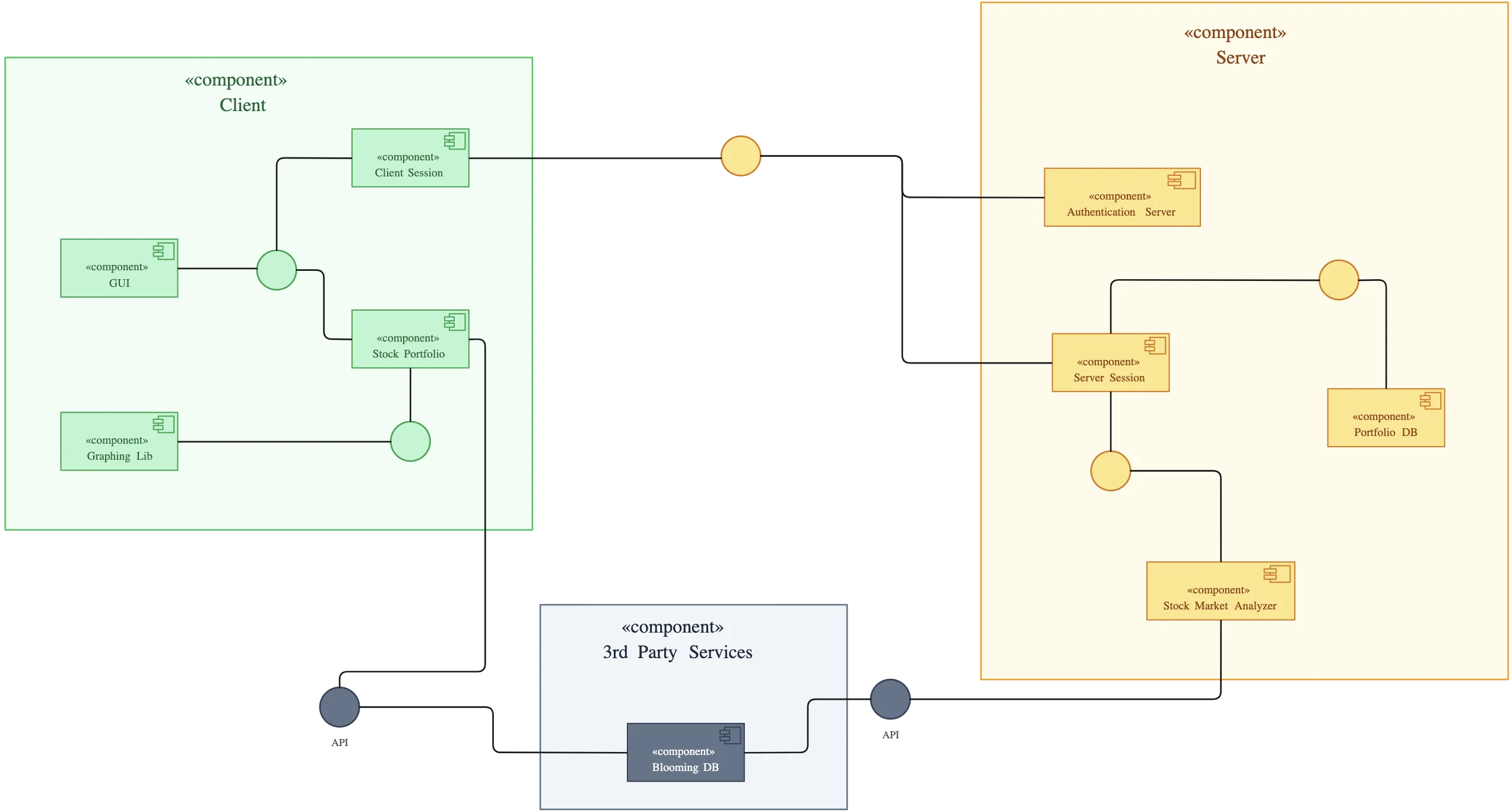
Create a Component DiagramFree Ready-to-Use Component Diagram Templates
FAQs About Creately’s UML Component Diagram Tool
What are Creately’s component diagram maker pricing plans?
- Free Plan — $0/month for basic component diagram creation and collaboration
- Starter & Team Plans — $8/month or $5/month billed annually
- Business Plan — $149/month or $89/month billed annually
Annual billing helps you save more while unlocking advanced collaboration, workspace management, and enhanced component diagram features. You can compare all available plans and features on the Creately Pricing Page.
How can you create component diagrams faster?
Are there templates for different component diagram use cases?
Can teams collaborate on component diagrams?
Can I add notes, data, and files?
Can I share, present, or export component diagrams?






















