Communication Diagram Maker
Visualize Object Interactions Clearly
Stop guessing how your code really talks. Creately’s UML communication diagram builder lets developers and software architects design communication/collaboration diagrams with numbered messages, debug faster, and share system designs —all in one interactive diagram.
Model interactions fast — drag in objects and numbered messages, no formatting hassle
Collaborate live - align developers and reviewers in real time
Get a head start with ready-made diagrams and use auto layouts to keep tidy




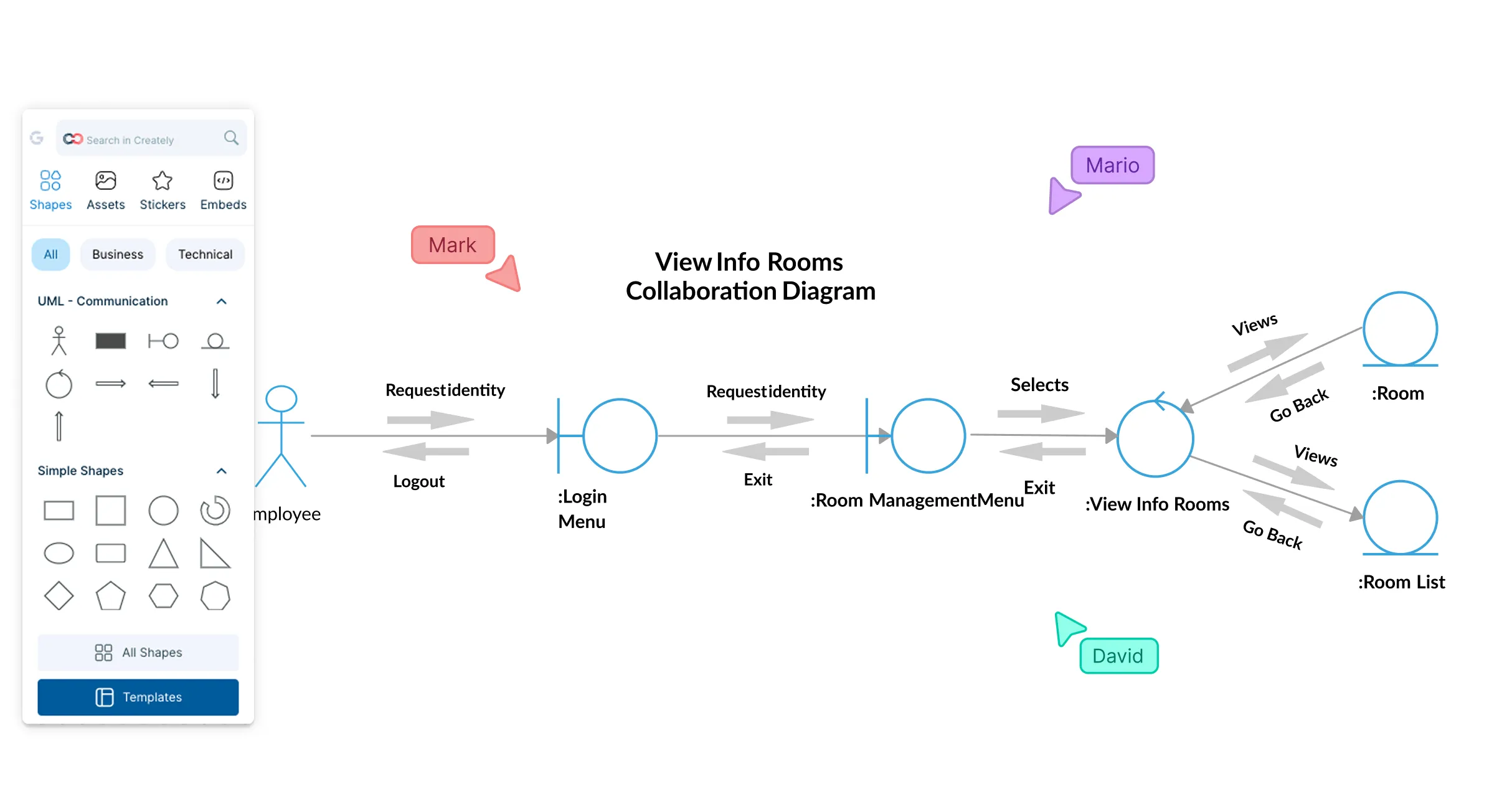
 Diagramming Visual Collaboration Org Chart


Understand Your System Interactions in Seconds
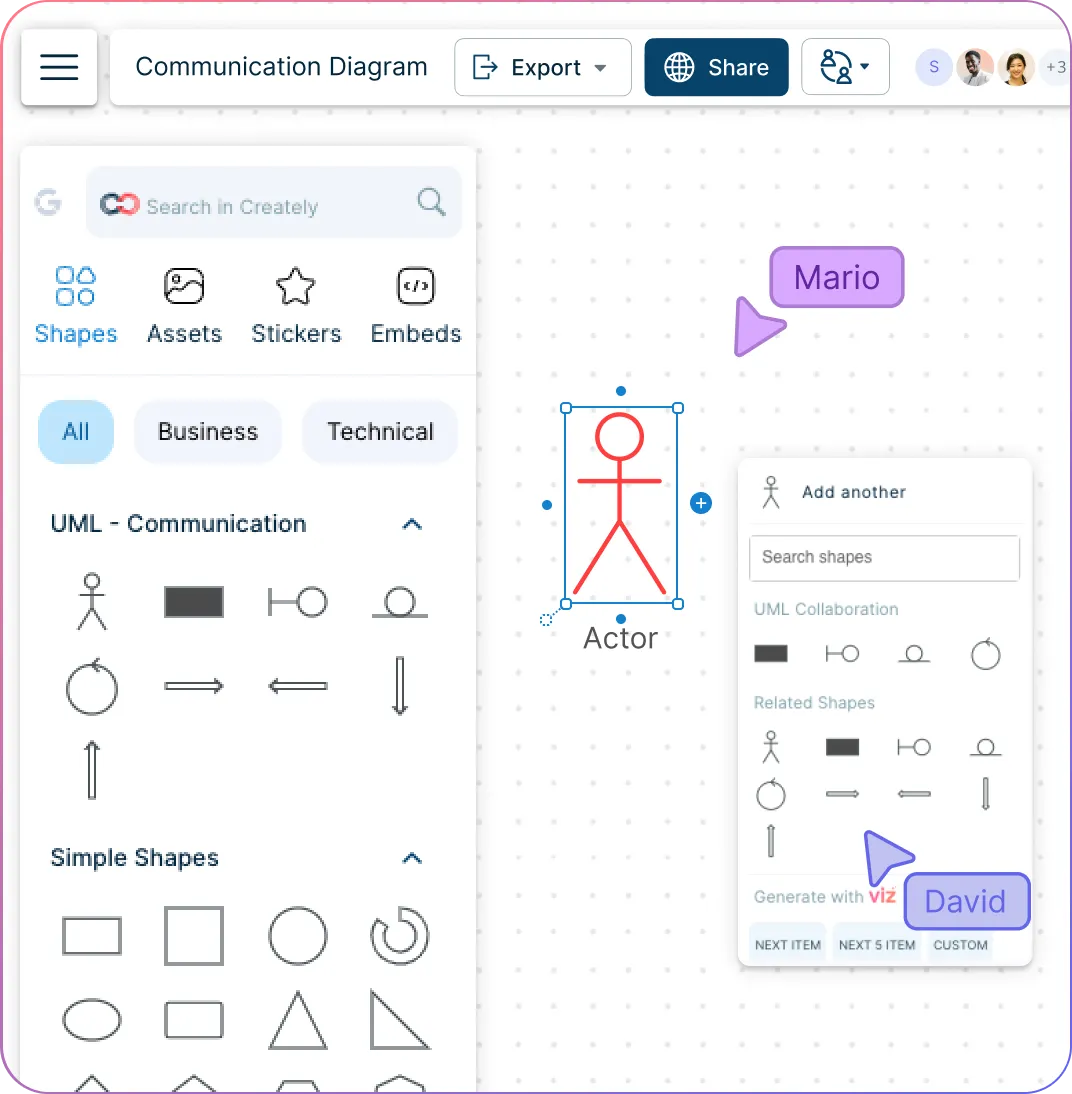
Drag and drop in objects and relationships instantly to watch your system’s structure take shape without wrestling with the tool.
Draw and number messages in seconds so you can follow the exact flow of interactions—no ambiguity, no guesswork.
Add notes, annotations, guard conditions (like
[valid] authorize()), and multiplicity right on objects and messages to keep complex interactions instantly clear.Auto-aligned, clean connectors keep even complex communication patterns readable, so you never spend hours fixing messy layouts.
Collaborate Seamlessly Across Teams
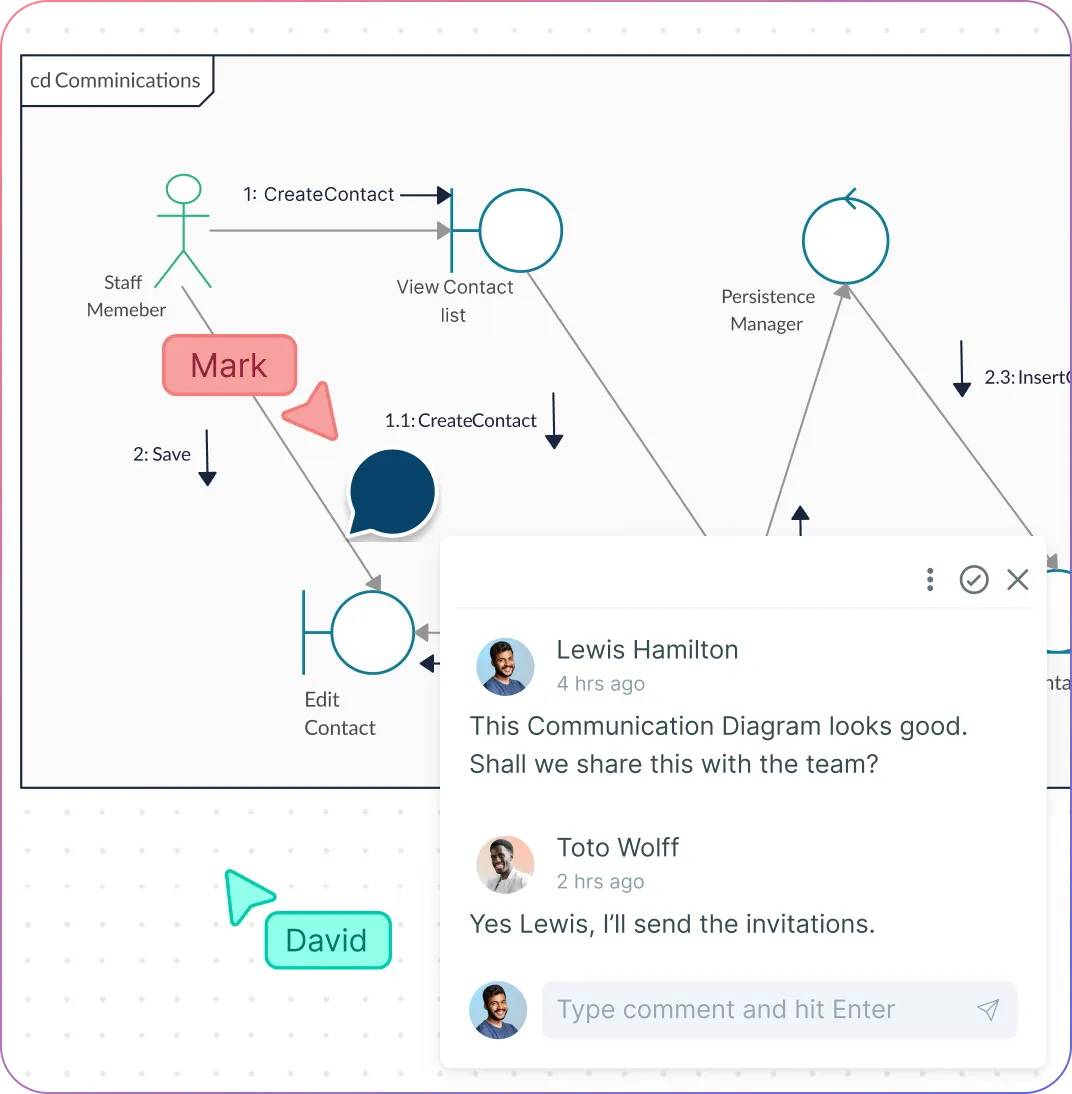
Build and refine diagrams together in real time, with live cursors and instant updates that keep everyone on the same page.
Discuss flows and decisions right on the diagram, using comments, threads, and reactions to avoid long Slack chains or disjointed emails.
Share with a link or export instantly, making reviews easy for developers, leads, and stakeholders—no sign-in obstacles.
Assign view or edit permissions so diagrams stay secure, structured, and accessible only to the right people.
Keep Even the Most Complex Systems Easily Organized
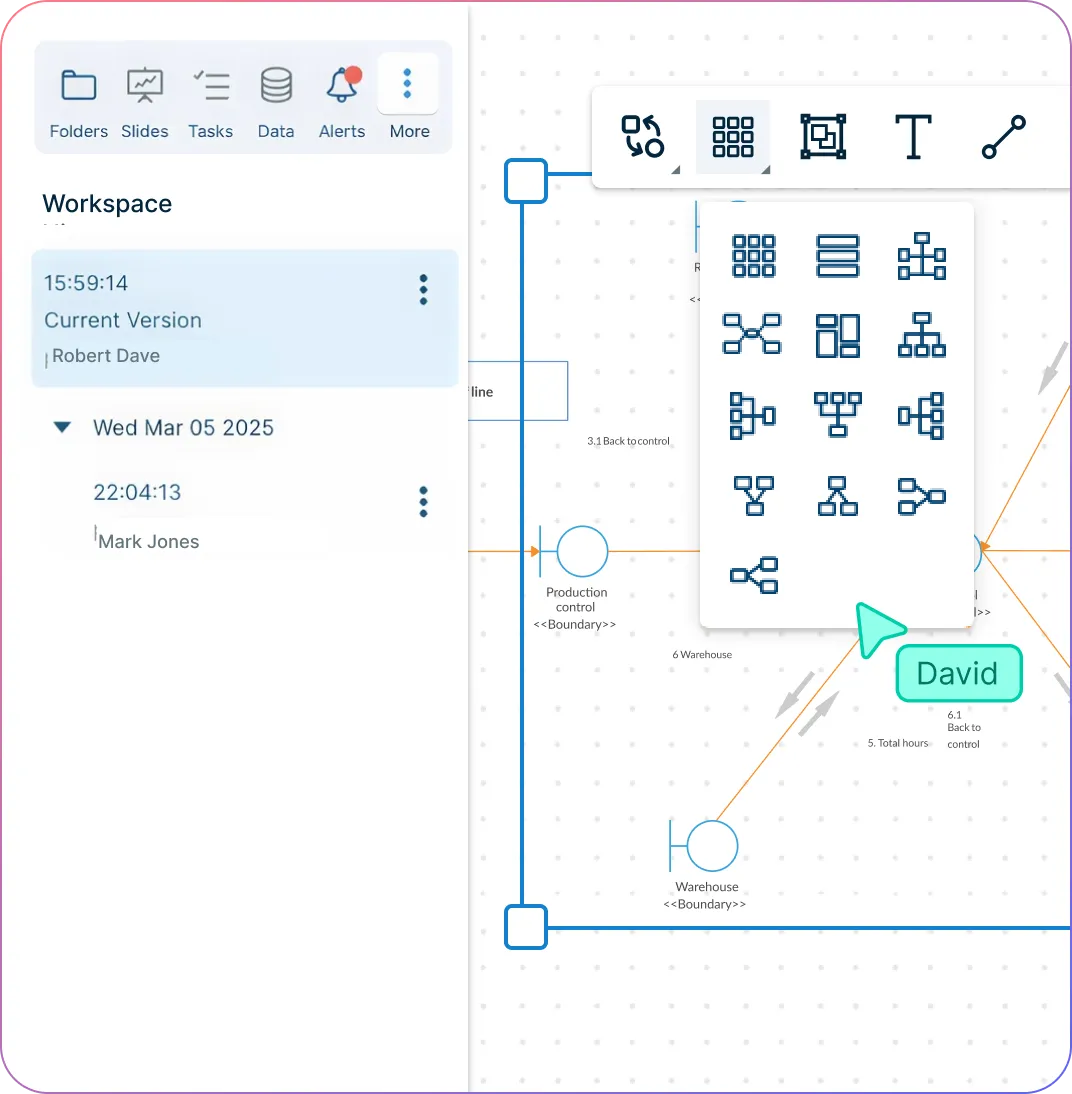
Smart auto-formatting keeps diagrams neat so you never waste time manually aligning or rearranging objects.
Consistent UML 2.0 shapes and messaging notations ensure your diagrams follow proper notation every single time.
Layers and grouping let you break down subsystems while still keeping an eye on the big picture—perfect for large codebases.
Full version history with easy rollback means you can explore new ideas without fear of messing up your original design.
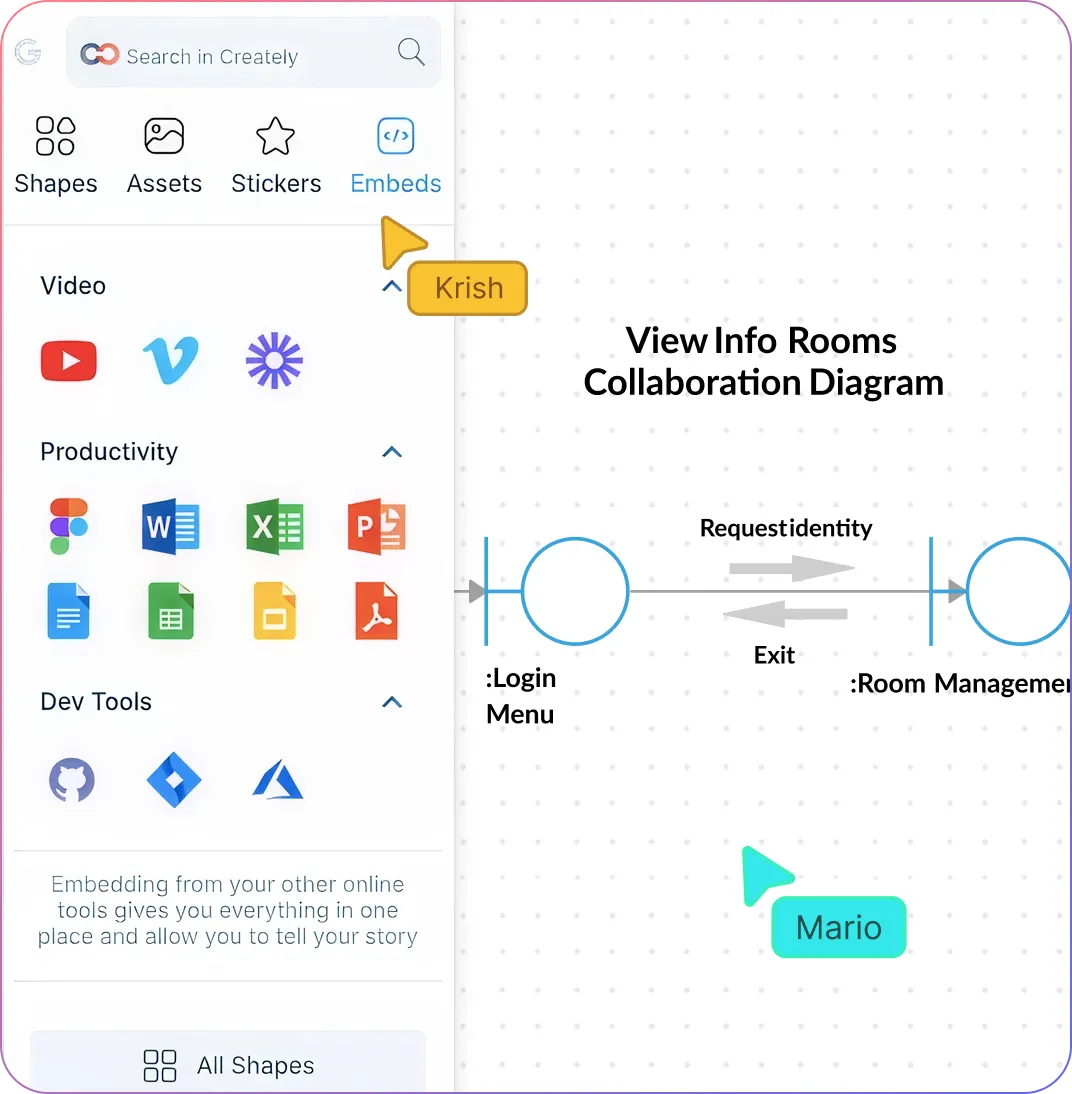
Execute with Clarity and Confidence
Connect your diagrams to Jira, Confluence, and more to tie system behavior directly into your development workflow.
Use built-in presentation mode to turn your diagrams into polished, meeting-ready visuals without switching tools.
Give developers clear, shareable specs that reduce ambiguity and prevent expensive rework during implementation.
Start with ready-made UML communication diagram templates so your team can jump straight into designing or debugging instead of setting up from scratch.
Export diagrams in SVG, PDF, or PNG formats for easy sharing, documentation, or embedding anywhere your team works.
What Is a Communication Diagram?
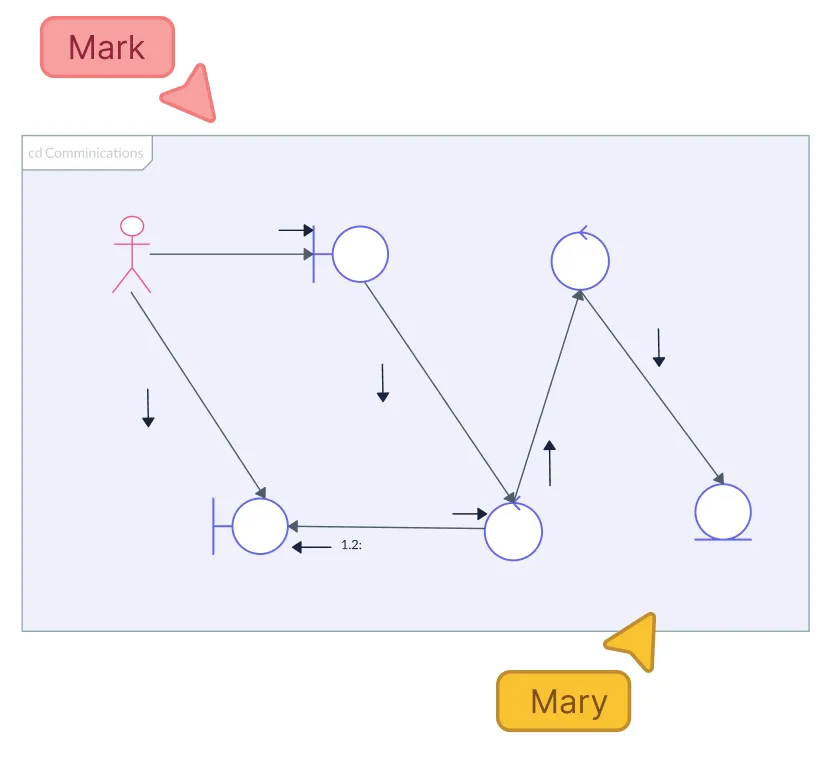
How to Draw a Communication Diagram with Creately
Start with a ready-made UML communication template
Pick a template from Creately’s UML library so you don’t need to start from a blank canvas. It gives you the core object shapes and message elements you need right away.
Add your objects and define relationships
Drag and drop objects into the canvas and position them where they make sense in your system. Connect them using Creately’s smart connectors to show how they relate and interact.
Draw and sequence your messages
Use message arrows to illustrate the communication between objects. Add sequence numbers directly on the diagram to show the order of interactions without any manual formatting.
Add details, notes, and annotations
Click on any object or message to include descriptions, constraints, or design notes. These in-line details help your team understand context without switching between tools or documents.
Share, refine, and collaborate in real time
Invite your team to review the diagram, comment on specific interactions, or make edits live. You can also embed the online communication diagram in documentation or connect it to Jira/Confluence to keep everything aligned with your dev workflow.
Create a Communication DiagramFree Ready-to-Use UML Communication Diagram Templates
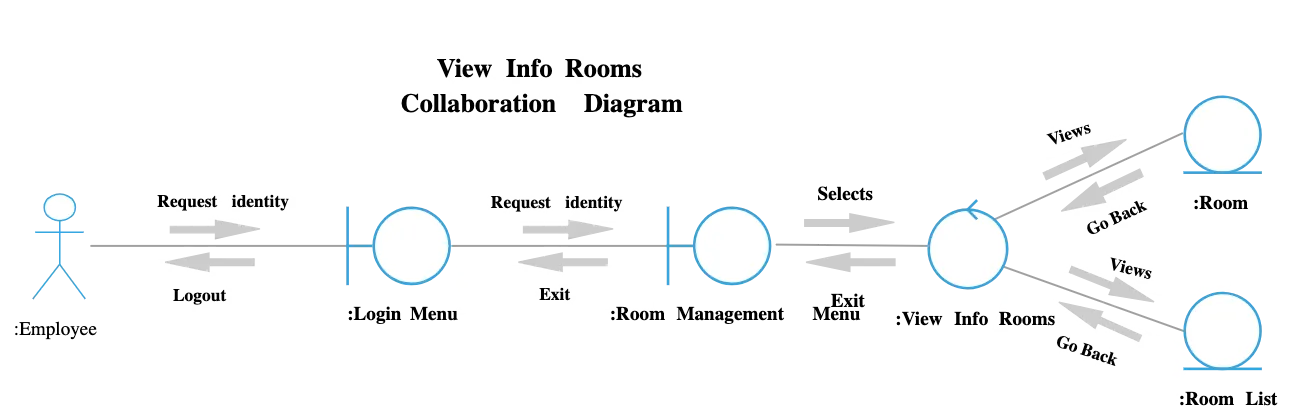
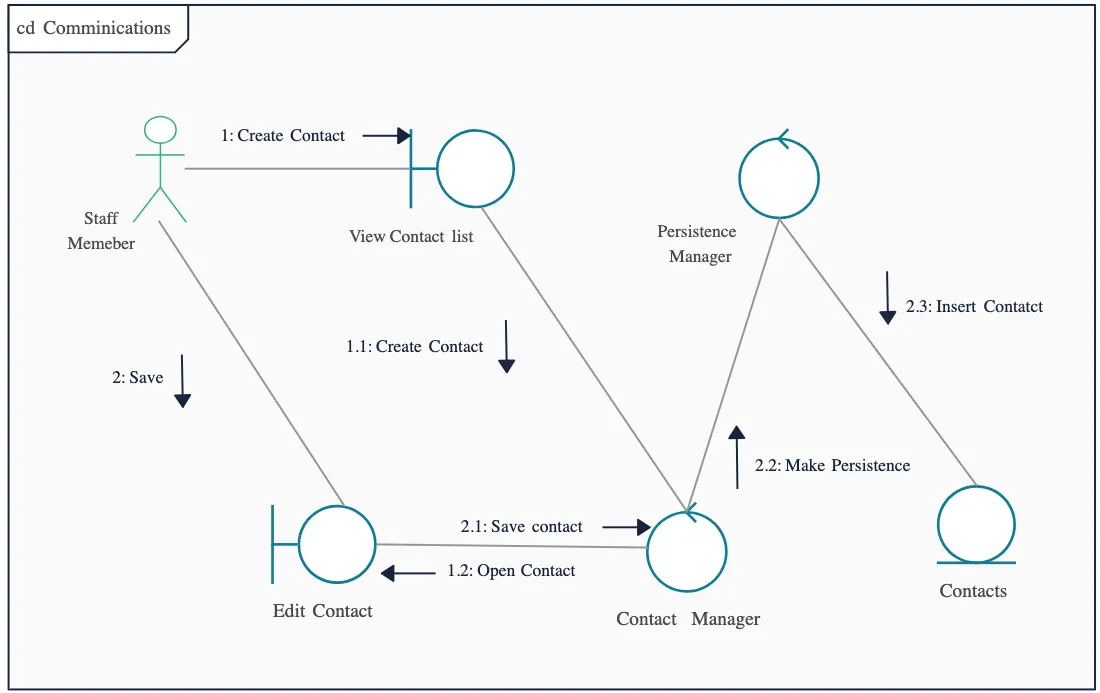
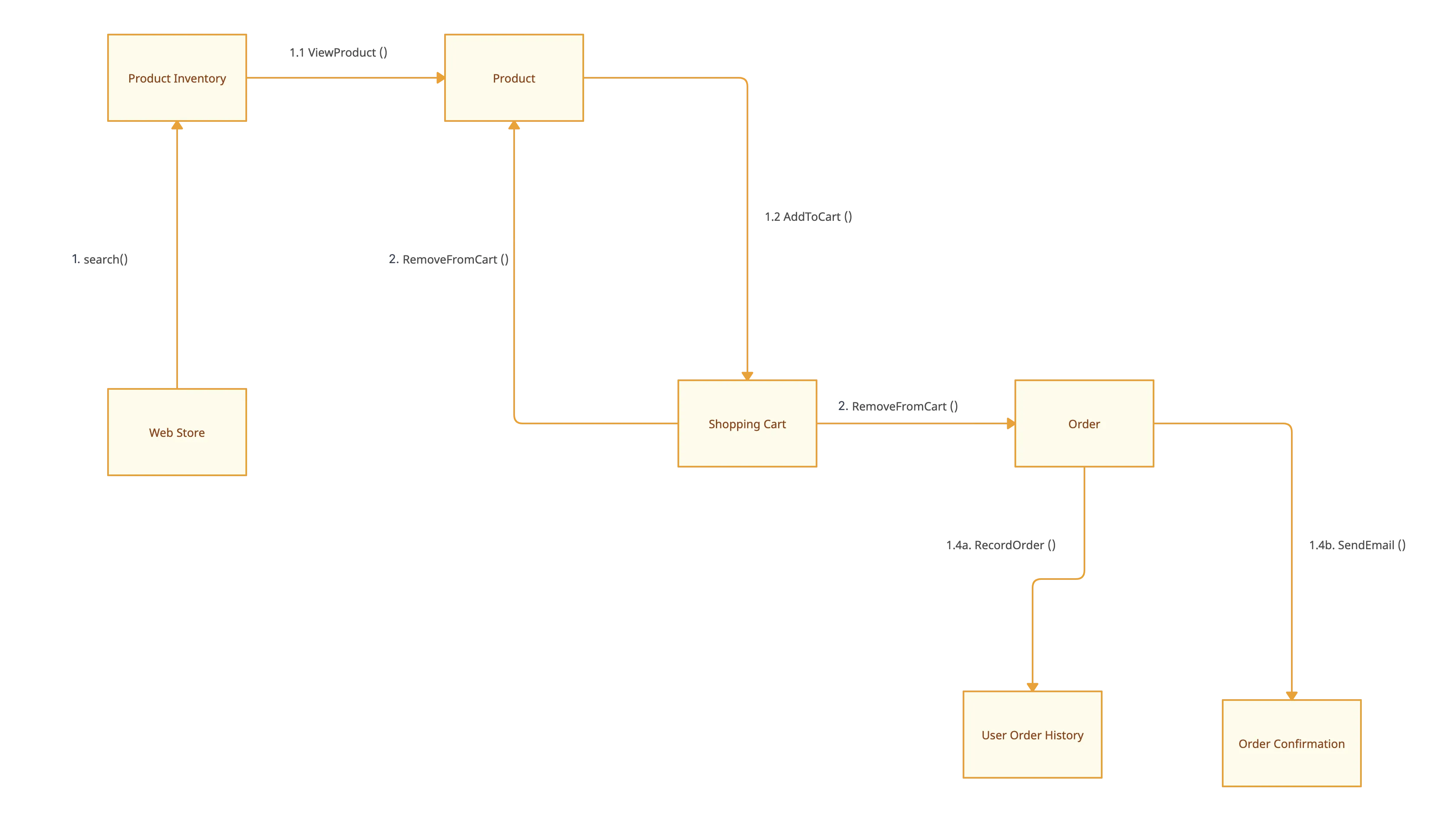
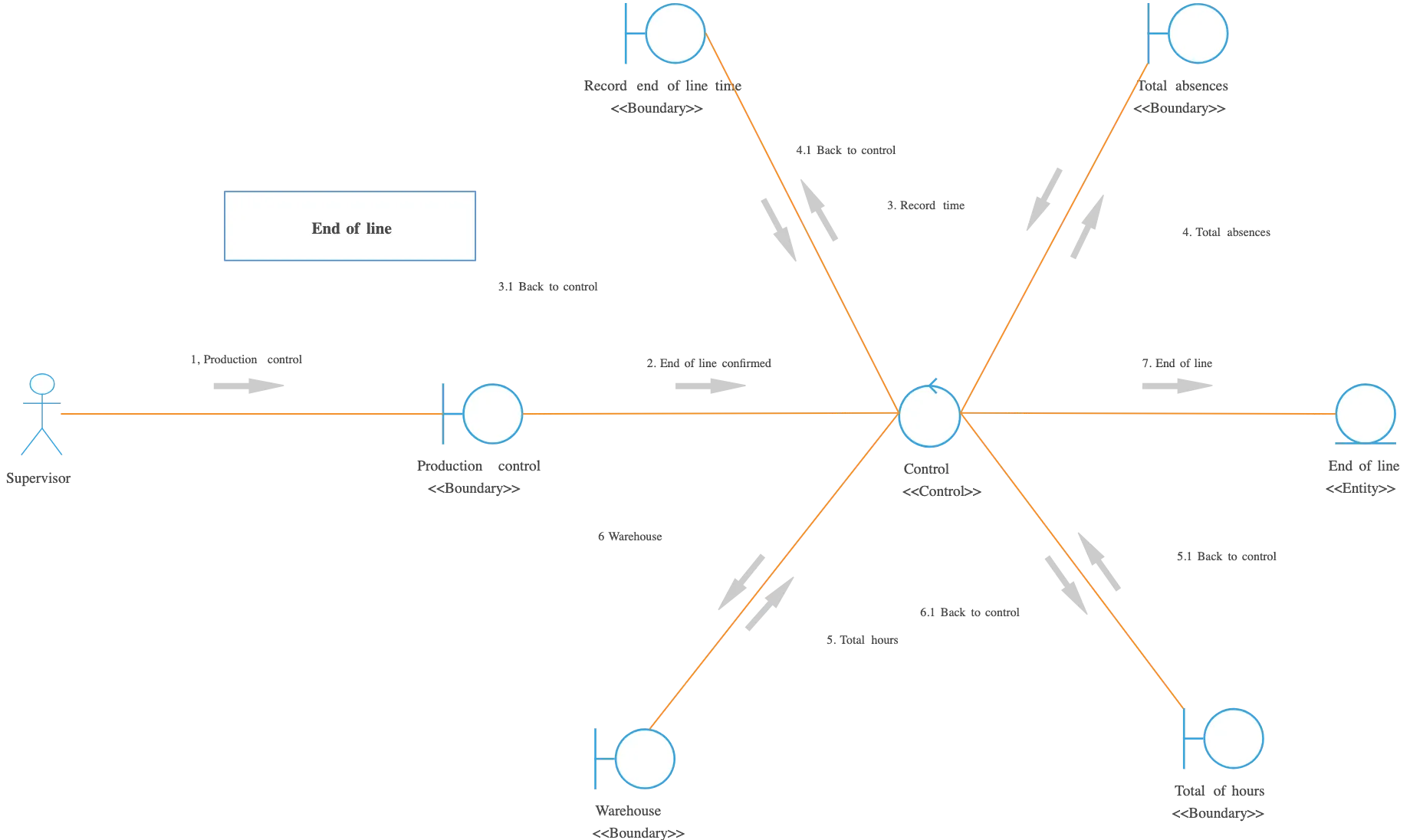
FAQs About Creately’s Communication Diagram Software
What are Creately’s communication diagram maker pricing plans?
- Free Plan — $0/month for basic communication diagram creation and collaboration
- Starter & Team Plans — $8/month or $5/month billed annually
- Business Plan — $149/month or $89/month billed annually
Annual billing helps you save more while unlocking advanced collaboration, workspace management, and enhanced communication diagram features. You can compare all available plans and features on the Creately Pricing Page.
How can you create communication diagrams faster?
Are there templates for different communication diagram use cases?
Can teams collaborate on communication diagrams?
Can I add notes, data, and files?
Can I share, present, or export communication diagrams?






















