Balanced Scorecard Software

Design Smarter Business Plans with Balanced Scorecards

Turn strategy into measurable results with the balanced scorecard maker that aligns goals, tracks KPIs, and drives action together.

  • Align goals, KPIs, and strategy in one balanced scorecard
  • Enable real-time collaboration across managers, teams, and stakeholders
  • Use customizable templates with built-in metrics for easy tracking
Over 10 Million people and 1000s of teams already use Creately
Diagramming Grid Leader 2025 Diagramming
Visual Collaboration Grid Leader 2025 Visual Collaboration
Org Chart Grid Leader 2025 Org Chart
Most Implementable 2025 Best Results 2025 Ease to Do Business With 2025

AI Balanced Scorecard Generator

AI Balanced Scorecard Generator

Align, Activate, and Execute Your Strategy

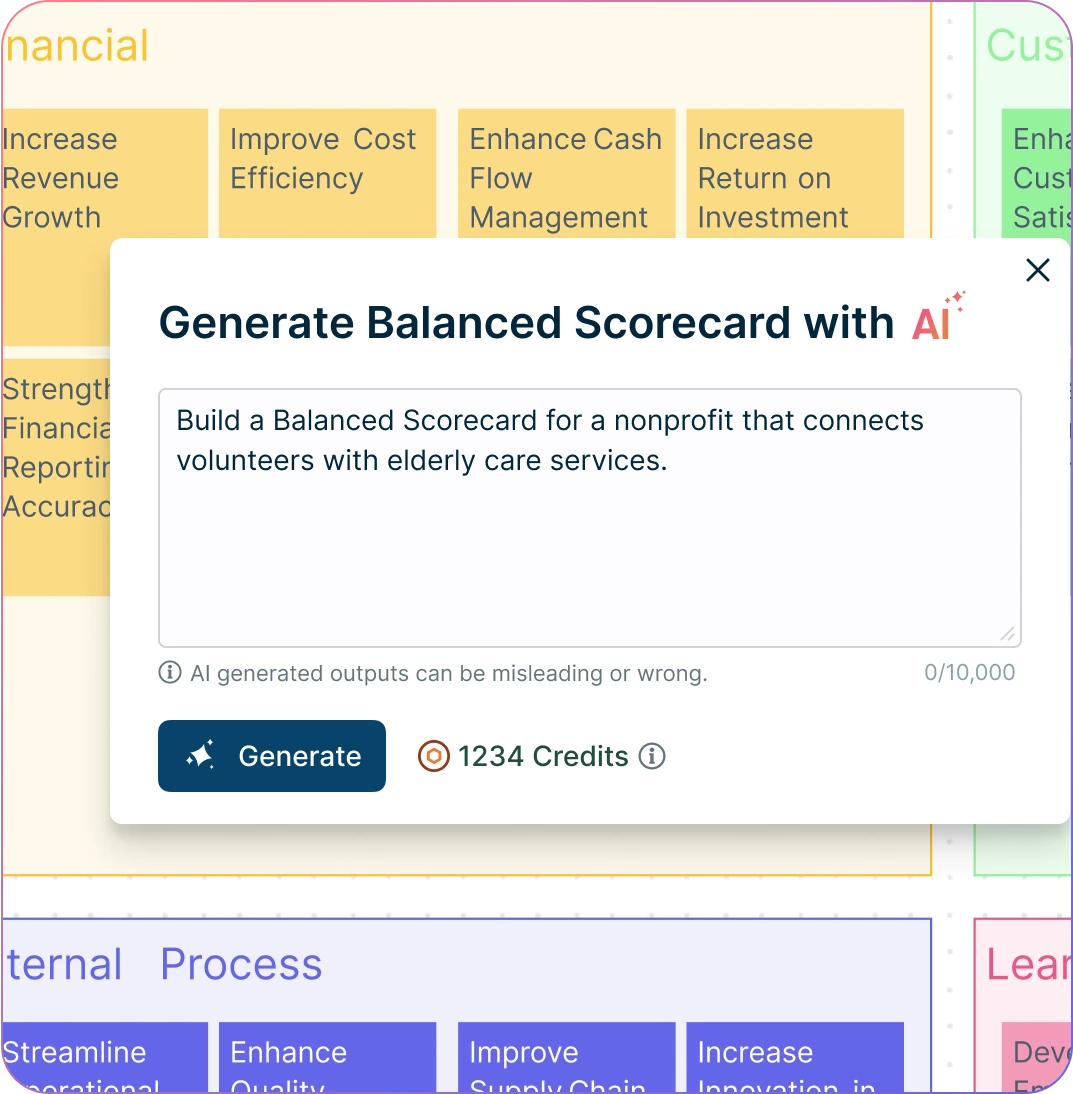
  1. Enter your strategic goals and key metrics, then click ‘Generate’.
  2. Watch Creately instantly create a clear, structured balanced scorecard—ready to align your team.
  3. Collaborate, refine objectives, and assign KPI owners—all within one connected canvas.
Try Creately AI

Why teams love Creately’s Balanced Scorecard Generator

Try the AI Balanced Scorecard Generator
  • Save time Save time – Automate balanced scorecard creation in seconds, so you can focus on strategic planning instead of manual formatting.
  • Uncover hidden trends Uncover hidden trends – Identify misaligned goals, overlooked KPIs, and strategic blind spots to fine-tune your performance plan.
  • Privacy-first Privacy-first – All your strategic data stays secure within Creately—no third-party access or external retention.
  • Multi-lingual support Multi-lingual support – Creately supports multiple languages, helping you align global teams around a unified strategy.
  • Objective insights Objective insights – Let AI organize objectives and KPIs across perspectives, ensuring your scorecard is focused, balanced, and actionable.
ACCELERATE

Better Strategies, Faster Alignment

Screenshot of Creately's balanced scorecard generator prompt box
  • Auto-generate a complete balanced scorecard online with just a quick prompt—within seconds.

  • Get AI-powered suggestions to sharpen objectives, align metrics, and close strategic gaps.

  • Turn scattered goals, KPIs, and strategy notes into a structured scorecard across all four perspectives.

  • Use standardized balanced scorecard templates to ensure consistency across teams and accelerate planning with minimal setup.
Screenshot of Creately's balanced scorecard generator prompt box
Image of Creately's visual tools used to customize a balanced scorecard
VISUALIZE

Bring Your Business Strategy to Life

Image of Creately's visual tools used to customize a balanced scorecard
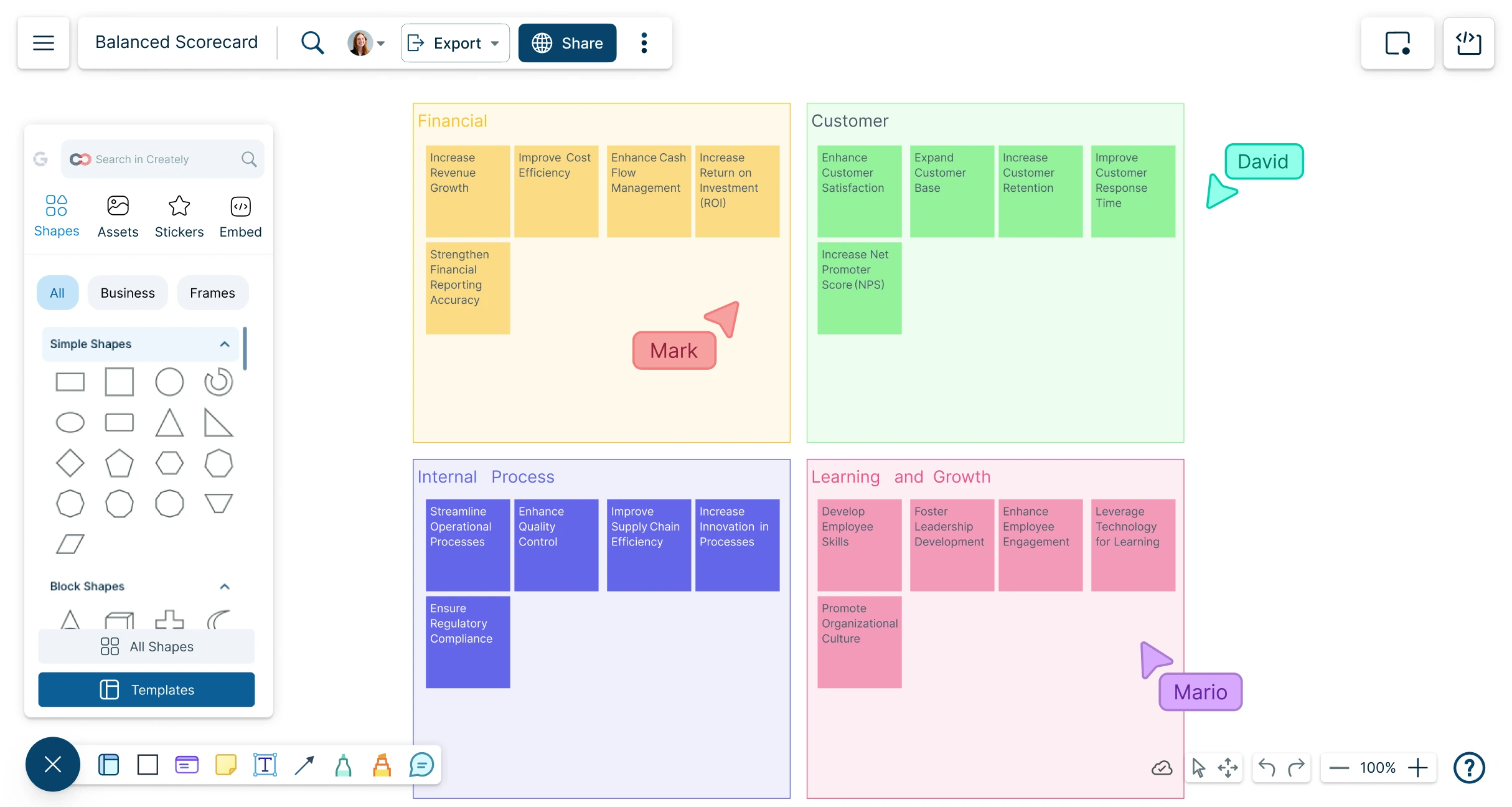
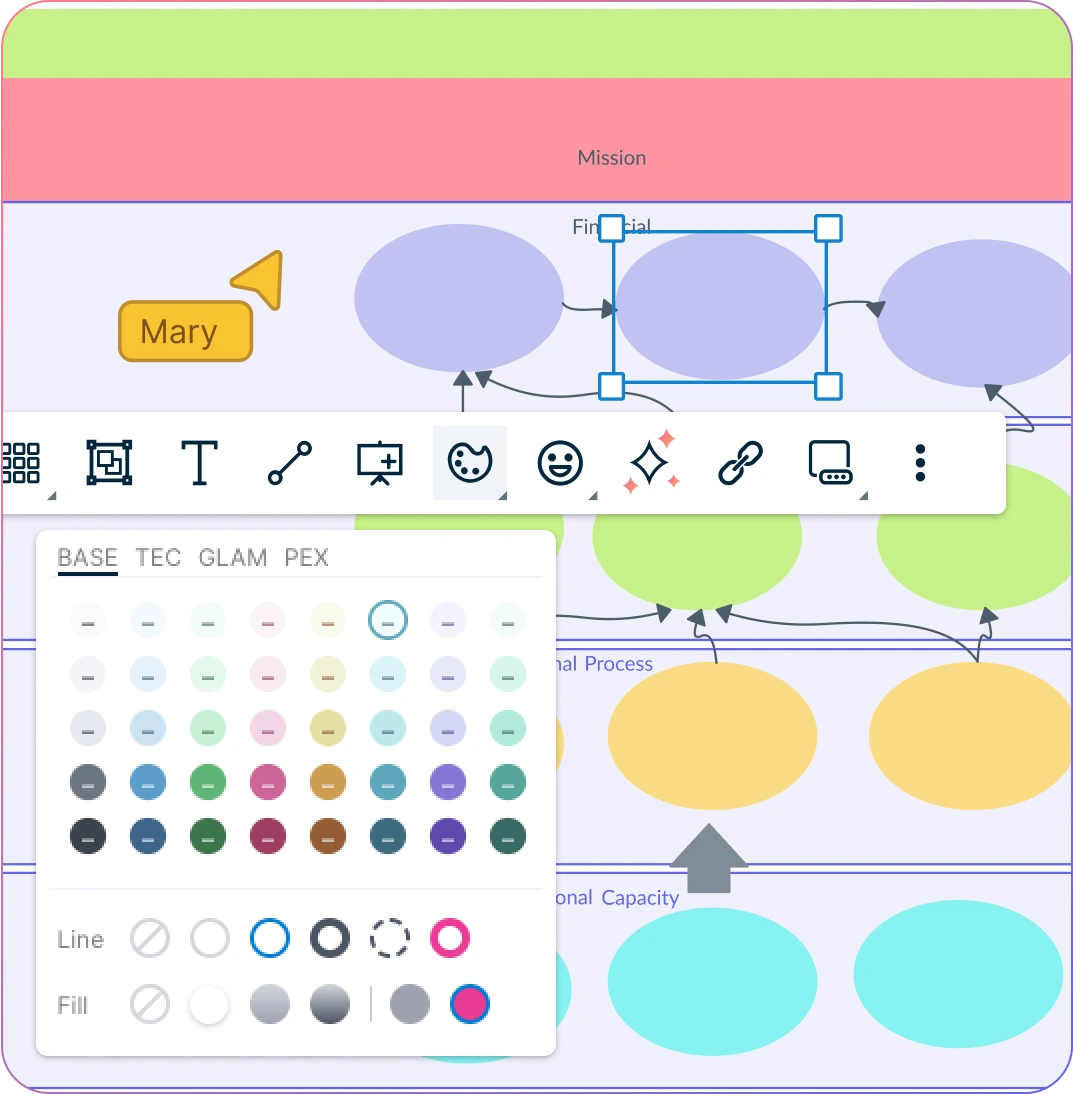
  • Visualize goals, KPIs, and initiatives across financial, customer, process, and growth perspectives in one workspace.

  • Start instantly with a simple drag-and-drop interface—no steep learning curve for the balanced scorecard software.

  • Tailor the design with your own layouts, colors, and shapes, to fit branding, reporting needs, and business workflows.

  • Highlight progress and priorities with visual indicators like icons, tags, and status markers.

ORGANIZE

Keep Every Aspect of Strategy Connected
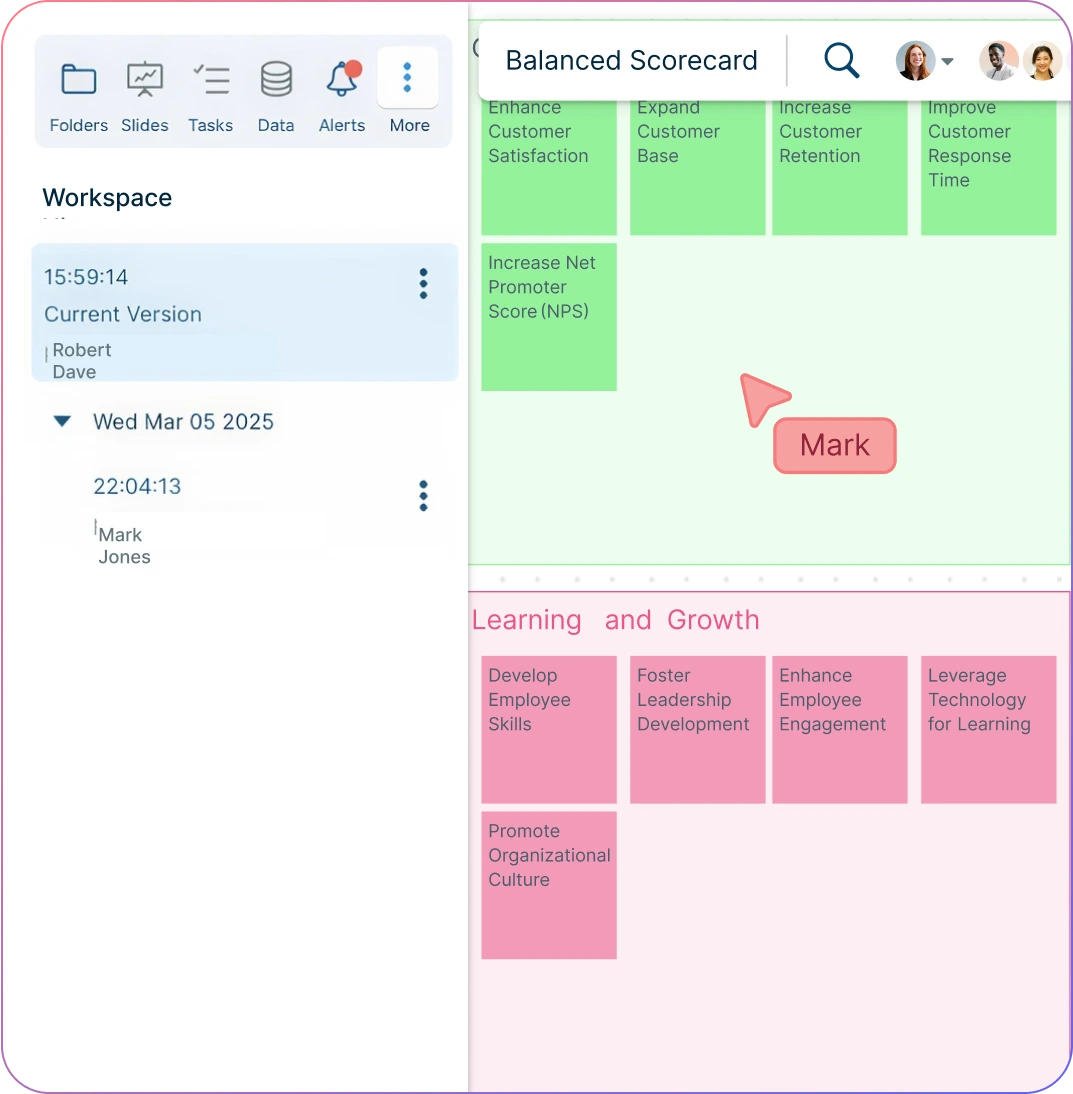
Screenshot of using version history in Creately to work on a balanced scorecard
  • Keep all scorecards in one workspace—ideal for ongoing planning, tracking, and reporting.

  • Capture goals, KPIs, and initiatives with notes, annotations, and linked data that evolve as your strategy grows.

  • Update scorecards with version history—adjust metrics, rearrange objectives, and revisit past iterations without starting over.

  • Link external data sources, reports, or dashboards directly to objectives or KPIs for deeper strategic context.
Screenshot of using version history in Creately to work on a balanced scorecard
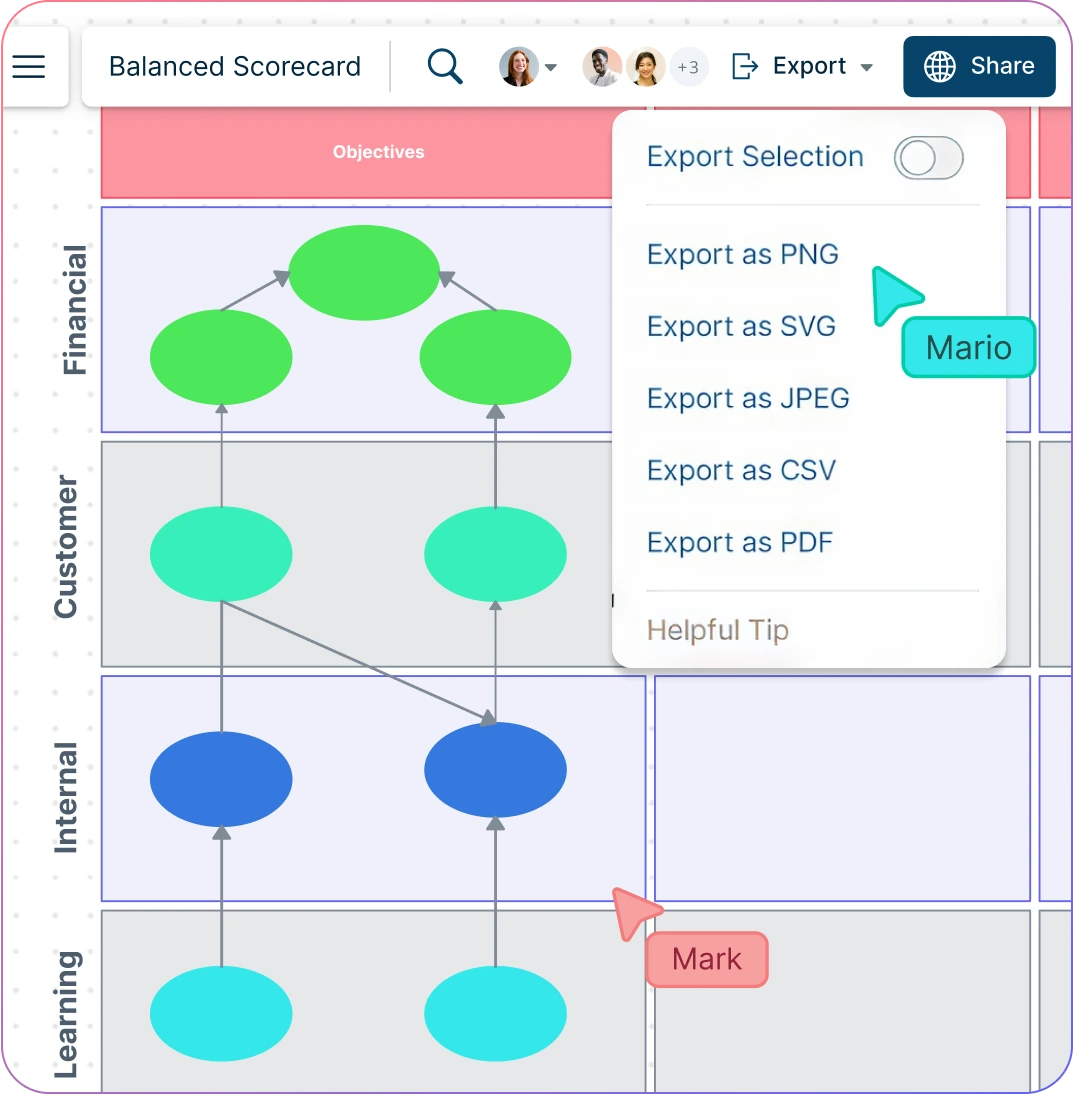
Screenshot of real-time collaborative editing and exporting of a balanced scorecard in Creately
COLLABORATE

Align Teams Around Shared Strategy

Screenshot of real-time collaborative editing and exporting of a balanced scorecard in Creately
  • Work with executives, managers, and teams in real time on a shared scorecard to align decisions and priorities.

  • Assign owners to goals and KPIs so accountability is clear across departments.

  • Use comments, @mentions, and tasks to streamline discussions and keep initiatives moving forward.

  • Share balanced scorecards instantly in meetings or presentations so stakeholders stay engaged and informed.

Ideate, plan, and execute ideas better with Creately

What Is a Balanced Scorecard?

What Is a Balanced Scorecard?
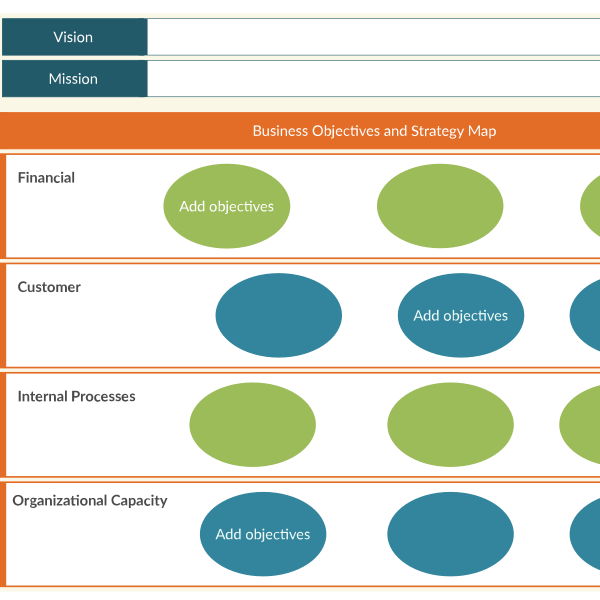
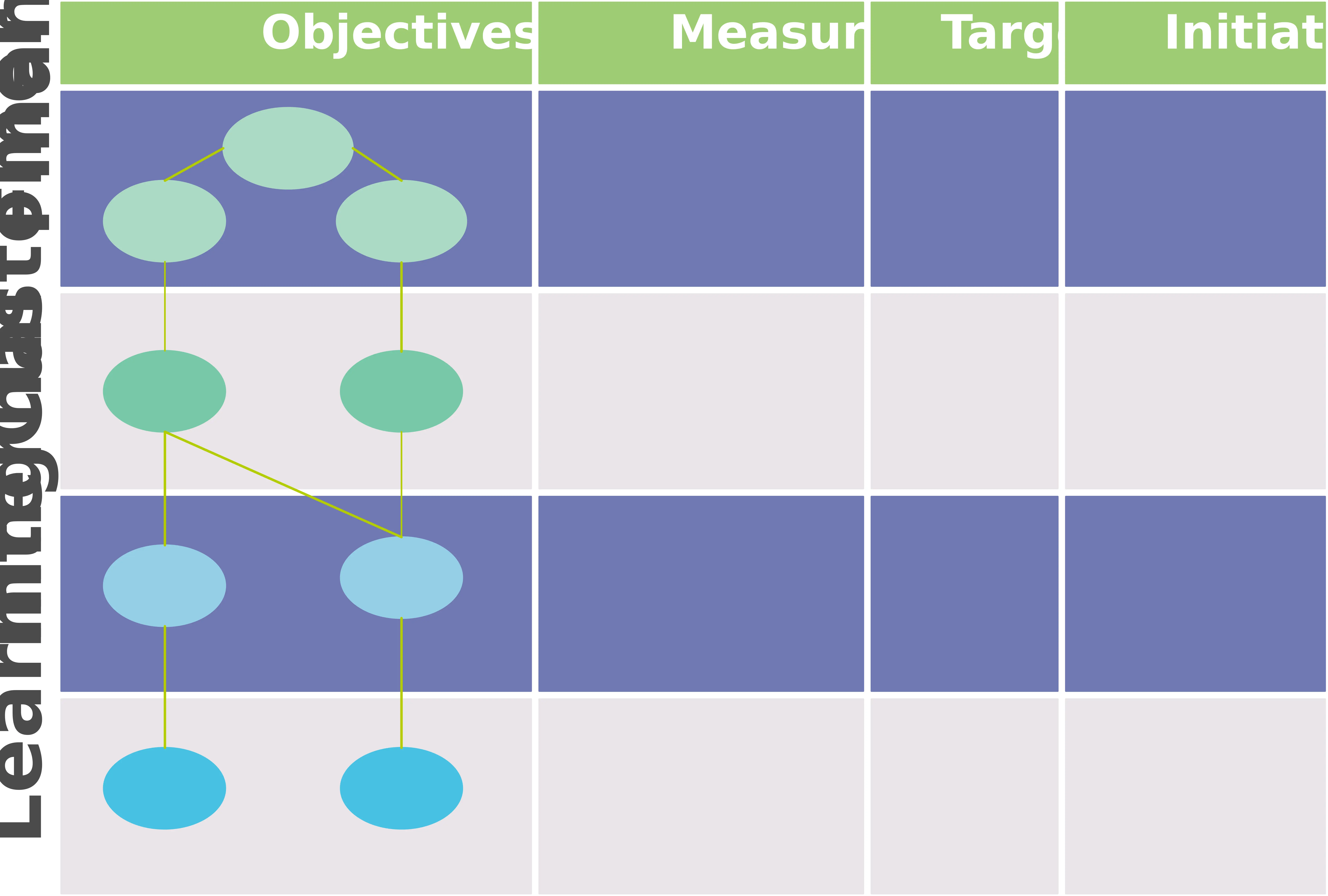
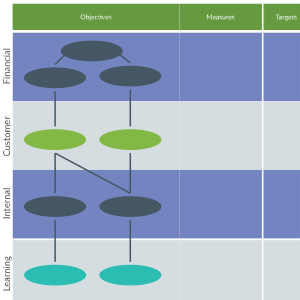
A Balanced Scorecard is a strategic performance management tool that helps organizations translate vision and strategy into measurable objectives across four perspectives: financial (shareholder value), customer (satisfaction and retention), internal processes (efficiency and quality), and learning & growth (employee development and innovation). By balancing short-term financial results with long-term capabilities, it aligns teams, improves accountability, and ensures organizations track both operational performance and strategic progress.

How to Create a Balanced Scorecard?

  1. Open a Balanced Scorecard Template

Start by selecting a ready-made template from Creately’s library. Add it to your workspace to get a structured starting point for defining goals, KPIs, and initiatives across the four perspectives.

  1. Add and Organize Strategic Objectives

Use the drag-and-drop interface to arrange objectives in the right quadrant. Break down high-level goals into focus areas, and connect them to related KPIs, metrics, and initiatives.

  1. Customize Your Scorecard

Personalize the design with layouts, fonts, and colors that fit your brand. Add annotations for context, links to dashboards or reports, sticky notes for quick ideas, and attach documents such as strategy papers or performance reviews to enrich your scorecard with supporting details.

  1. Collaborate and Refine in Real Time

Work together with teammates or stakeholders directly on the canvas. Share feedback through comments and @mentions, assign responsibilities such as tracking KPIs, updating metrics, or managing initiatives, and use permission settings and version history to keep everything organized.

  1. Review, Update, and Share

Finalize your scorecard by reviewing inputs and making updates as needed. Export as PDF, PNG, or JPEG for presentations, or generate a secure shareable link for ongoing access and reviews.

Create a Balanced Scorecard
What Our Customers Say About Us
A Comprehensive Tool for Visual Collaboration and Diagramming
it is ease of collaborative diagramming and real-time editing. This allows teams to brainstorm, create, and refine diagrams together in a way that feels intuitive and seamless, regardless of location.
Juan Leonardo G
Efficient and User-Friendly Diagramming Tool
I love how easy it is to create and collaborate on diagrams with Creately. The real-time collaboration feature is incredibly helpful for team projects, and the extensive library of templates and shapes saves a lot of time
Aymen G
Creately provides best diagram structure.
Creately has proven to be an incredibly creative tool, enhancing the visual appeal of our company tasks significantly. Additionally, its pricing is highly competitive, offering great value for the features it provides.
Ruchika N
Great AI features
AI Modelling capability. It gives Prompt examples so user can learn how to create effective prompts
Karma A.
User friendly and visually appealing!!
The interface is easy to use. The look is aesthetically pleasing as well. Love the functionality.
Chrisoula

FAQs About the Balanced Scorecard Software

What are Creately’s balanced scorecard software pricing plans?

  • Free Plan — $0/month for basic balanced scorecard creation and collaboration
  • Starter & Team Plans — $8/month or $5/month billed annually
  • Business Plan — $149/month or $89/month billed annually

Annual billing helps you save more while unlocking advanced collaboration, workspace management, and enhanced balanced scorecard features. You can compare all available plans and features on the Creately Pricing Page.

How can you create balanced scorecards faster?

Creately helps you create balanced scorecards faster with an infinite canvas, drag-and-drop diagramming, smart connectors, and professionally designed templates. You can start with a ready-made layout or build from scratch, then collaborate and refine everything in one shared workspace.

Are there templates for different balanced scorecard use cases?

Yes. Creately offers editable templates for different balanced scorecard use cases, so you can start with a relevant structure and customize it to match your workflow, team, or project requirements.

Can teams collaborate on balanced scorecards?

Yes. Teams can work together on the same balanced scorecard in real time using live cursors, comments, mentions, and shared workspaces. This makes reviews faster and keeps everyone aligned.

Can I add notes, data, and files?

Yes. Creately lets you enrich your work with notes, links, images, documents, and additional context attached directly to shapes and items on the canvas. This helps you keep supporting information connected to the visual.

Can I share, present, or export balanced scorecards?

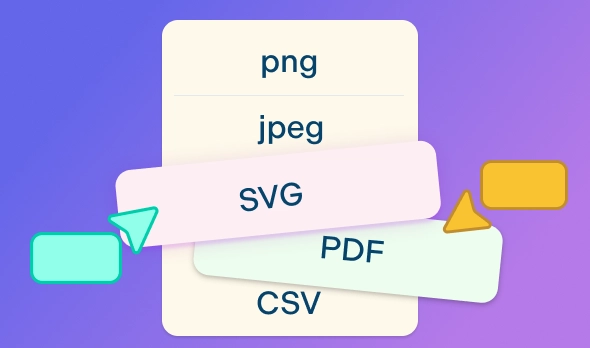
Yes. You can share balanced scorecards with a link, present them directly from the workspace, or export them in formats like PDF, PNG, SVG, and JPEG. This makes it easy to use Creately in meetings, documentation, reviews, and presentations.
Streamline Your Workflows by Integrating with the Tools You Love
Creately integrates with the tools your teams use every day and supports your team’s workflow seamlessly.
Github
Microsoft
Google Drive
Google Sheets
Google Docs
Google Slides
Confluence
Why Is Creately the Best Balanced Scorecard Tool
Creately is the intelligent visual platform enabling visual collaboration, knowledge management and project execution.
Why Is Creately the Best Balanced Scorecard Tool
Infinite Visual Canvas
Real-Time Collaboration
Custom Databases
Data Driven Docs
Professional Diagramming
Project & Task Management
Enterprise Grade Security
Powerful Visual Modelling
G2
Atlassian
GetApp
Capterra
Software Advice
Trust Radius

24/7 Live Support

Live in-app chat support

Sign up for a free account today.
banner-img