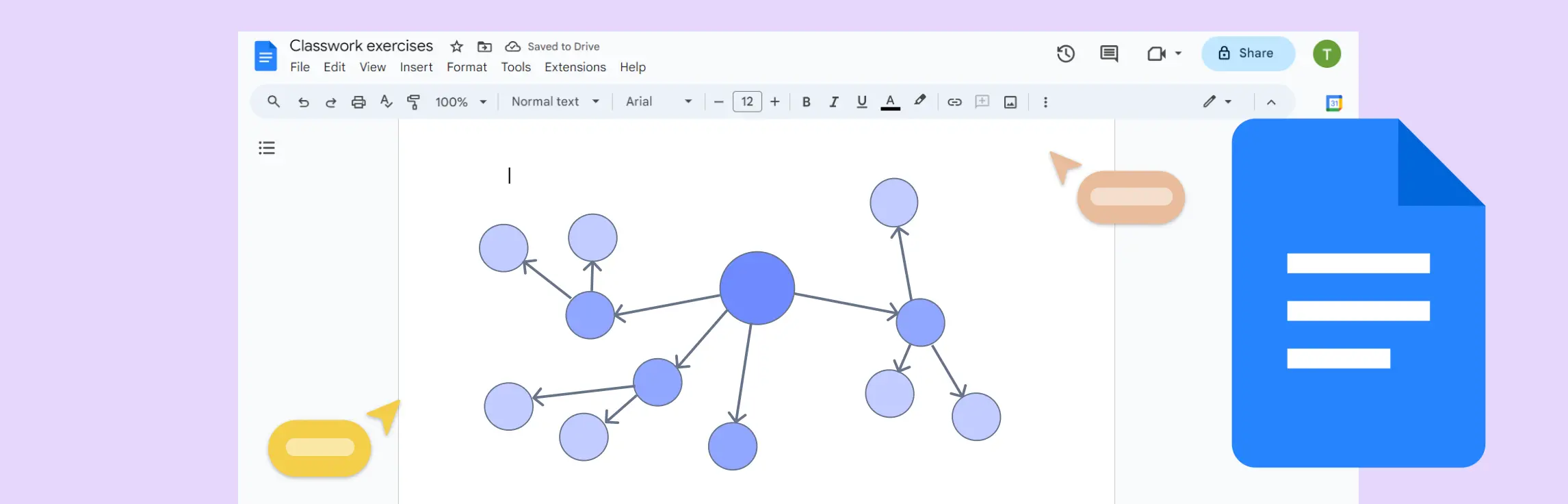
Google Docs is typically a word processor, it can be adapted for creating basic concept maps. However, it has limitations compared to more specialized diagramming tools.
Google Docs is typically a word processor, it can be adapted for creating basic concept maps. However, it has limitations compared to more specialized diagramming tools.
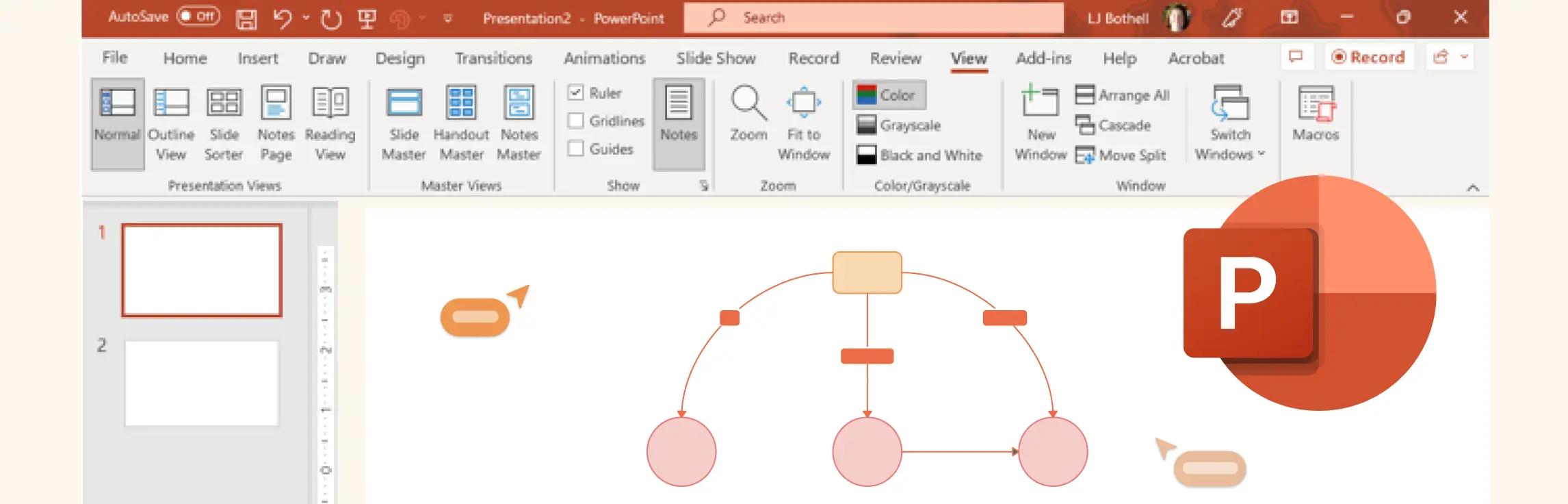
Microsoft PowerPoint is primarily a presentation software, while it can also be used to create concept maps with some effort. However, PowerPoint has certain limitations that make it less efficient than dedicated diagramming tools.
Concept maps widely used for brainstorming, planning projects, learning complex subjects, and strategizing in business. While many users try to leverage Microsoft Excel for creating concept maps, Excel despite its strengths in data management—has inherent limitations when it comes to visual diagramming.
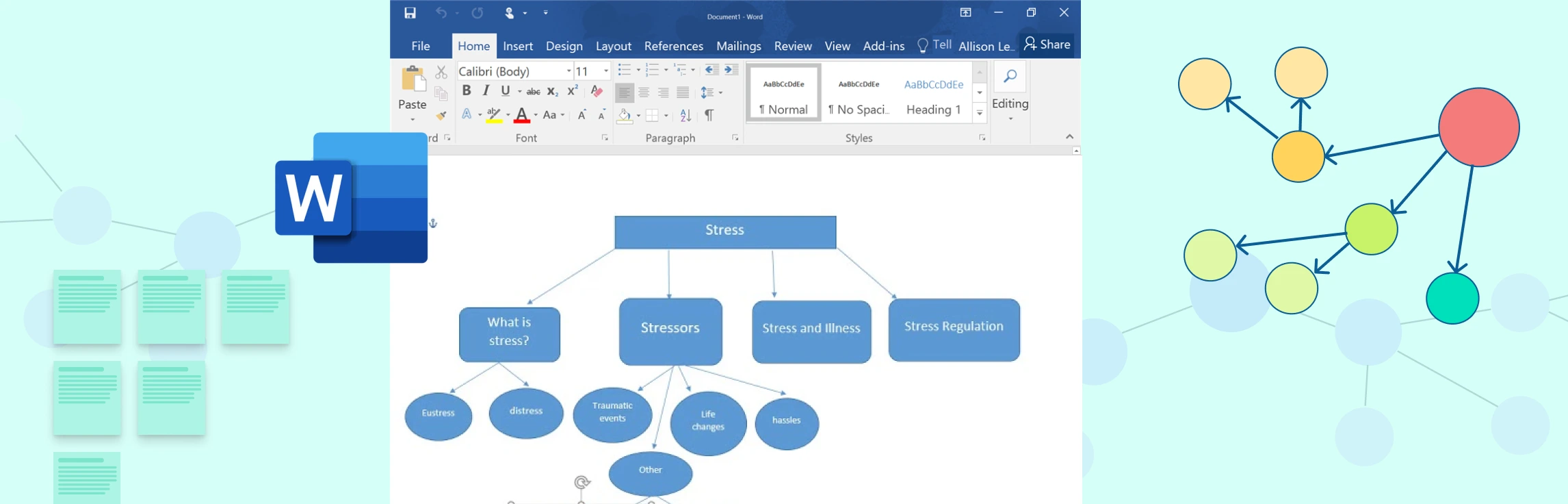
Many people attempt to create concept maps using Microsoft Word, but while Word is a great word processor, it has significant limitations when it comes to visual diagramming.
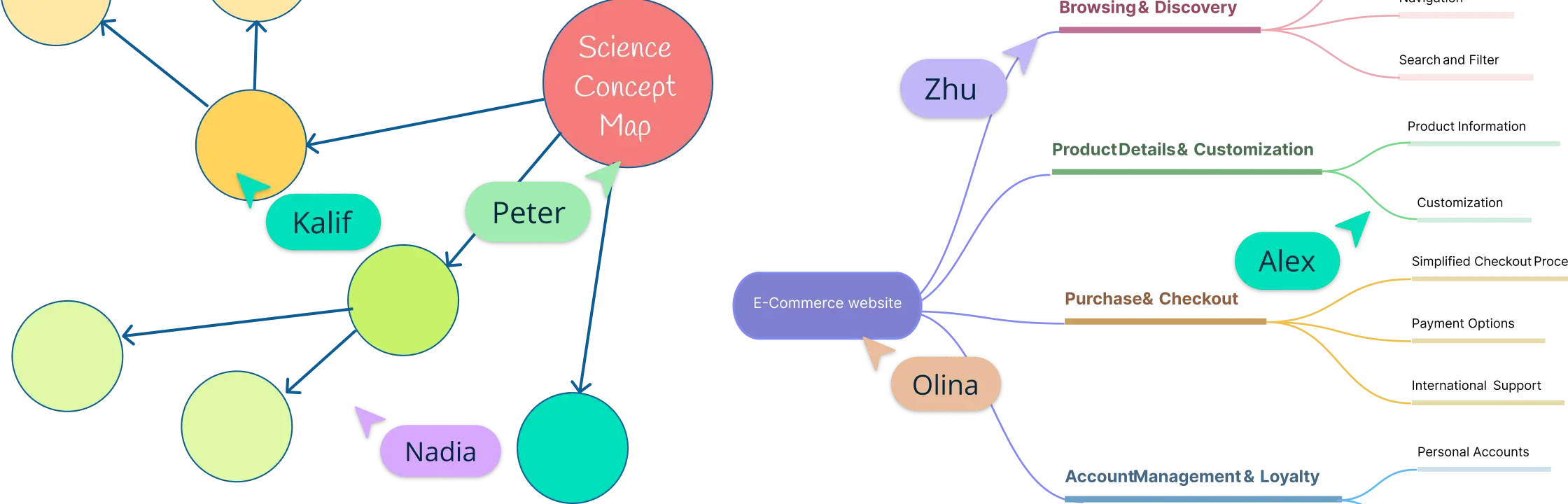
A concept map shows relationships between multiple ideas using labeled connections, while a mind map organizes ideas around one central topic with branching associations. Use a concept map when the relationship between ideas matters; use a mind map when you want to brainstorm, outline, or expand from a single theme.
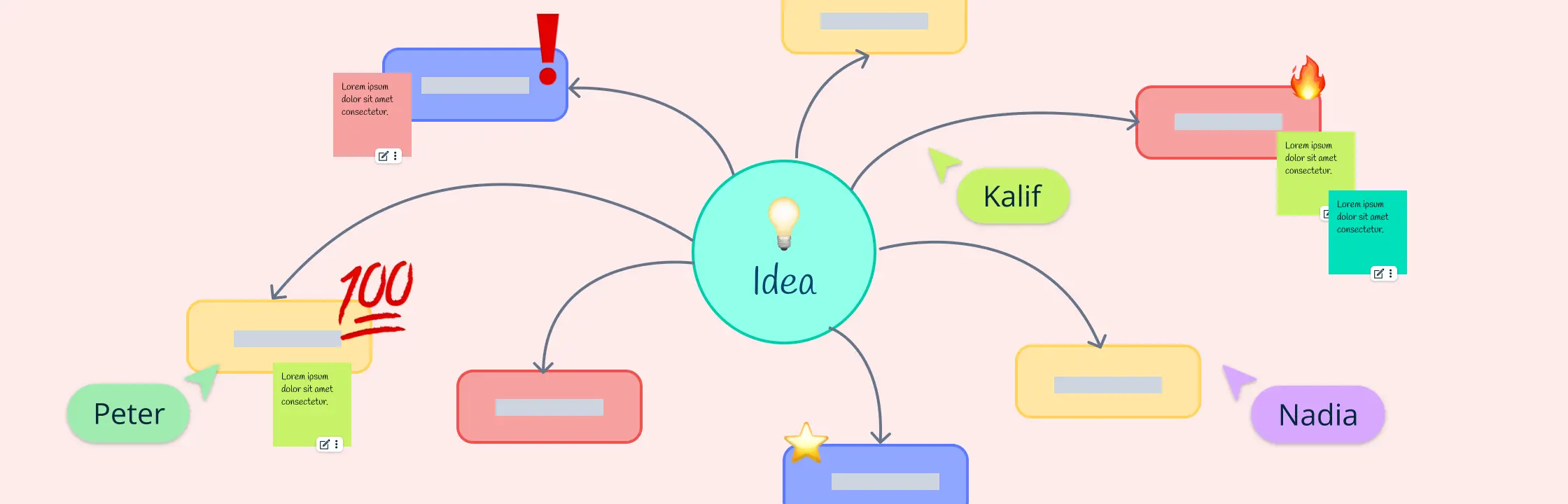
Concept map note taking is a visual note-taking method that organizes ideas as connected concepts instead of linear bullets. It helps you capture the main topic, group related details, label relationships, and review complex material faster.