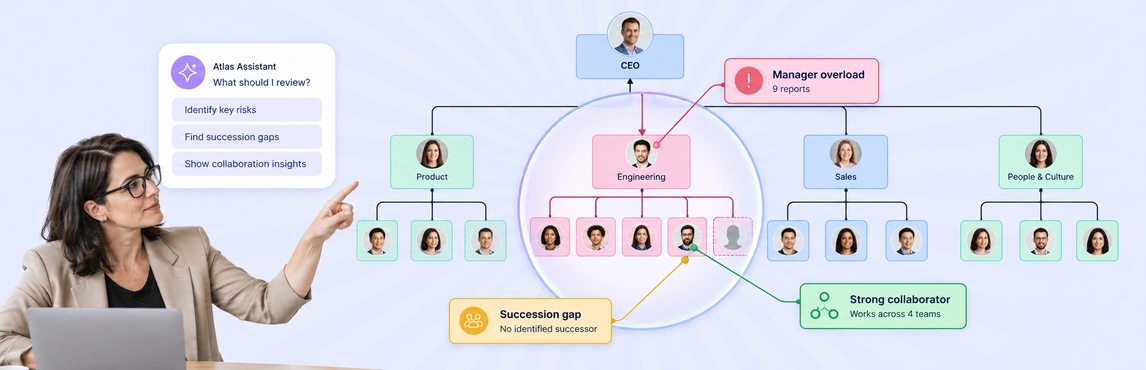
An employee needs an answer from Finance, but does not know who owns the question or which team to contact. A useful org chart for employees can answer that in a few steps: find the team, see each person’s role, and check the reporting or working relationships around it. The chart becomes a shared people resource when its details are current and employees can access the view they need.
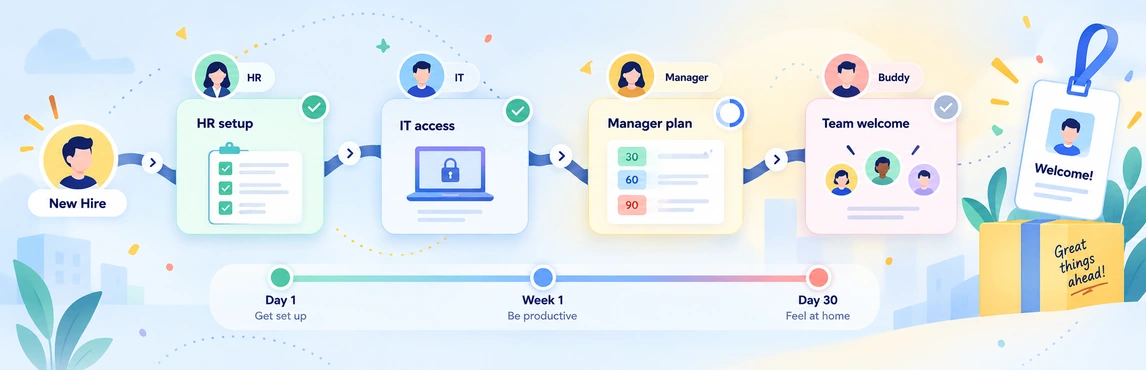
This guide focuses on everyday use after someone has settled into their role. For a new hire’s first days and weeks, see the org chart for employee onboarding guide.
What Employees Should Be Able to Find
A standard organizational chart shows who reports to whom. An employee-facing chart should also help people answer work questions without asking HR to interpret the structure for them.
| Employee question | Helpful information in the chart |
|---|---|
| Who owns this area of work? | Team, role, and a short responsibility description |
| Who manages this team? | Current reporting line and manager |
| Who can help with this topic? | Relevant skills, expertise, or team membership, if maintained |
| Where does this colleague work? | Location or time zone, where useful and appropriate to share |
| How do I reach them? | Work contact details or preferred work channel |
Names and job titles are the starting point. Short descriptions make the chart more useful: “owns vendor contracts” tells an employee more than “Procurement Specialist.” Use consistent terms for departments and skills so a search for a team or expertise area returns the right people.
Four Everyday Uses for an Employee Org Chart
Find the right person without following the entire hierarchy
An employee trying to resolve a customer issue may need the billing owner, not the head of Finance. Search by name, title, or department when those fields are available, then inspect the person’s team and role context. In Creately Atlas, people search can show a person in the reporting structure; skills-based questions depend on the skills data your organization has supplied.
Understand ownership across teams
A reporting line explains formal management. It may not explain who approves a request or supports a cross-functional project. Add concise responsibility notes or a link to a team’s working process where that context is needed. Keep the org chart readable; detailed procedures belong in the relevant team documentation.
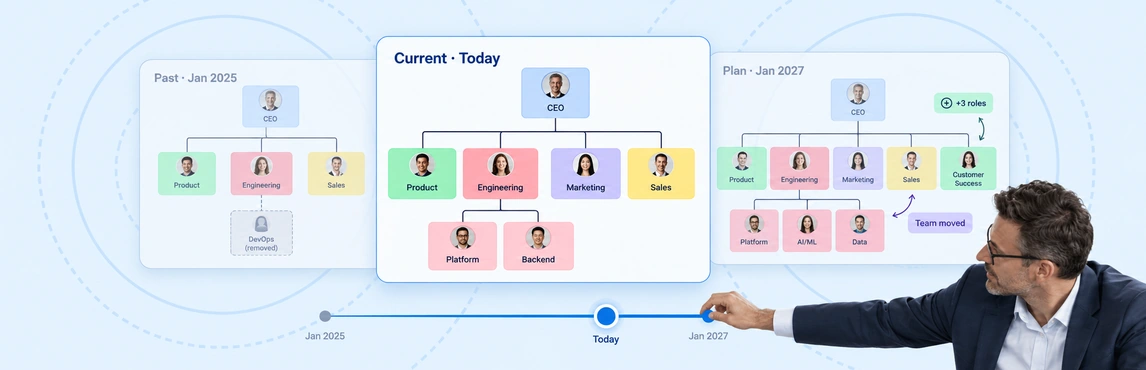
Navigate a changing organization
When a role moves to another team, employees need to know the current owner and manager. Update the shared chart after the change is approved, then check that search results and department views reflect it. A data-linked org chart can make it easier for HR to maintain the underlying records, but a one-time CSV import still needs later review and updates.
Connect with distributed colleagues
For teams working across locations, a location or time-zone field can help colleagues find the right regional contact. A focused department view also makes a large company chart easier to navigate. The remote-team org chart guide covers that setting in more detail.
Keep the Shared View Useful and Appropriate
HR should decide which fields belong in the employee-facing view before publishing it. Names, work roles, departments, reporting lines, and approved work contact details usually serve the directory purpose. A field may exist in the underlying people model without belonging in a view shared with every employee.
Keep compensation, performance reviews, succession plans, and other restricted HR details in views for authorized people. Atlas describes a shared organization view for names, roles, departments, and reporting lines, alongside controlled views for sensitive context. Check permissions and exports before sharing a chart, especially when custom fields have been added.
Assign an owner for changes to people and positions. A practical maintenance routine is to:
- Confirm names, roles, manager references, and departments against the current source of record.
- Review changes after joins, exits, transfers, and approved restructures.
- Check a sample of searches and team views from an employee’s access level.
- Ask employees to report an incorrect role, contact, or reporting line to the chart owner.
If the structure starts in a spreadsheet, the Atlas CSV import guide explains how to map fields and review errors before creating the chart. An import creates a starting view; it does not make outdated source data accurate.
Start with an Editable Employee Org Chart
The Company-Wide Employee Org Chart gives HR a starting structure for departments and reporting lines. Replace the example people with current records, then decide which role and contact details employees need in the shared view. The template is a diagram starting point; directory search and permission-controlled people data depend on how the chart is set up in Creately or Atlas.


For a smaller starting view, use one of these templates. Each offers a different way to make roles and working relationships visible.


An employee resource succeeds when people can find the current owner of a question. Start with a small set of reliable fields, test the shared view with employees, and expand it only when a new detail makes those answers easier to find.