The integration of artificial intelligence (AI) is revolutionizing how projects are planned, executed, and monitored. AI in project management refers to the use of machine learning algorithms, data analytics, and intelligent automation to enhance decision-making and streamline project workflows.
AI project manager capabilities extend beyond simple task automation; they include predictive analytics for risk assessment, intelligent resource allocation, and real-time adjustments to project plans based on evolving data. This is a stark contrast to traditional project management, which relies heavily on manual input and is often reactive rather than proactive.
By leveraging AI, project managers can focus on strategic decision-making and leadership, while the AI handles the repetitive and data-intensive tasks. This synergy between human expertise and AI efficiency is setting a new standard in project management.
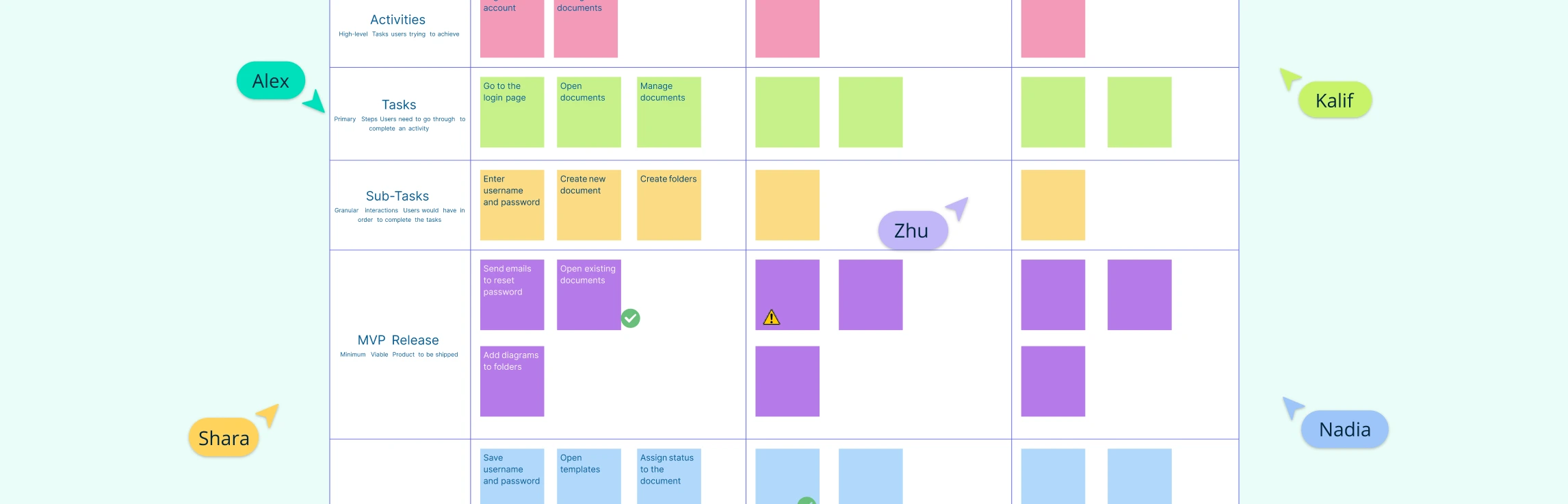
With tools like Creately, project teams can combine visual planning, collaborative workspaces, Kanban boards, timelines, roadmaps, and in-app AI assistance to plan, review, and manage work more clearly.
The Applications of AI in Project Management
We are already beginning to see the impact AI can have on how teams think about designing and executing large projects. The ability to take out the grunt work frees up project managers to do more high-level thinking. Managers can now preemptively identify potential issues and take corrective actions. Here are some ways AI revolutionizes risk management:
Predictive Analytics: AI algorithms can sift through historical data to predict future project risks with remarkable accuracy. This foresight allows project teams to prepare contingency plans well in advance.
Real-time Monitoring: AI systems provide continuous surveillance over project parameters, flagging any anomalies that could indicate emerging risks, thus enabling timely interventions.
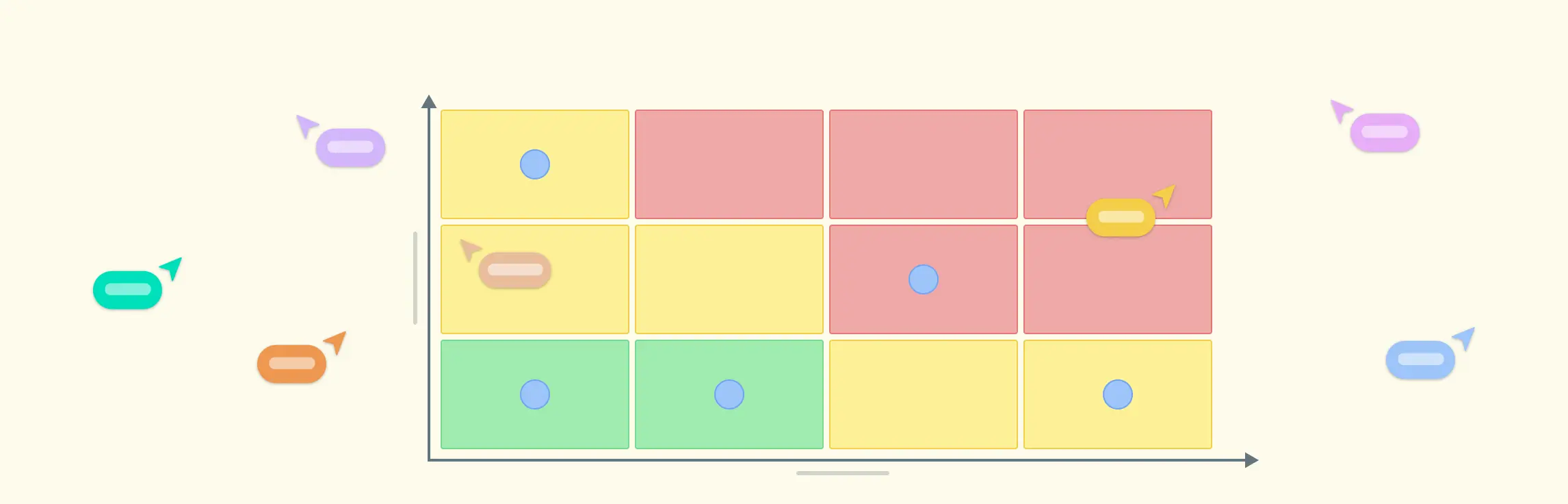
Risk Prioritization: Not all risks carry the same weight. AI’s analytical capabilities help in categorizing risks based on their potential impact, allowing teams to focus on what matters most.
Mitigation Strategies: AI can suggest effective risk mitigation strategies by learning from past projects and outcomes. This not only saves time but also ensures that the strategies are data-driven and reliable.
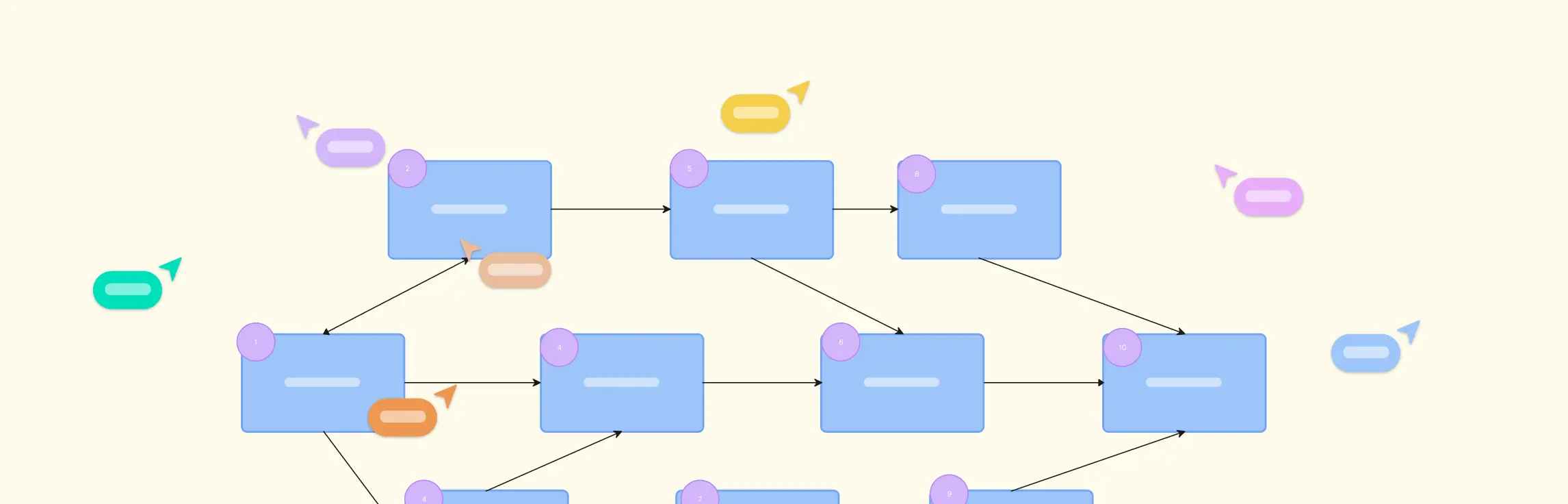
Creately supports this process by giving teams a visual workspace to map risks, workflows, timelines, responsibilities, and project dependencies. With real-time collaboration, Kanban boards, comments, and in-app AI assistance, teams can review project information together and adjust plans as work evolves.
The Advantages of Implementing AI in Project Management
AI is already proving to be a huge productivity booster by automating routine tasks, AI in project management reduces the need for manual intervention, which in turn streamlines operations. Here’s how AI contributes to cost efficiency:
Optimized Resource Allocation: AI for project management can analyze project data to optimize the use of resources. By predicting project needs and identifying potential bottlenecks, AI ensures that resources are allocated efficiently, preventing waste and reducing costs.
Risk Mitigation: Project management AI can run risk analysis, foreseeing potential issues before they become problematic. This proactive approach saves costs associated with crisis management and project delays.
Enhanced Decision-Making: With the ability to process and analyze large volumes of data, AI provides insights that lead to better decision-making. Informed decisions mean fewer costly mistakes and more strategic allocation of the project budget.
Creately helps project teams visualize this information with Kanban boards, timelines, roadmaps, process flows, project dashboards, and connected workspaces. Teams can add notes, files, comments, and tasks to keep project context organized and easier to act on.
Practical Steps to Utilize AI in Project Management
Embracing AI in project management is not just about leveraging new technology; it’s about enhancing the capabilities of your team and streamlining workflows. Here’s how you can effectively use AI to transform your project management processes:
Identify Repetitive Tasks: Start by pinpointing the repetitive, time-consuming tasks that can be automated. AI excels at handling routine activities such as scheduling, sending follow-up emails, and updating project statuses. By automating these tasks, your team can focus on more strategic work that requires human insight.
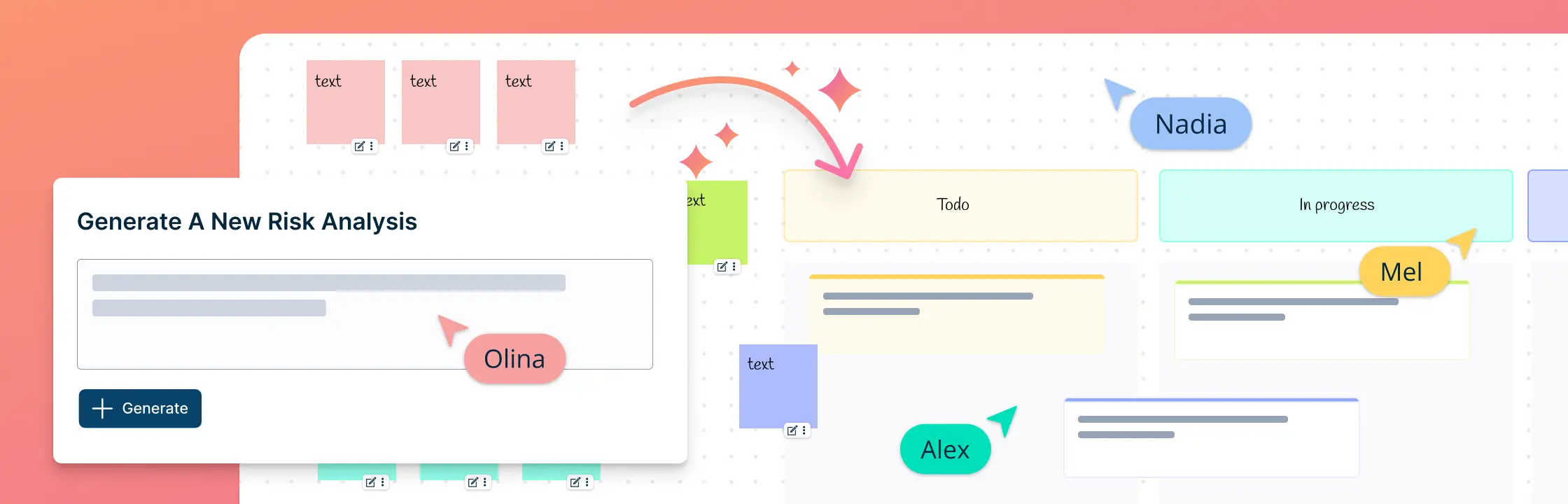
Integrate with Existing Tools: AI doesn’t have to replace your current project management tools; it can enhance them. For instance, Creately’s visual kanban project management feature can be augmented with AI to auto-update workspaces and visualize process flows with just a command, ensuring seamless integration and minimal disruption to your existing workflows.
Leverage Data for Decision Making: AI’s ability to process and analyze large volumes of data can be a game-changer for project managers. Use AI to run risk analysis and get insights and suggestions that lead to better decision-making. This aligns with the benefit of utilizing AI for improved accuracy and foresight in project planning.
Train Your Team: To maximize the benefits of AI in project management, it’s crucial to train your team on how to work alongside AI tools. Ensure they understand how to interpret AI-generated insights and leverage the visual canvas provided by tools like Creately to plan and manage projects effectively. These can even be simple steps like how to write better prompts for AI. Checkout some of out useful tips:
Good AI Prompts vs Bad AI Prompts
| Syntax | Good AI Prompts | Bad AI Prompts |
|---|---|---|
| Clarity | Clearly articulates user’s request. | Lacks specificity, leading to confusion. |
| Contextual Guidance | Provides additional context to guide AI. | Fails to provide context, hindering understanding. |
| Focus | Specific and focused on a particular task. | Overly broad or generic requests. |
| Precision | Clearly defines the scope of the request. | Lacks precision, leading to misinterpretation. |
| Creativity (if applicable) | Encourages imaginative thinking. | Does not stimulate creative thinking, limiting outputs. |
| Completeness | Includes all necessary details or parameters. | Missing essential details, resulting in incomplete responses. |
| Language | Using plain and straightforward language that is easily understandable. | Using overly complex or technical language in prompts. |
By following these steps, you can harness the power of AI to not only automate tasks but also to provide a strategic advantage in project management. Remember, the goal is to complement human expertise with AI’s efficiency, not to replace it.
Enhance Your Project Management with Creately
Creately helps project teams plan, manage, and review work visually. Teams can map workflows, create Kanban boards, build timelines, plan roadmaps, track tasks, and connect related project information in one shared workspace.
Visual project planning: Map processes, dependencies, risks, responsibilities, and milestones so teams can understand the project at a glance.
Ready-made project frameworks: Start with templates for project planning, Kanban boards, timelines, roadmaps, risk matrices, action plans, and process flows.
In-app AI assistance: Use AI assistance to expand ideas, refine project notes, organize inputs, group related themes, and clarify next steps where helpful.
Real-time collaboration: Work with teammates and stakeholders using comments, @mentions, shared editing, and role-based access.
Task tracking and follow-through: Turn project decisions into tasks or action items with owners, priorities, and due dates, then track progress with Kanban boards or connected planning views.
By combining visual planning, collaboration, task tracking, and in-app AI assistance, Creately helps project managers keep work organized, teams aligned, and project execution easier to manage.