Creately vs ChartHop
Compare Creately vs. ChartHop
Creately Org Charts covers the same ground as ChartHop (succession planning, compensation analysis, scenario modeling, workforce planning) at a fraction of the cost.
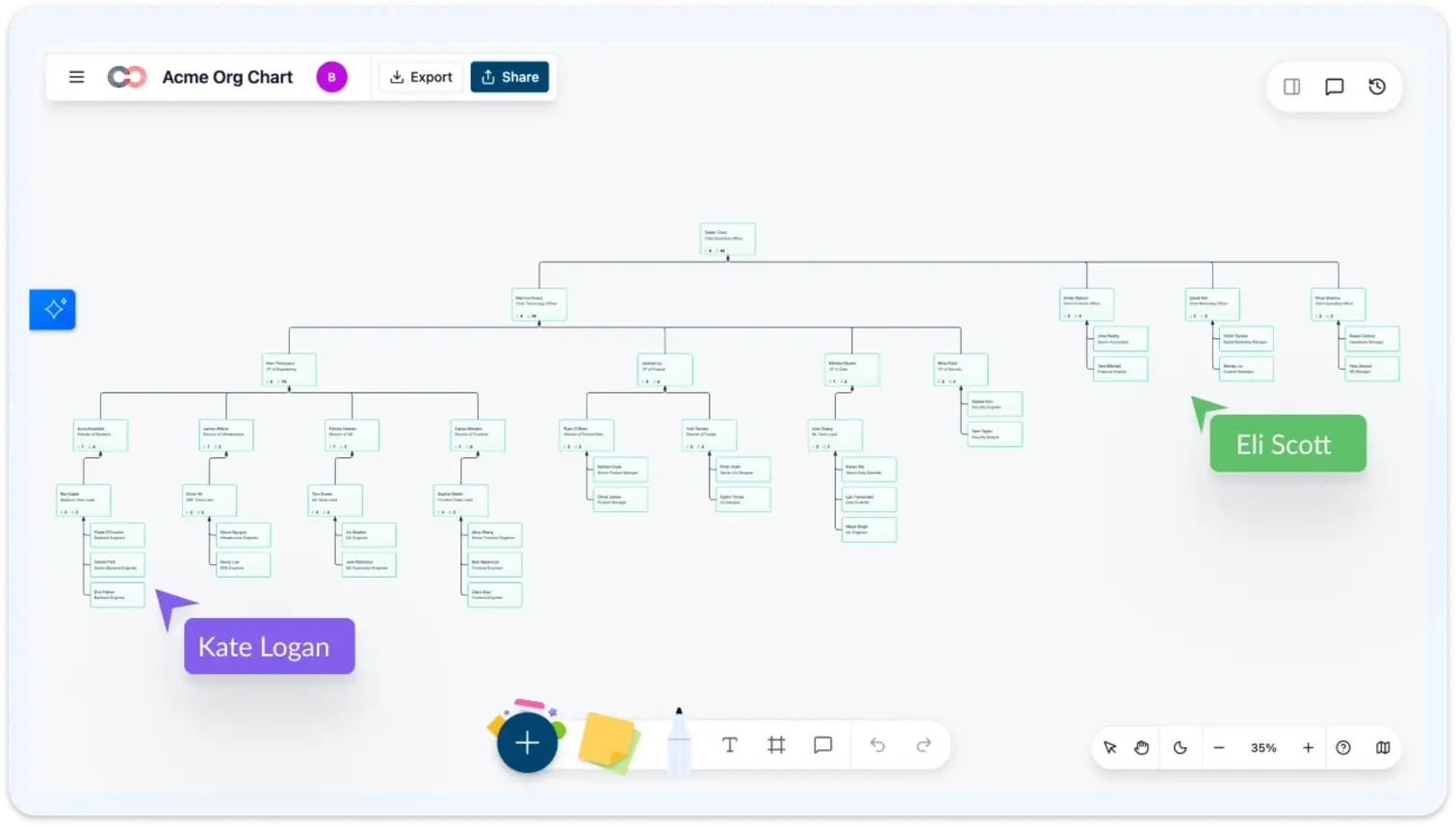
- 201 data fields across 15 field packs, covering compensation, talent, succession, and more.
- AI assistant with natural language queries, scenario modeling, and proactive insights.
- 6-tier data sensitivity. Compensation and demographics are locked to HR leadership only.
ChartHop vs. Creately

 From $96 per employee/year, $9,000/yr minimum From $2 per employee/year, no minimum contract Manual entry or HRIS import AI-powered generation from CSV, HRIS, or natural language Standard HR fields with custom fields 201 fields across 15 field packs. Activate only what you need Basic AI for data queries 7 specialized AI tools: search, filter, color, heatmap, query, scenarios, and insights Workforce Planning module (additional cost) Built-in delta-based scenarios with before/after comparison, included in base plan Succession module available Succession risk coloring, bench strength tracking, successor relationships on the canvas Compensation bands and benchmarking Compa-ratio heatmaps, pay equity analysis, merit cycle modeling (locked to HR leadership) Performance management tools 9-box talent grid, flight risk identification, engagement heatmaps, manager effectiveness Role-based access controls 6-tier sensitivity model. Restricted fields are invisible, not locked Comments and approval workflows Live multi-cursor editing, in-line comments, video chat, real-time sync Change logs and audit trails Time travel: set an as-of date and see the org as it existed at any point Requires onboarding with implementation fees CSV import with AI column mapping. Live in minutes, not weeks
Over 10 Million people and 1000s of teams already use Creately
Same Capabilities, a Fraction of the Cost
Compare current quotes for the same employee count, required capabilities, and implementation scope; confirm Atlas pricing and contract terms before estimating savings.
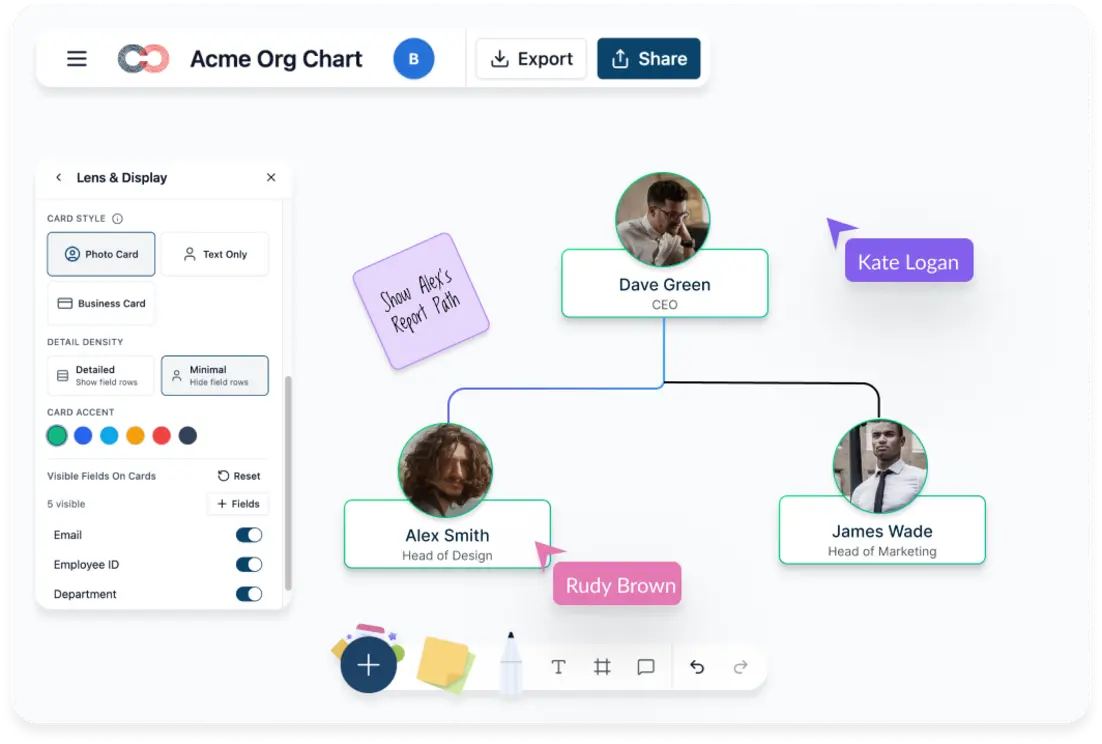
- 201 data fields across 15 field packs
- Succession, compensation, scenario planning included
- Plan terms depend on employee count, required capabilities, and the agreed contract
- AI-powered CSV import gets you live in minutes
An AI That Actually Understands Your Org
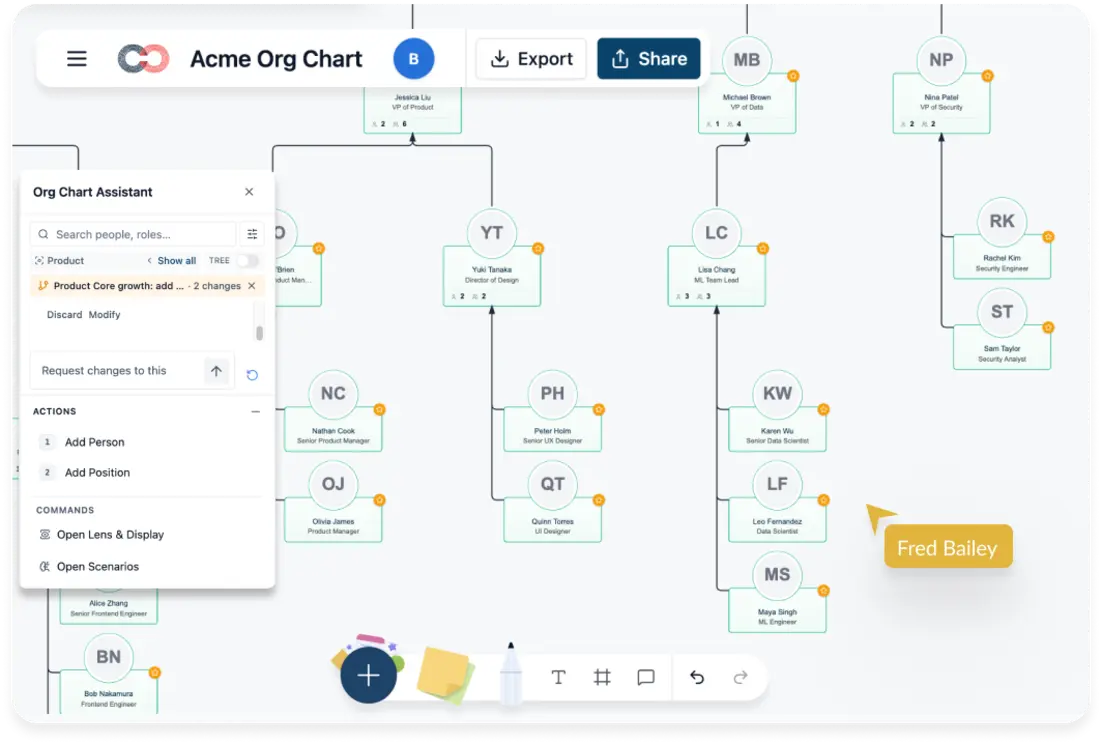
ChartHop’s AI answers basic queries. Creately’s AI has 7 specialized tools on your org graph.
- “Show managers with 8+ reports” highlights them instantly
- “Move James to Patricia’s team” creates a scenario you can review, apply, or discard
- “Heatmap by compa-ratio” in one command
- Proactive alerts when span of control, succession gaps, or engagement scores need attention
Scenario Planning and Succession Are Built In
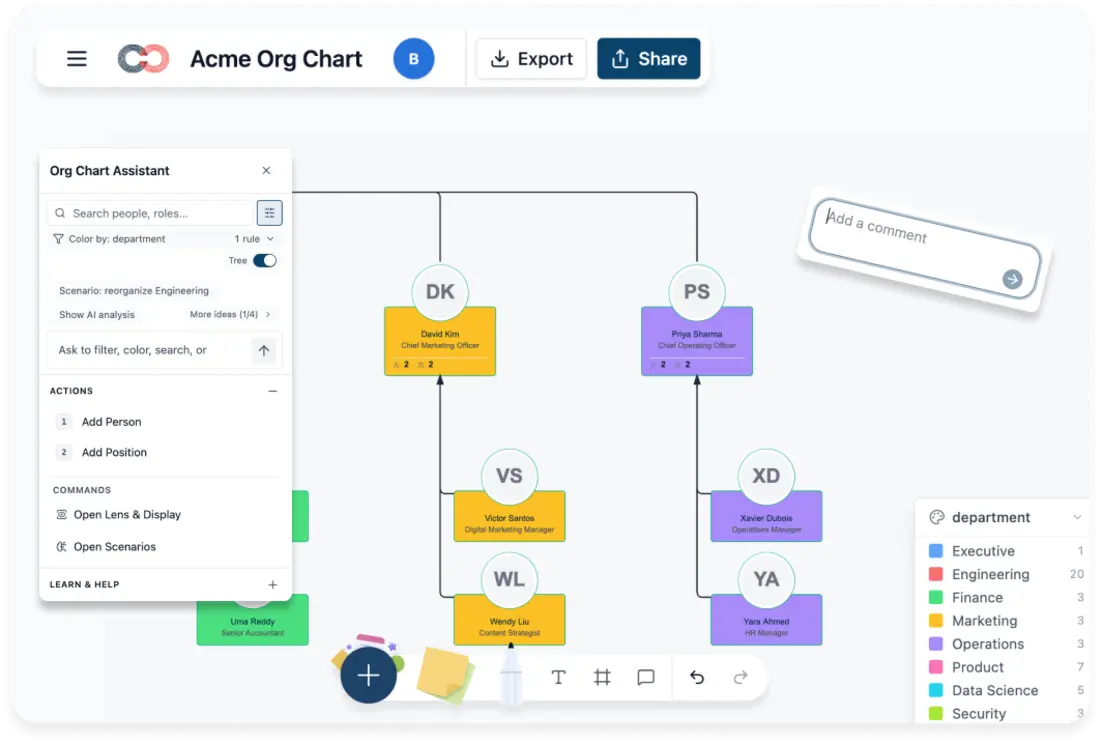
ChartHop charges extra for workforce planning. Creately Atlas supports scenario planning with changes isolated from the live chart.
- What-if scenarios on the live org. Nothing changes until you commit
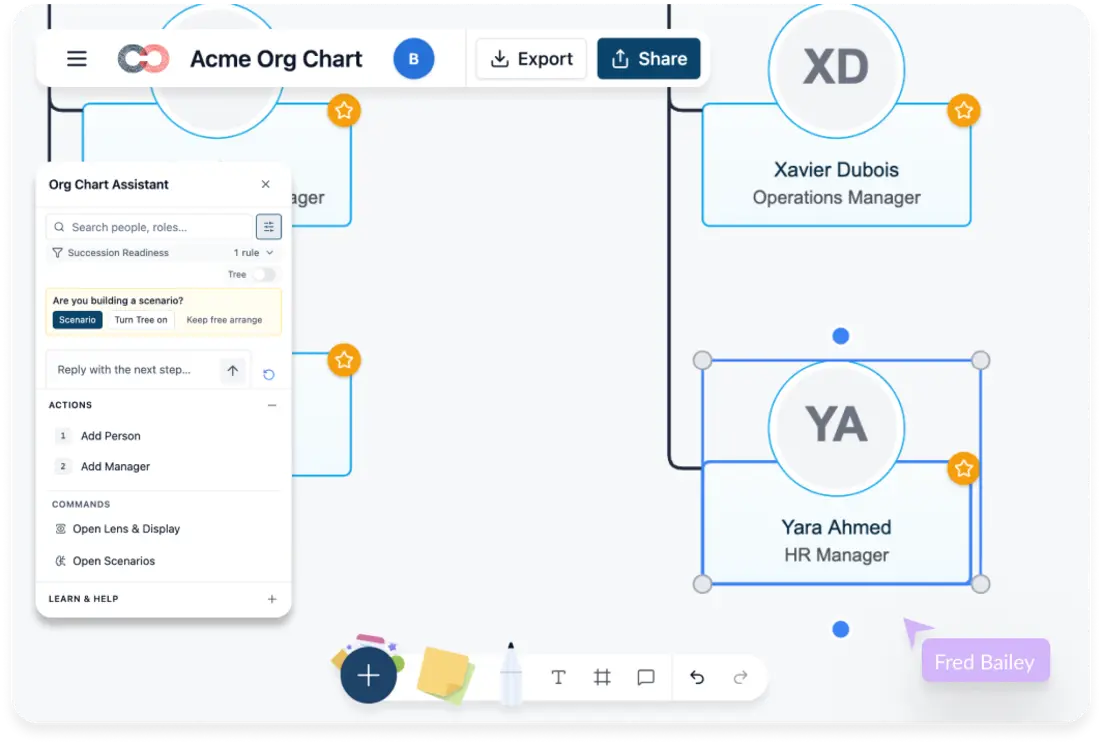
- Succession risk coloring shows no successor, weak, or strong at a glance
- Readiness timelines for now, 1yr, 2yr, 3yr+
- Reorg cost modeling by band and location
- Side-by-side comparison of multiple scenarios
Enterprise-Grade Data Security by Default
Restricted fields are invisible, not locked. No padlock icons. No curiosity.
- SOC 2 Type II compliant
- ISO 27001 certified
- HIPAA ready
- 6-tier data sensitivity so each user sees only what their role allows
- Invisible enforcement. Restricted fields don’t exist for unauthorized users
201 Fields. You Choose Which Ones to See.
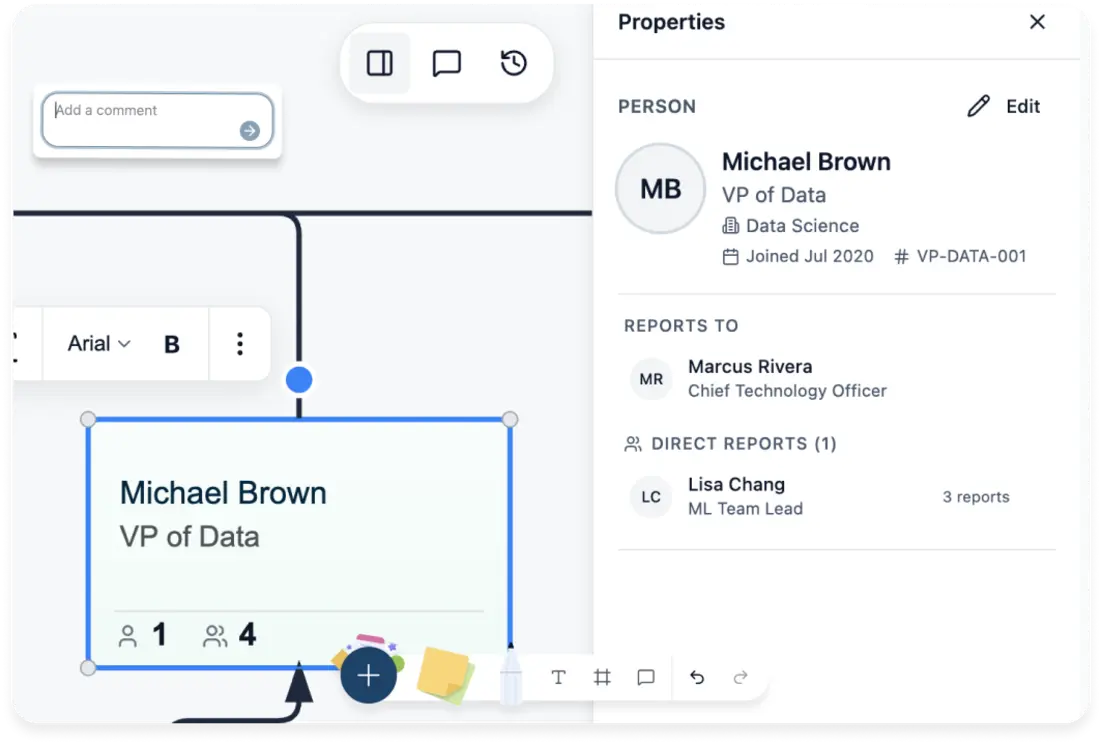
ChartHop shows a fixed field set. Creately has 15 field packs you toggle on as needed.
- HR Generalist gets ~40 fields covering the basics
- HRBP adds 9-box, flight risk, engagement
- CHRO can use approved compensation and succession fields, with demographics restricted to aggregate reporting
- Toggle packs on/off without losing data
How to Switch from ChartHop to Creately
Export Your Org Data from ChartHop:
Go to your org chart in ChartHop and export the employee data as CSV. Include name, title, department, manager, email, and any custom fields you want to carry over.
Import into Creately with AI Column Mapping:
Upload the CSV and the AI matches your columns to org chart fields with confidence-scored suggestions. Review the mappings, adjust if needed, and import. The entire import can be undone with a single Ctrl+Z.
Activate the Field Packs You Need:
Start with the basics (name, title, department), then toggle on Talent, Compensation, Succession, or any of the 15 field packs as your team needs them. Fields appear instantly in the properties panel, filters, and coloring options.
Set Up Data Sensitivity Tiers:
Configure who sees what. Restrict compensation to HR Confidential access, talent fields to their assigned tiers, and demographics to authorized aggregate reporting. Unauthorized users never see restricted fields.
Invite Your Team:
Share the org chart by link or email. Control who can view, comment, or edit. Collaborators work in real time with live cursors, while field sensitivity continues to restrict employee data.
Start Planning with Scenarios:
Model proposed org changes in Creately Atlas scenarios without modifying the live chart. Compare additions, removals, reporting moves, and field updates against the same people and position records before applying the chosen scenario.
FAQs on Creately vs ChartHop
Is Creately a full alternative to ChartHop?
How much does ChartHop cost compared to Creately?
Can I import my ChartHop data into Creately?
Does Creately support succession planning?
Does Creately integrate with HRIS systems?
How does Creately handle sensitive HR data?
What AI features does Creately offer?
Can Creately handle large organizations with 1,000+ employees?