Visual Sitemap Generator
Plan, Align, and Visualize Your Website in Minutes
Sketch out your site’s structure in minutes — collaborate in real time, design with drag-and-drop, and make your information architecture crystal clear for users, designers, and stakeholders alike.
Build sitemaps fast with templates, drag-and-drop, and a visual canvas
Share, comment, and track changes with full transparency
Connect pages and mockups, style with themes, and export in any format



 Diagramming Visual Collaboration Org Chart


Map Website Structures Effortlessly
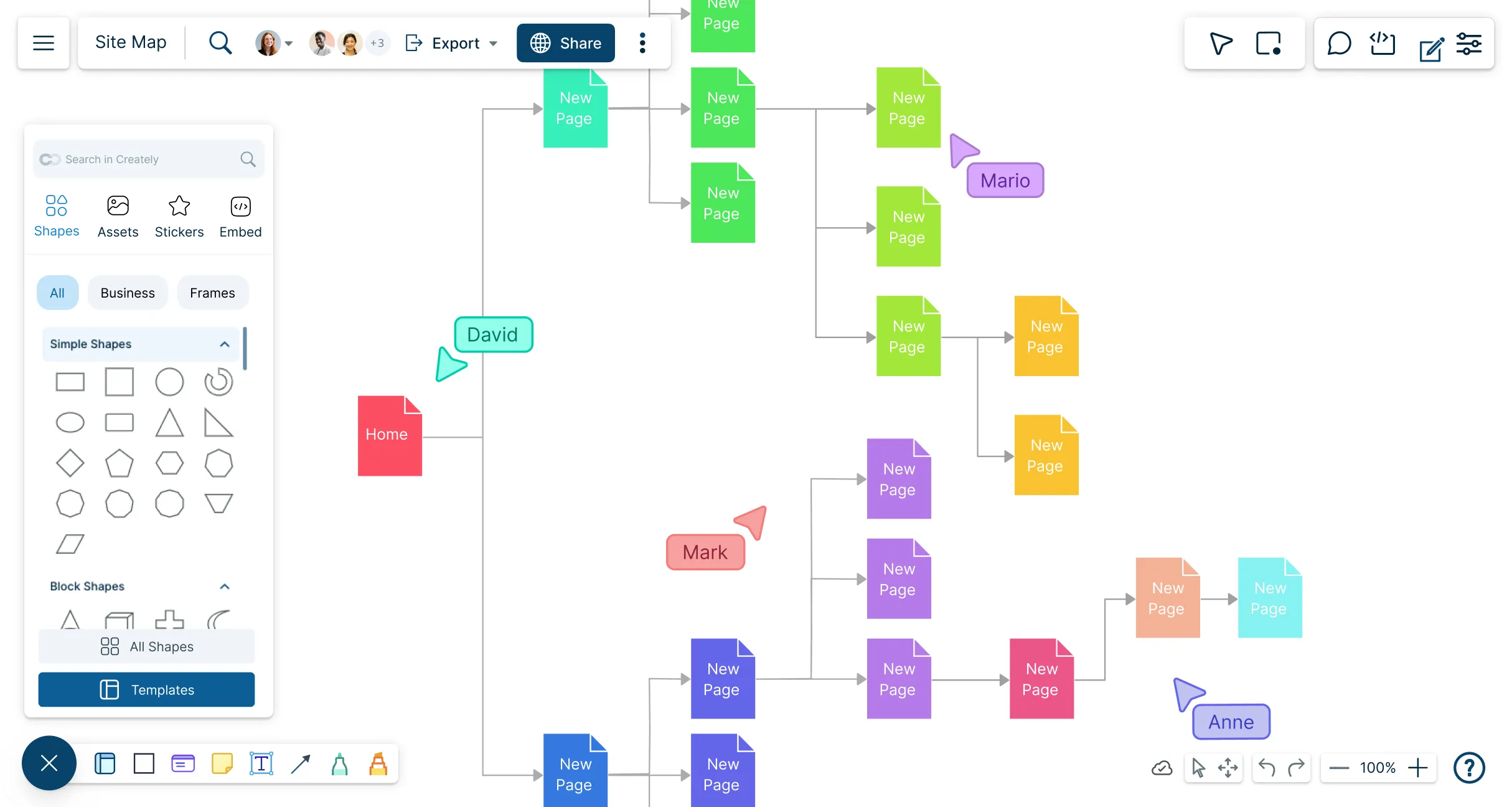
Built-in sitemap templates for a fast starting point.
Drag-and-drop canvas and auto-drawing tools to arrange hierarchies visually.
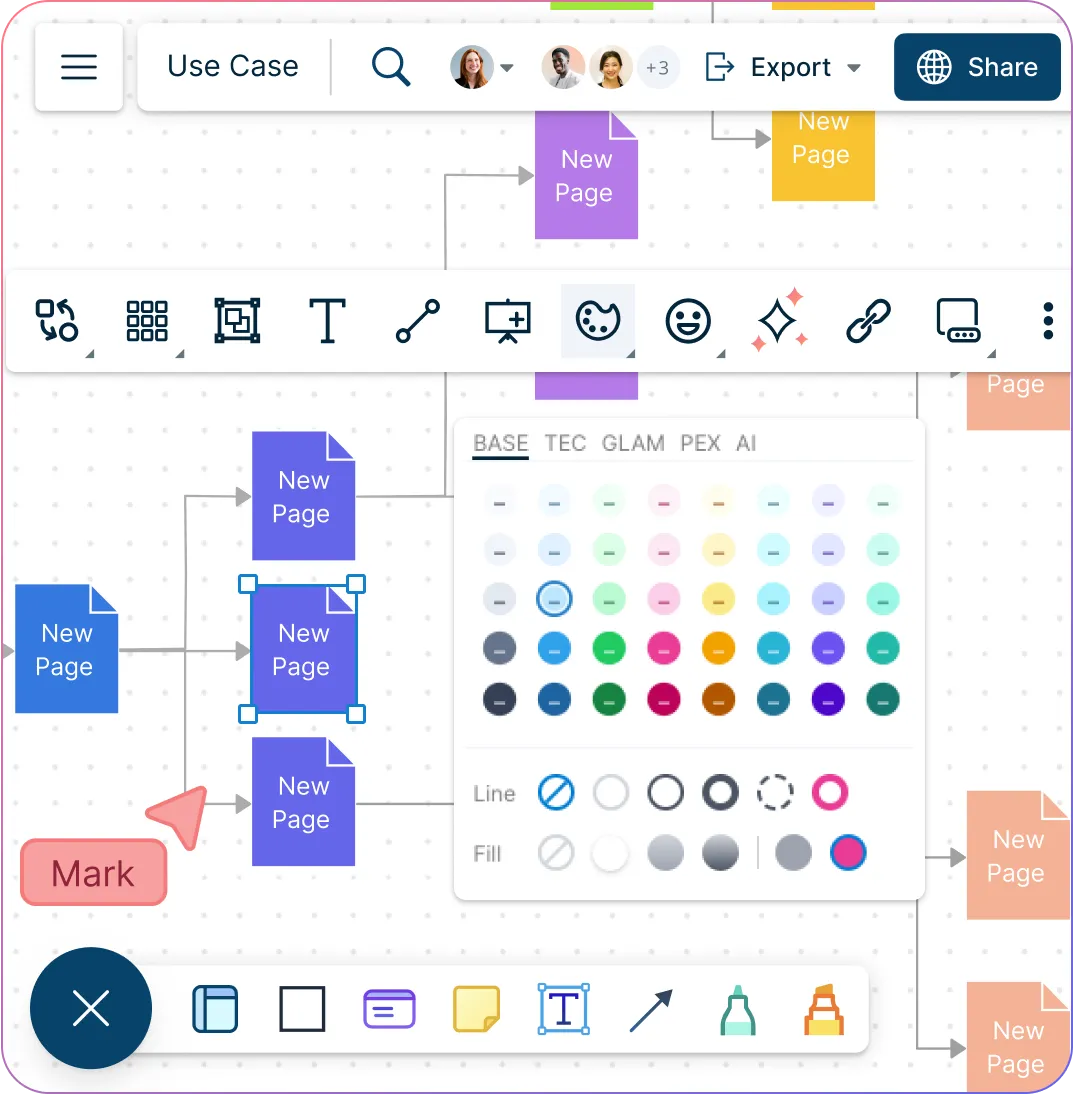
Multiple color themes & styling so your sitemap matches the brand or project look.
Wireframes / UI mockups integration: you can attach wireframes or even link to designs from your sitemap.
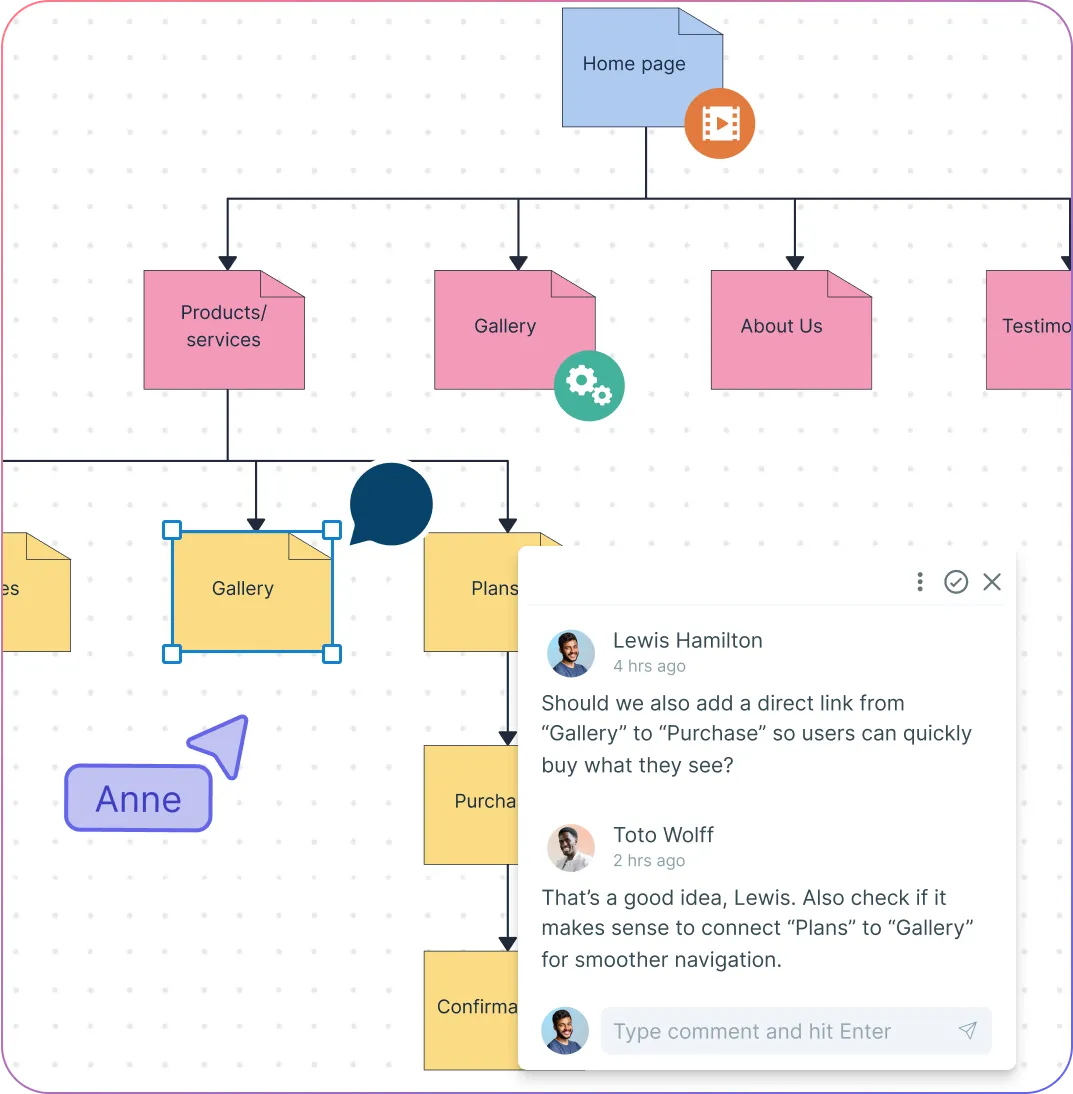
Online Sitemap Creator for Cross-Functional Collaboration
Real-time collaboration to work together with your team or clients on the same sitemap.
Comments & @mentions for feedback directly in context.
Showcase sitemaps distraction-free with presentation mode
Share via link or embed in other docs or sites for easy review.
Test, Iterate & Optimize Information Architecture
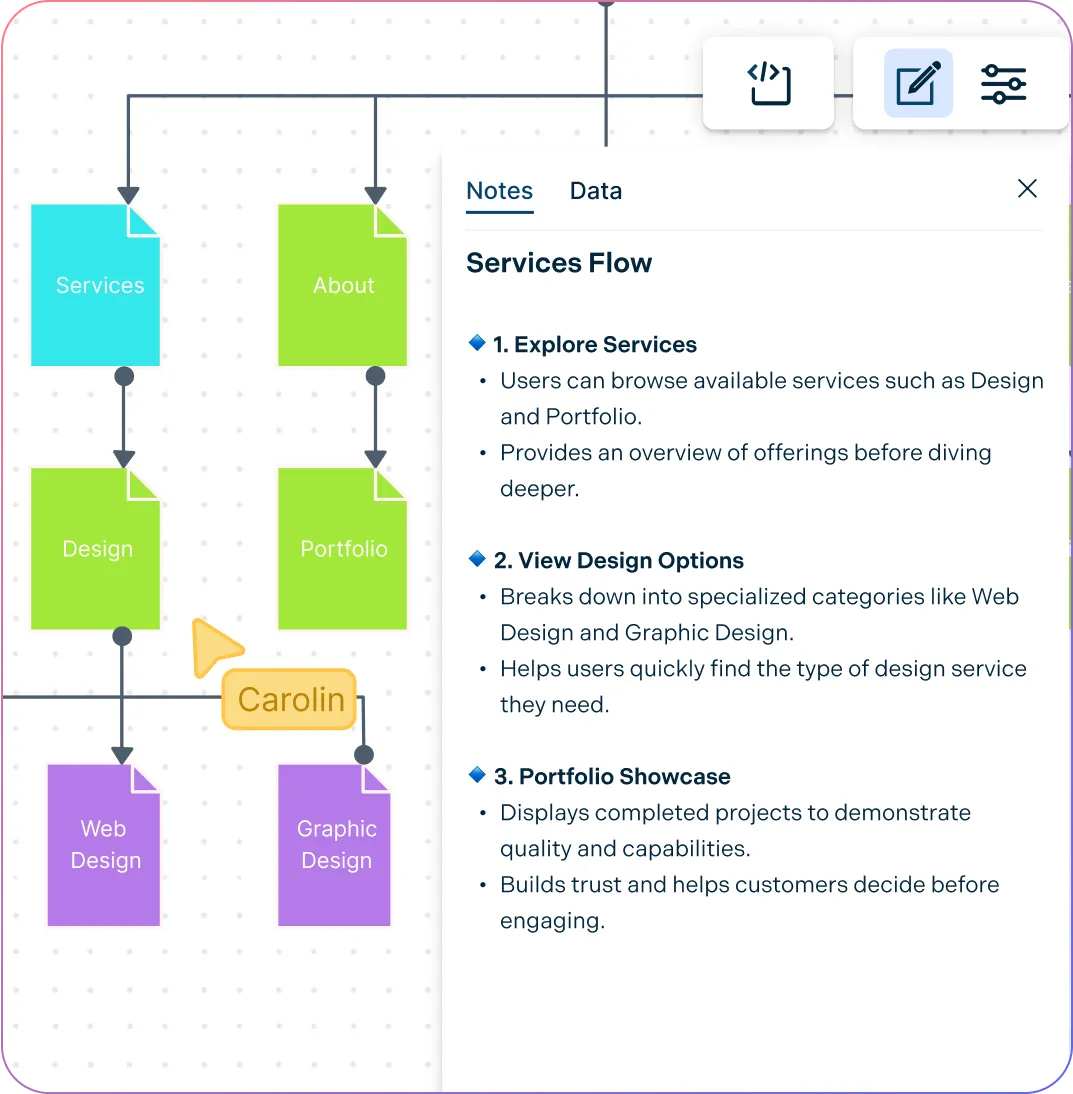
Duplicate workspaces or canvas to test structure variations.
Use notes panel to annotate pages with metadata, links, or SEO info.
Visual signals (e.g. color, styling) to mark special page types: secure pages, utility pages, etc.
Preview full site flow & navigation paths before dev starts.
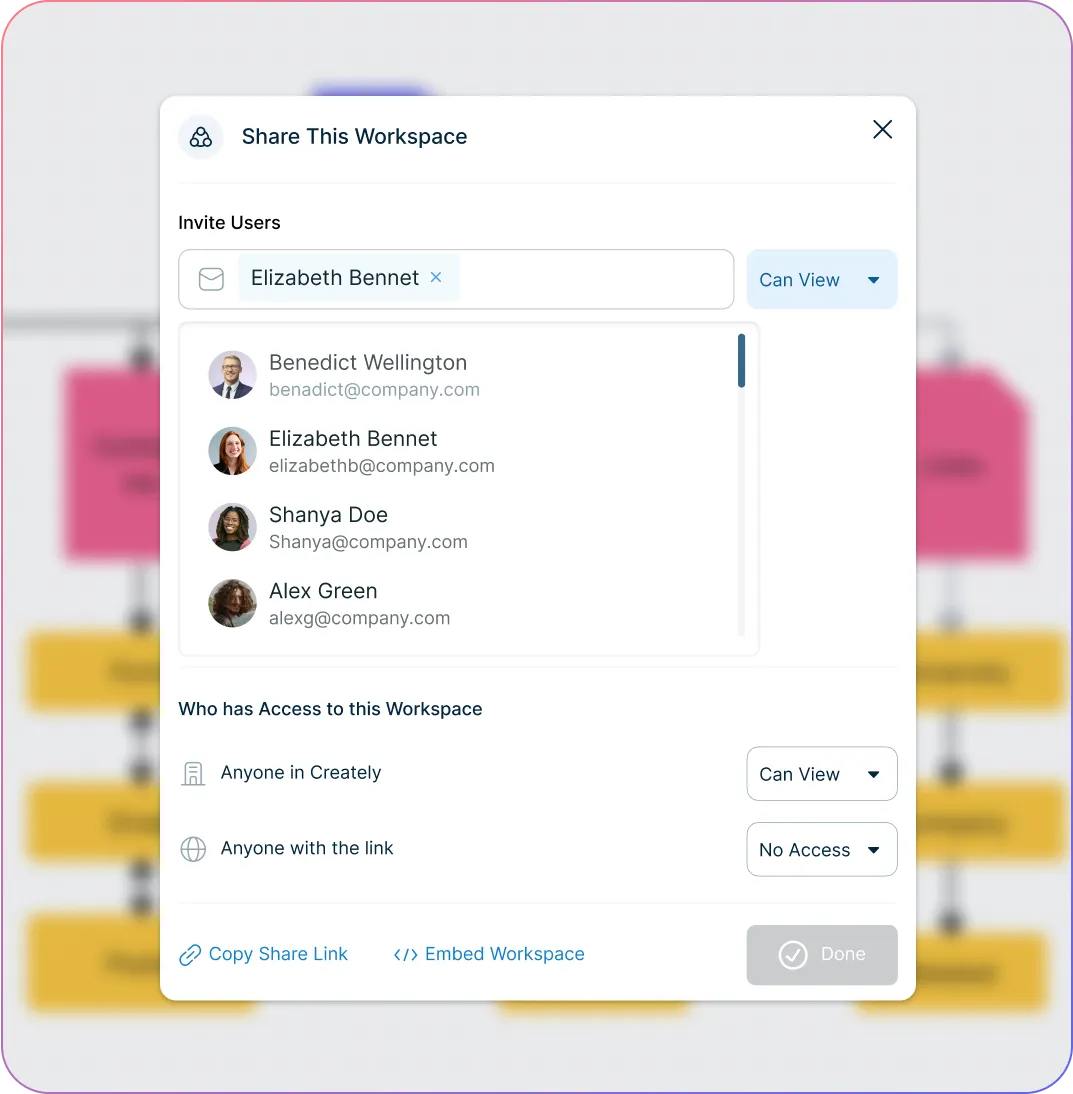
Manage Big Projects & Maintain Consistency
Nested hierarchies and handling of large sitemap trees with clarity.
Import or embed assets, designs, or multimedia right into sitemaps for richer context. '
Role-based permissions/access for stakeholders, clients, or internal teams.
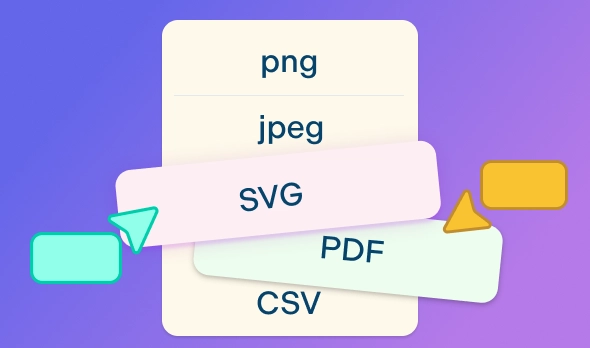
Export in multiple formats (PNG, SVG, PDF, etc.) so you can print, share, or present.
What Is a Visual Sitemap?
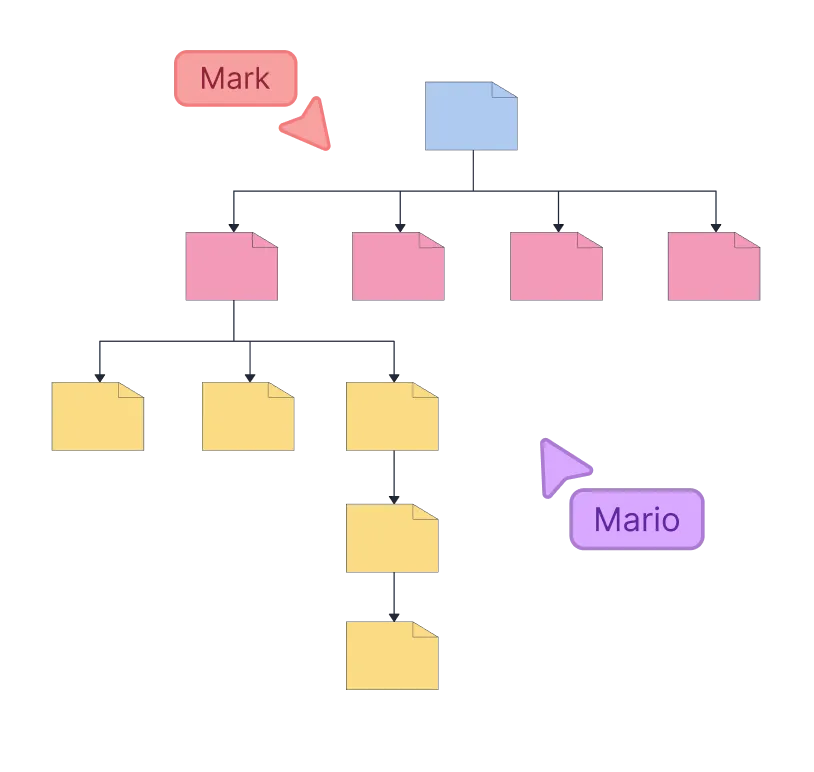
How to Create a Visual Sitemap
Open a sitemap template or blank canvas
Start by selecting a prebuilt sitemap template or a blank workspace in Creately’s sitemap software. This gives you a structured canvas to begin mapping your site.
Add and arrange pages
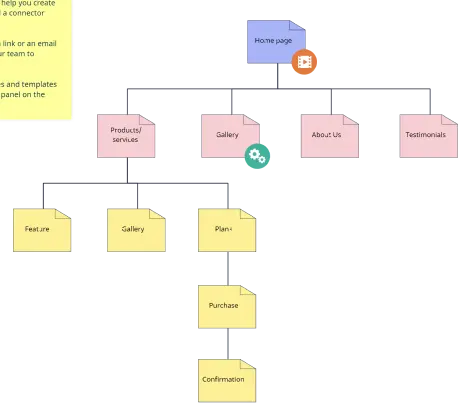
Drag and drop shapes to represent your main pages, subpages, and sections. Connect them with lines to show hierarchy and navigation flow.
Customize your sitemap
Apply colors, icons, or labels to differentiate page types, priorities, or categories. You can also attach notes, mockups, or wireframes to enrich the diagram.
Collaborate with your team
Invite stakeholders or teammates to edit, comment, and provide feedback in real time right inside the sitemap builder. Use @mentions and version history to track changes seamlessly.
Present, share, or export
Use presentation mode to showcase your sitemap, or export it in formats like PNG, PDF, or SVG for documentation, client review, or embedding in other workflows.
Create Sitemaps Online with Editable Templates



FAQs About the Creately's Sitemap Maker
What are Creately’s visual sitemap generator pricing plans?
- Free Plan — $0/month for basic visual sitemap creation and collaboration
- Starter & Team Plans — $8/month or $5/month billed annually
- Business Plan — $149/month or $89/month billed annually
Annual billing helps you save more while unlocking advanced collaboration, workspace management, and enhanced visual sitemap features. You can compare all available plans and features on the Creately Pricing Page.
How can you create visual sitemaps faster?
Are there templates for different visual sitemap use cases?
Can teams collaborate on visual sitemaps?
Can I add notes, data, and files?
Can I share, present, or export visual sitemaps?